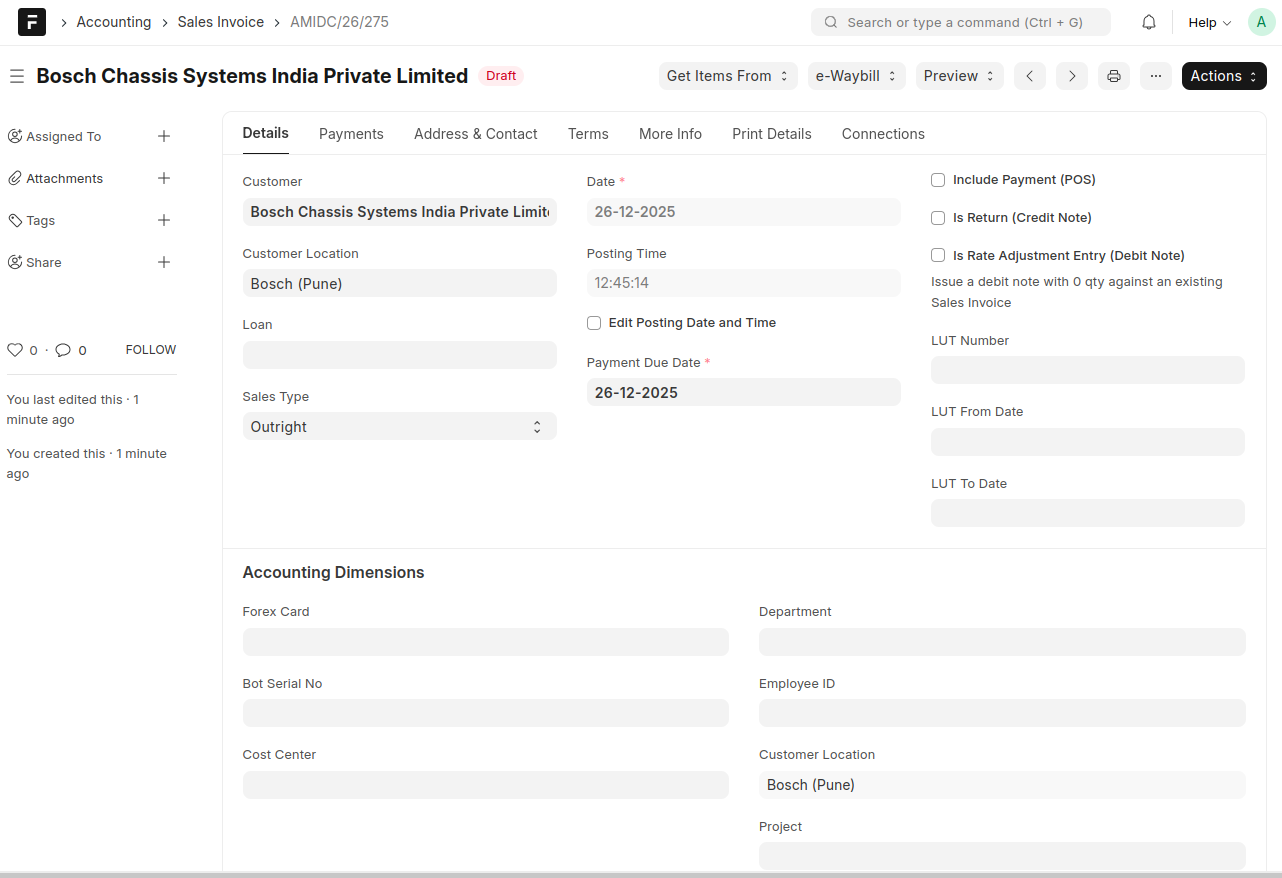
Momscode-AMIDC Outright Sales
Sales Order
- Open Sales Order and select the Customer, Customer Location and Sales Type as "Outright".
- For Outright sales the Qty should be one for the items which enabled 'Sellable Finished Goods'. (for tracking each serial no level).
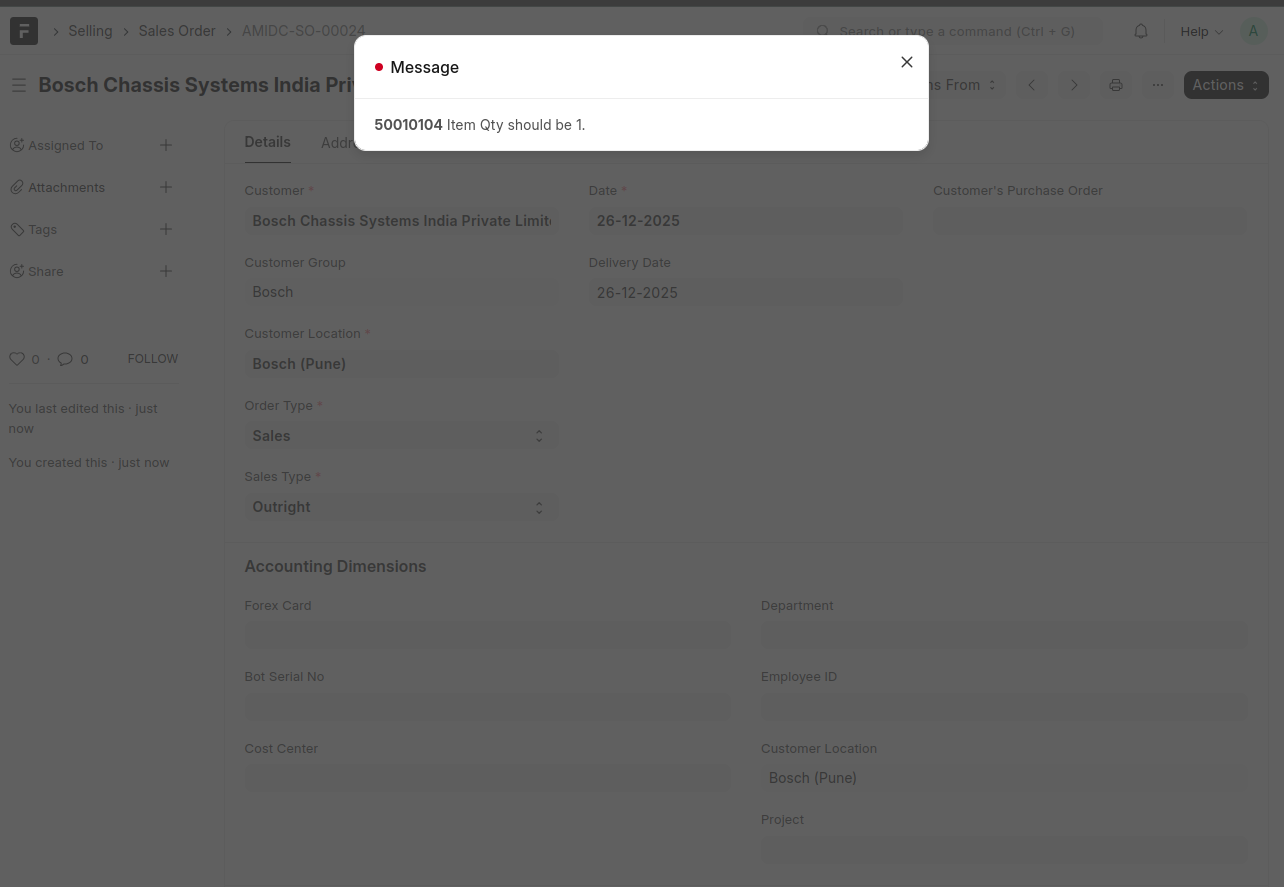
- Then save and submit the Sales Order.
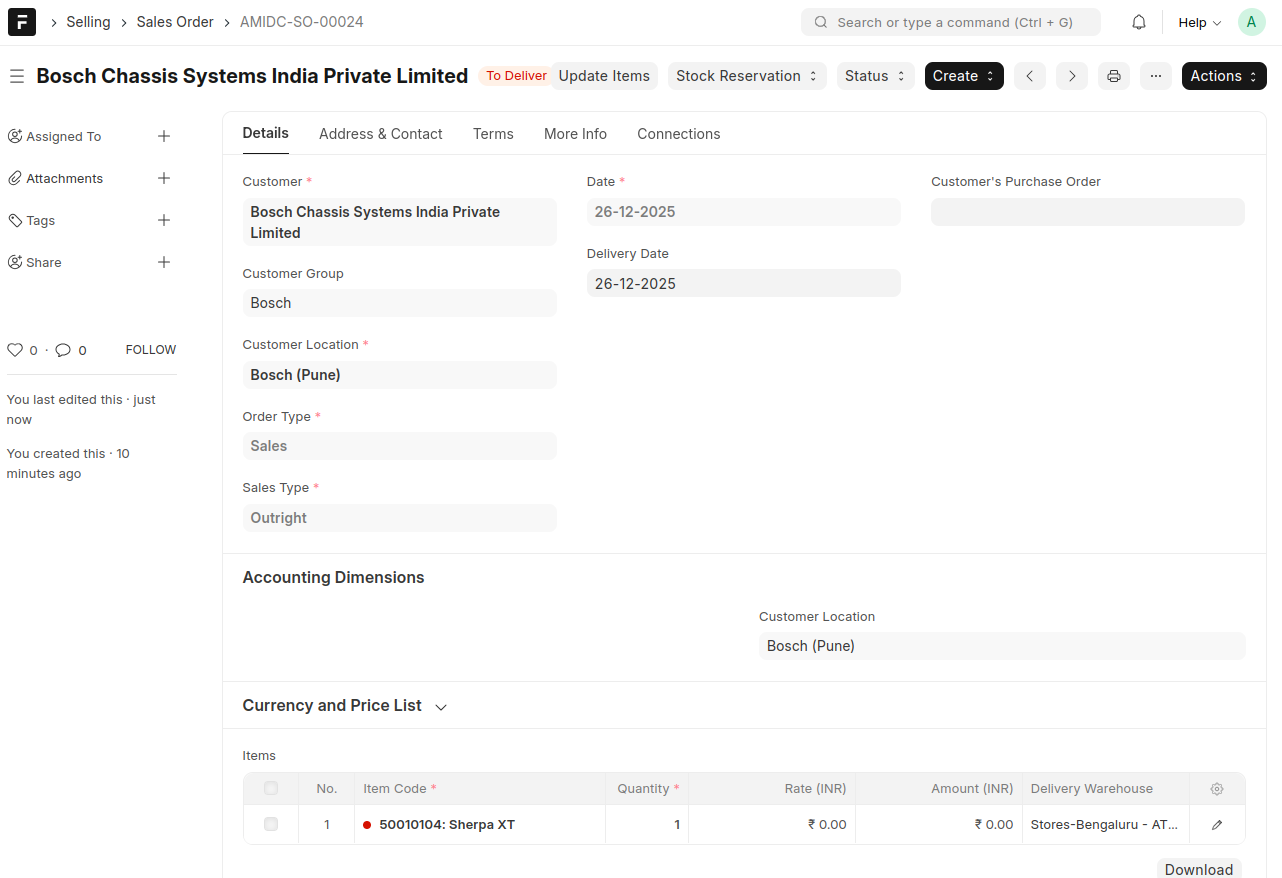
- You can create Delivery Note and Sales Invoice against the Sales Order using create Button.
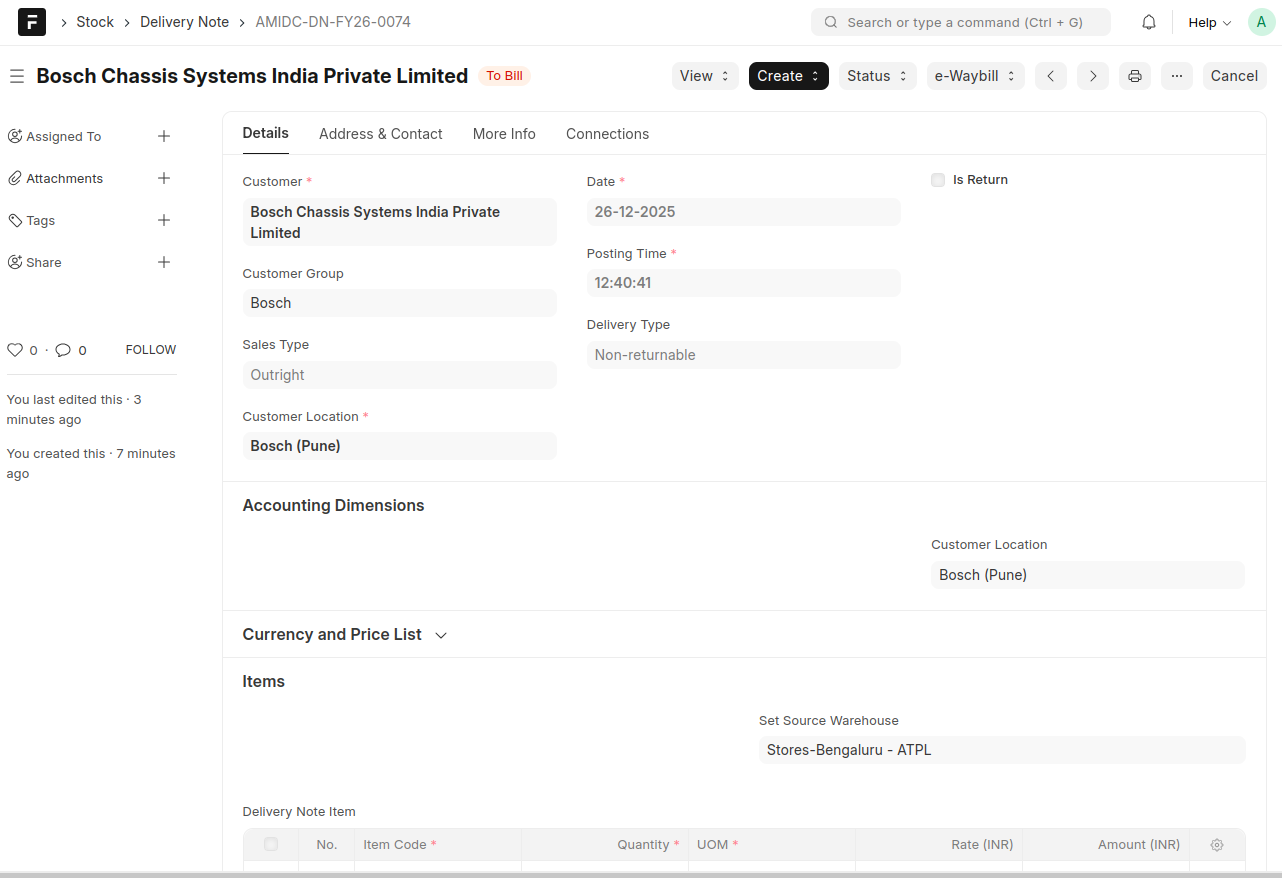
- In the Delivery Note, you must select the Serial No you want to sell; otherwise, the system will automatically select a serial number at random.
- Then Save and Submit the Delivery Note.
- While creating a Sales Invoice against a Sales Order, all the information will be fetched automatically from the Sales Order.
- then Save and Submit.