Momscode-AMSECC Material Usage Log Customization
Project Material Usage Log is customized in the Amsecc App.
Project Material Usage Log prerequisites
Moms Custom Settings
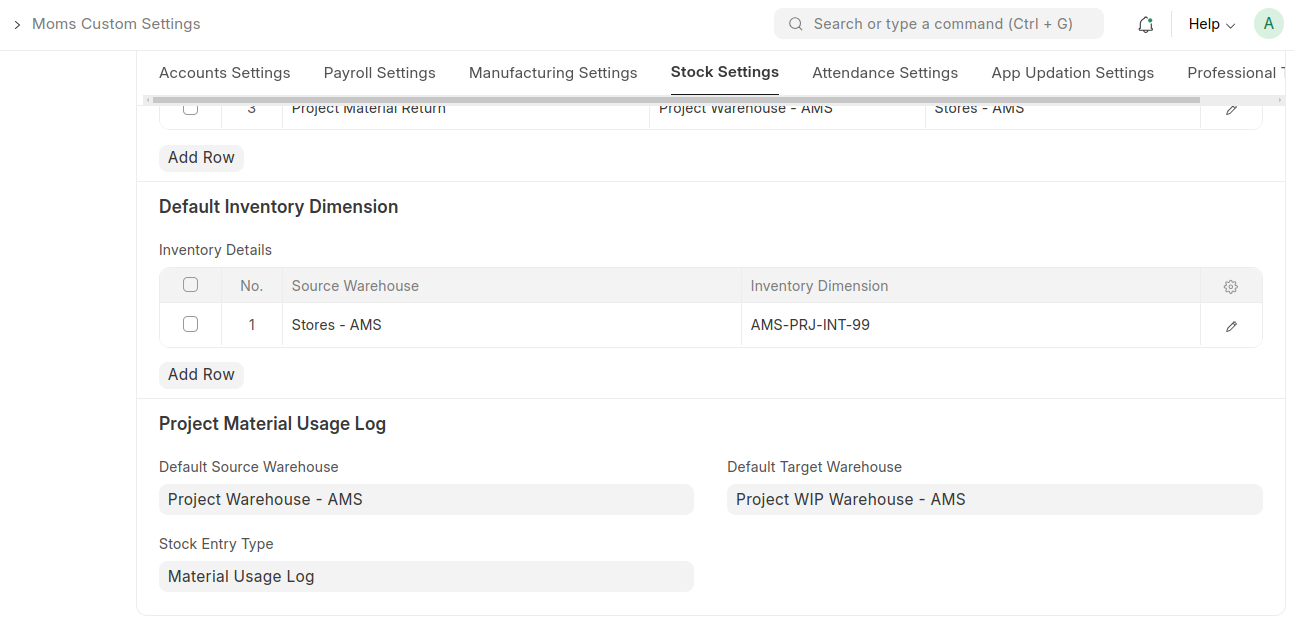
Set default Source Warehouse and Target Warehouse for the Project Material Usage Log in Moms Custom Settings.
Set the default Stock Entry Type for the Project Material Usage Log in Moms Custom Settings.
Project Material Usage Log Process
On page load, the Source Warehouse and Target Warehouse are automatically fetched from Moms Custom Settings.
The user fills in required details such as Project, Date, Time, Items, and Quantity in the Project Material Usage Log.
The system displays the Available Stock Quantity for each item in the Available Qty field, based on the stock available in the Source Warehouse for the specific Project, filtered by the specified Inventory Dimension.
Based on the Available Qty, the user manually enters the Quantity for each item to be used.
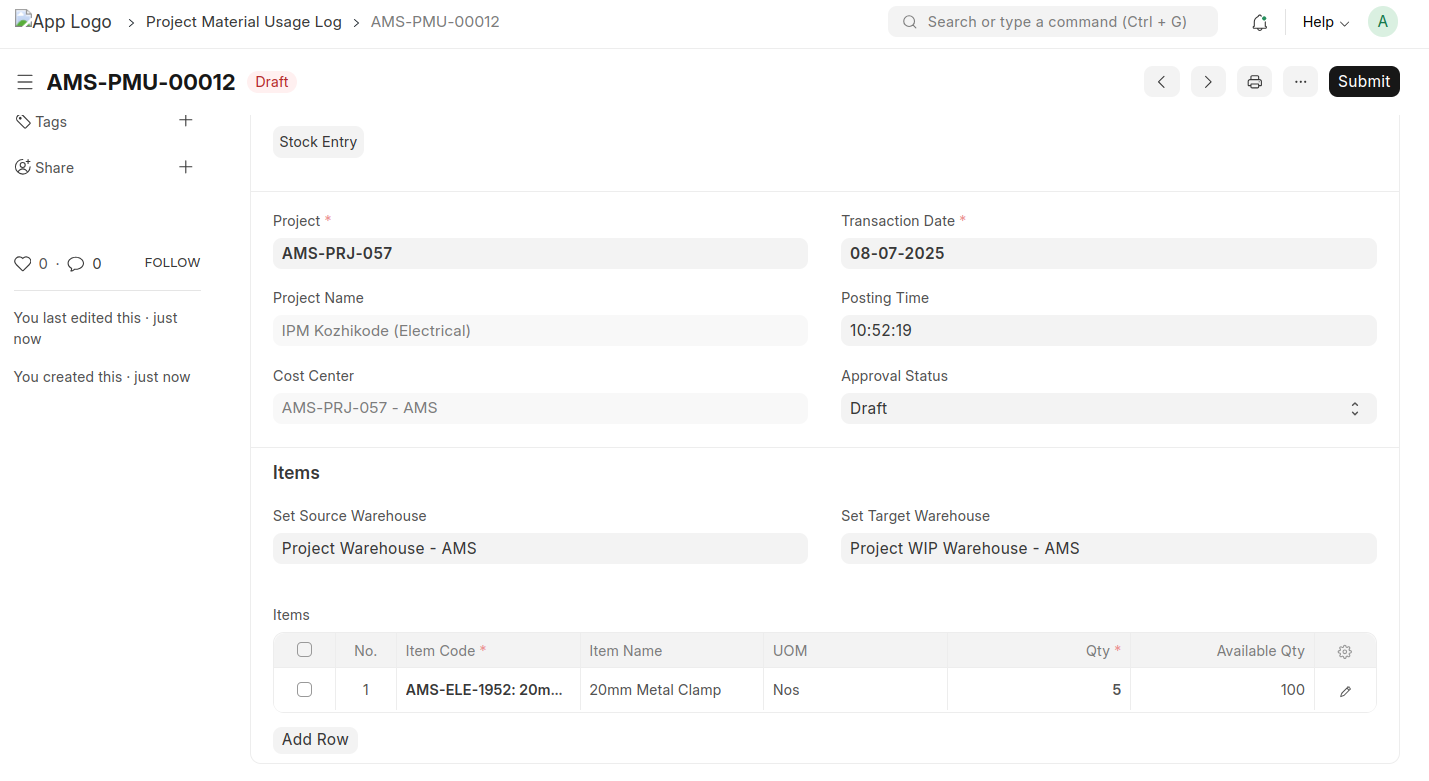
After saving the document, the Approval Status should be changed from Draft to Approved by an authorized approver.
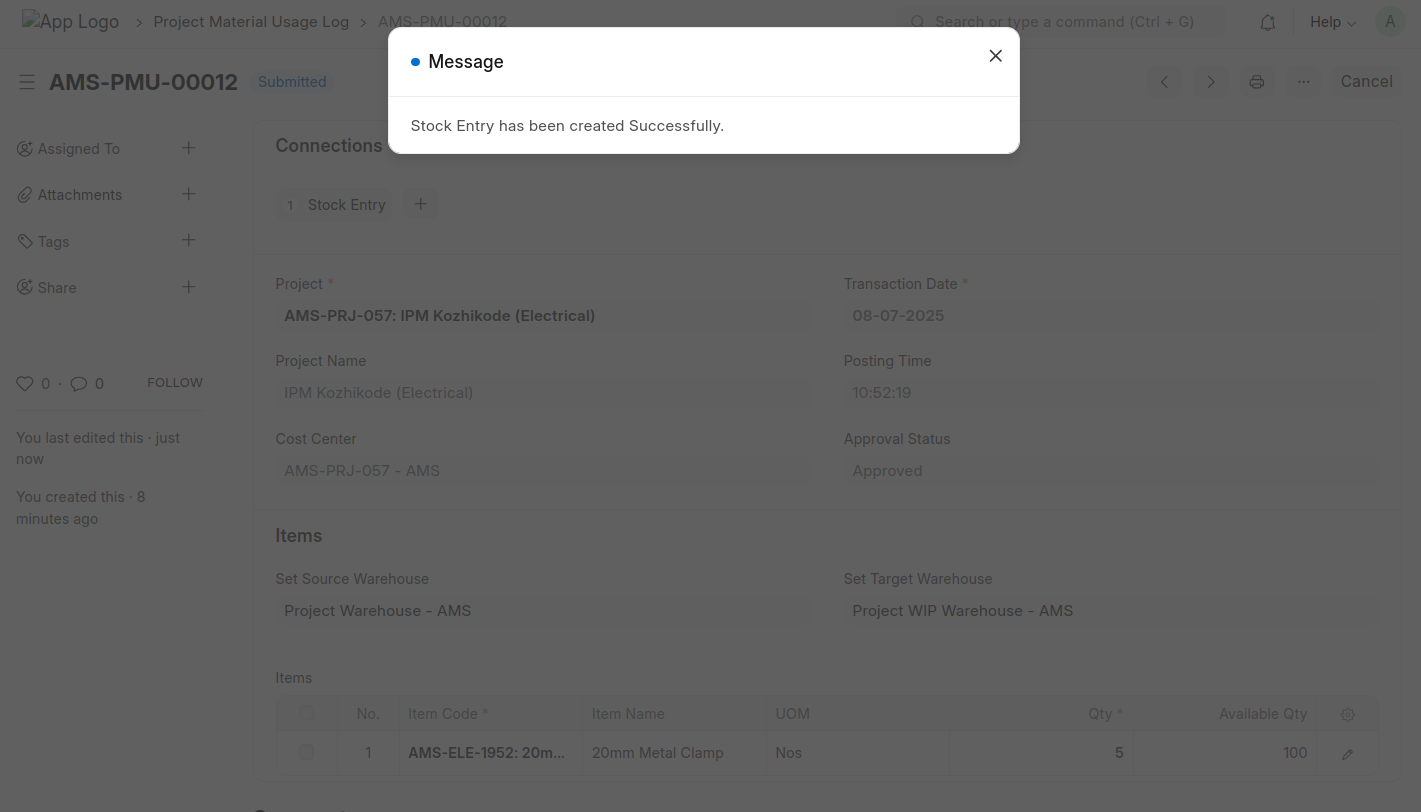
Upon submission of the Project Material Usage Log, a Stock Entry is automatically created for the material usage, linked to the submitted document.
Stock Entry
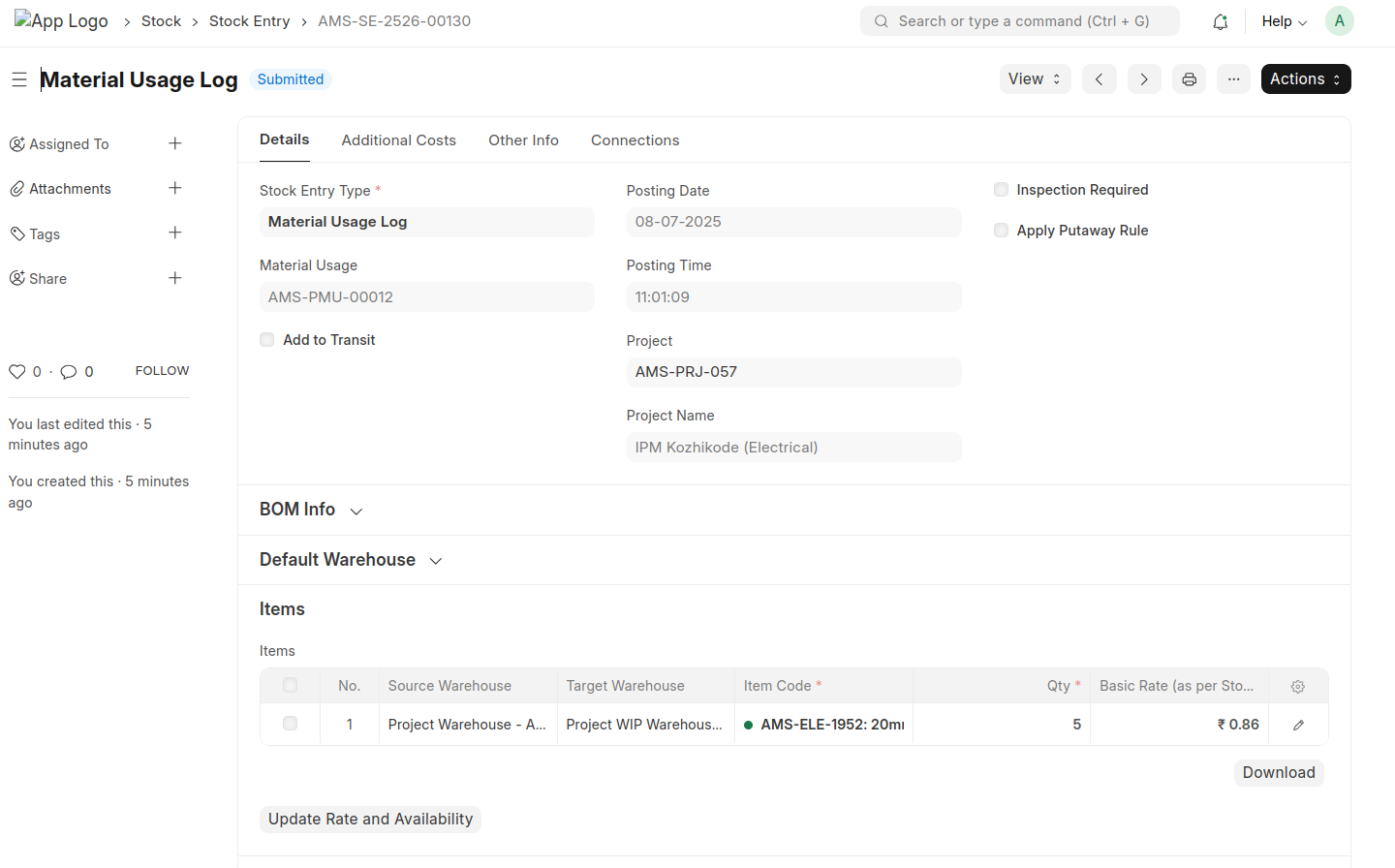
After the submitted Stock Entry is automatically created and linked to the corresponding Project Material Usage Log document.
On submission, the system creates a Stock Entry using values fetched from the related Project Material Usage Log.