Momscode-Keltech Print and Customization
All prints can be printed through the Print option (not the PDF option)
Completion Letter
- This is a custom doctype created for printing purposes.
- This document includes required fields such as Project, Date, Company, etc.
- When a Project is selected, the corresponding Customer will be automatically fetched in the customer field based on the selected project.
- The document contains a checkbox and a rich text editor for writing the content of the Completion Letter.
- If the checkbox is ticked, it indicates that the Completion Letter is fully completed.
- If the checkbox is not ticked, it indicates that the Completion Letter is partially completed.
- After all required details are filled , save the document.
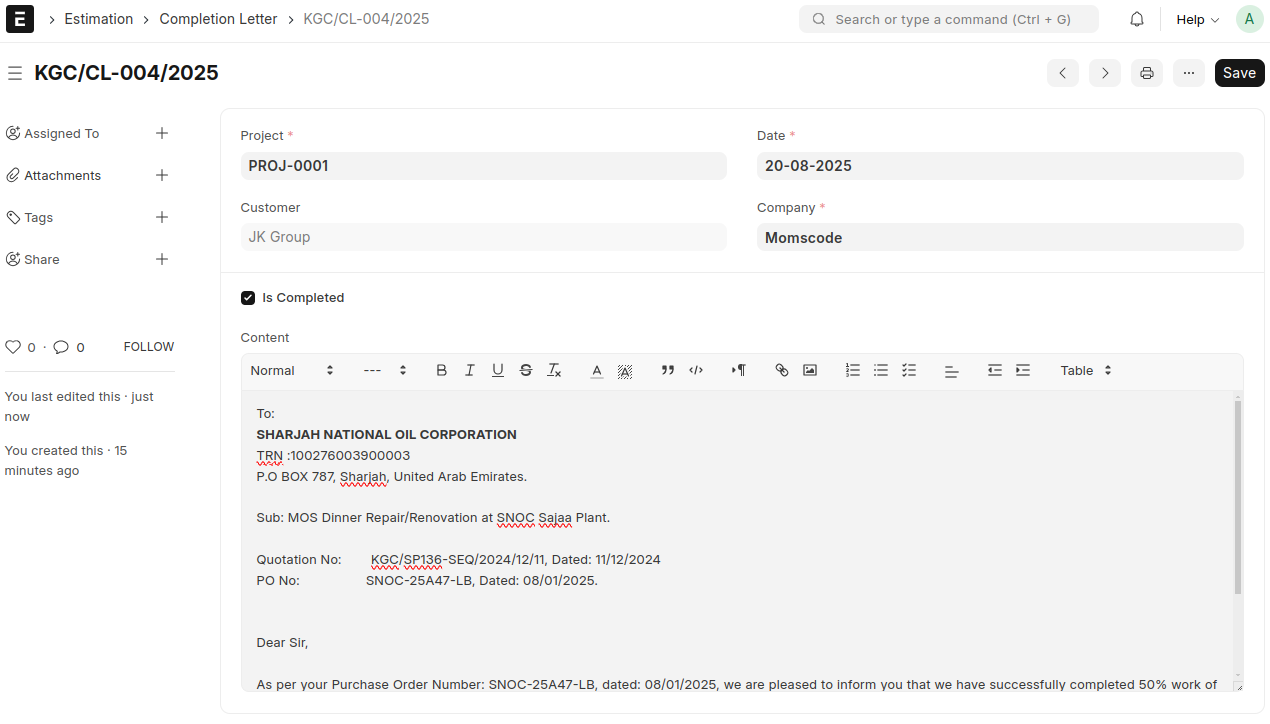
- A Print Format 'KELTECH-Completion Letter' is created for the Completion Letter document.
- To print the Completion Letter, first ensure that all required details are filled in the document.
Request For Inspection (RFI)
- This is a custom doctype created for printing purposes.
- This document contains several fields related to the inspection process.
- All required fields must be filled before taking a print.
- The RFI form can be printed with the filled-in details and used during the inspection.
- After the inspection, the RFI document can be updated or refilled with inspection results or additional information.
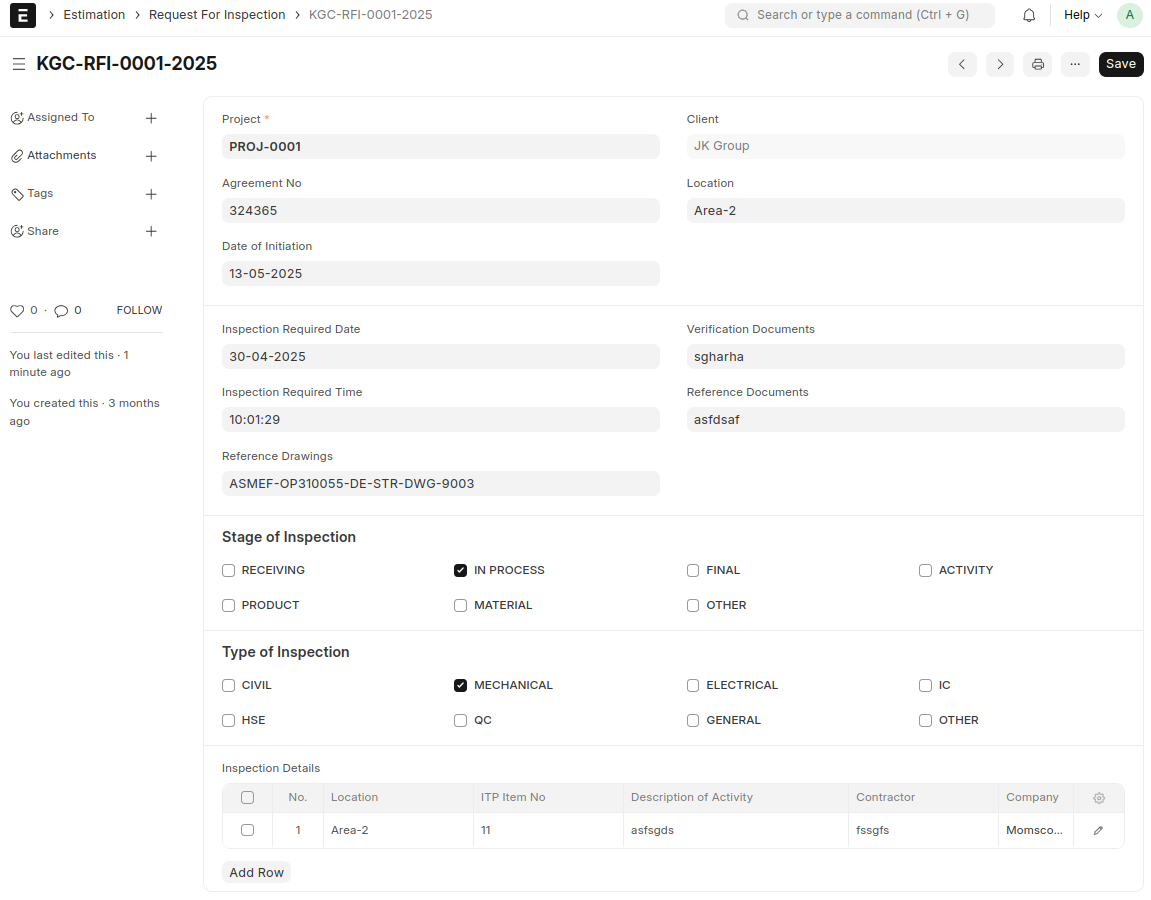
- A Print Format 'KELTECH-Request for Inspection' is created for the Request for Inspection document.
Proforma Invoice
- This is a custom doctype created for printing purposes.
- Creating a Proforma Invoice from a Sales Order using the Create button.
- All relevant fields are automatically mapped from the Sales Order into the Proforma Invoice.
- Additional fields fill in manually.
- If any changes are required in the quantity or rate of items in the Items table, you can update them and perform the recalculations accordingly.
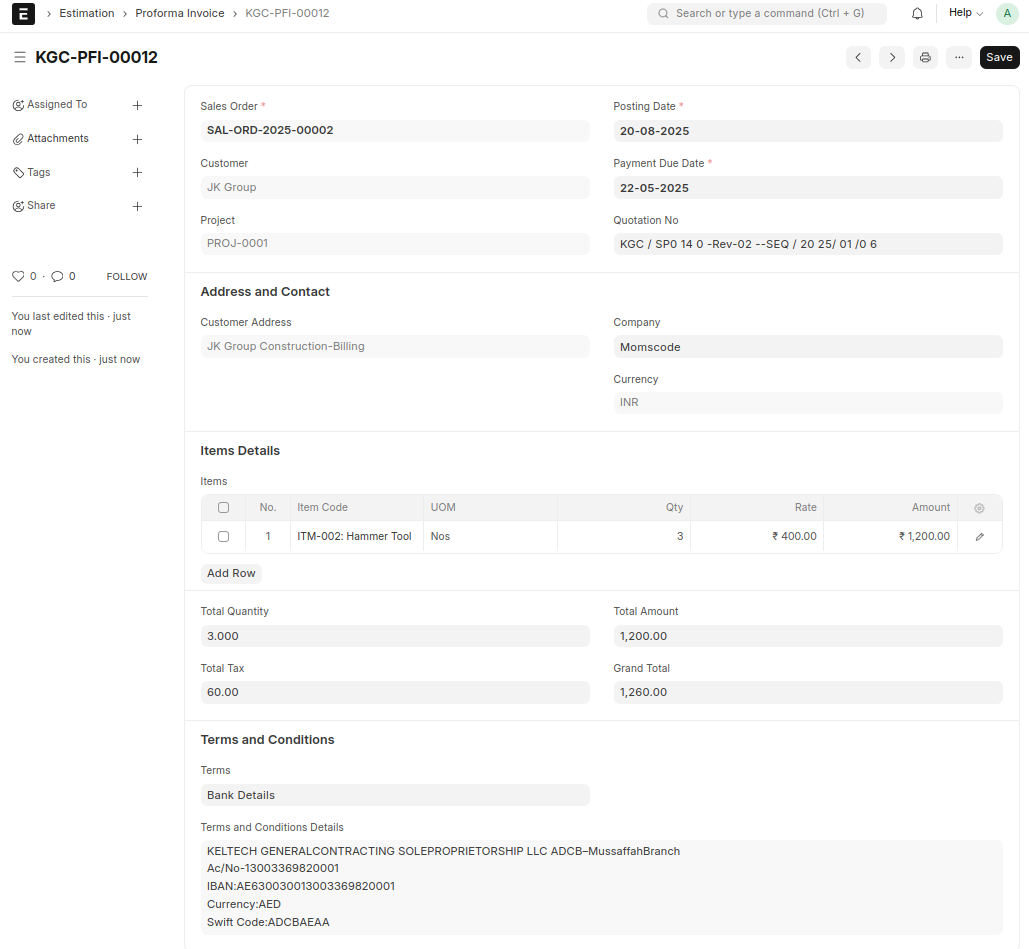
- A Print Format 'KELTECH-Proforma Invoice' is created for the Proforma Invoice document.
Purchase Order
- A Print Format 'KELTECH-Purchase Order' is created for the Purchase Order document.
- Add some custom fields for print in Purchase Order Document
These fields are :
- Quotation No
- Start Date - if the supplier is subcontractor , start date will come in print
- Completion Date - if the supplier is subcontractor , completion date will come in print
- Shipping Contact
- Shipping Contact Number
- Point of Contact
- Contact Number
- Detailed Description - we can see this custom field in the Terms & Conditions section.
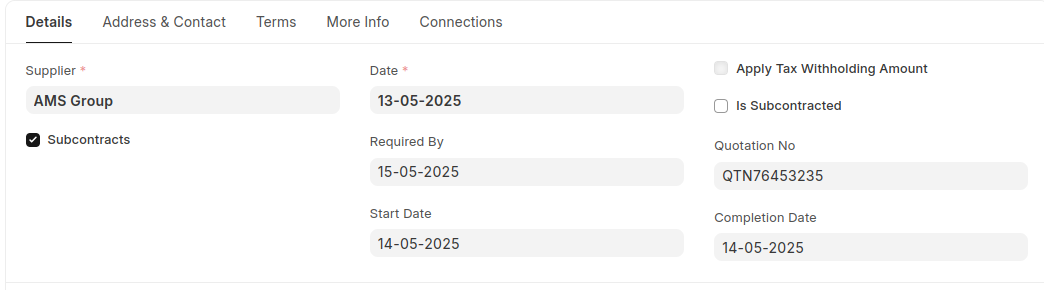
In the purchase order print, RFQ Ref - value fetch from material request number and purchase order create from material request.
Material Request
- A Print Format 'KELTECH-Purchase Reciept' is created for the Material Request document.
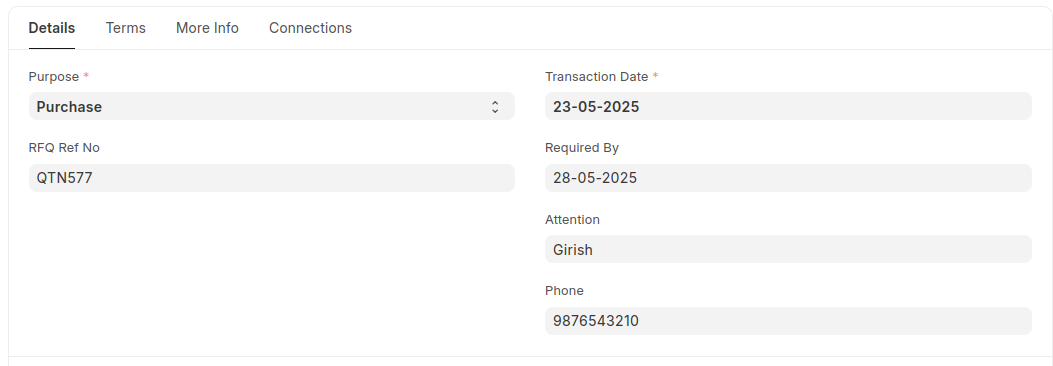
- Add some custom fields for print in Material Request Document.
These fields are:
- RFQ Ref No
- Attention
- Phone
- Detailed Description - we can see this custom field in the Terms & Conditions section.
Sales Invoice
- A Print Format 'KELTECH-Sales Invoice' is created for the Sales Invoice document.
- There is no add custom fields.
- In the Invoice print, Bank Details - value fetch from Terms and Conditions Details field.
Quotation
- A Print Format 'KELTECH-Quotation' is created for the Quotation document.
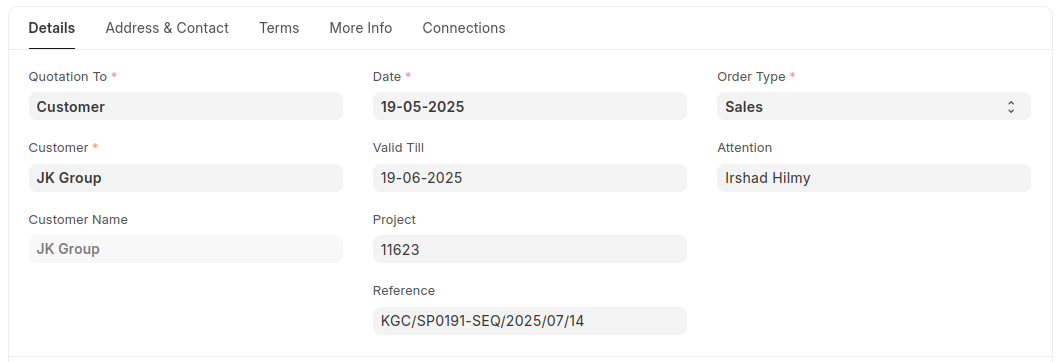
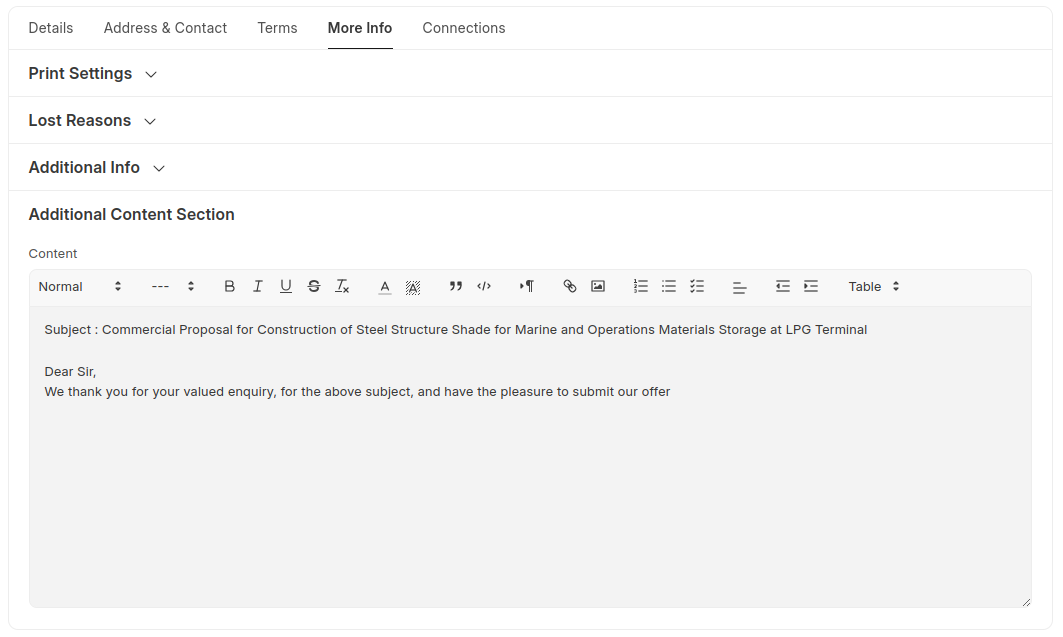
- Add some custom fields for print in Quotation Document.
These fields are:
- Project
- Reference
- Attention
- Content
Payment Entry
- Two print formats have been created for the Payment Entry document:
- For Petty Cash Voucher - 'KELTECH-Petty Cash Voucher'
- For Receipt Voucher - 'KELTECH-Receipt Voucher'
Add a custom field 'Description' for prints in Payment Entry Document.
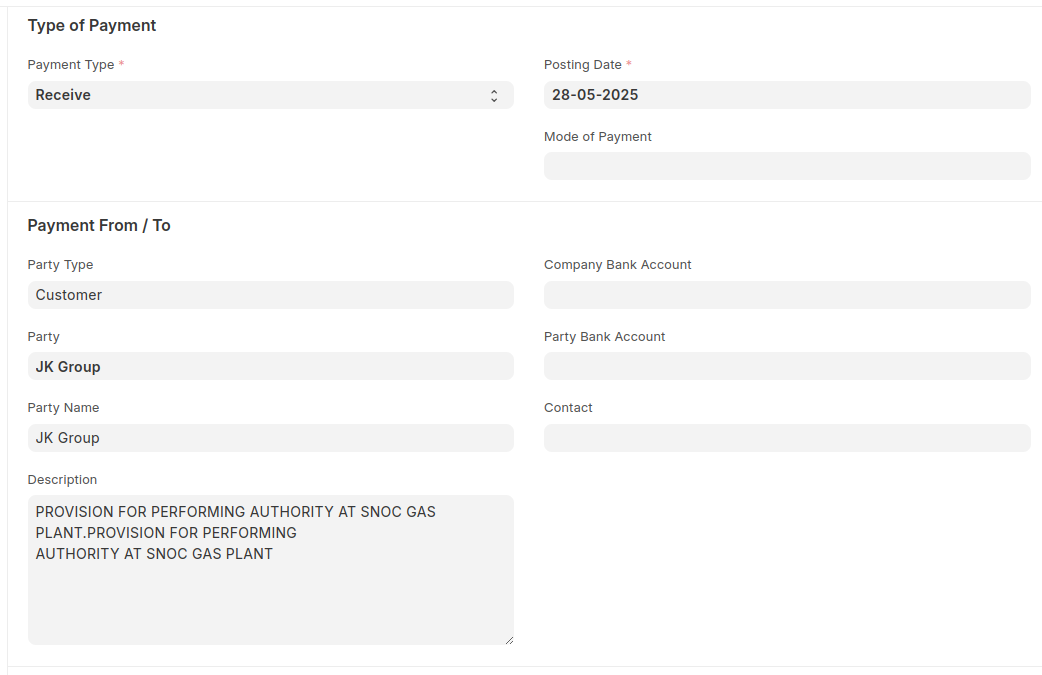
- Description field value fetch into description table in Receipt Voucher print and also into the 'For' content in Petty Cash Voucher print.
Salary Slip
- A Print Format 'KELTECH-Salary Slip' is created for the Salary Slip document.
- Add custom fields: OT Hours, Hourly Rate, and Total OT Hours for print. These fields fetch values based on calculations done through customizations.