Momscode - Janatha Van Sales
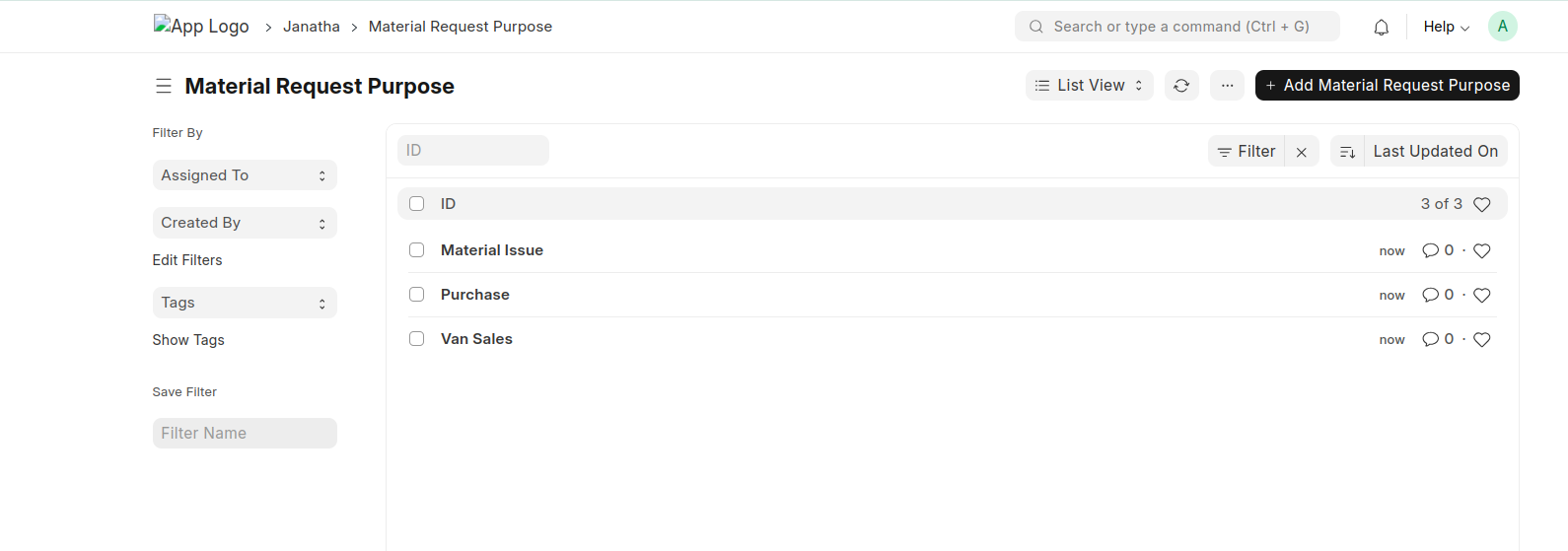
Material Request Purpose
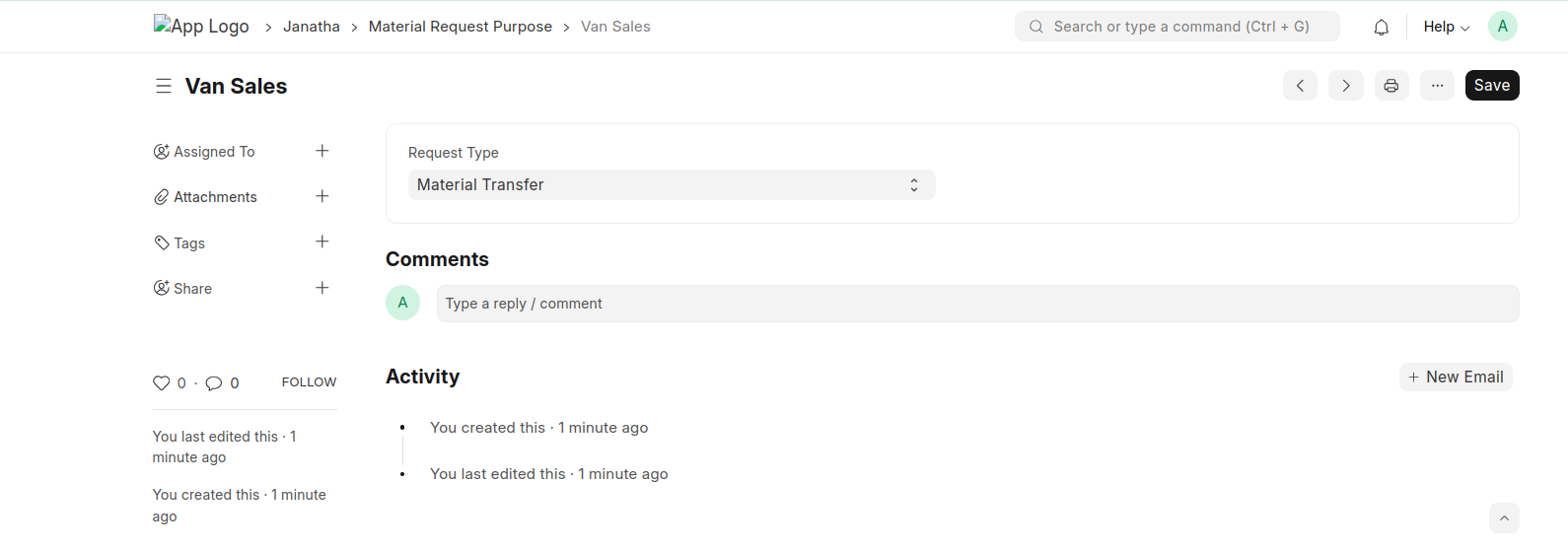
- Create material Request Purpose document with below values.
- Material Request Purpose should be 'Van Sales'.
- Request Type = Material Transfer
Van Sales Manager
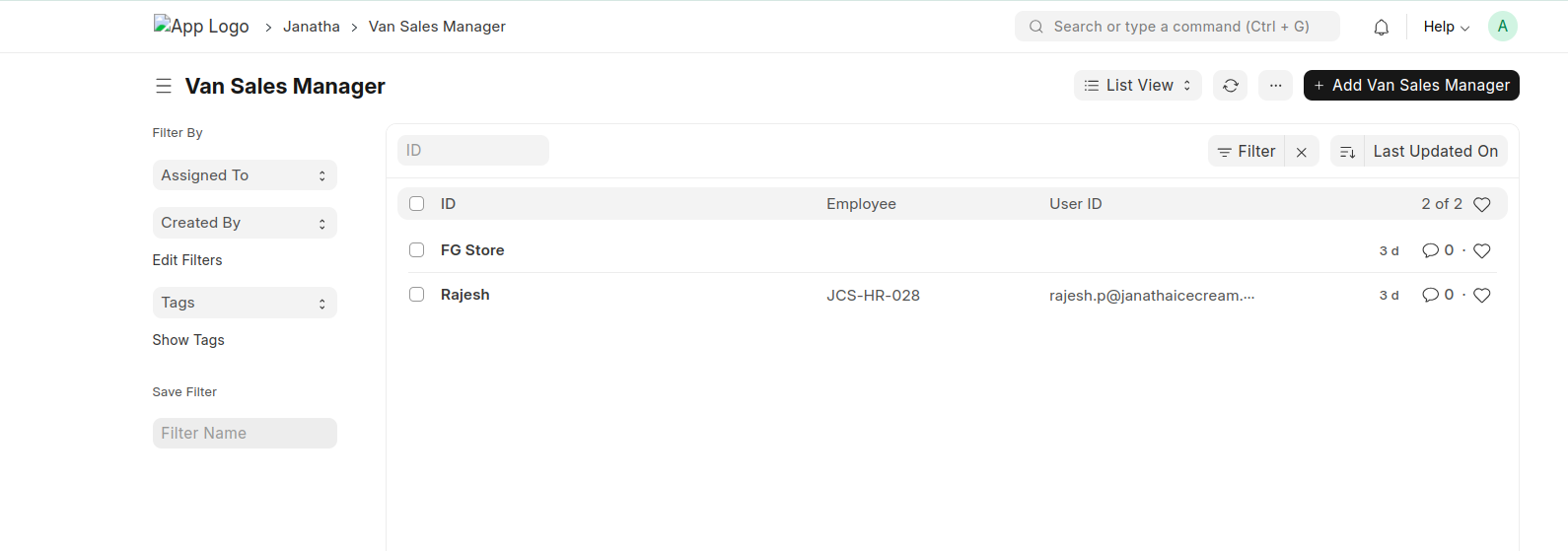
- Create Van Sales Managers
- Create a Van Saless Manager document represnets the Finished Goods store manager.
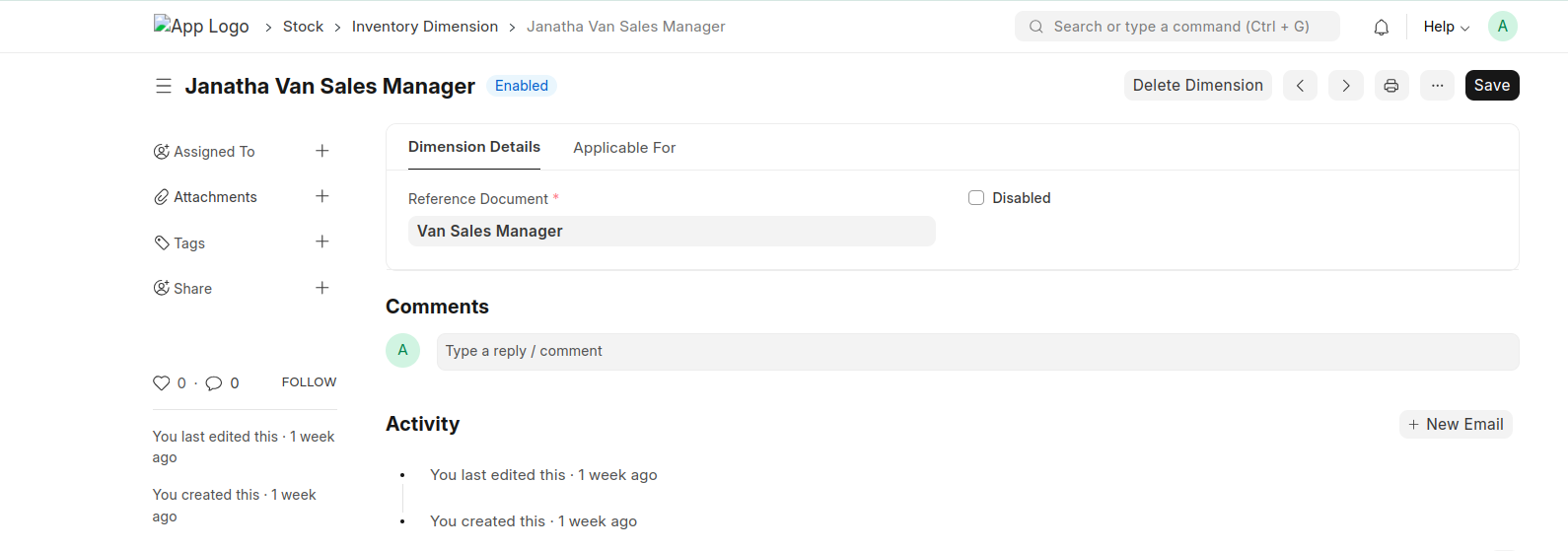
Inventory Dimension
- Create Inventory Dimension against Van Sales Manager Doctype.
- Dimension Name should be 'Janatha Van Sales Manager'.
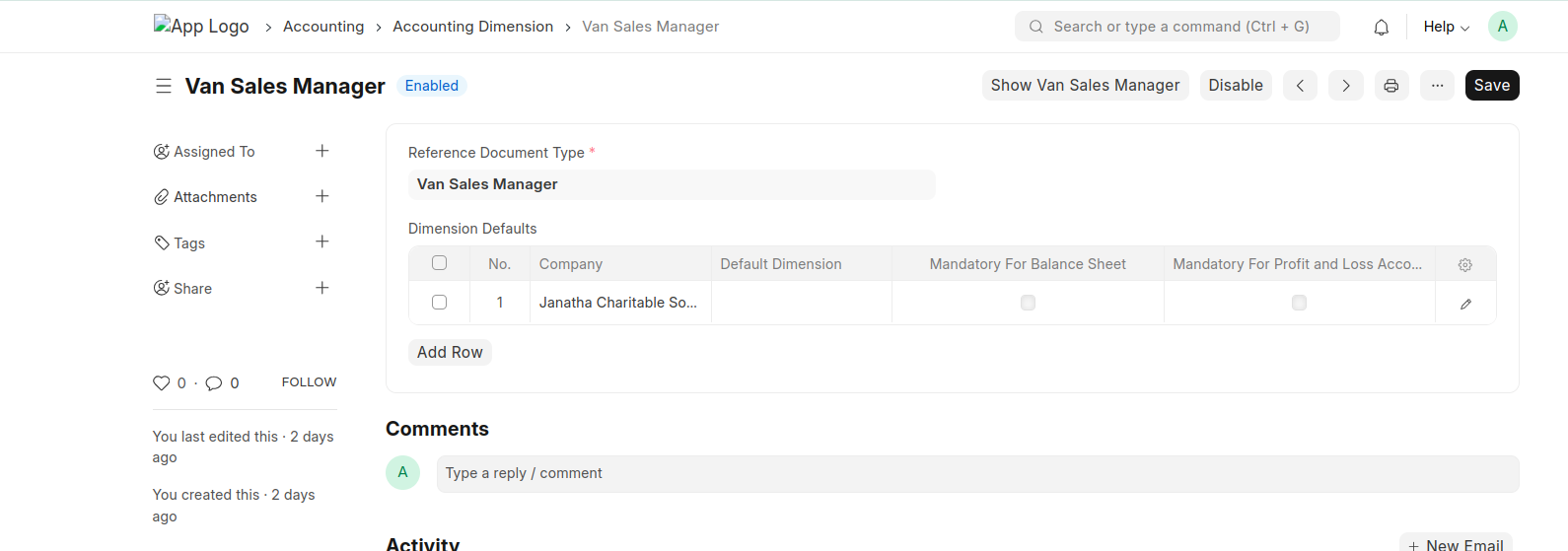
Accounting Dimension
- Create Accounting Dimension of Van Sales Manager.
- Name should be 'Van Sales Manager'.
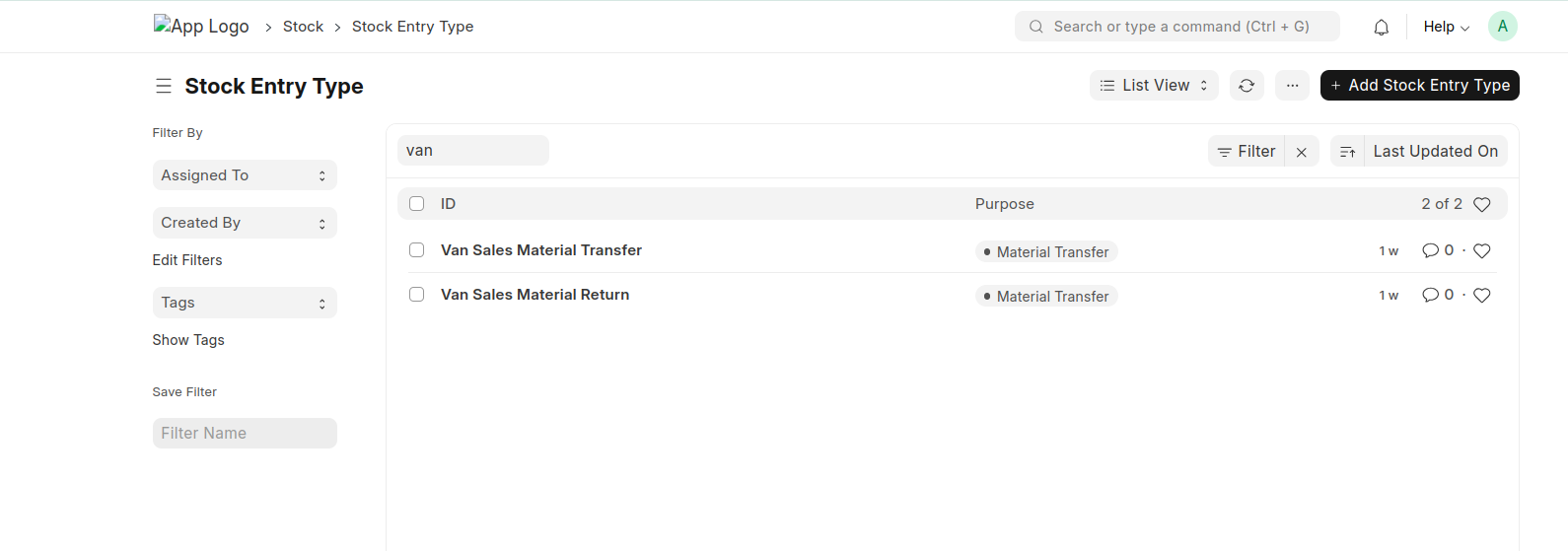
Stock Entry Type
- Create Stock Entry Type with mentioned names
- 'Van Sales Material Transfer' and 'Van Sales Material Return'
Sales Type
- Create Sales Type with provided names.

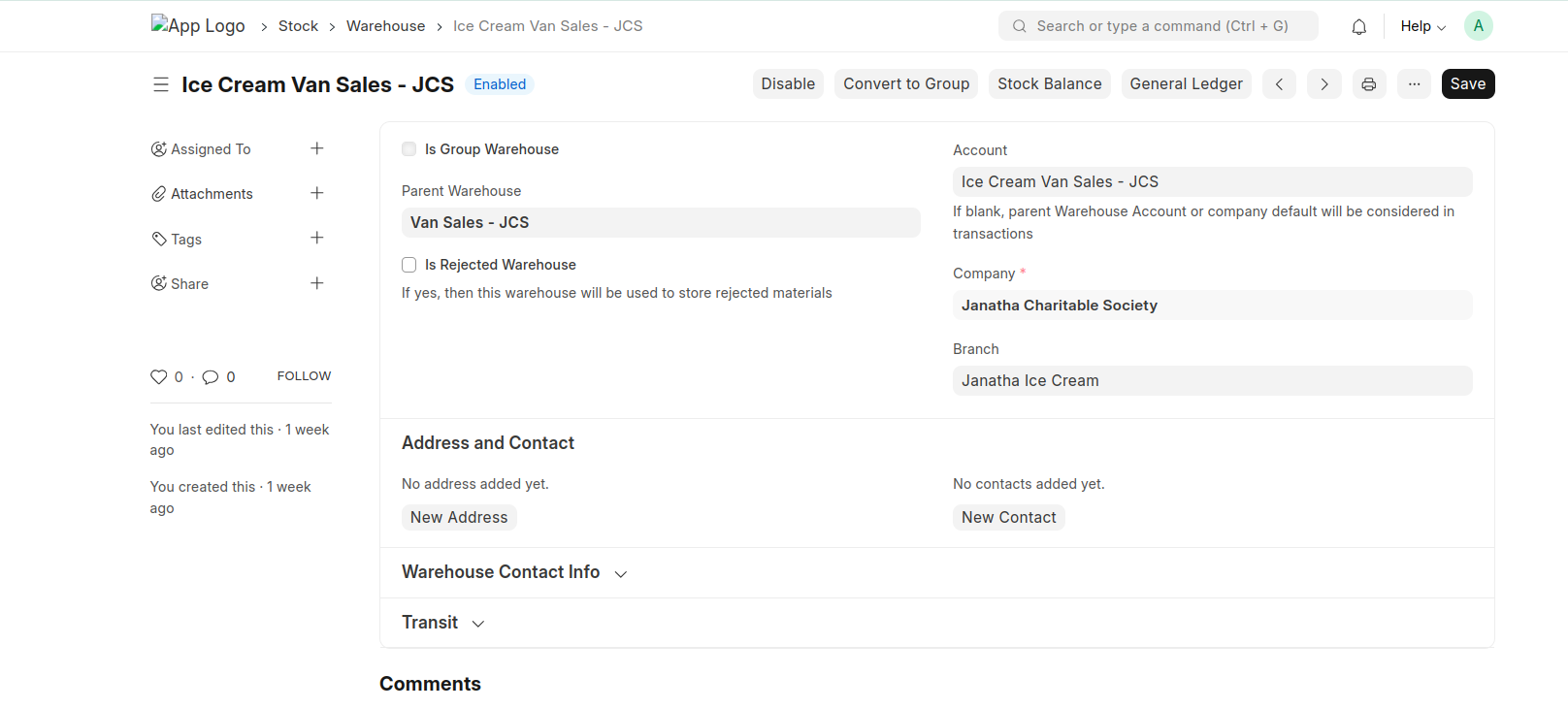
Warehouse
- Create a warehouse for Van Sales and link a stock account to that warehouse.
Moms Custom Settings
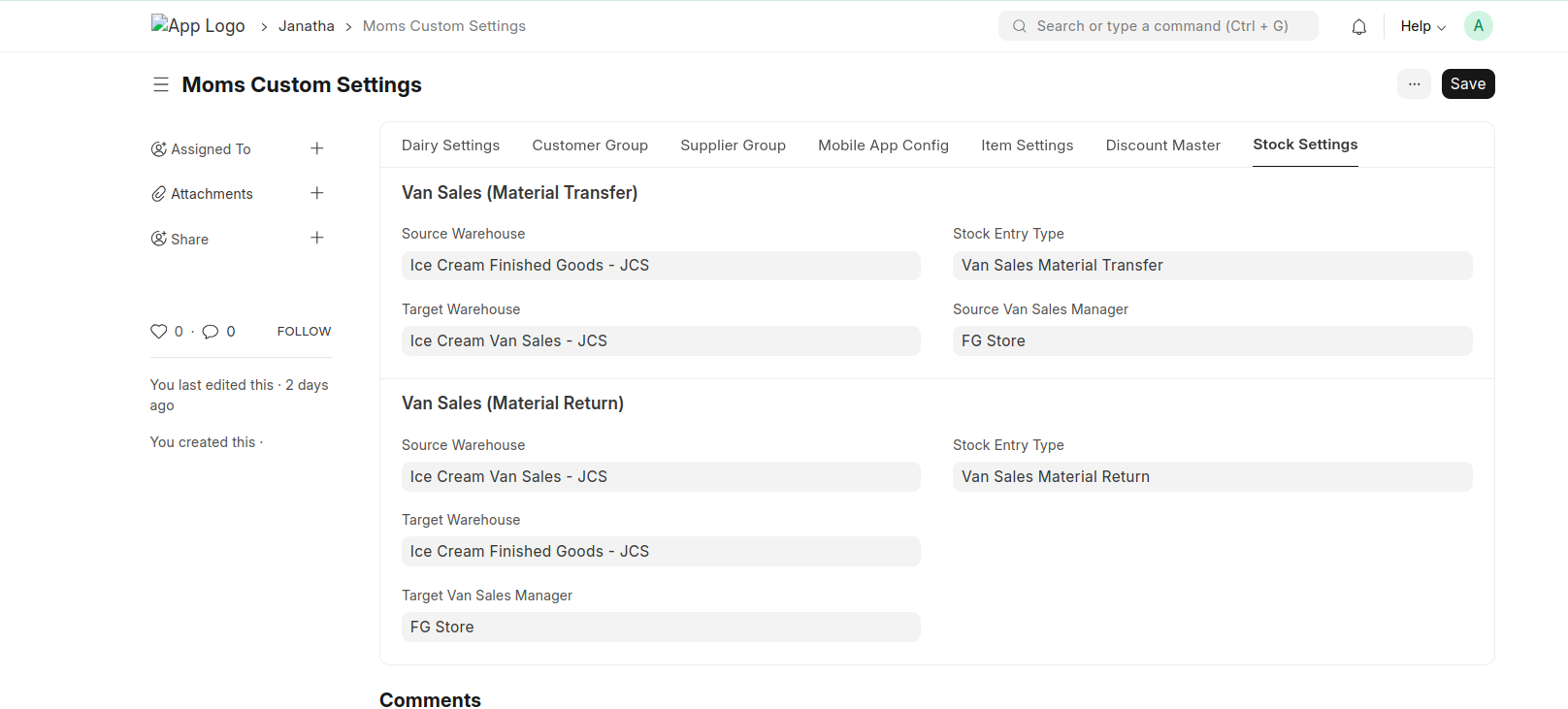
- Set Default Values to the Stock Settings.
Material Request
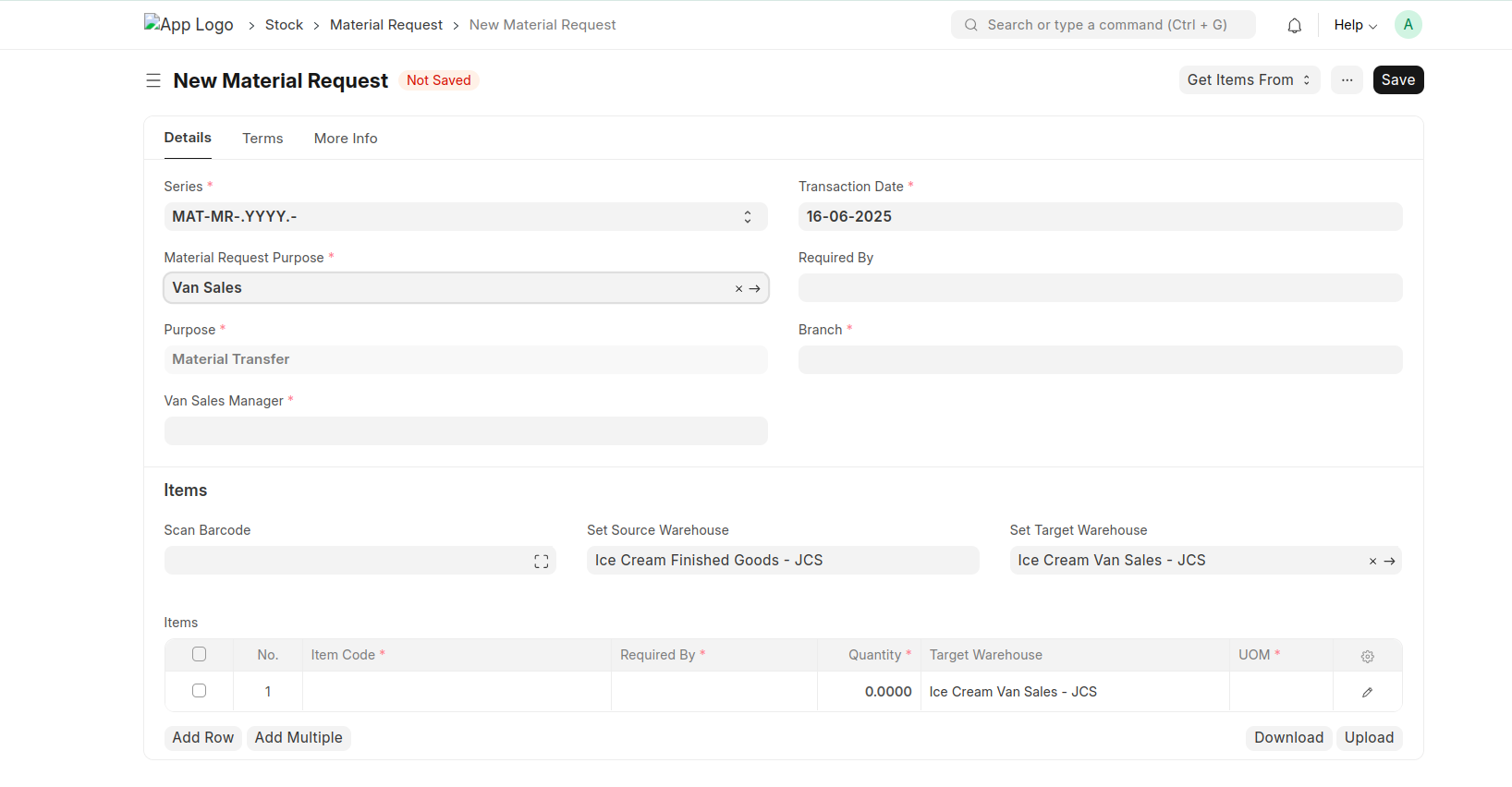
- Open New document select the Material Request Purpose as 'Van Sales' then automatically fill the Purpose 'Material Transfer', Source Warehouse and Target Warehouse (Fetch from Moms Custom Settings.)
- select the Van Sales Manager, branch and items.
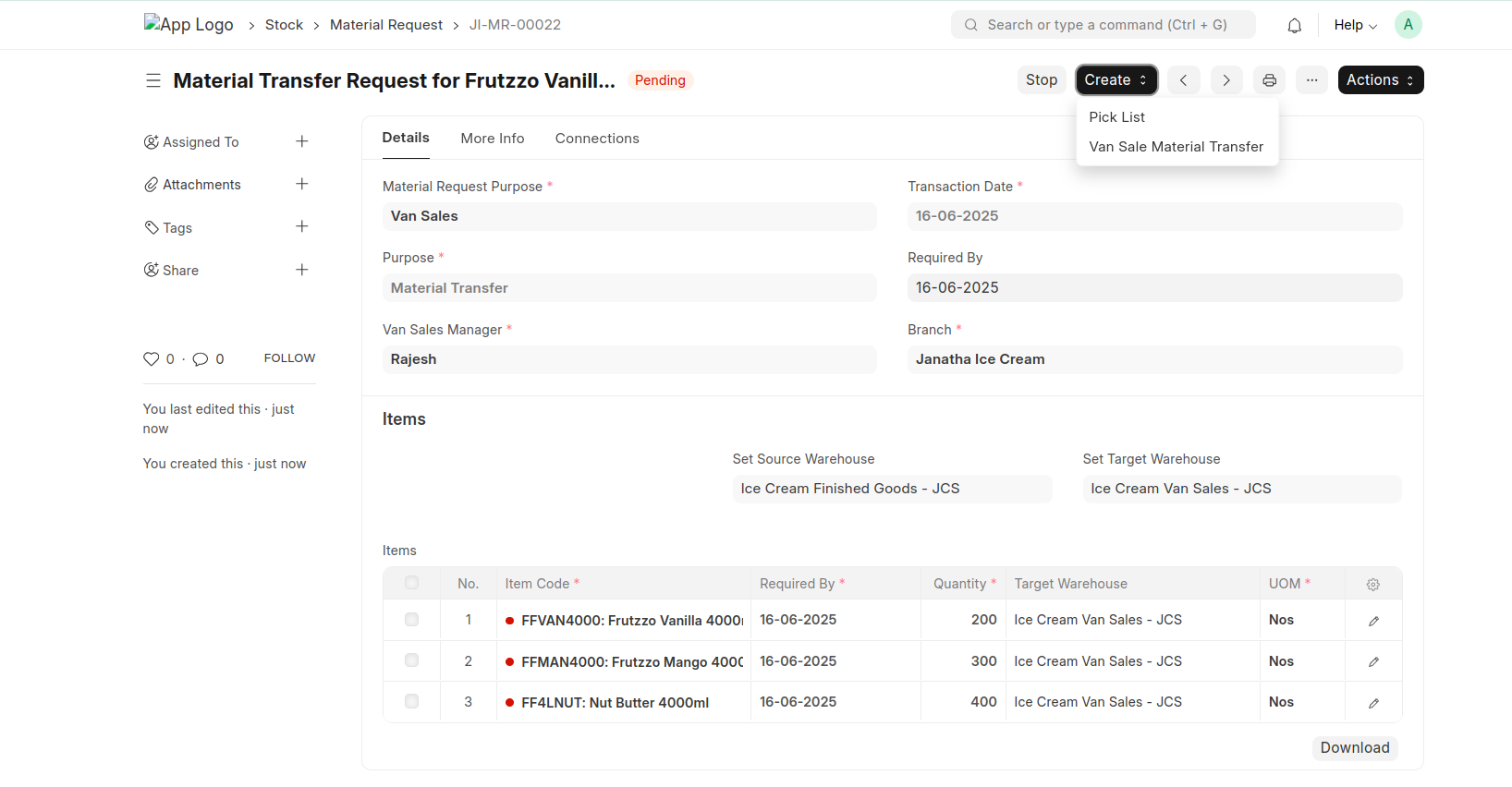
- A button 'Van Sales Material Transfer' will show after submit the document.
Stock Entry
Van Sales Material Transfer
After clicking Van Sales Material Transfer button in Material Request it will redirect to stock entry with all the data from the Material Request.
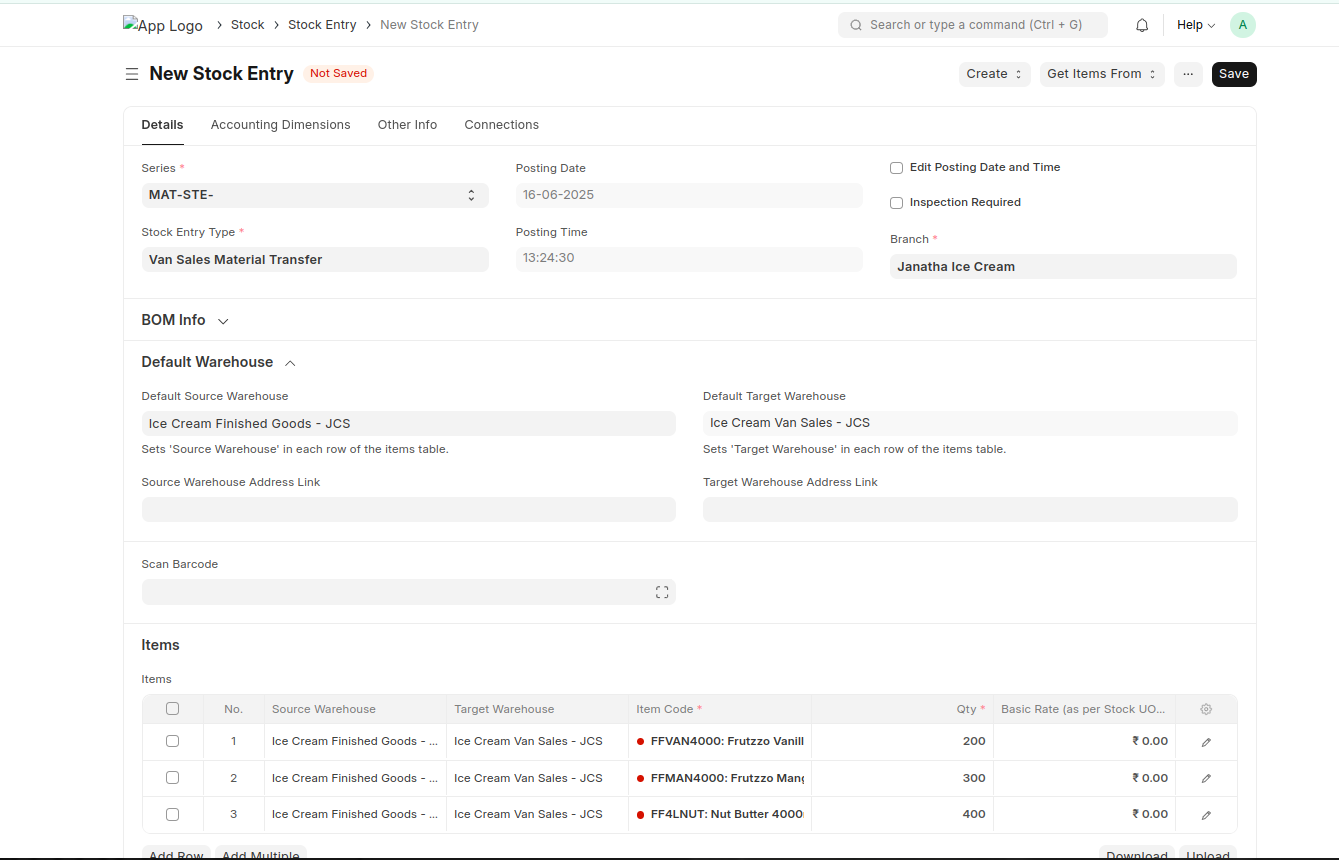
After saving the stock entry the Van Sales Manager ( Accounting Dimension), Source Janatha Van Sales Manager and Target Janatha Van sales Manager (Inventory Dimensions) will filled automatically.
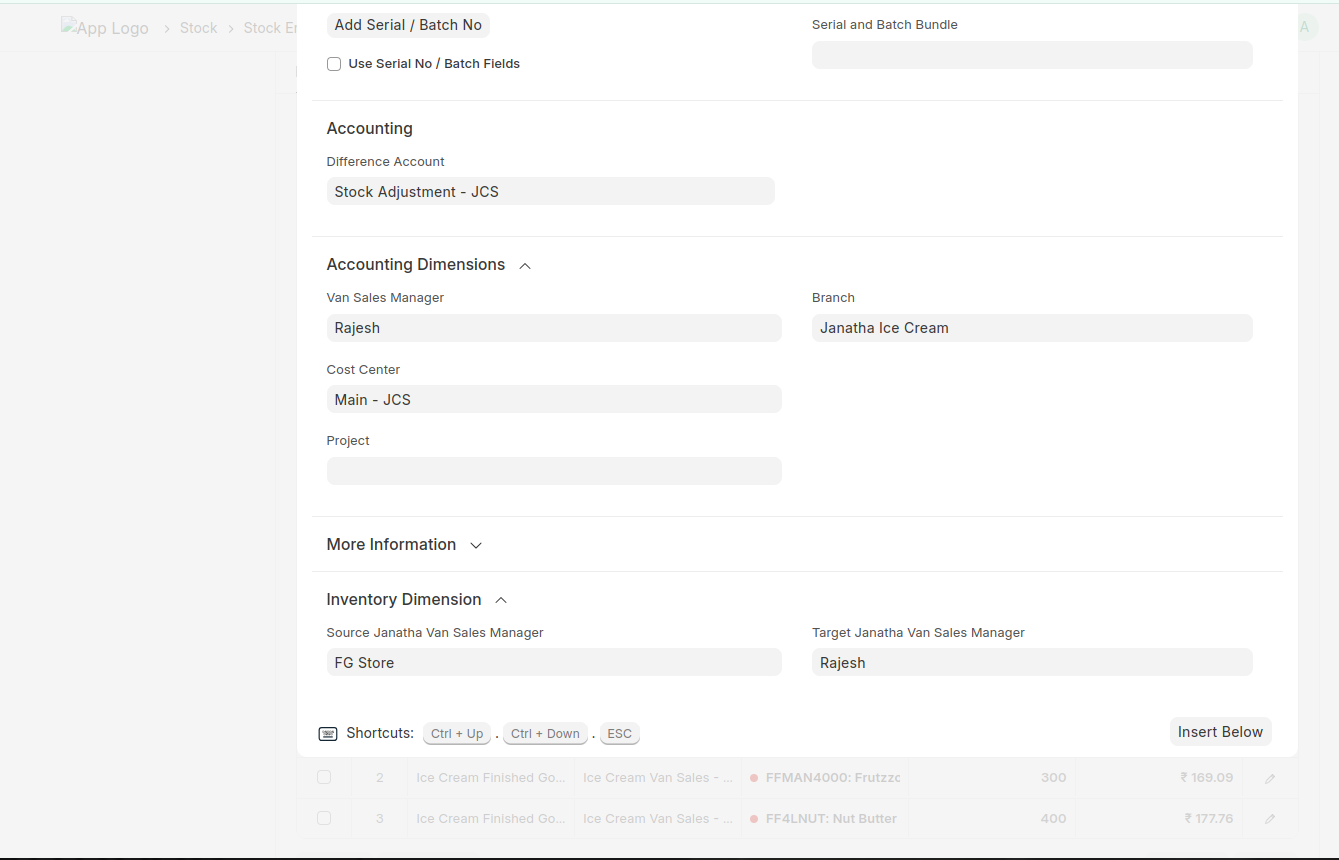
Van Sales Material Return
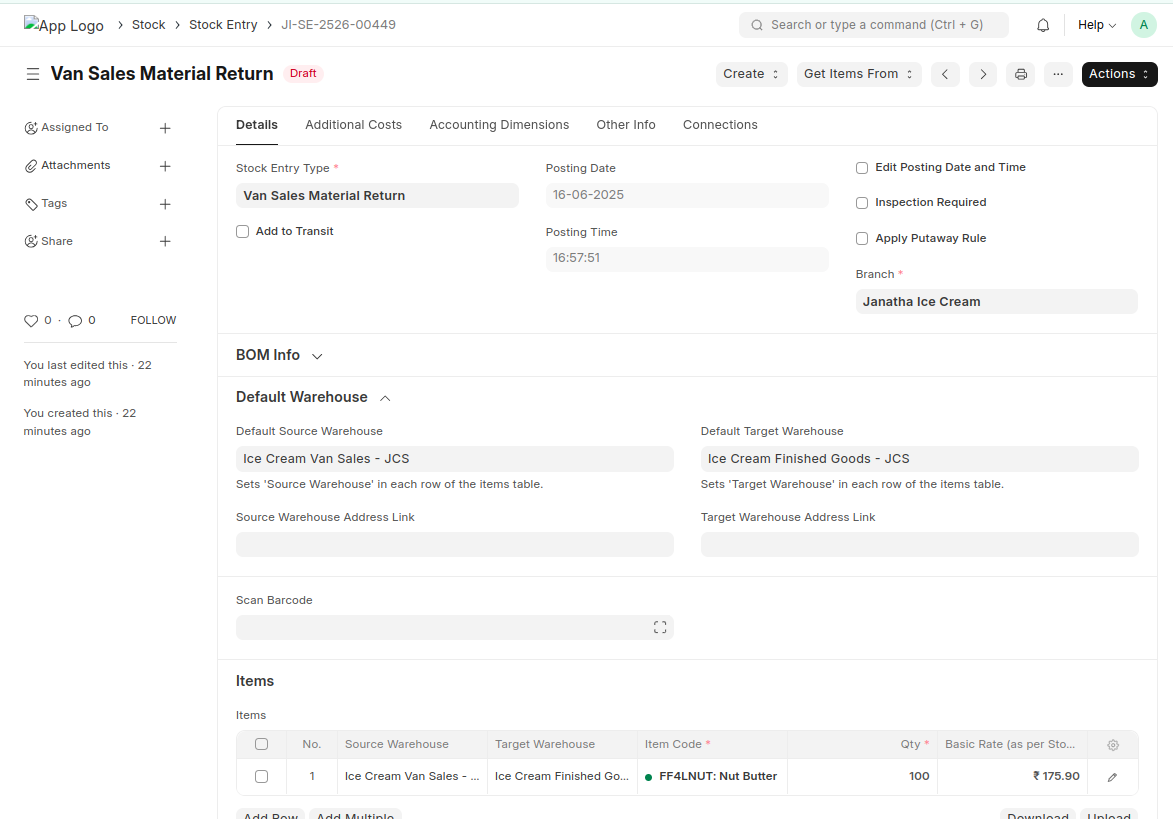
- Open Stock Entry document select the Stock Entry Type = 'Van Sales Material Return' automatically fetch the default source warehouse and target warehouse
- Enter the items and enter the vansale manager
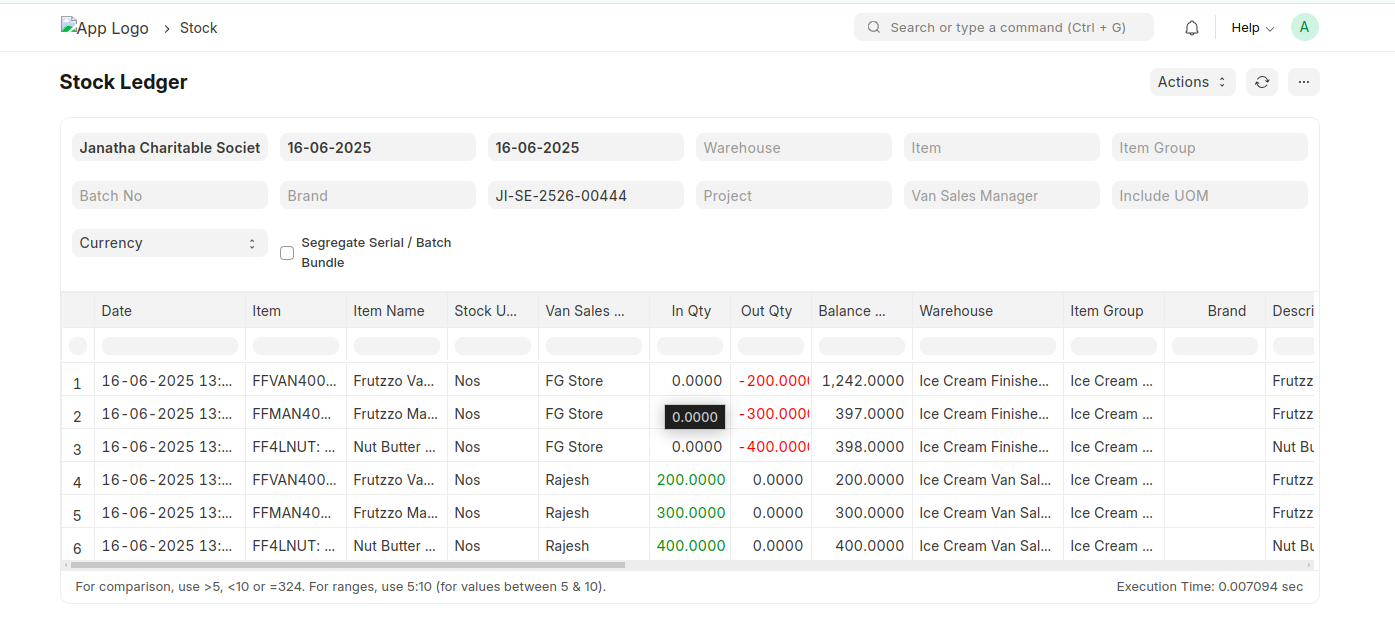
- While saving the Source Van sales manager and target van sales manager will be fetched.
Sales Invoice
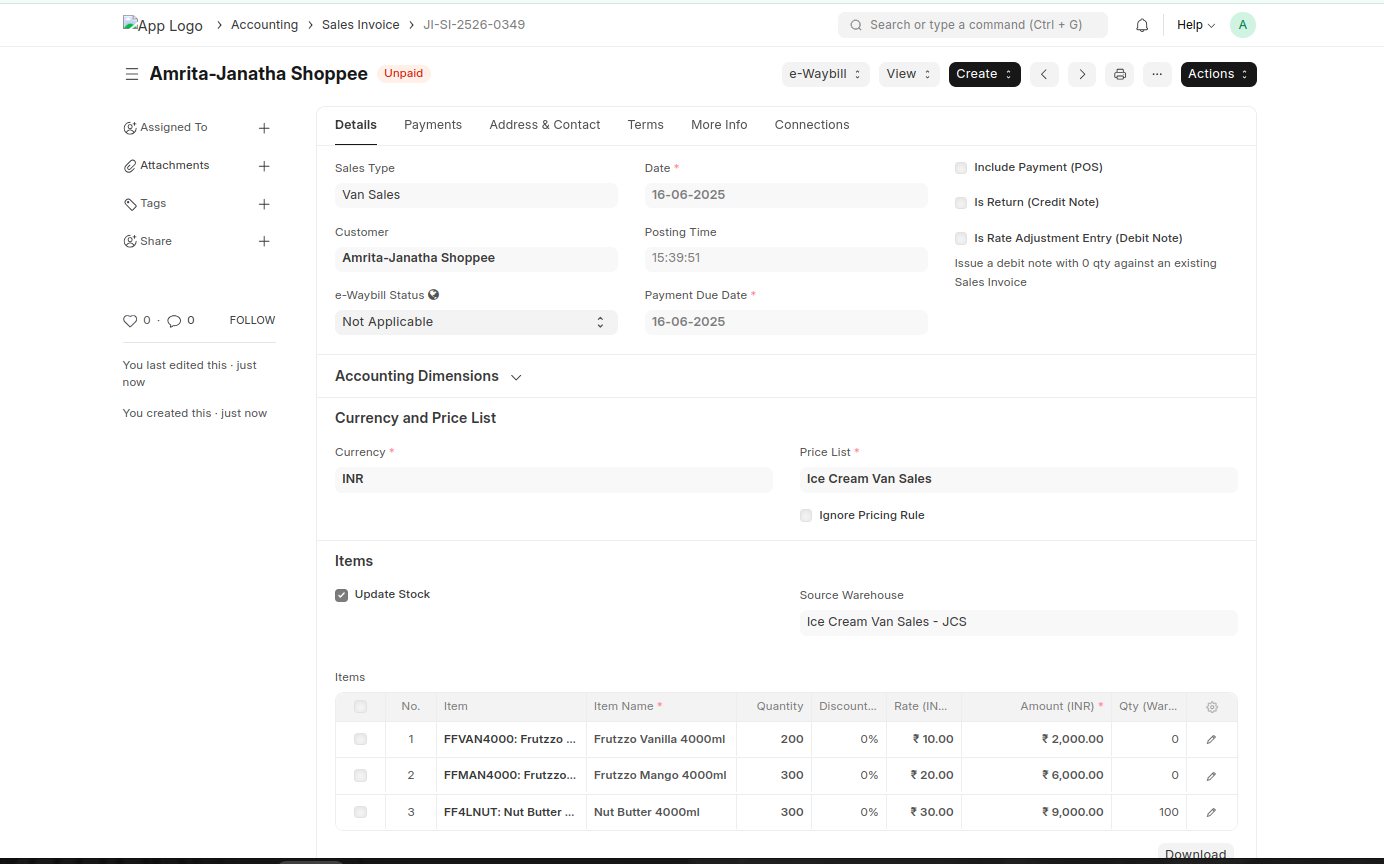
- Select The Sales Type = 'Van Sales'
- Then Automatically set the fields van sales manager, Update Stock and Source Warehouse.
- Only filter the customers under customer group = "Direct"
- Please set the defualt van sales Price List on Customer Master (Direct)
- Save and submit afetr entering the item details.
Payment Entry
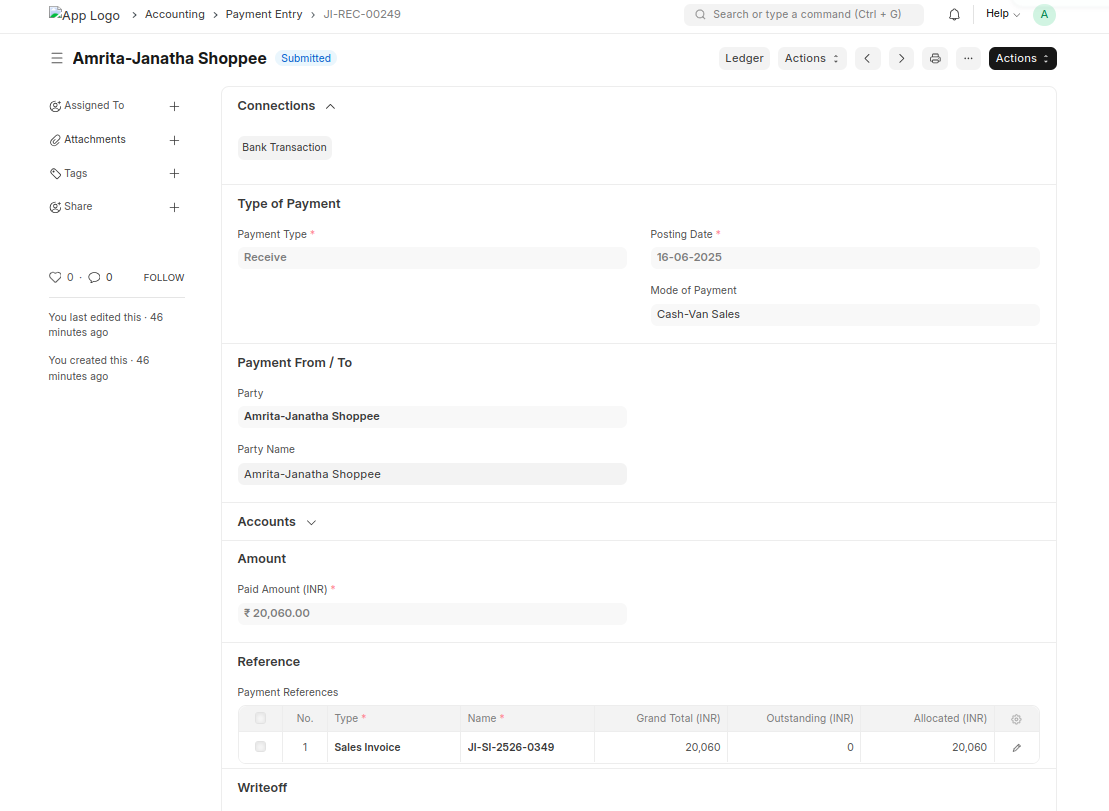
- Select the Mode of Payment (cash-van sales)
- There is a checkbox in mode of payment for differentiate the Van Sales. If the check box is ticked then popup a message if the van sales manager is empty while saving the payment entry document.