Momscode - Janatha Production Customization
Janatha Ice Cream Production
BOM
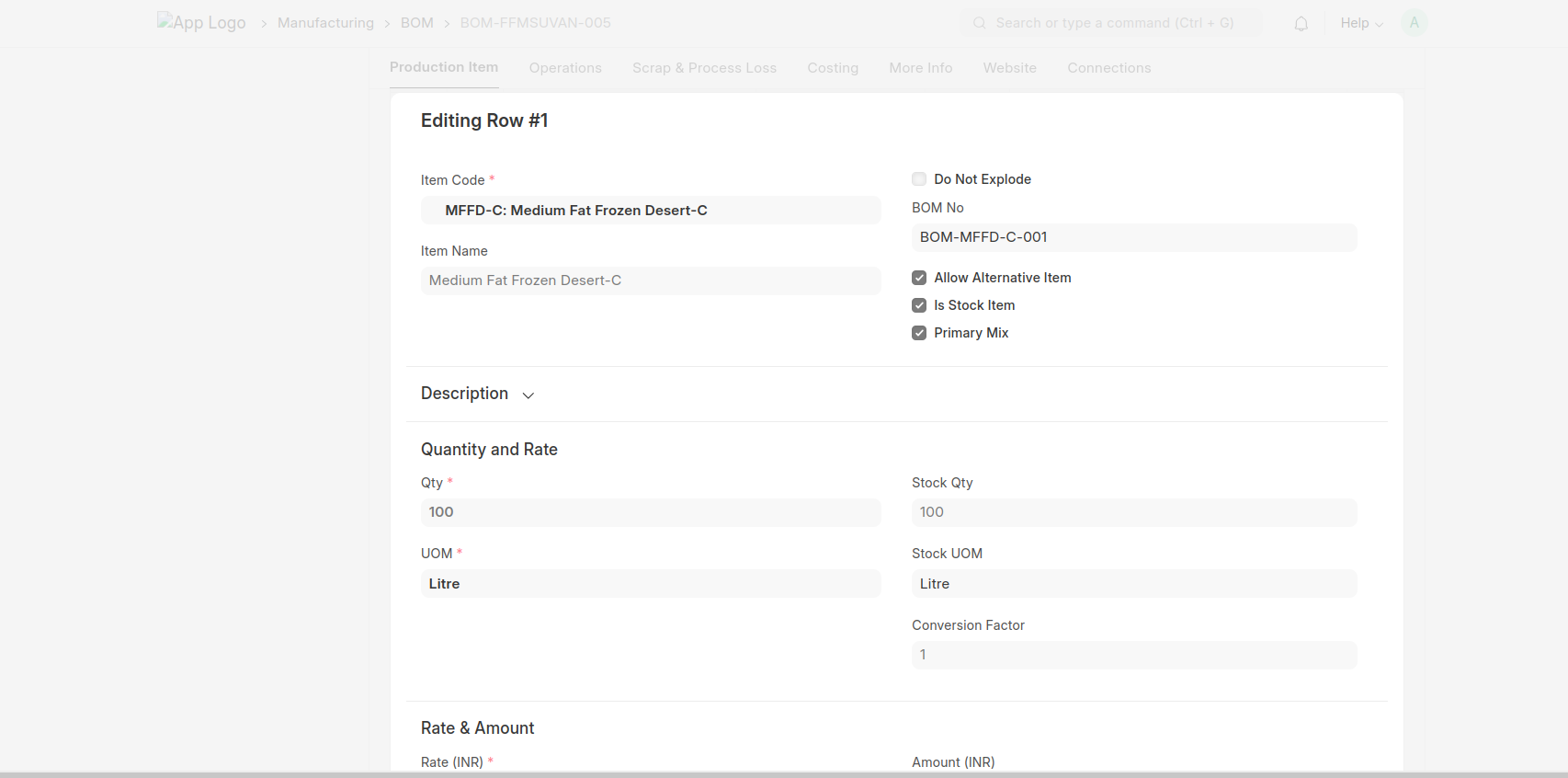
- Mix BOM
- Items table Includes only Raw Materials
- Finished Good BOM
- Items table includes one or more mix and raw materials
- You have to specify which item is the Primary Mix in the BOM items.
Work Order
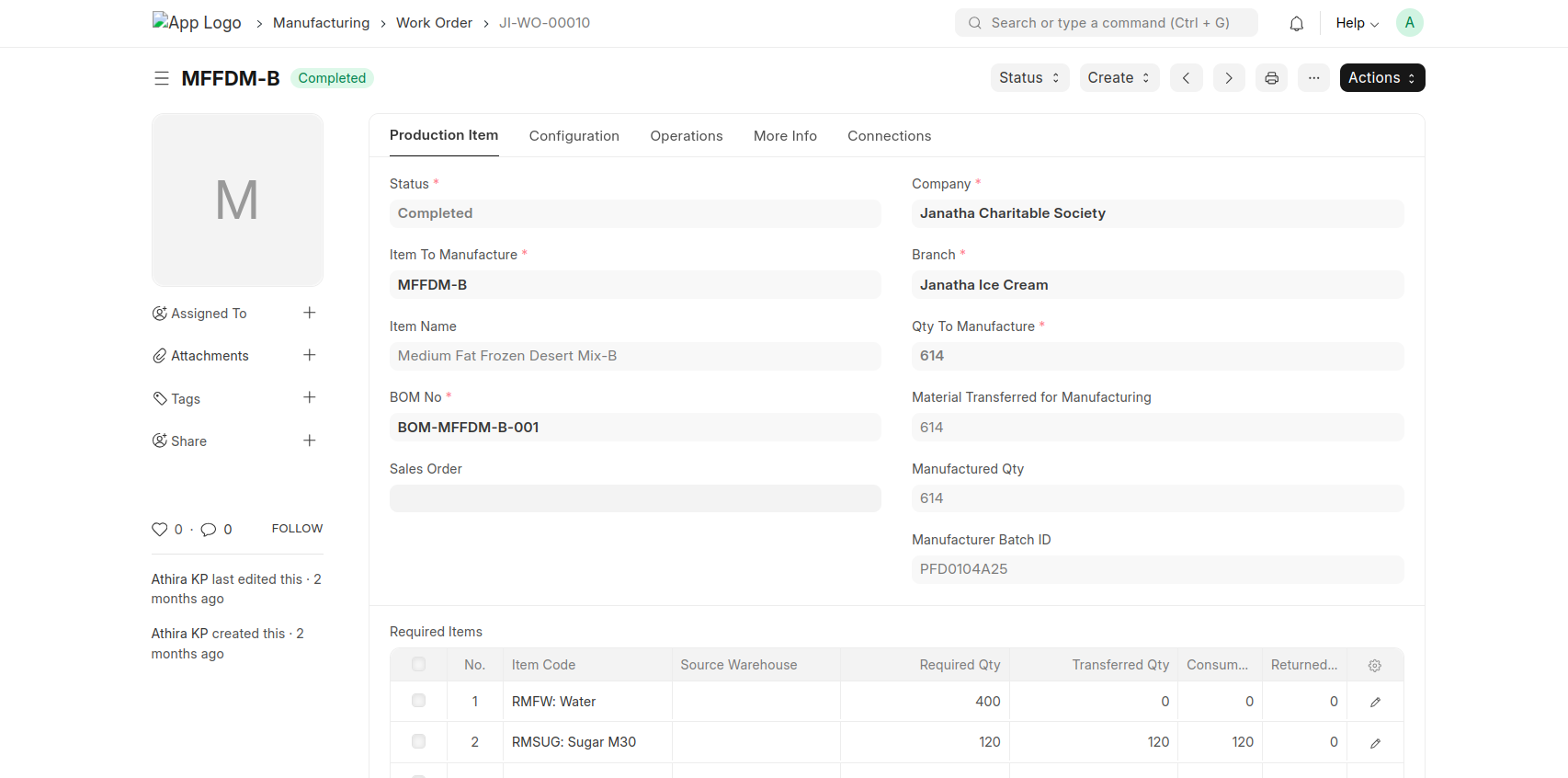
- Mix Work Order
- While create mix work order from Mix BOM it will ask to fill the branch and work in progress warehouse and finished goods warehouse
- Work in progress warehouse = WIP-Ice Cream Mix - JCS
- Target Warehouse = Ageing Tank-01 (600 Litre) Ice Cream - JCS
- showing one button 'start' to create stock entry for 'Material Transfer for manufacture' after approving the Work order
- Ice Cream Work Order
- While create Finished goods work order from Mix BOM it will ask to select the branch , work in progress warehouse and finished goods warehouse
- Work in Progress warehouse = WIP-Ice Cream - JCS
- Finished Goods Warehouse = Ice Cream Finished Goods - JCS
- Showing Start button after submit the document.
Stock Entry
- Mix Stock Entry (Material Transfer for manufacture)
- Enter the default source warehouse
- save and submit
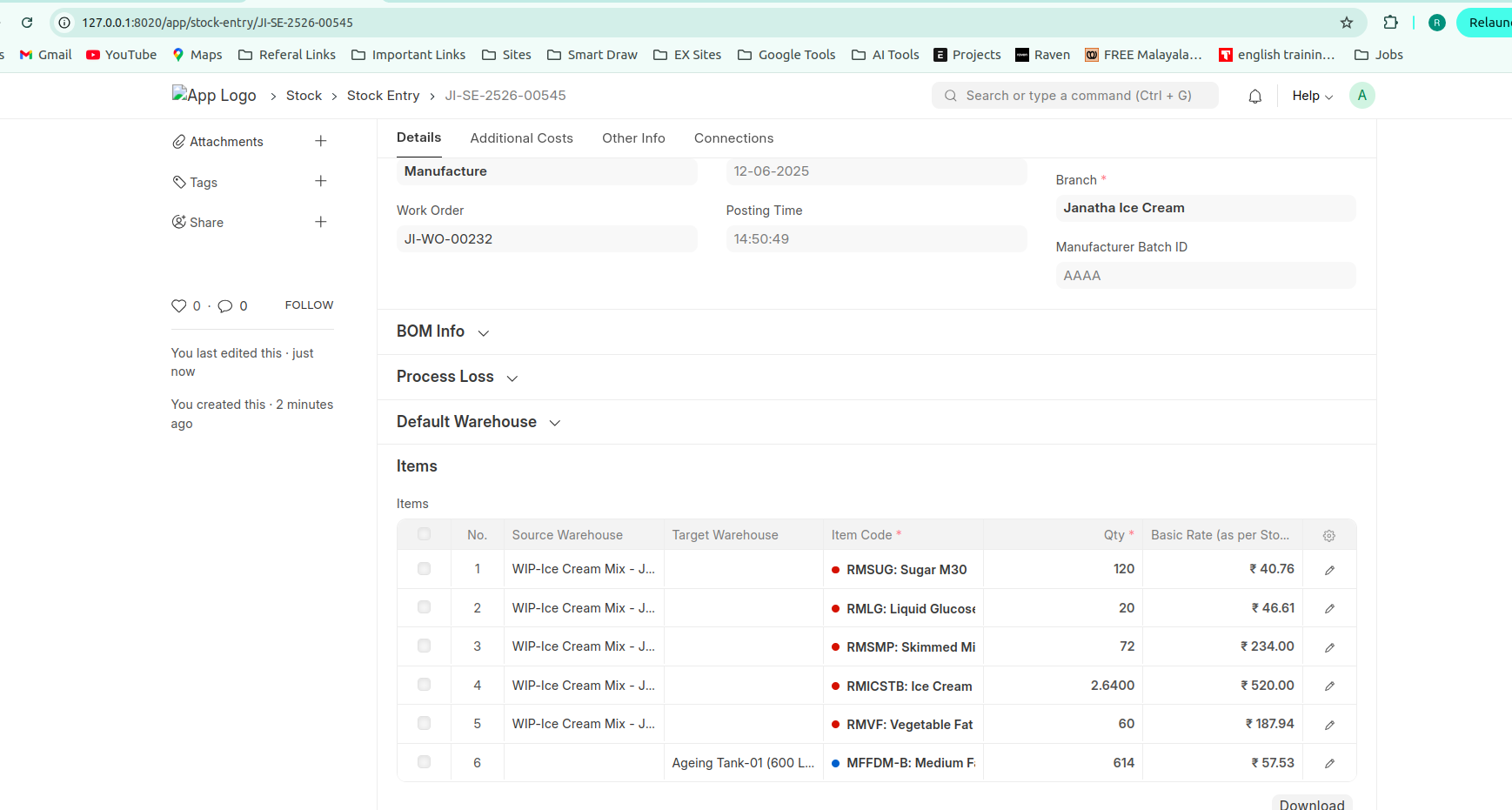
- Mix Stock Entry (Manufacture)
- Click the finish button to create Manufacture stock entry.
- Enter the Branch
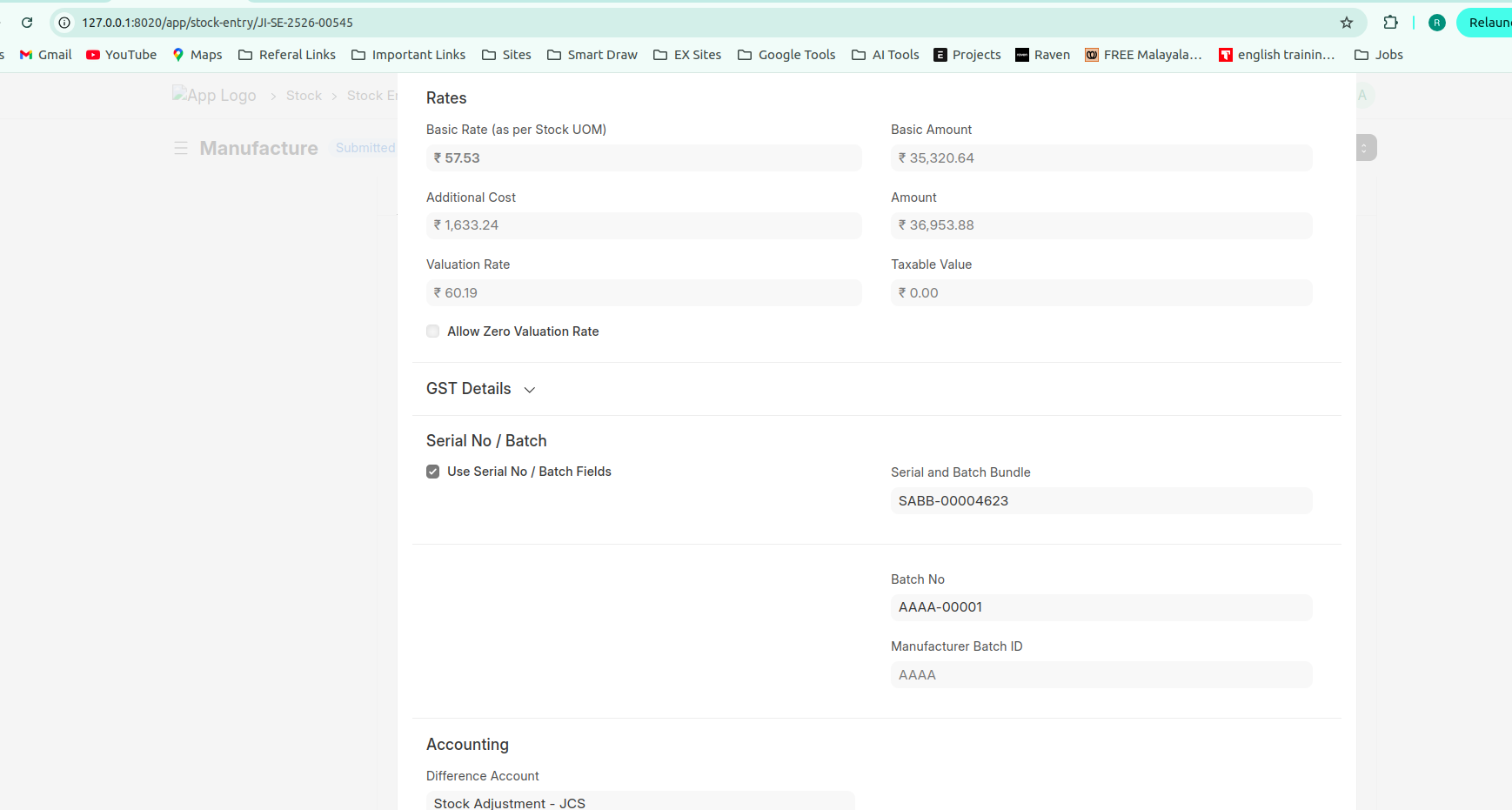
- Before submit the stock entry enter the Manufacturer Batch ID in manufacture stock entry of mix.(Manual Enter)
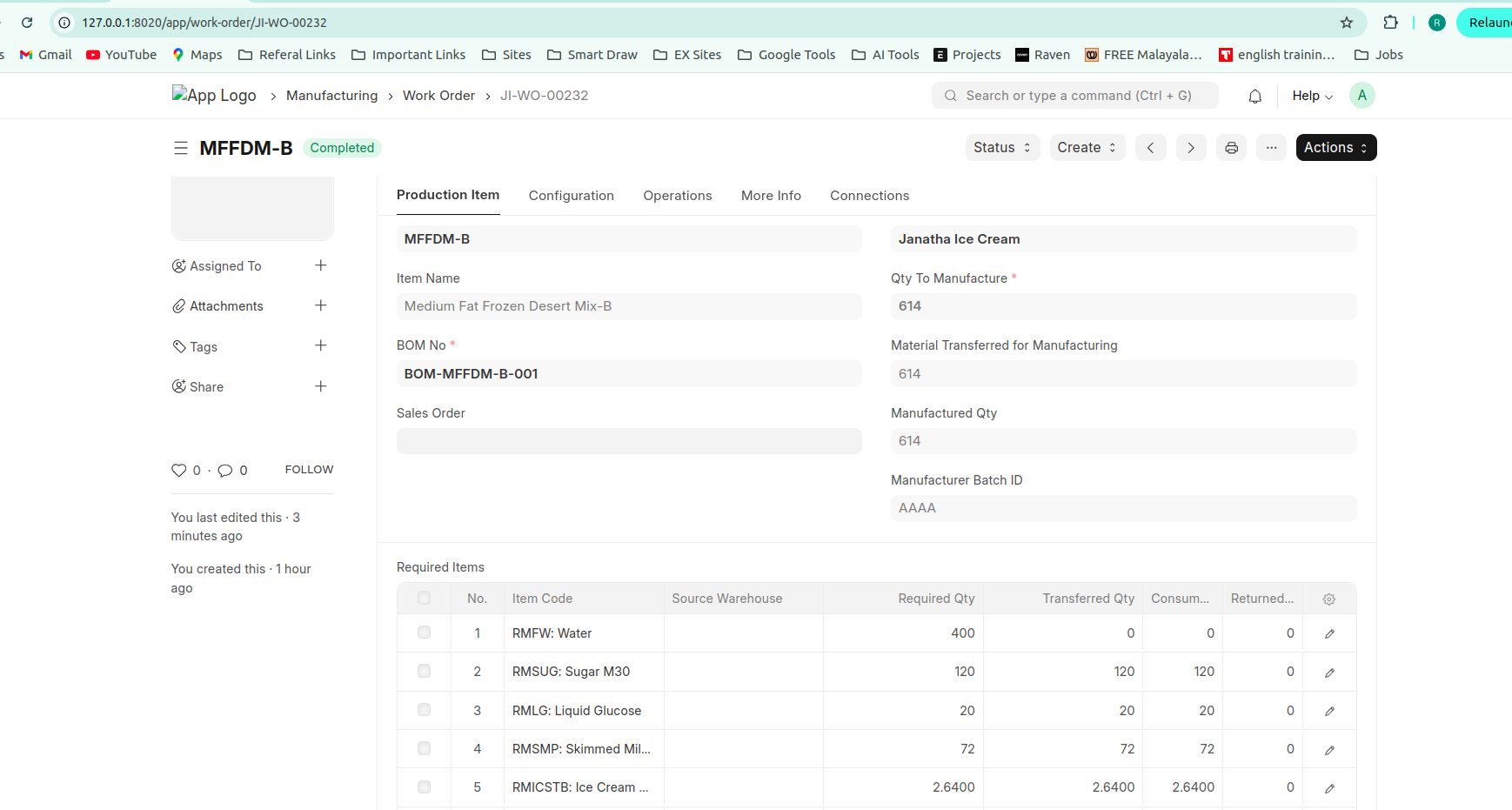
- After submit the manufacture stock entry The manufacturer batch id will be updated into Work Order.
- Ice Cream Stock Entry (Manterial Transfer for manufacture)
- Select the branch
- Enter the default source warehouse
- Default source warehouse = Ice Cream Stores - JCS
- Change the Source warehouse of mix to Ageing tank 1/2/3
- There is an option to take an Alternate item for mix in Stock entry.
- Ensure that the primary mix should tick in the stock entry after changing to alternate mix item.
- Also select the batch no of the mix in the line item table.
- Ice Cream Stock Entry (Manufacture)
- select the branch
- tick the primary mix for the mix in items table
- after saving the stock entry batch no is automatically filled to the mix item. The batch will take from the previous material transfer for manufacture stock entry.
SUMMARY
- Must select the Branch and default source warehouse in stock entry.
- Should enter the Manufacture Batch ID In Mix 'Manufacture' stock entry.
- Must tick the primary mix in items table. of Ice cream 'Material Transfer for manufacture' Stock entry. (if alternate item selected.)
- Must select batch id in ice cream 'Material Transfer for manufacture' stock entry.
- Must select the primary mix in in Ice cream 'Manufacture' Stock Entry. (if alternate Item selected.)
- Batch id automattically filled after saving the document.


