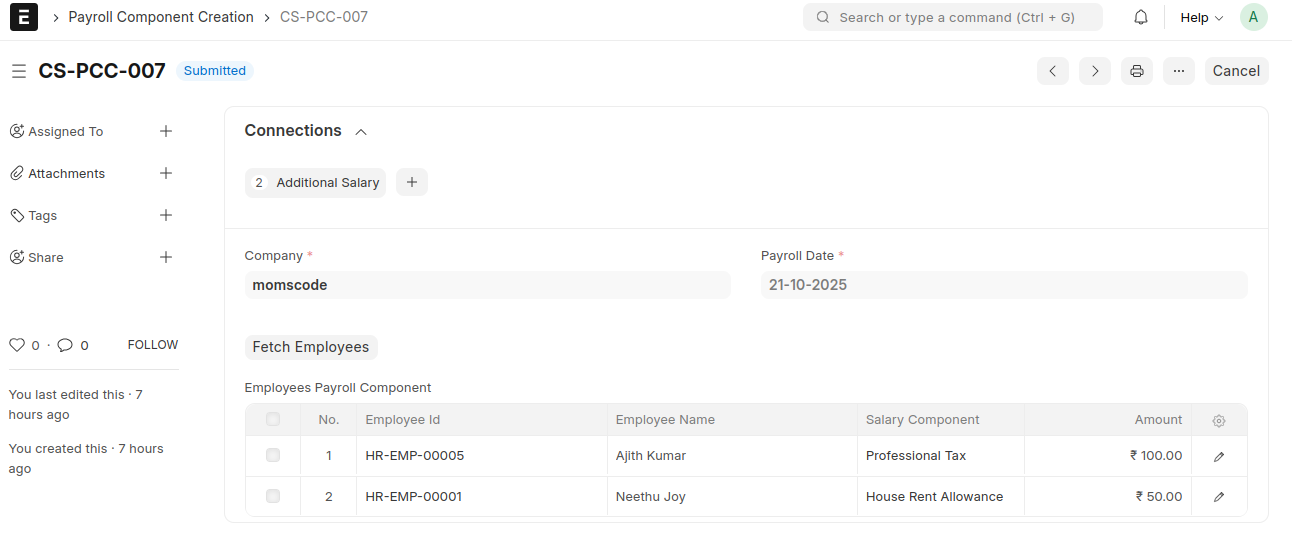
Momscode-Club Sulaimani Payroll Component Creation
Customization Process
- Fill in the Payroll Date.
- Click the "Fetch Employees" button.
- This will automatically load all active employees into the Employees Payroll Component table.
- Enter salary details for each employee.
- Select the salary component.
- Enter the amount for each employee in the table.
- Submit the document.
- For each employee, if the amount is greater than 0, an Additional Salary will be created based on the selected salary component and amount.