Momscode-Rework Work Order
Rework Work Order
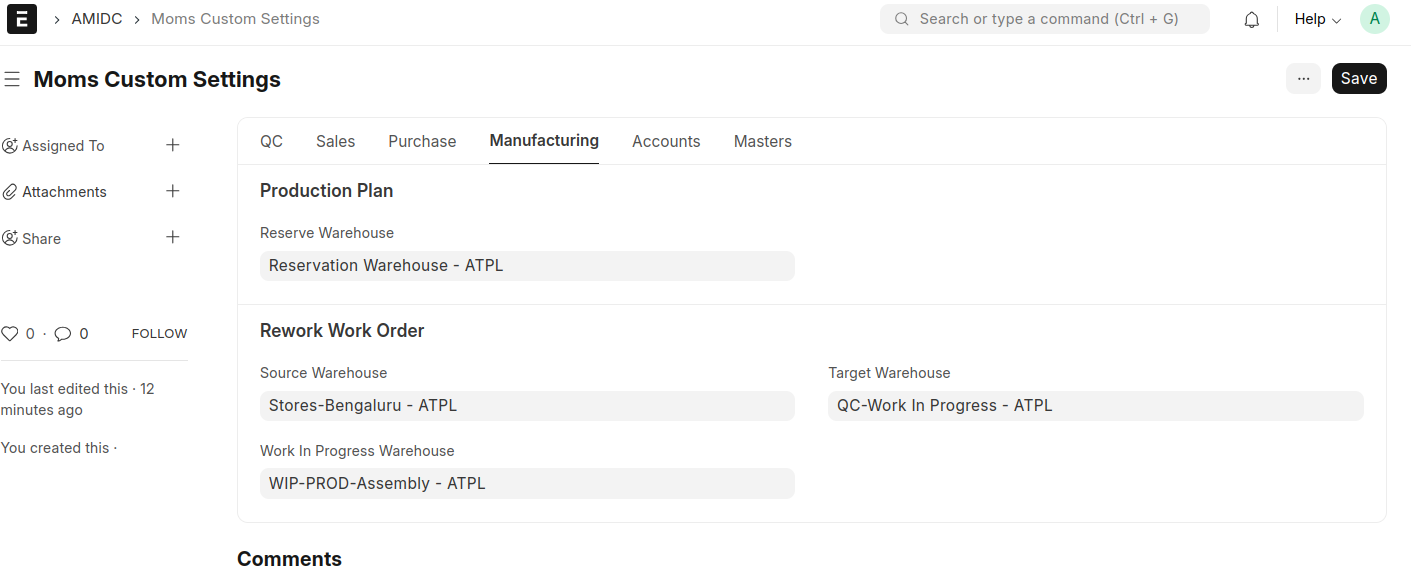
Default warehouses needs to be set in the Moms Custom Settings.
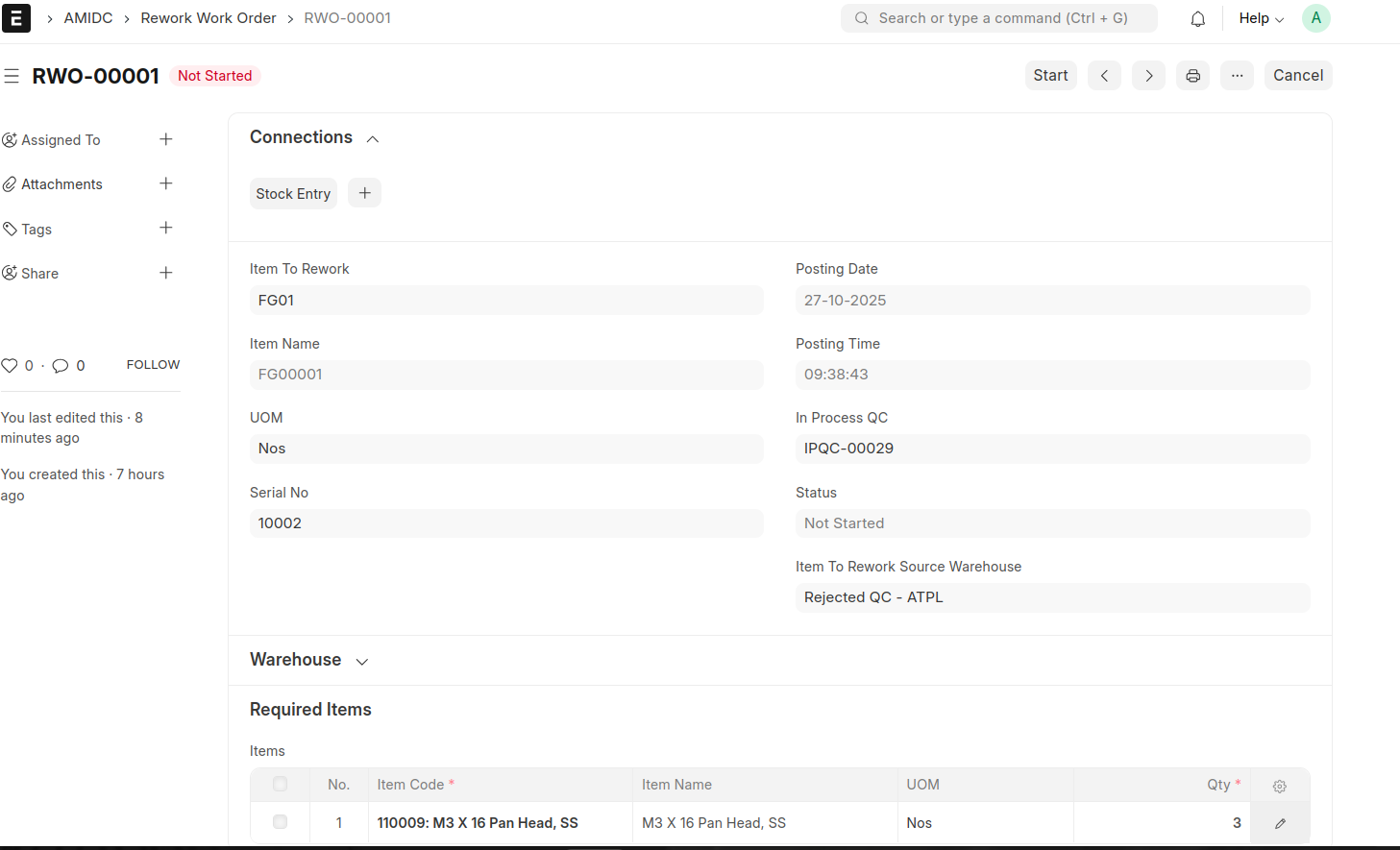
User can create Rework Work Order from In Process QC Document if the QC document is rejected. A button will be visible for create Rework Work Order.
- Add any additional items needed to rework the Work Order.
- Save and Submit.
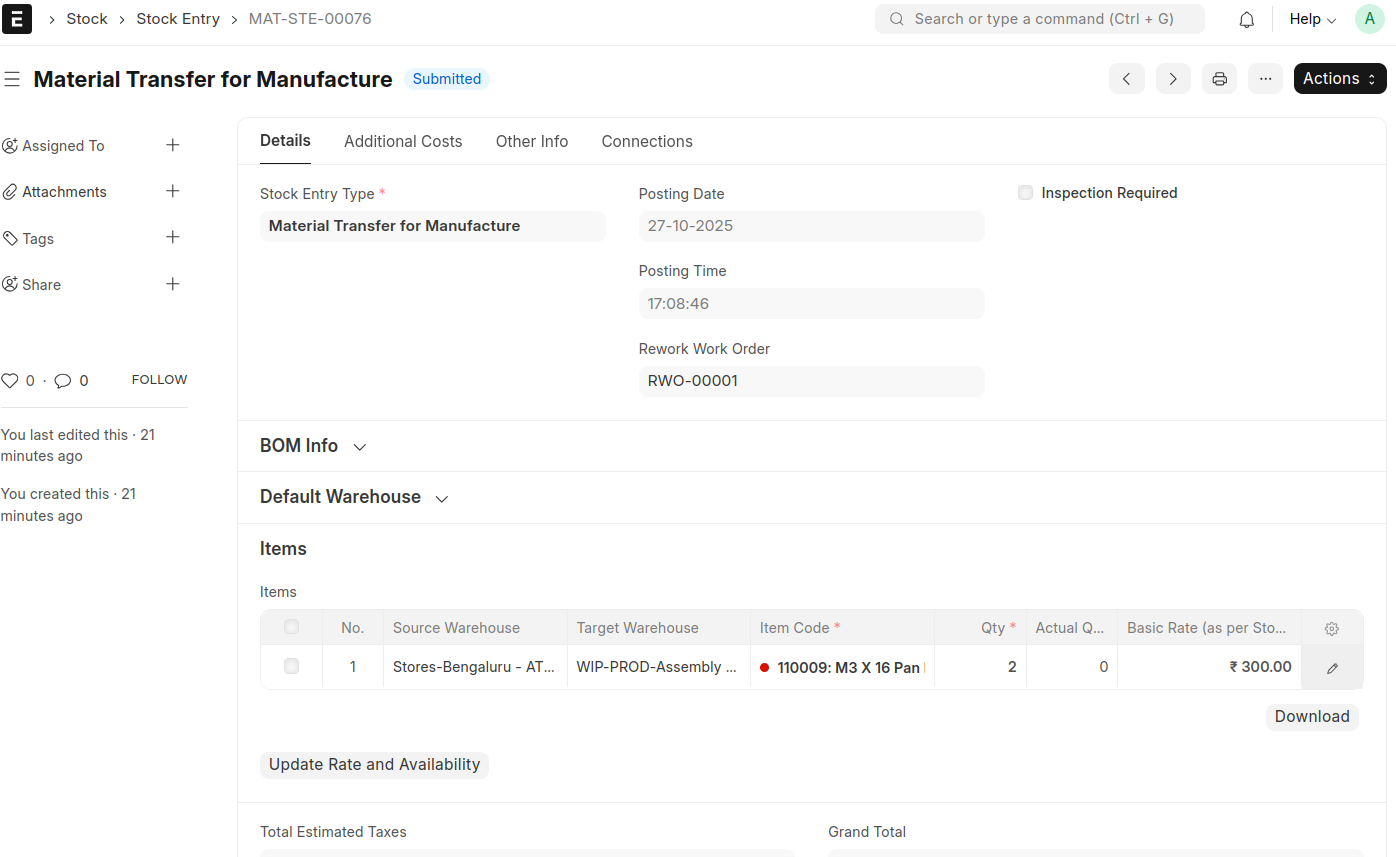
- Click on Start Button to transfer the materials from source warehouse to WIP warehouse.
- Then the status of the Rework Work Order will be changed to 'In Process'
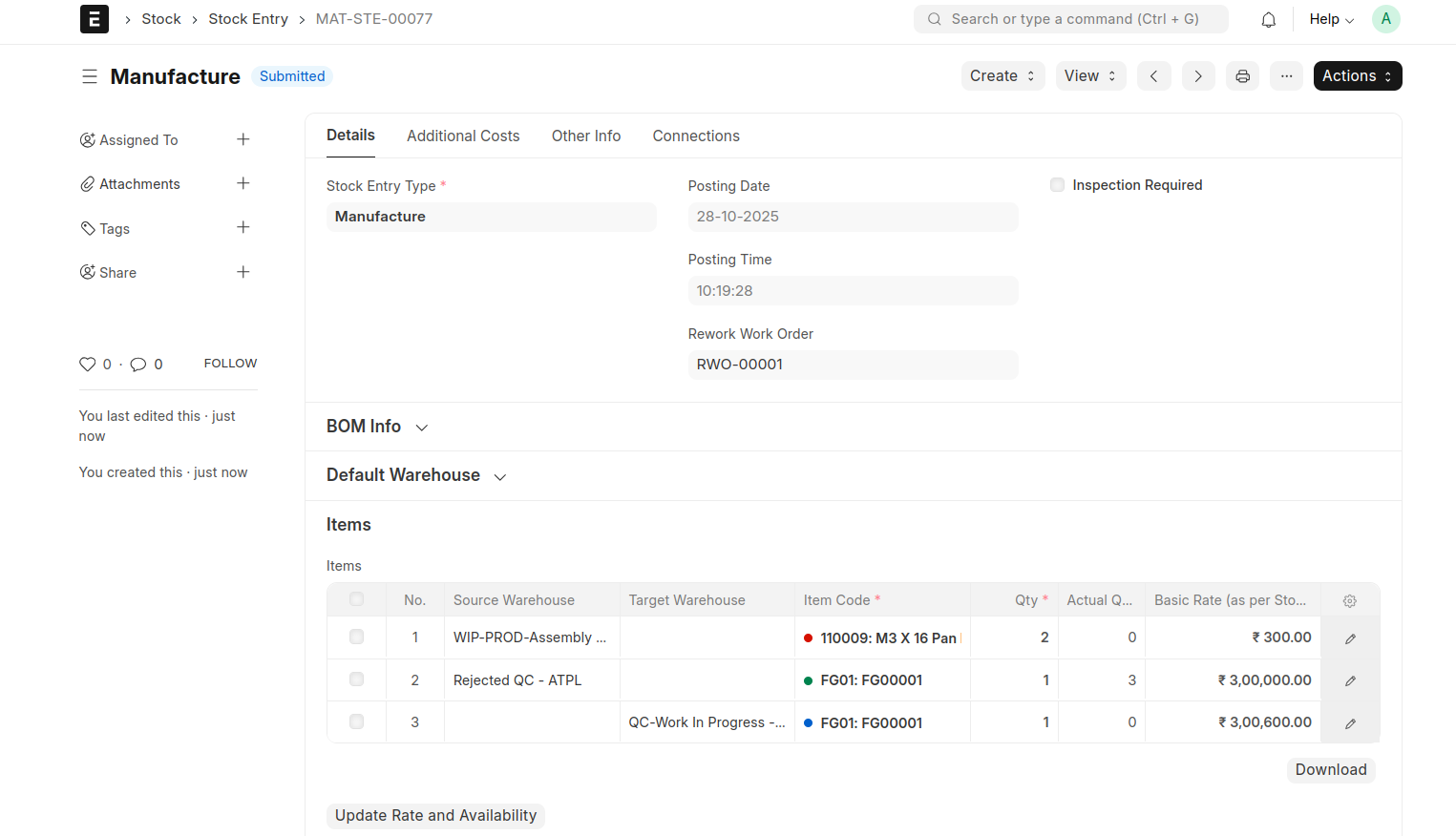
- There is a button 'Finish' will be displied for creating the manufacturing entry.
- The same FG item and additional items will be consumed and same FG Item will be created in the manufacturing stock entry.
- after that, the Rework Work Order will be marked as Completed.