Momscode - AMIDC In Process QC
Prerequisites
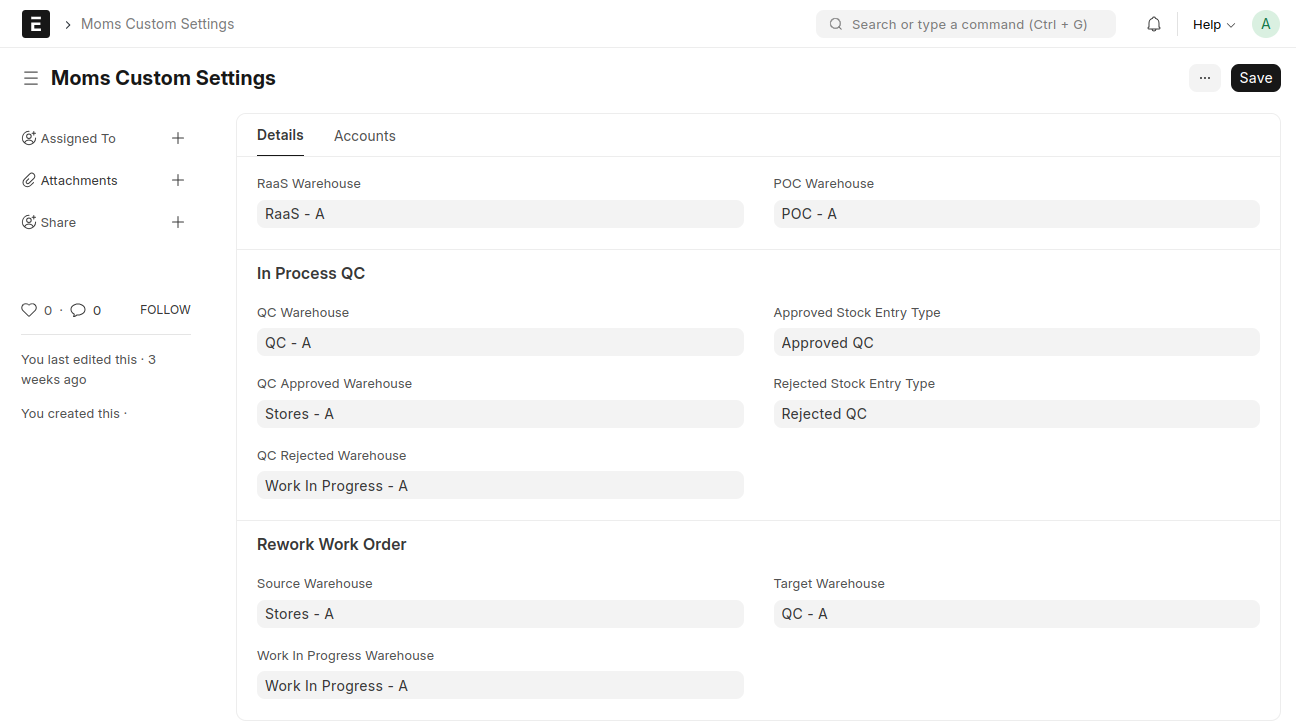
In Moms Custom Settings,
In Process QC
- Set a QC Warehouse
- Set an Approved Warehouse
- Set a Rejected Warehouse
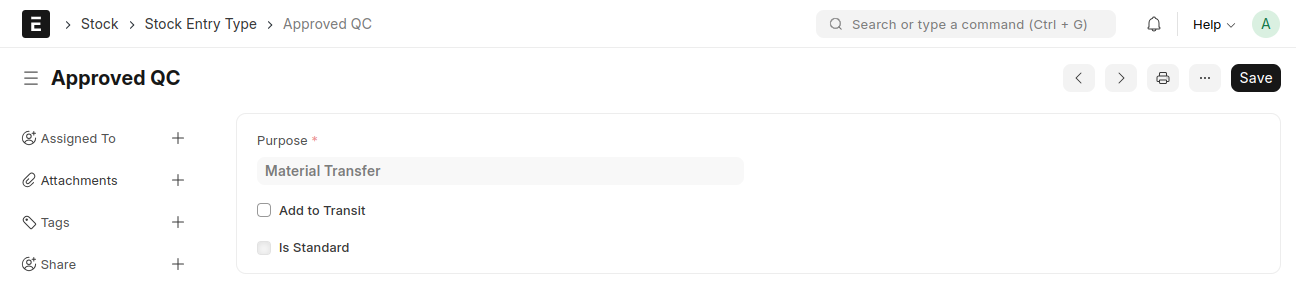
Set an Approved Stock Entry Type
Create a Stock Entry Type for Approved QC with the purpose set to 'Material Transfer'
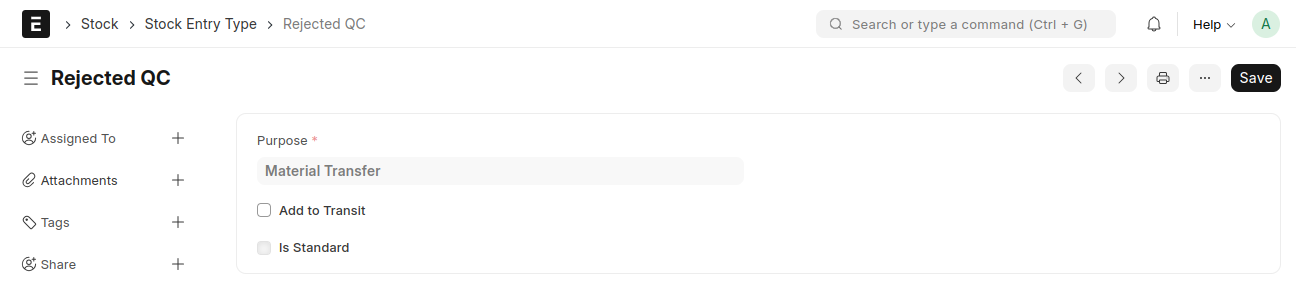
Set a Rejected Stock Entry Type
Create a Stock Entry Type for Rejected QC with the purpose set to 'Material Transfer'
Rework Work Order
Set a Source Warehouse
- Set a Work In Progress Warehouse
- Set a Target Warehouse
- Create Raw Material Items
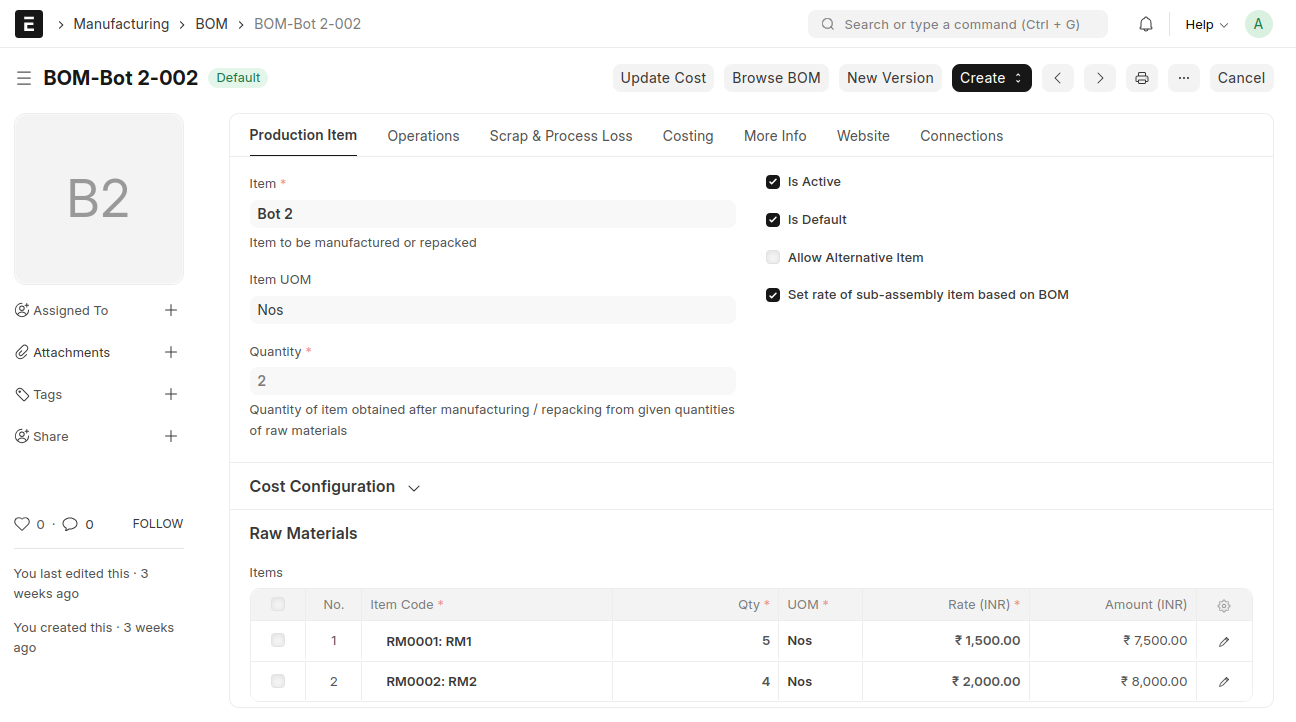
BOM
Add a new BOM
- Select the Bot item in the Item feild
- Select the quantity to be manufactured
- Select the raw material items required to manufacture the Bot
- Save and Submit
Work Order
Crete a Work Order from BOM
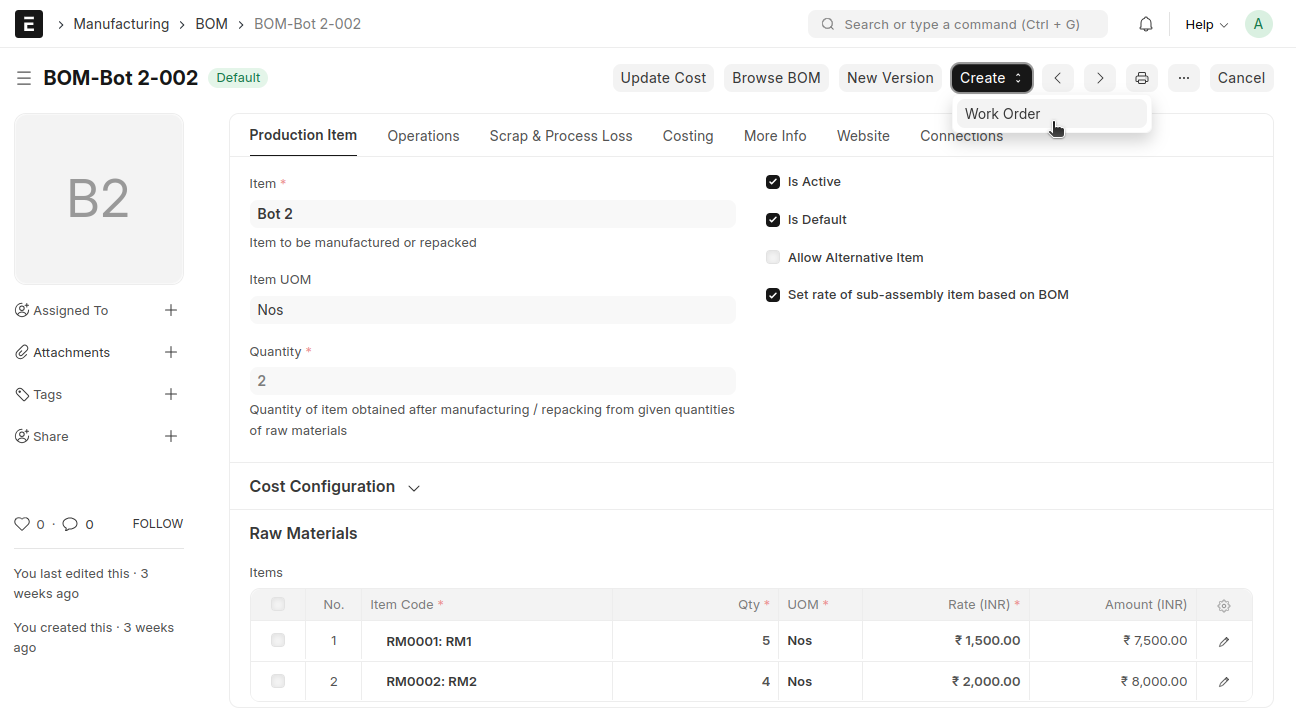
From BOM → Click the 'Create' button → Select 'Work Order'
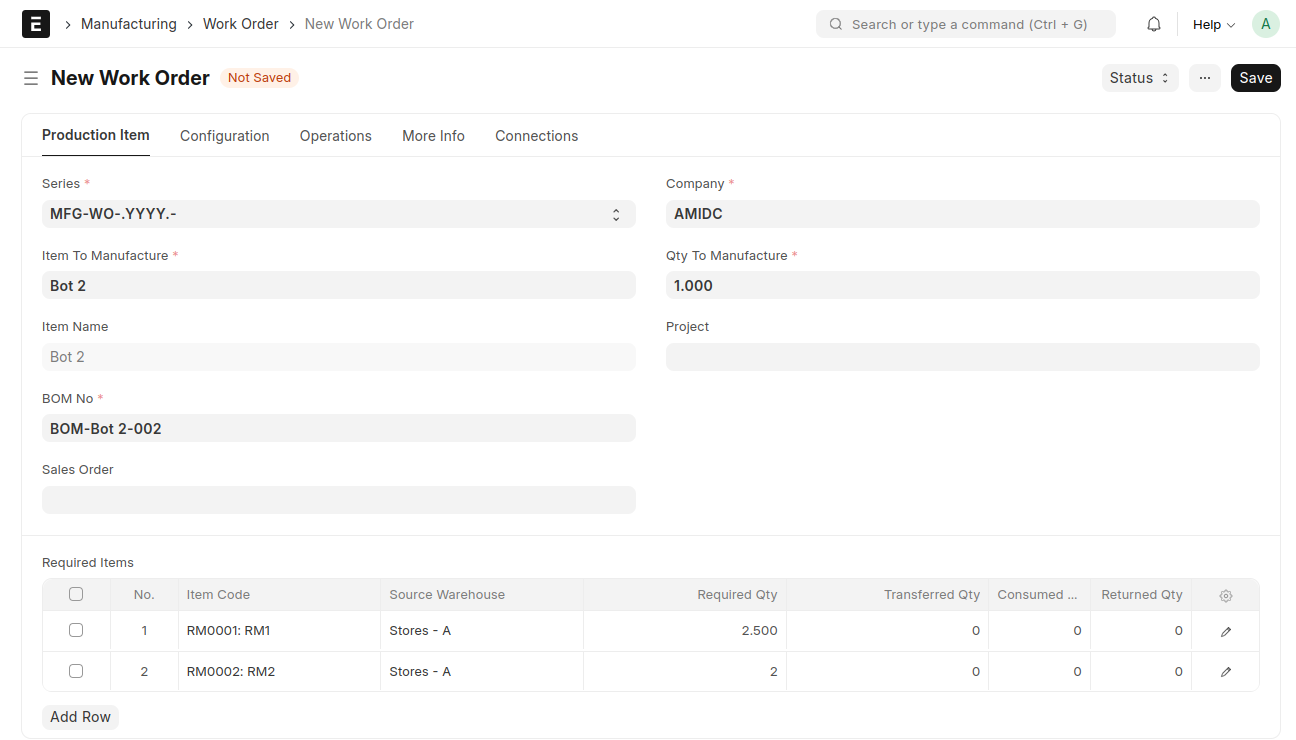
 A Work Order will be created for 1 quantity, and the raw materials will be divided and consumed accordingly
 In Configuration tab,
- Select Source Warehouse
- Work In Progress Warehouse
- Target Warehouse
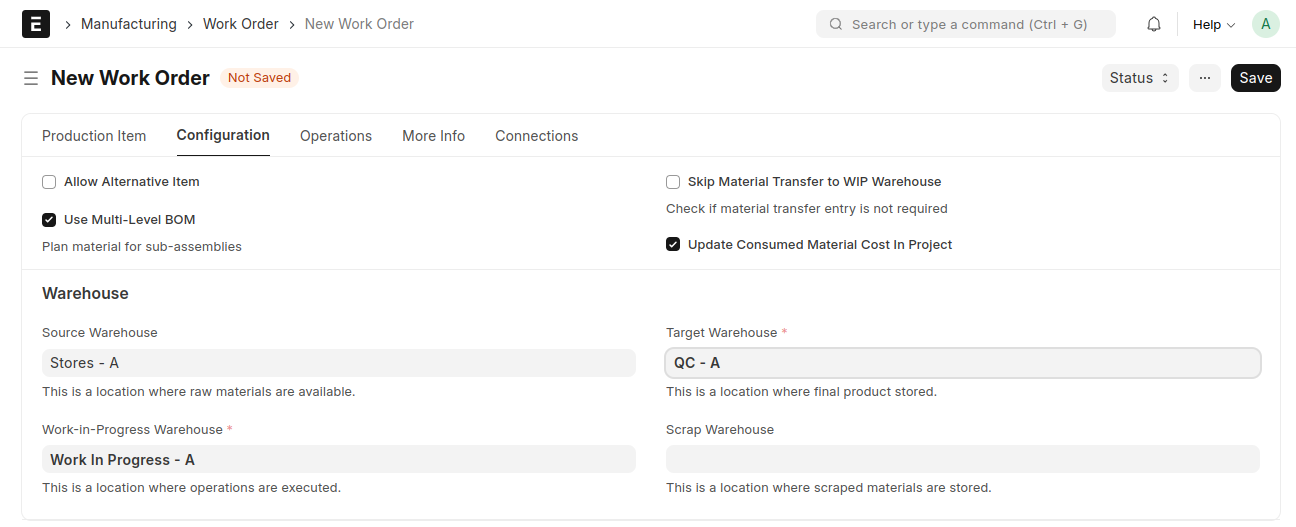 Save and Submit
Stock Entry
Material Transfer for Manufacture
Create Stock Entry from Work Order
From the Work Order, click the 'Start' button, select the quantity, then click 'Create'
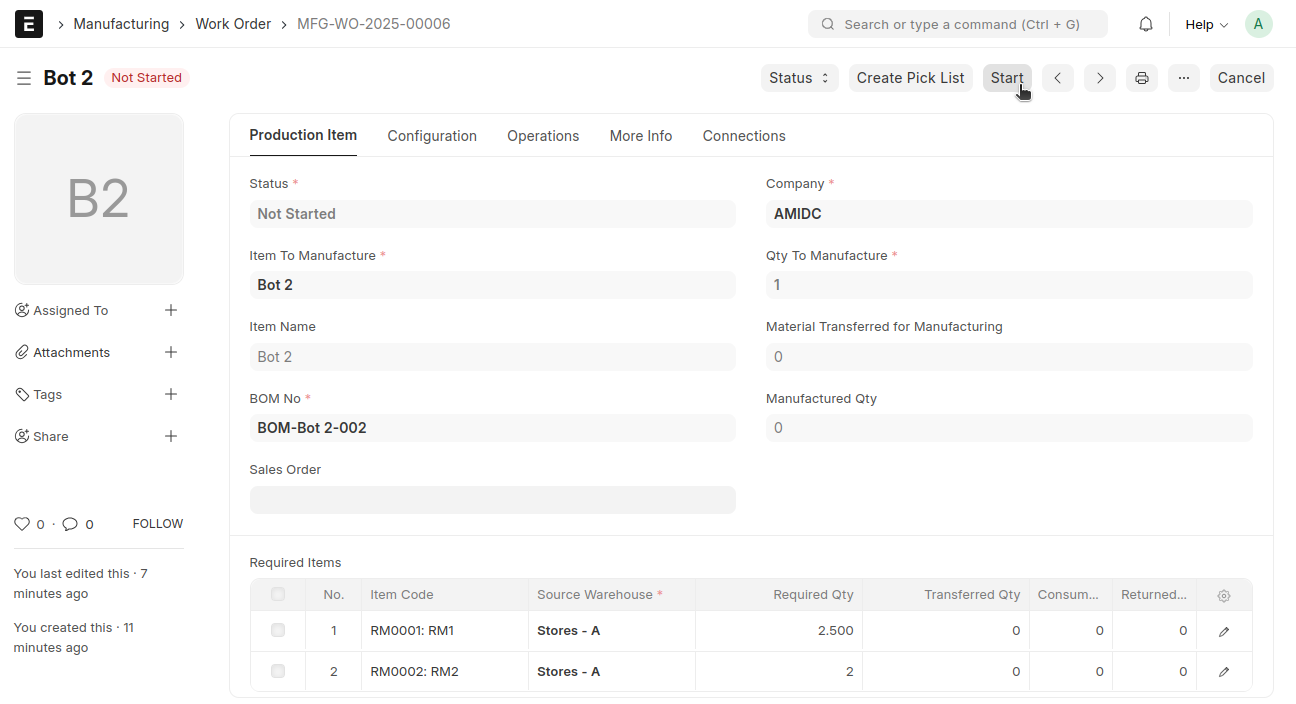
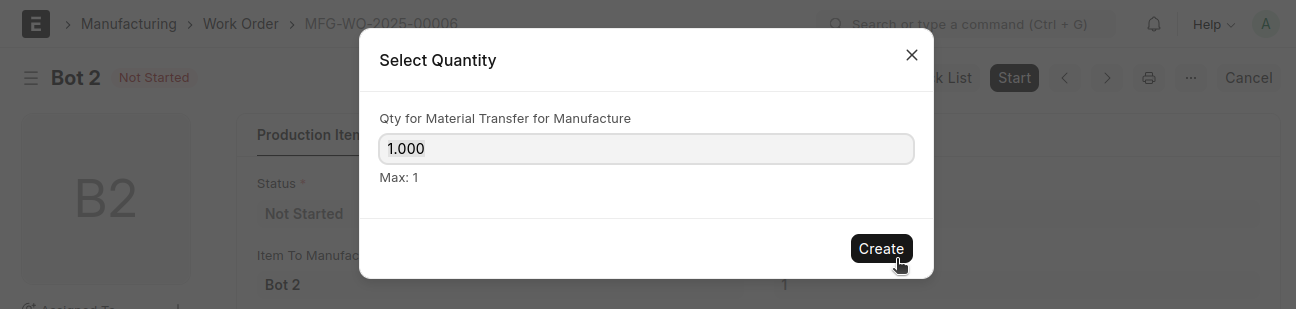
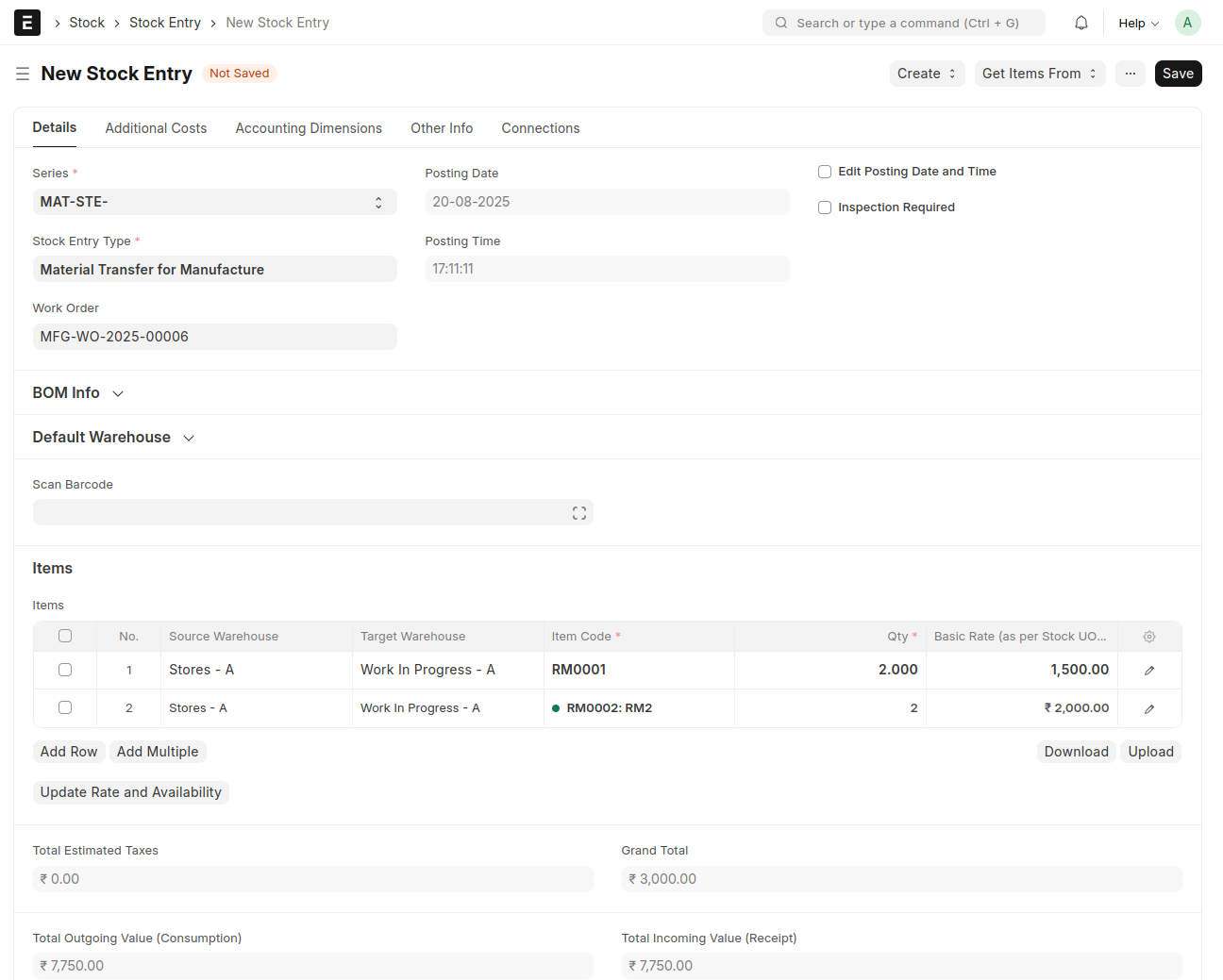 Save and Submit
Manufacture
Create Stock Entry from Work Order
From the Work Order, click the 'Finish' button, select the quantity, then click 'Create'
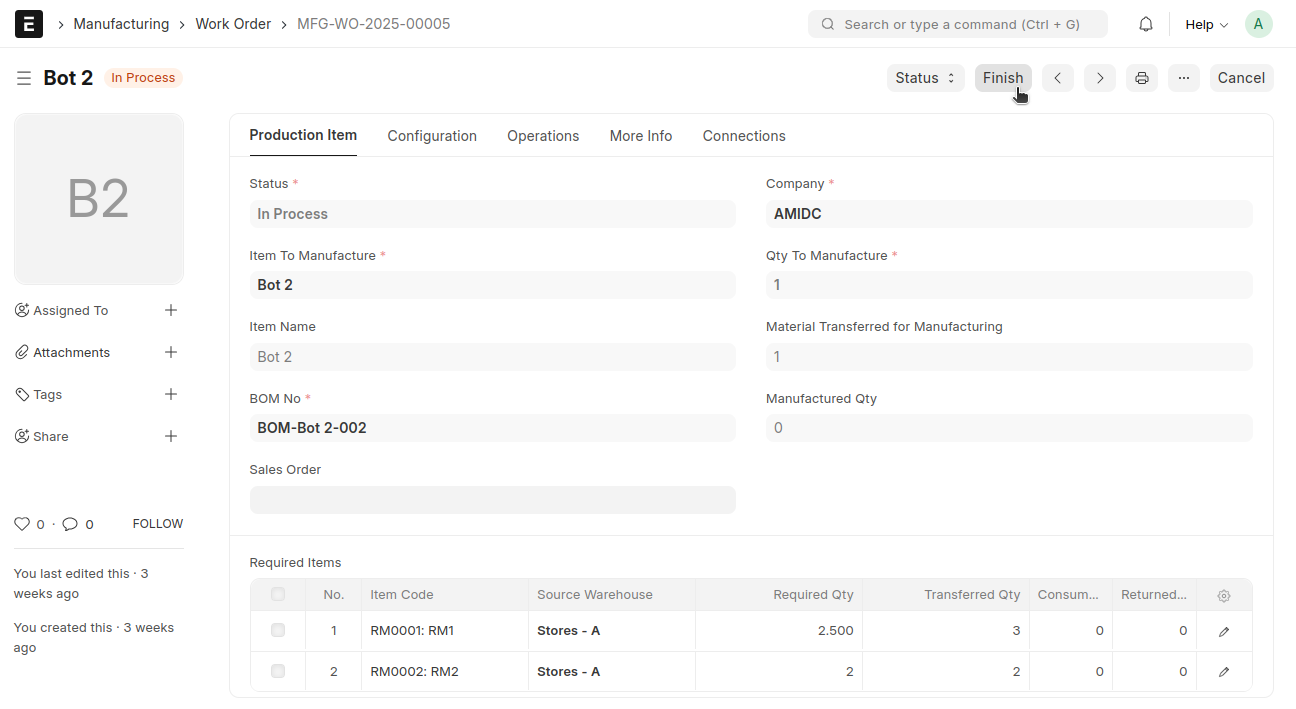
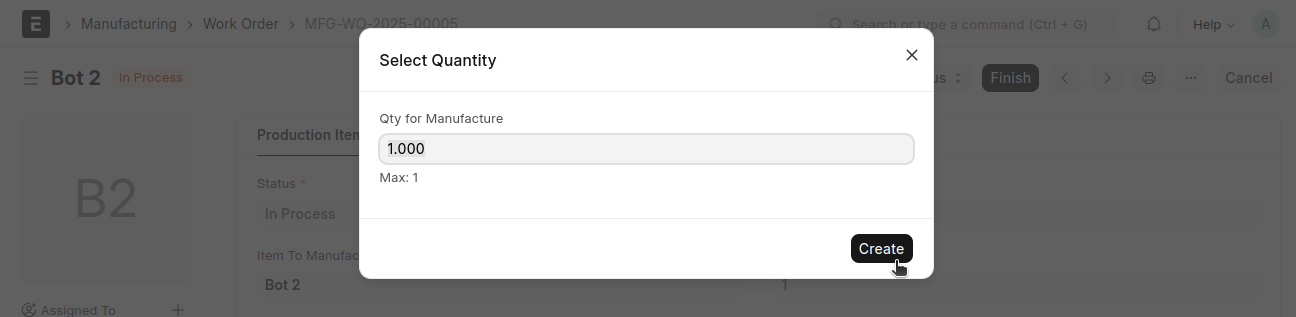
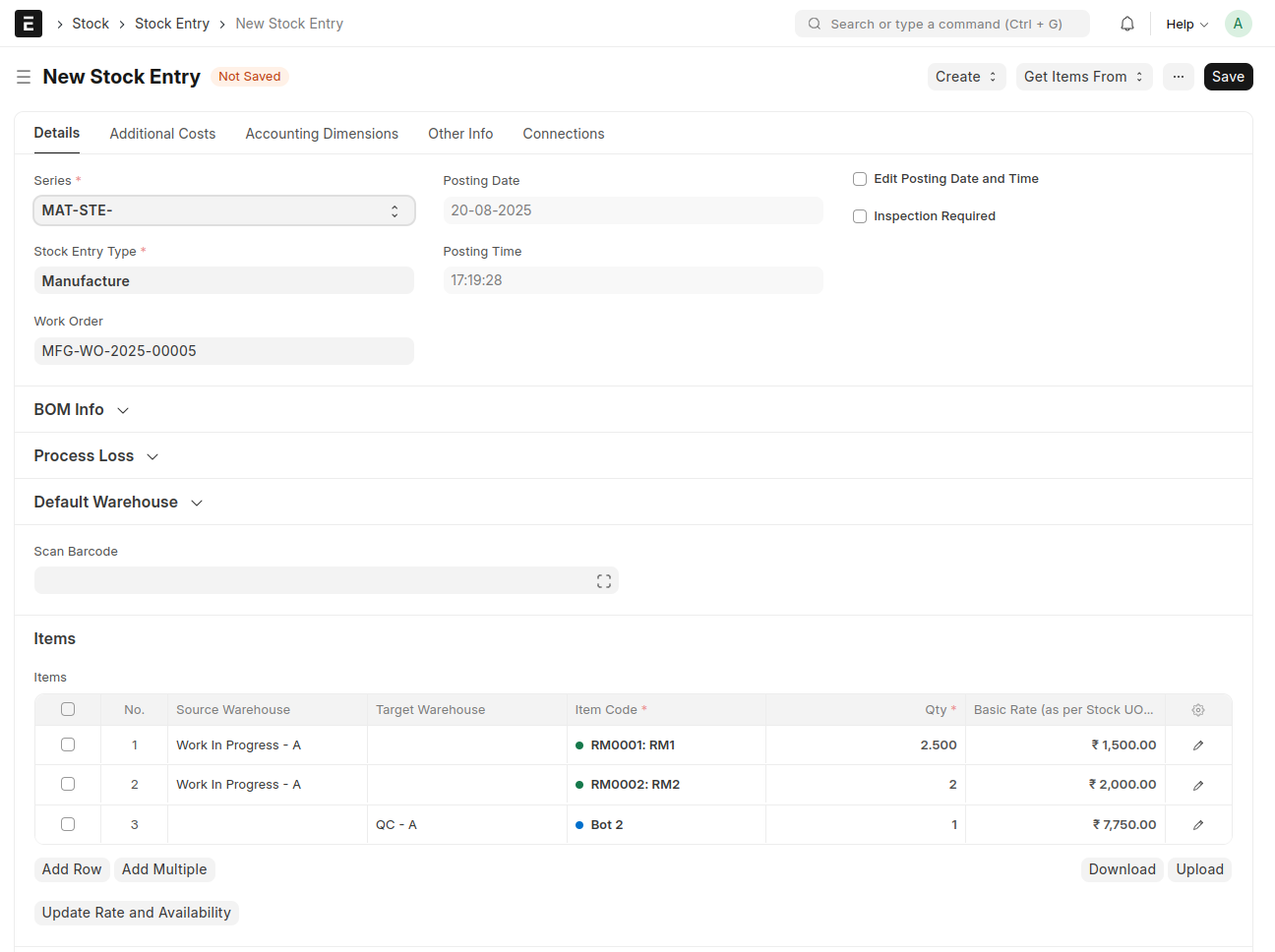 Save and Submit
Once manufacturing is complete, the QC process must be performed
In Process QC
From Manufacture Stock Entry → Click the 'Create' button → Select 'In Process QC'
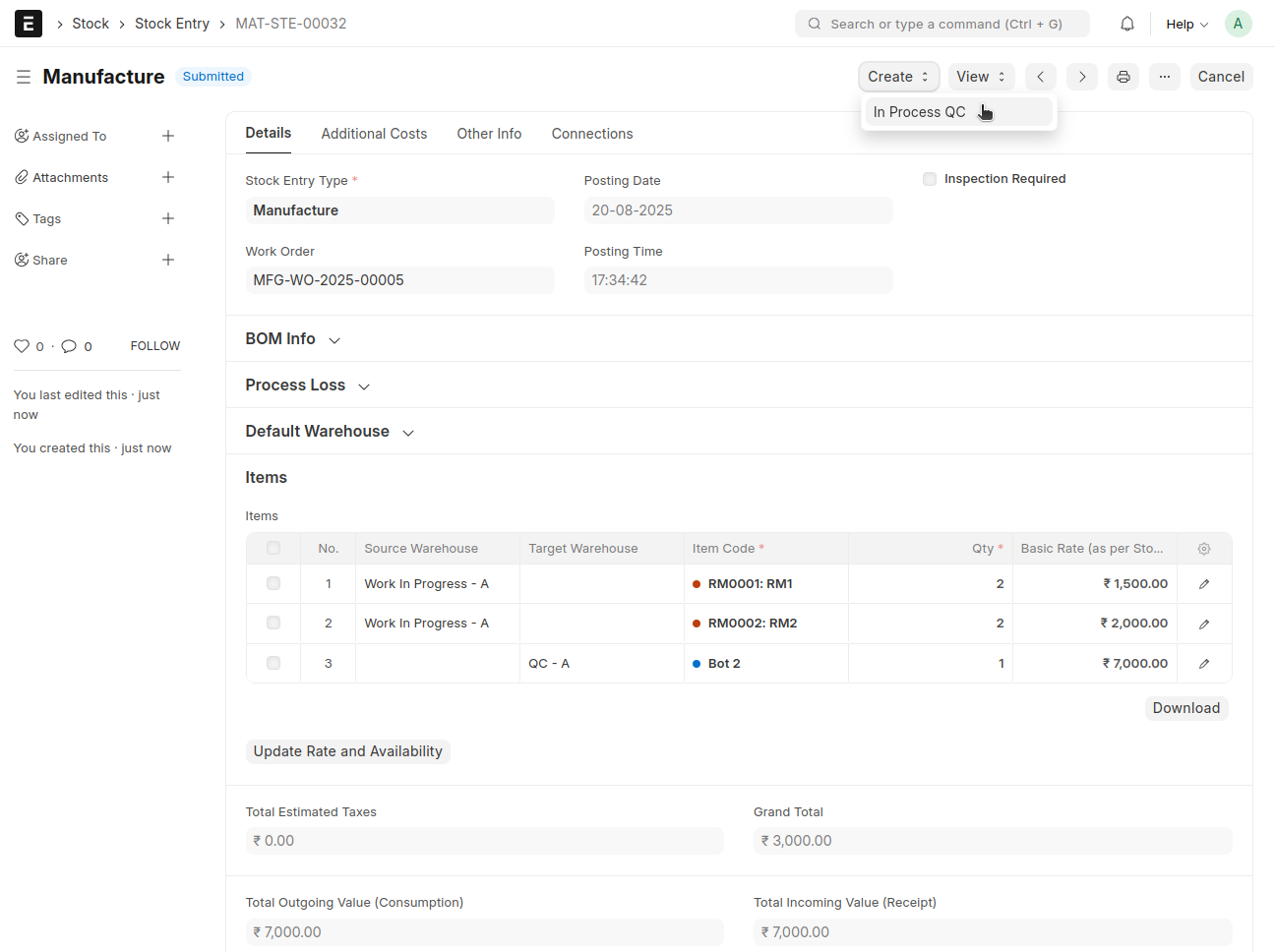 An In Process QC will be automatically created against this Manufacture Stock Entry
Select the QC Engineer
Change the status to either 'Approved' or 'Rejected', then submit
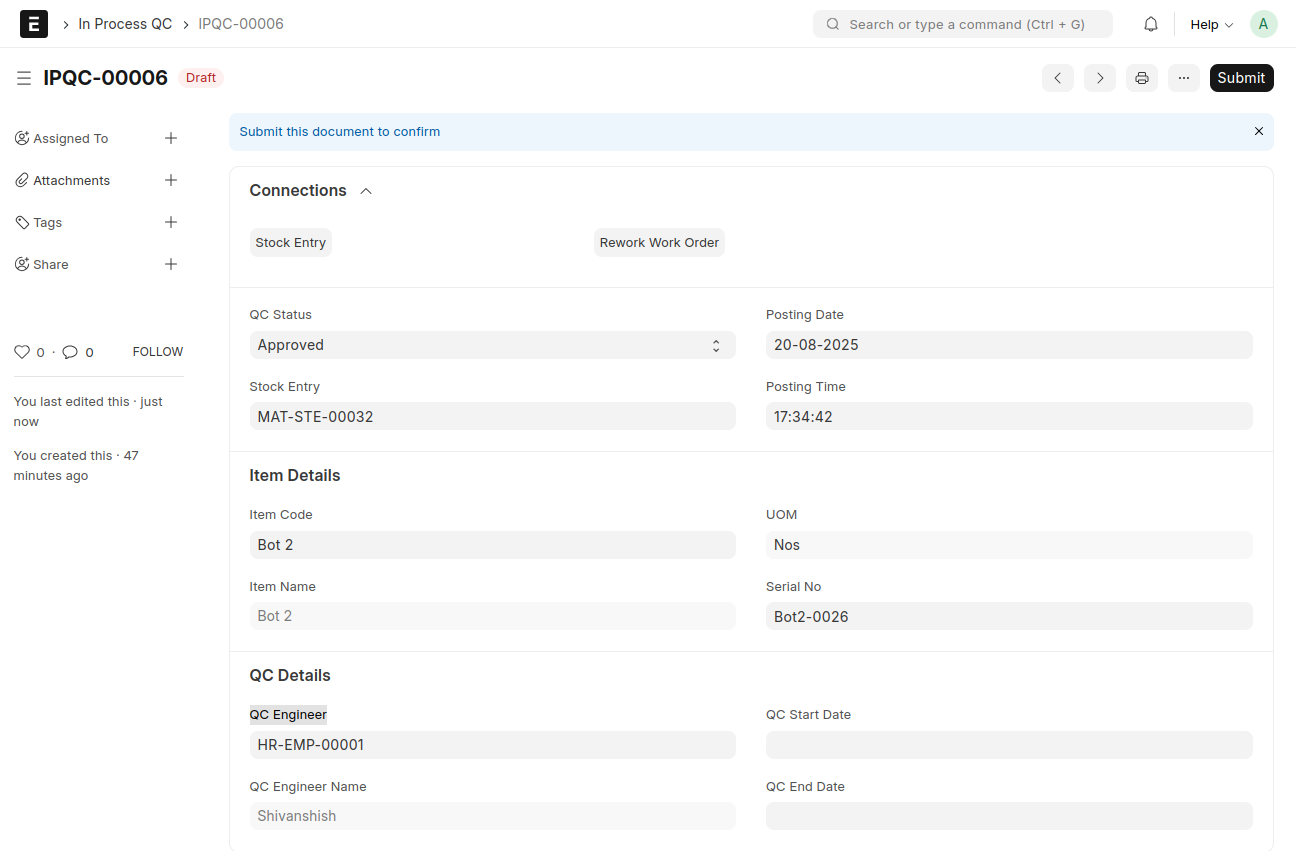
If the status is set to 'Approved', a Stock Entry will be automatically created in a submitted state
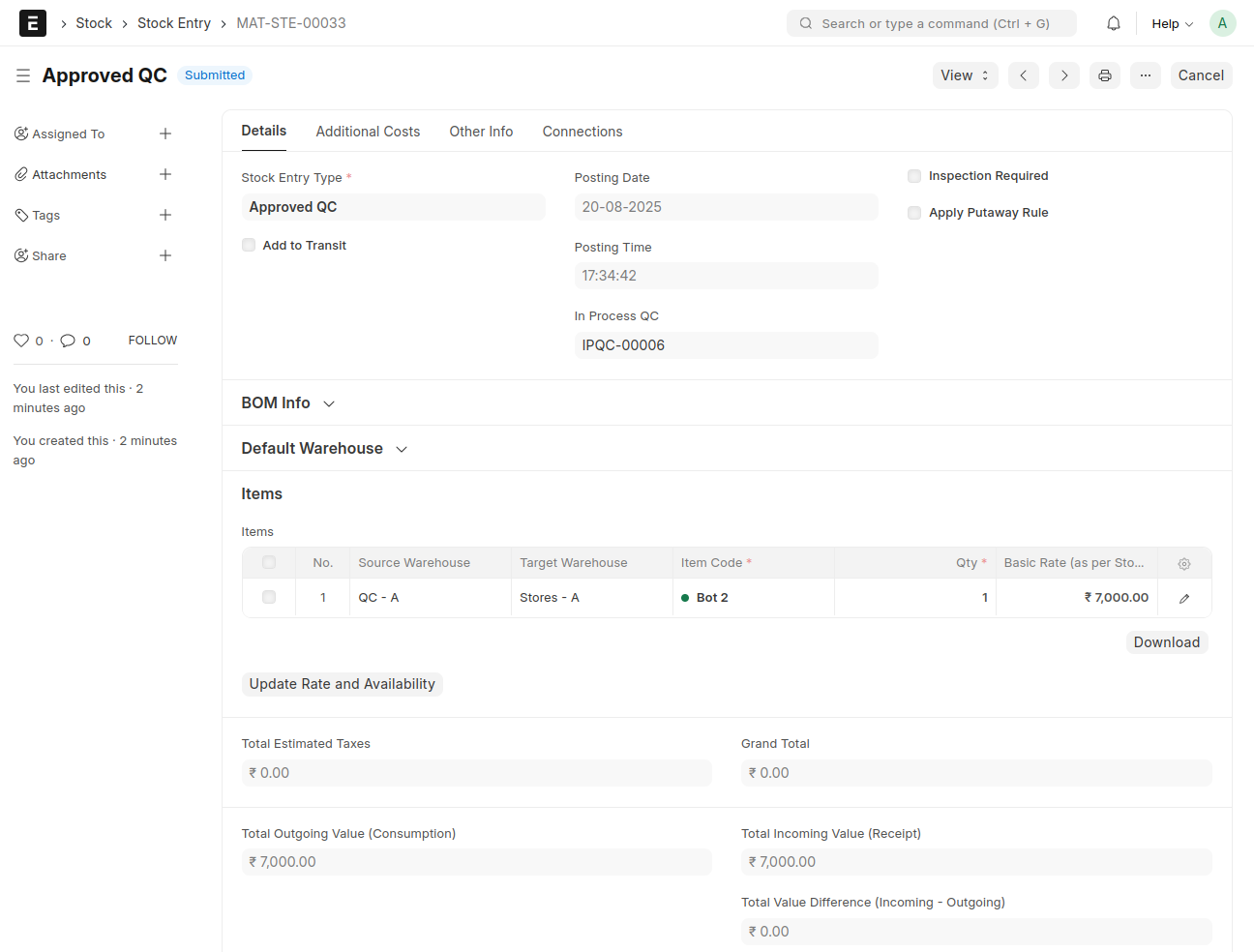
Here the manufactured item 'Bot' will move to the 'stores' Warehouse
And if the status is set to 'Rejected',a Stock Entry will be automatically created in a submitted state
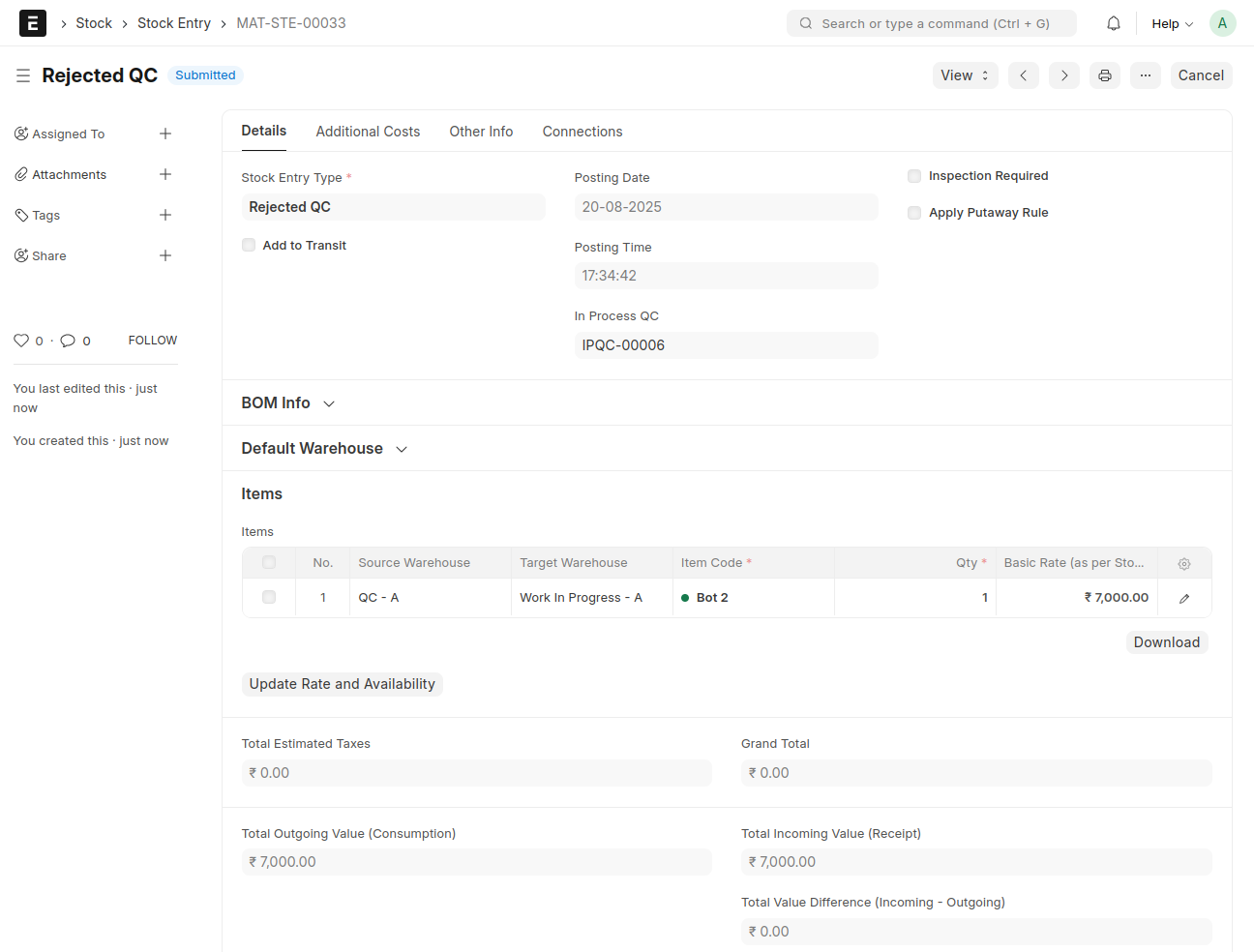 Here the item 'Bot' will move to the 'Work In Progress' Warehouse
Along with the Stock Entry, a Rework Work Order will also be created
Select the Raw Material Items
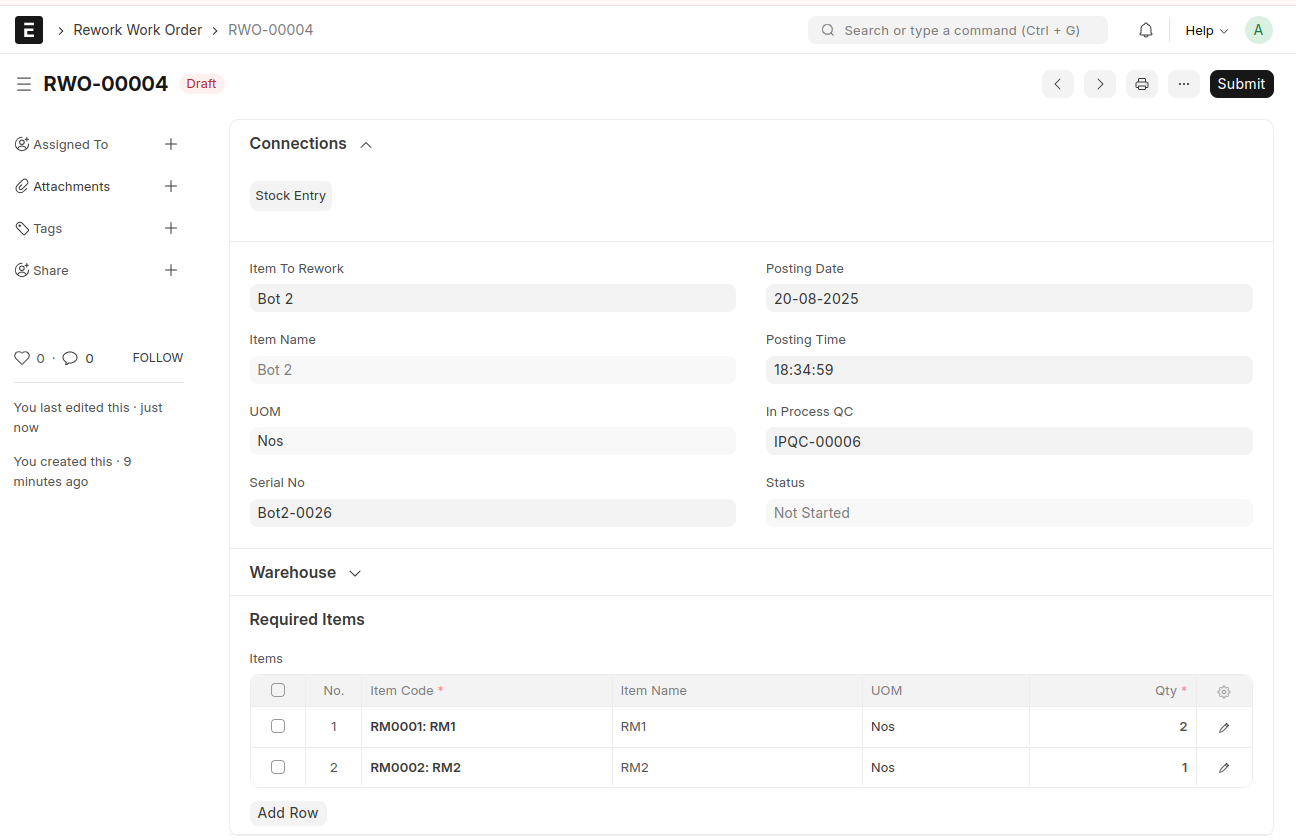 Save and Submit
From here, create the Material Transfer for Manufacture Stock Entry and the Manufacture Stock Entry by clicking the 'Start' and 'Finish' buttons
From Manufacture Stock Entry, create In Process QC
he process continues until In-Process QC is approved and the Bot is completely manufactured and transferred to the Stores warehouse