Momscode - AMIDC-Inward QC
Inward QC
We can create Inward QC in 2 ways.
- From the Purchase Receipt (Auto creation of inward QC while submitting it, A button is added in the PR for creating Inward QC Document.)
- Manually create Inward QC.
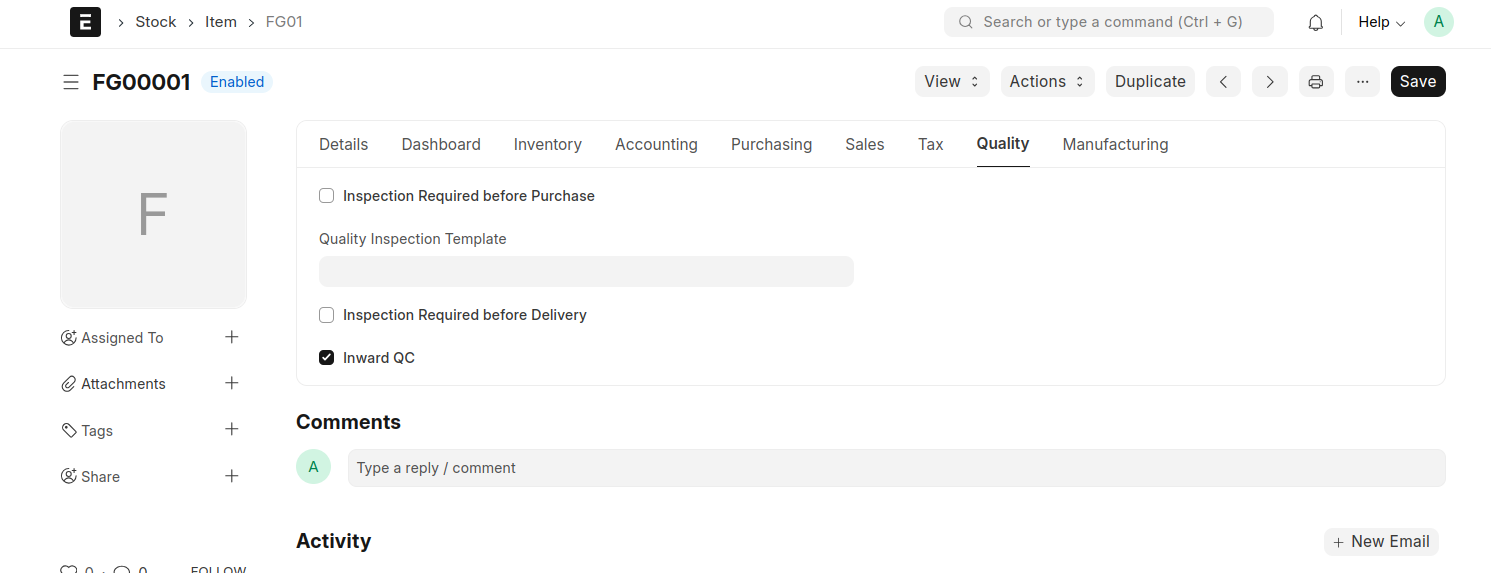
Make sure you must enable the Inward QC Check Box in Item Master for auto creation of QC while submitting PR.
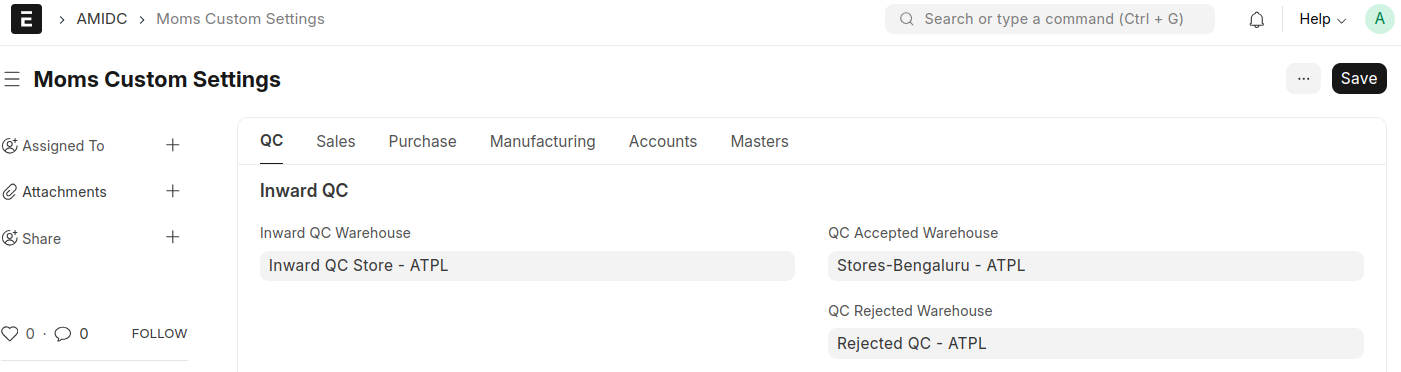
Before doing the inward QC some default settings to be set in Moms Custom Settings.
An Inward QC will be automatically created for each item line in the Purchase Receipt. For example, if the PR contains 3 items, 3 separate Inward QCs will be generated automatically with all relevant information.
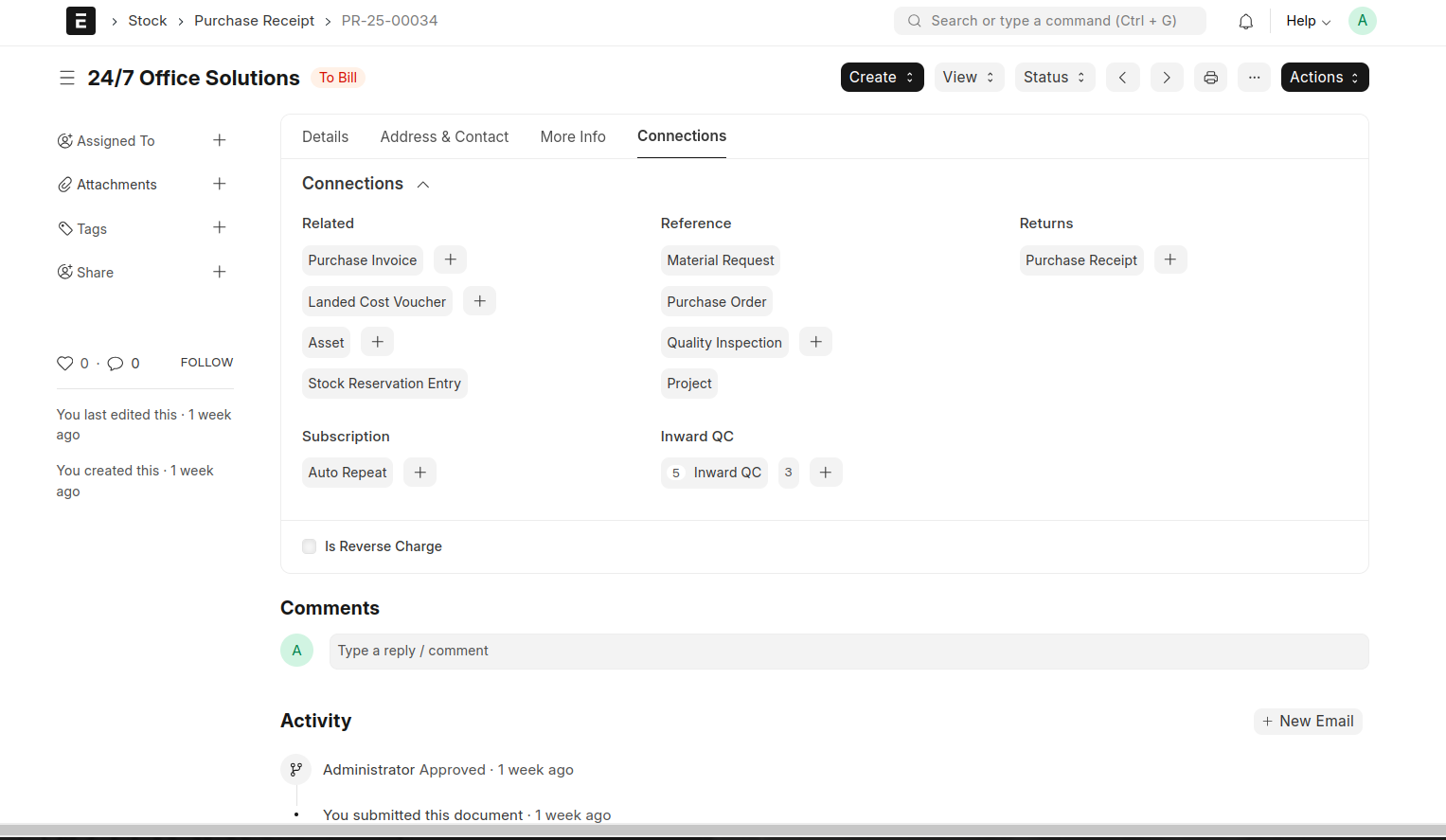
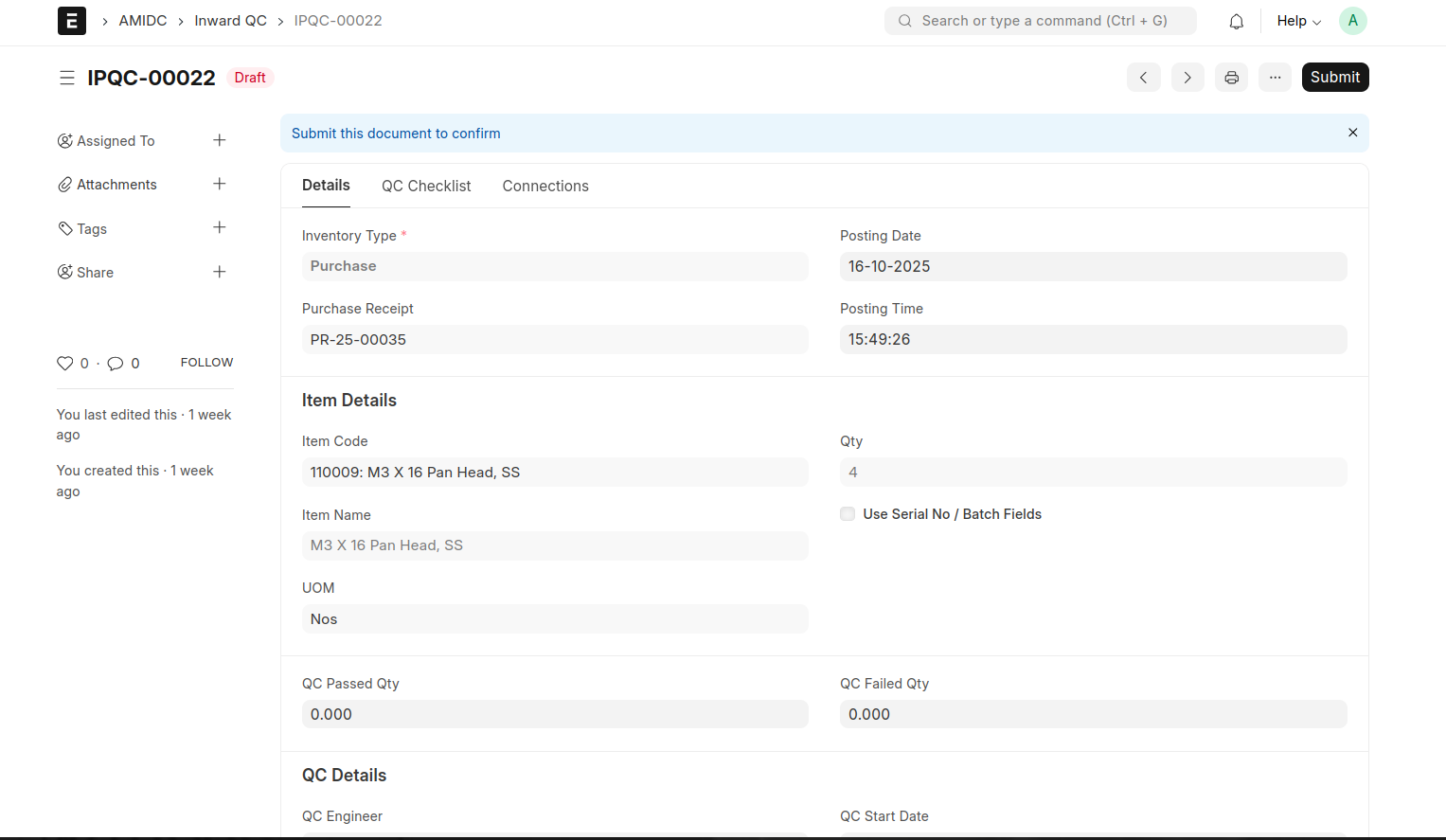
In Special Case, if an Item belongs to 'Class A' category, seperate QC will be created for each indevidual Qty. for eg: if a class A item have 3 qty, 3 seperate QC will be generated against that PR.
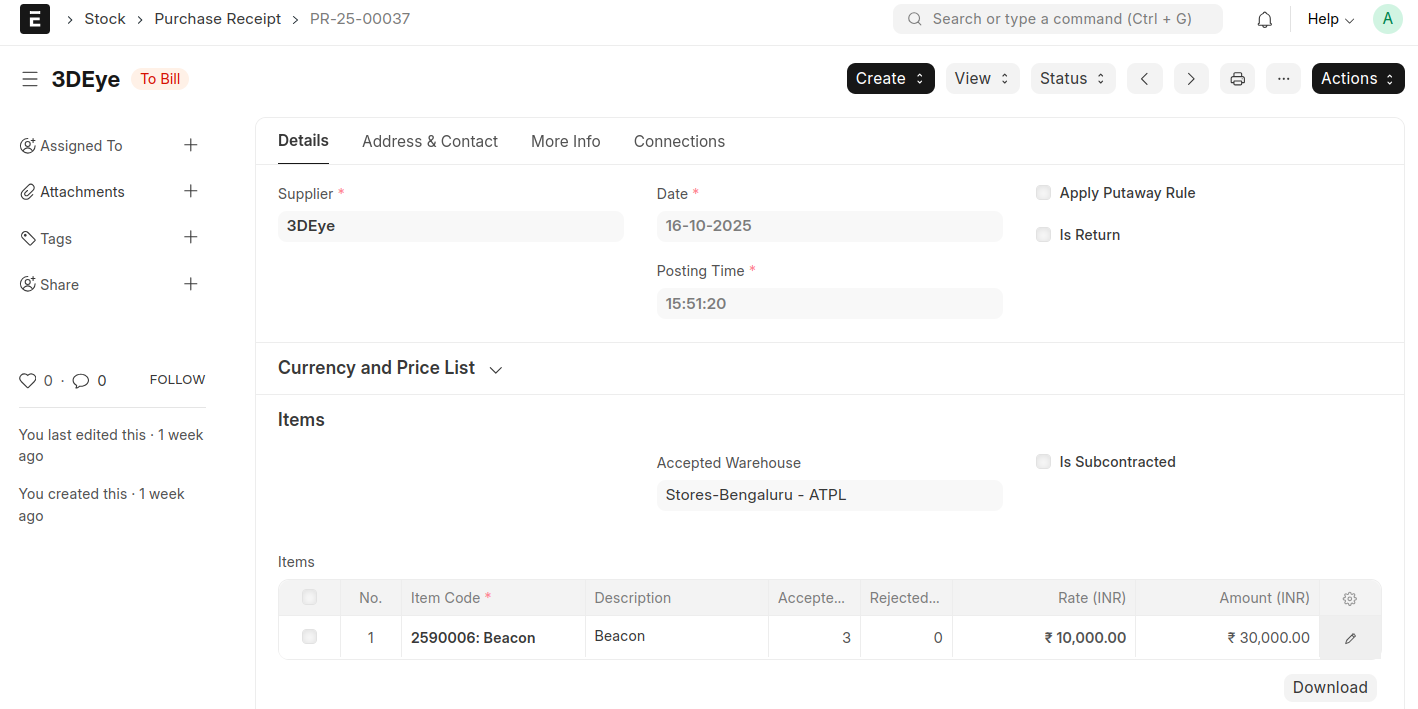
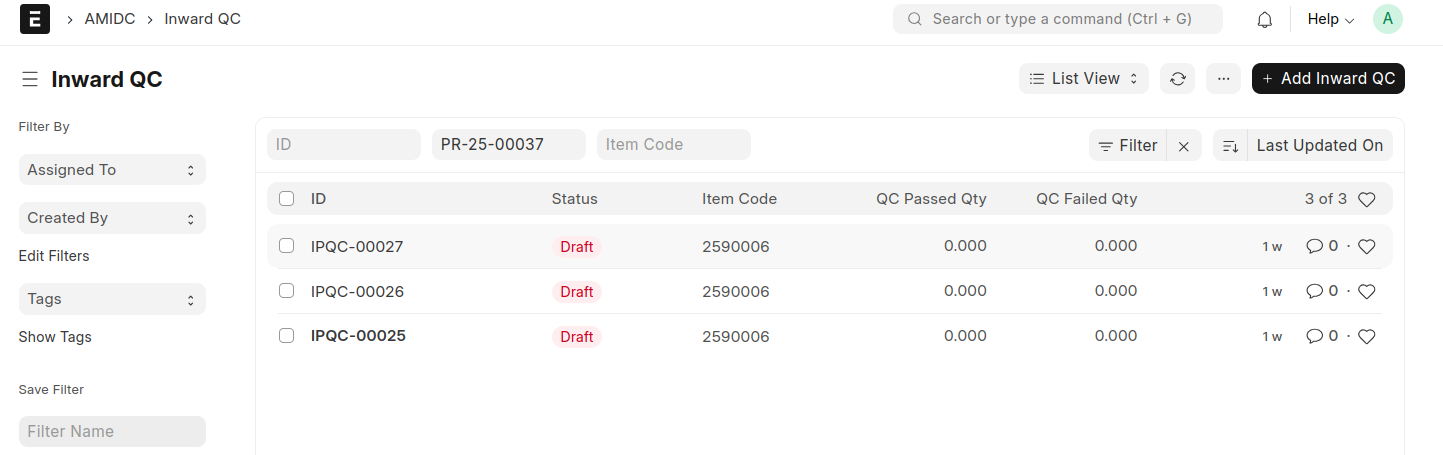
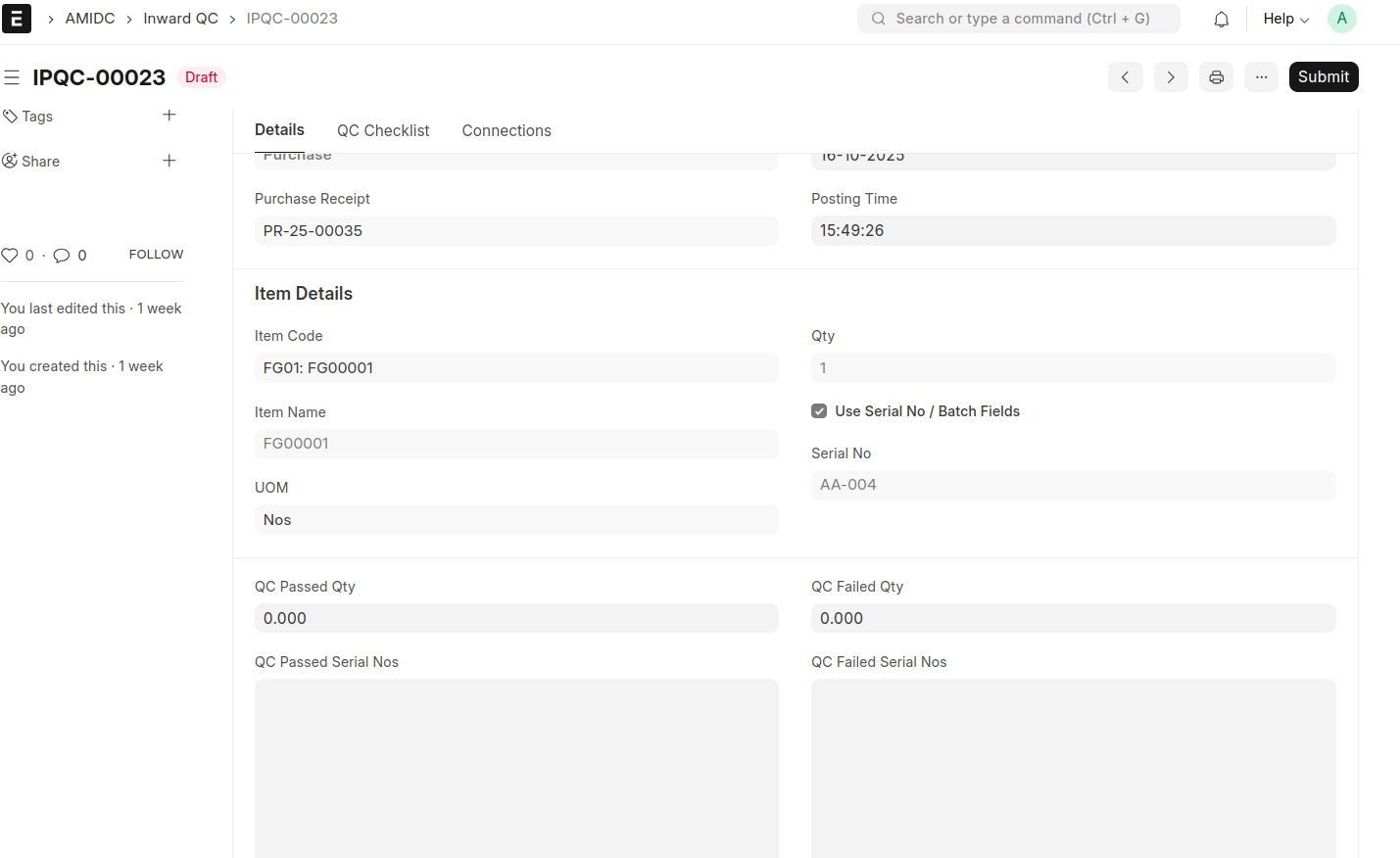
In the Inward QC, users must enter the Passed and Failed quantities before submitting the document. Additionally, if the item has a Serial Number, it must also be specified prior to submission.
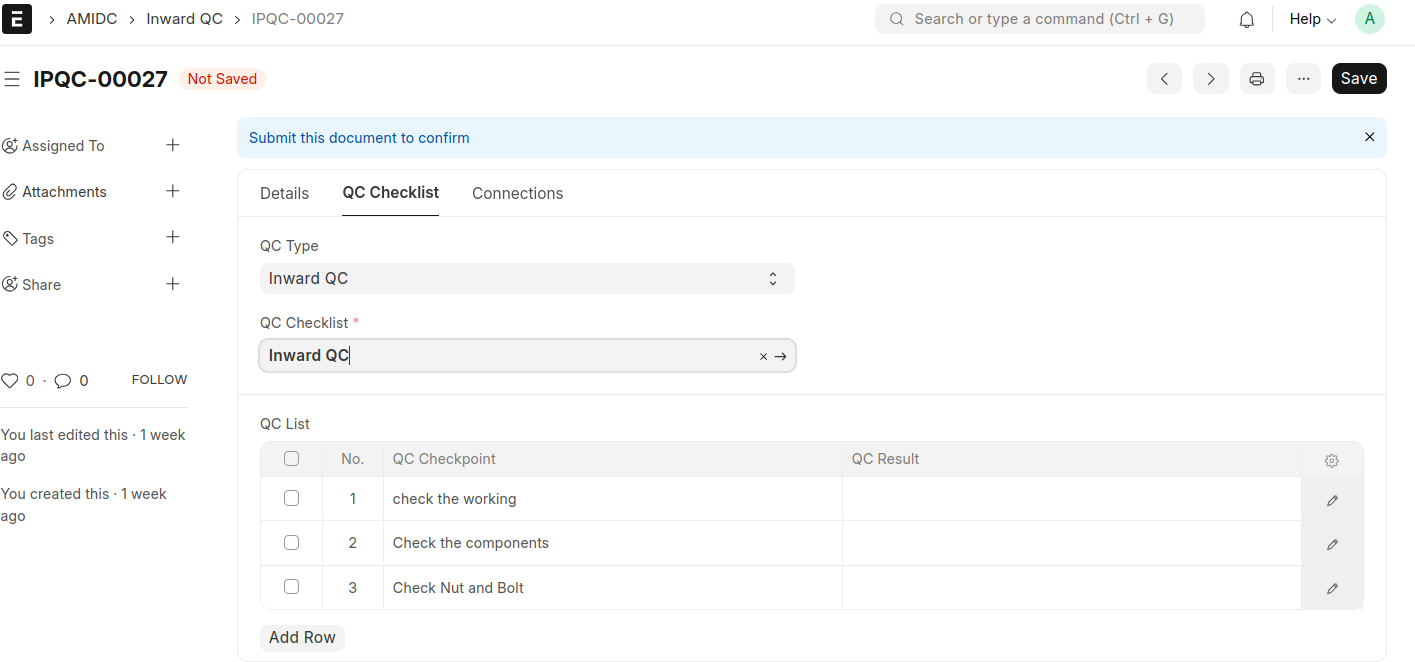
Also there is a tab for selecting the QC Checklist and the table will be automatically filled while selecting the checklist
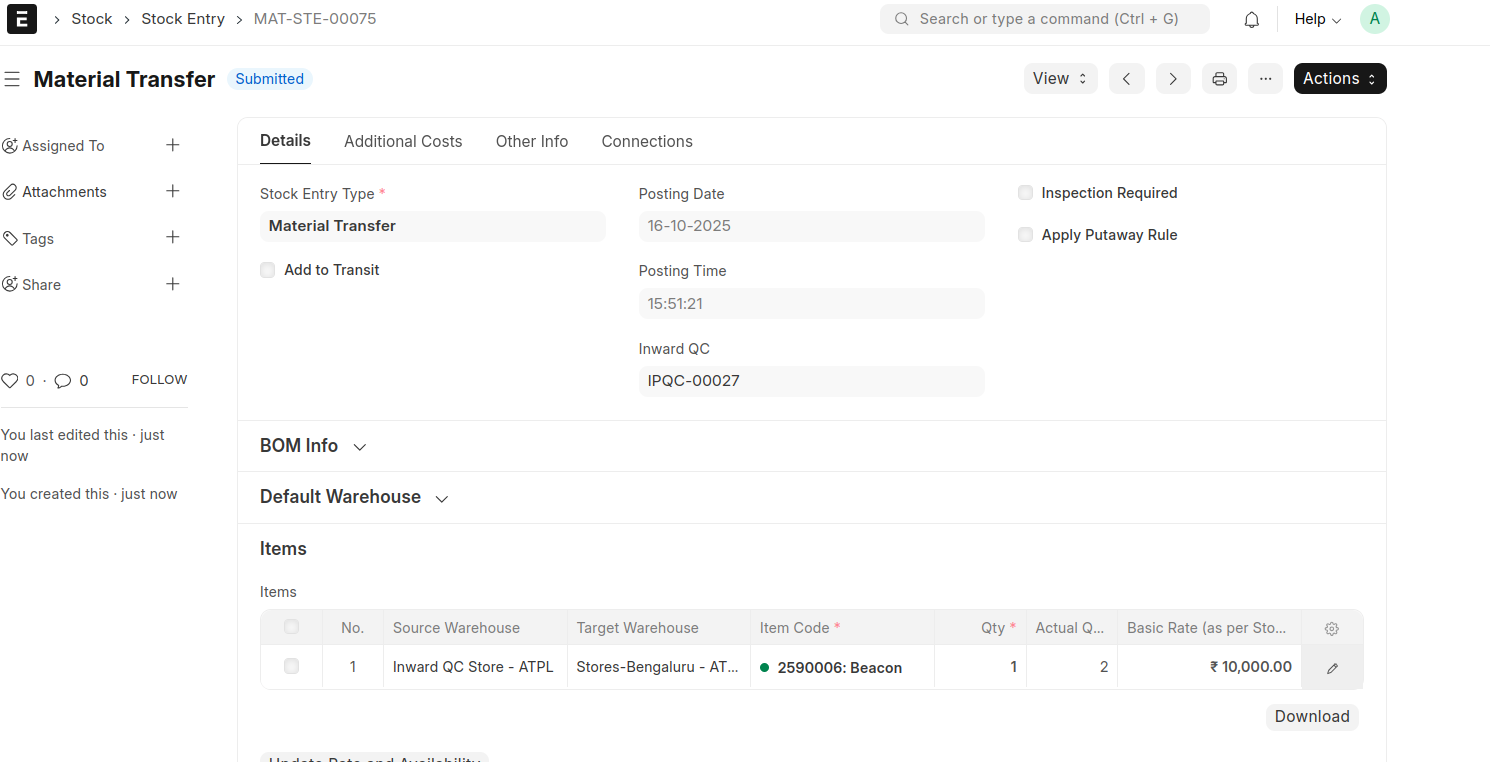
While submitting a stock entry of material tranfer will be generated automatically. The default warehouse will be taken from Moms Custom Settings.