Momscode - Plantrich (Agrifarm App) Customisation Details
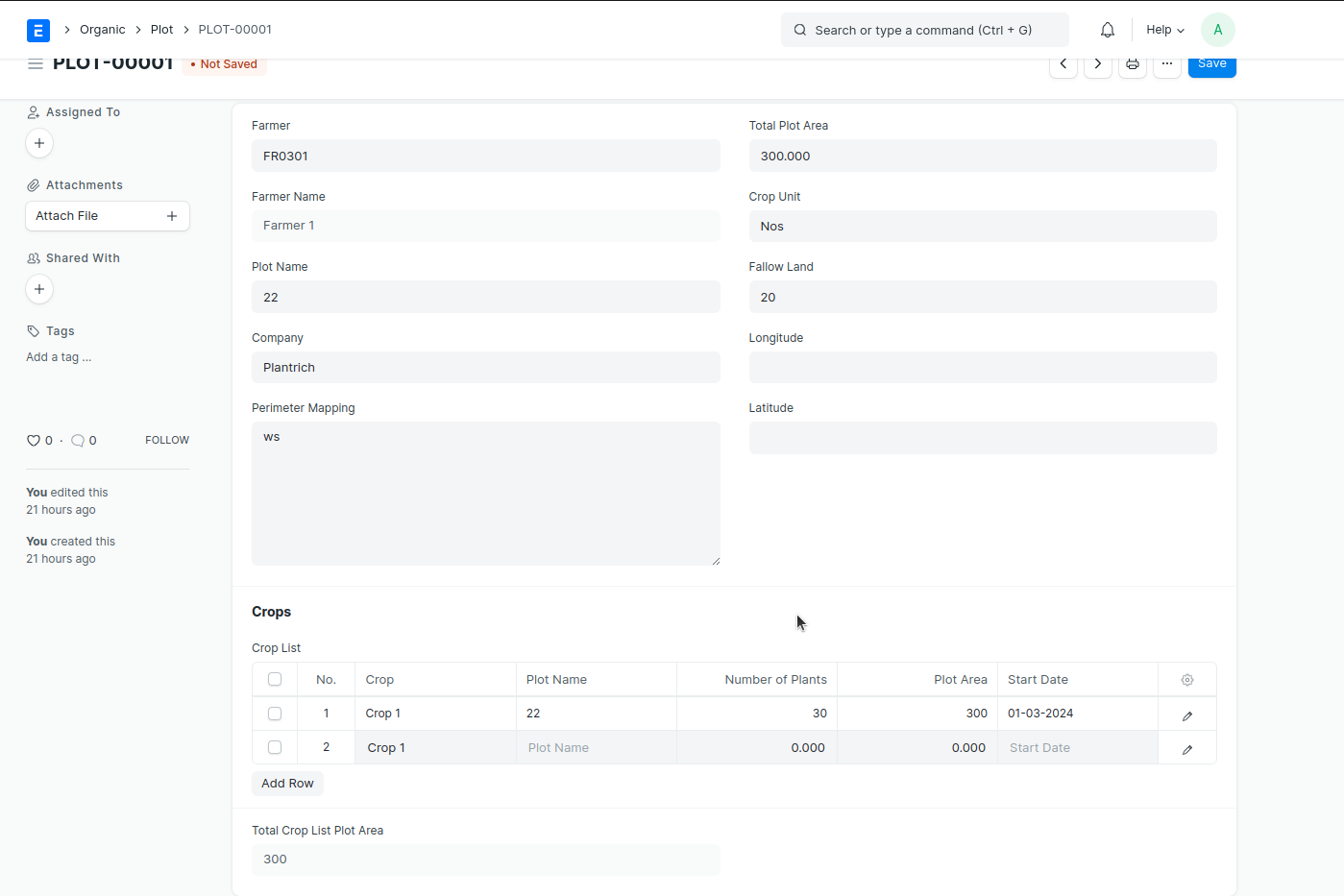
PLOT
Select >
Farmer
Input >
Plot Name
Perimeter Mapping
Total Plot Area
Crop Unit
Fallow land
Longitude
Lattitude
Crop List (Table) > Add Row Select > crop
Plot Name
Number of Plants
Plot Area (must same as 'Total Plot Area')
Start date > Save
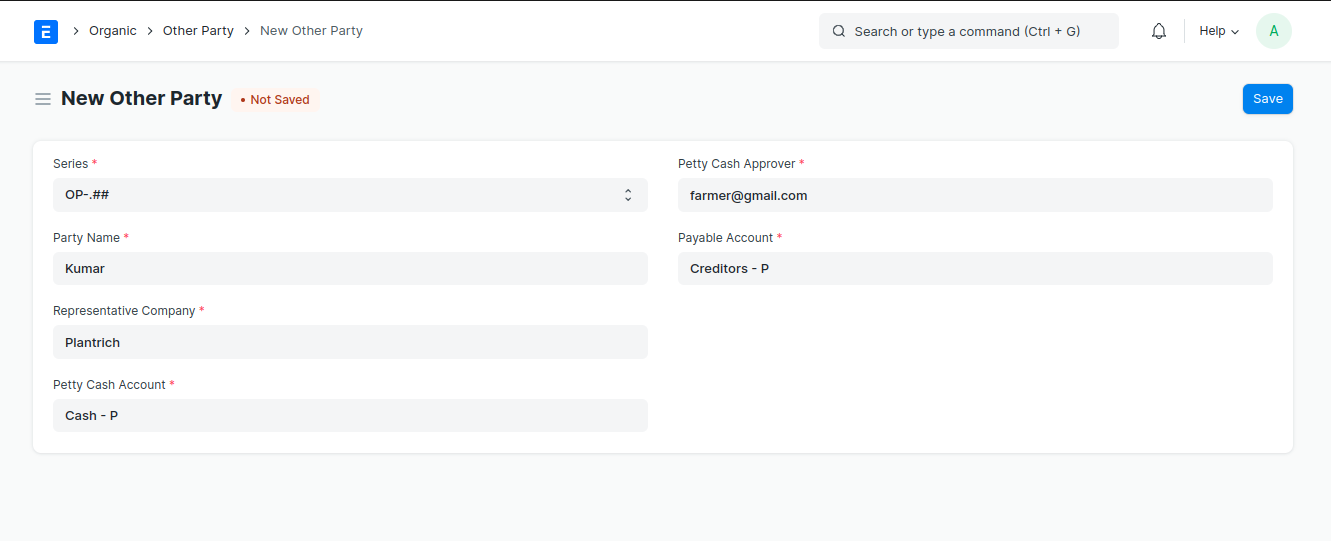
OTHER PARTY
Input > Party Name
Select > Petty Cash Account
Select > Petty Cash Approver
Select > Payable Account
MACHINE CLEANING CHECKLIST
Input > Issue Number
Select > Frequency >
Select > Date of Issue
Select > Type >
Parameters To Be Checked (Table) Select > Date
Select > Equipment
Select > Part of Equipment
Hot Water (option > Yes / No)
Vaccum Cleaning (option > Yes / No)
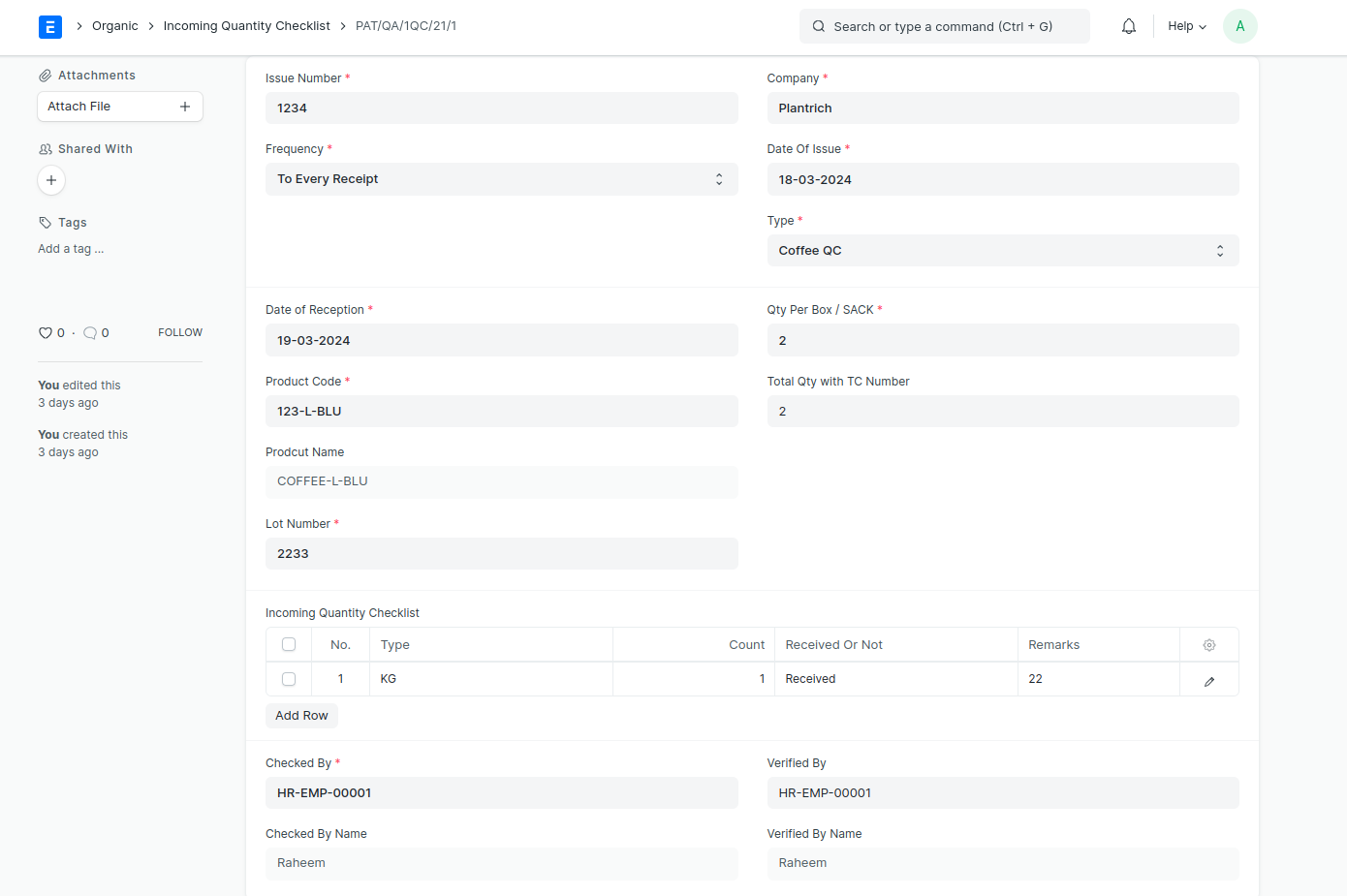
INCOMING QUANTITY CHECKLIST
Input > Issue Number
Select > Frequency
Select > Date of Reception
Select > Product code (link to Item, Product Name automatically come)
Input > Lot Number
Select > Date of Issue
Select > Type
. Not Defined. Coffe QC. Spices QC. NPD QC
Input > Qty per BOX/SACK
Input > Total Qty with TC Number
Incoming Quantity Checklist (Table)
Select > Type >
. Sack. Box. KG. Ton
Input > Count
Select > Received or Not > . Received. Not Received. Pcking Damage. Received but packing Damage
Input > Remark
Select > Checked By (link to Employee)
Select > Verified By (link to Employee)
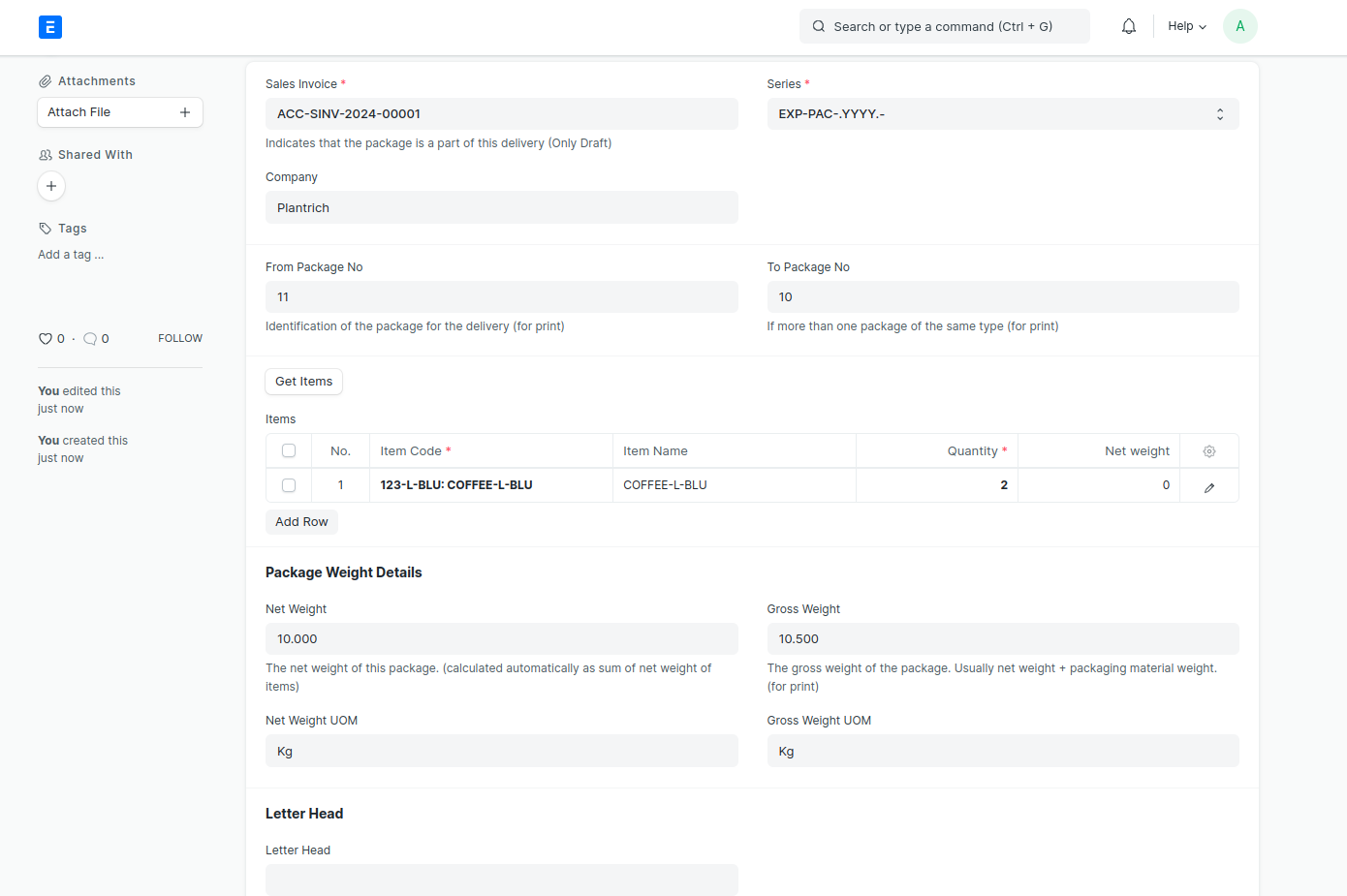
EXPORT PACKING LIST
Select > Sales Invoice
Input > From Package No (Identification of the package for the delivery (for print))
Input > To package No (If more than one package of the same type (for print))
Clik the button > Get Items (fetch the item and qty of that selected Sales Invoice and fill the data in Table Items)
Input > Net Weight
Input > Gross Weight
Select > Net Weight UOM (link to UOM)
Select > Gross Weight UOM (link to UOM)
Select > Letter Head
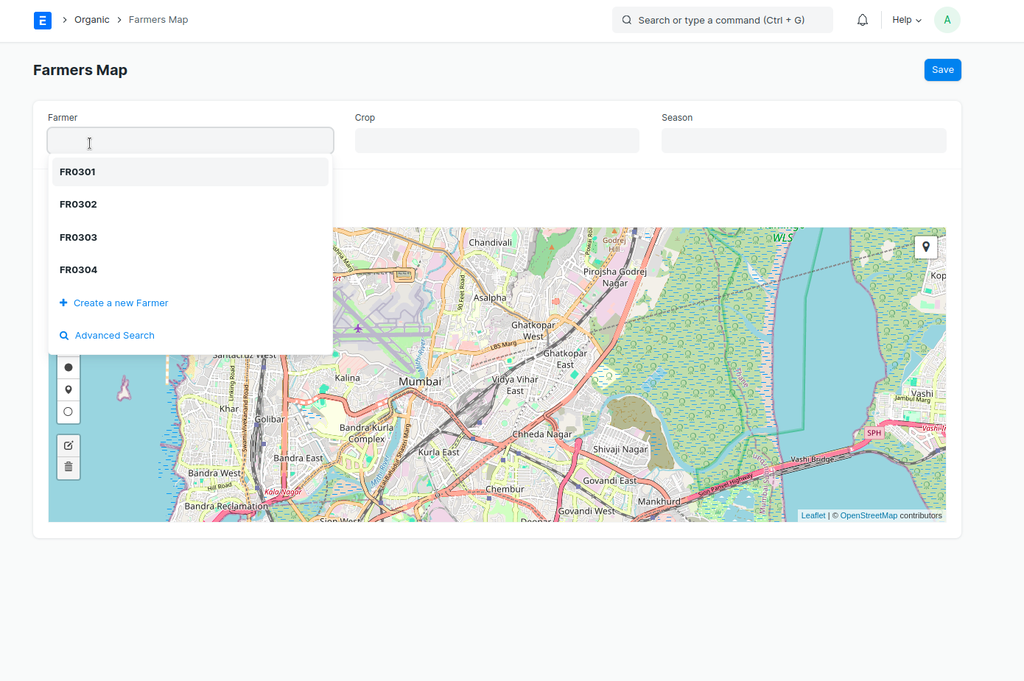
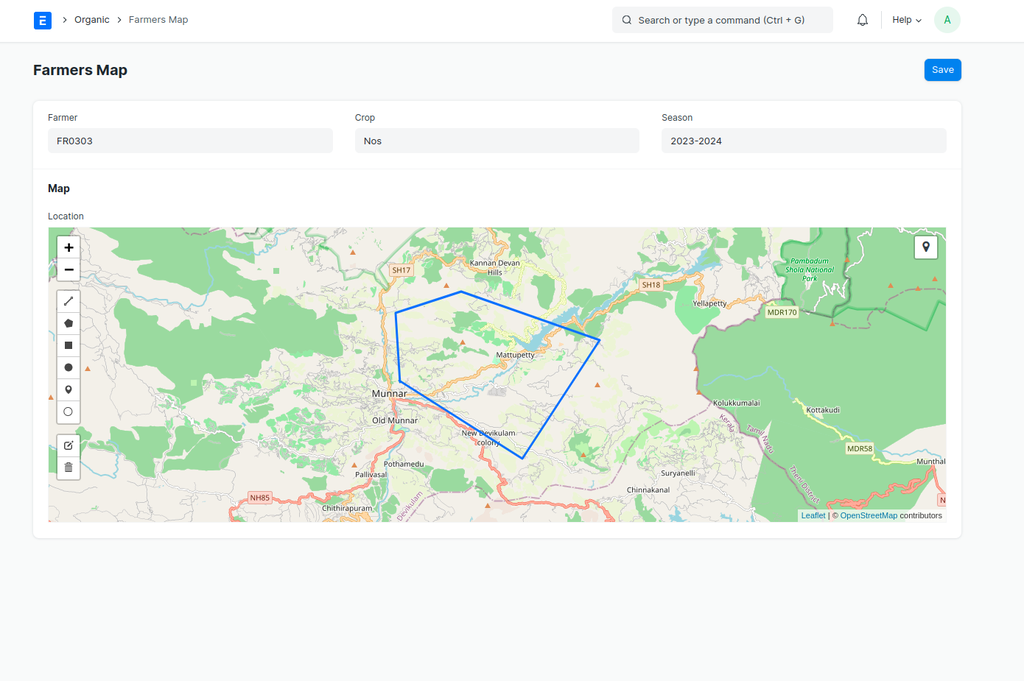
FARMERS MAP
Select > Farmer (link to farmer)
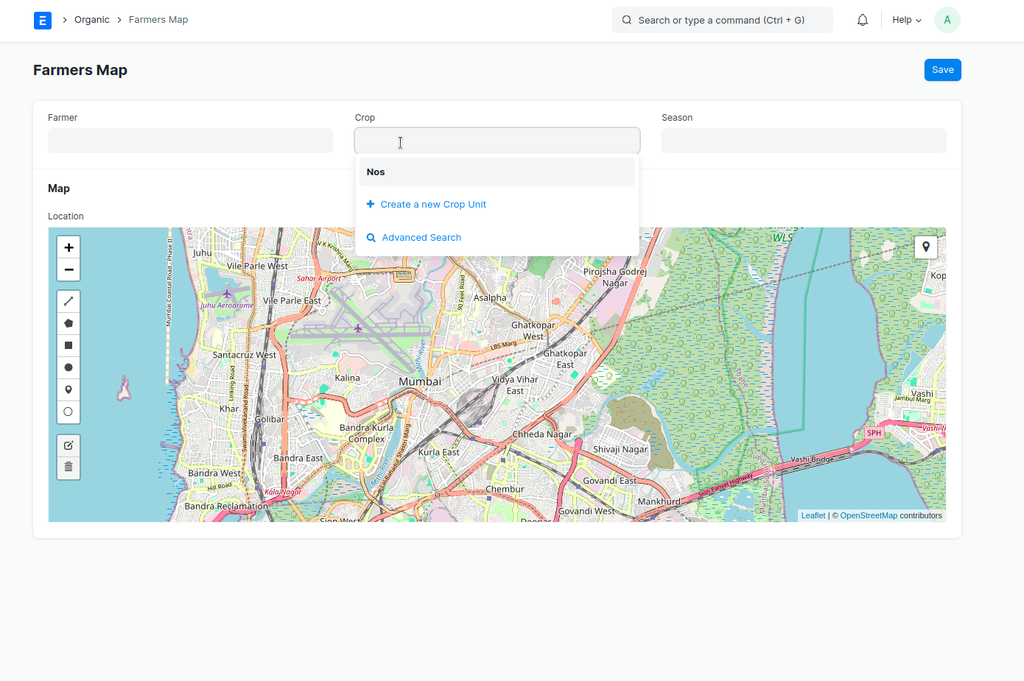
 Select > Crop (link to Crop Unit )
 Select > Season (link to season)
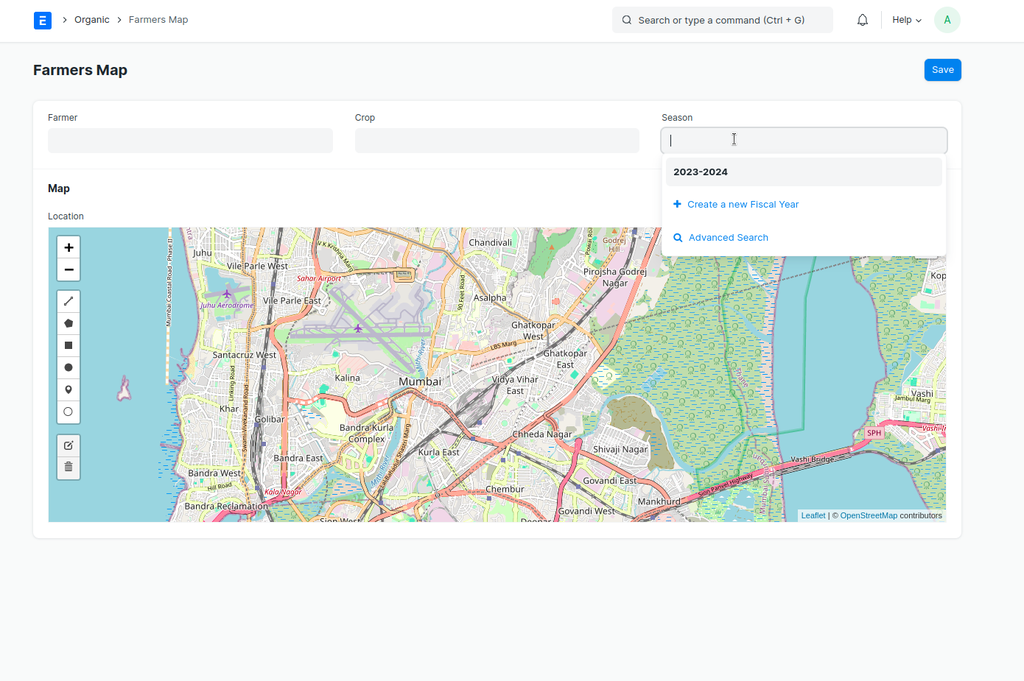 Draw or Mark > Locations in Map
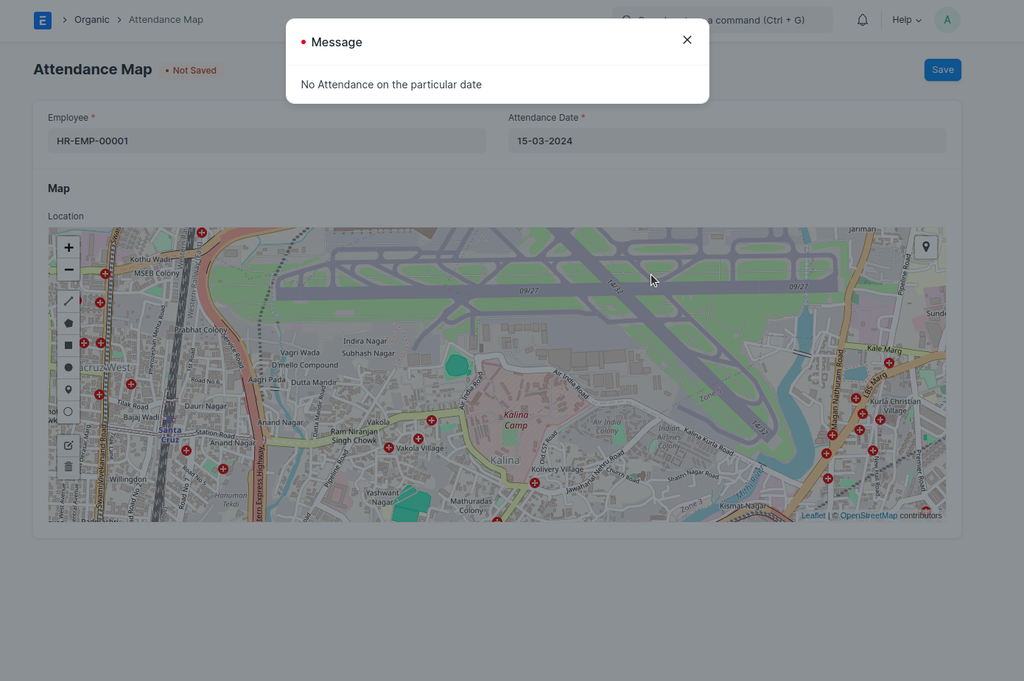
ATTENDANCE MAP
Select > Employee
Select > Attendance Date
Then Map was auto mark that day Attendance location
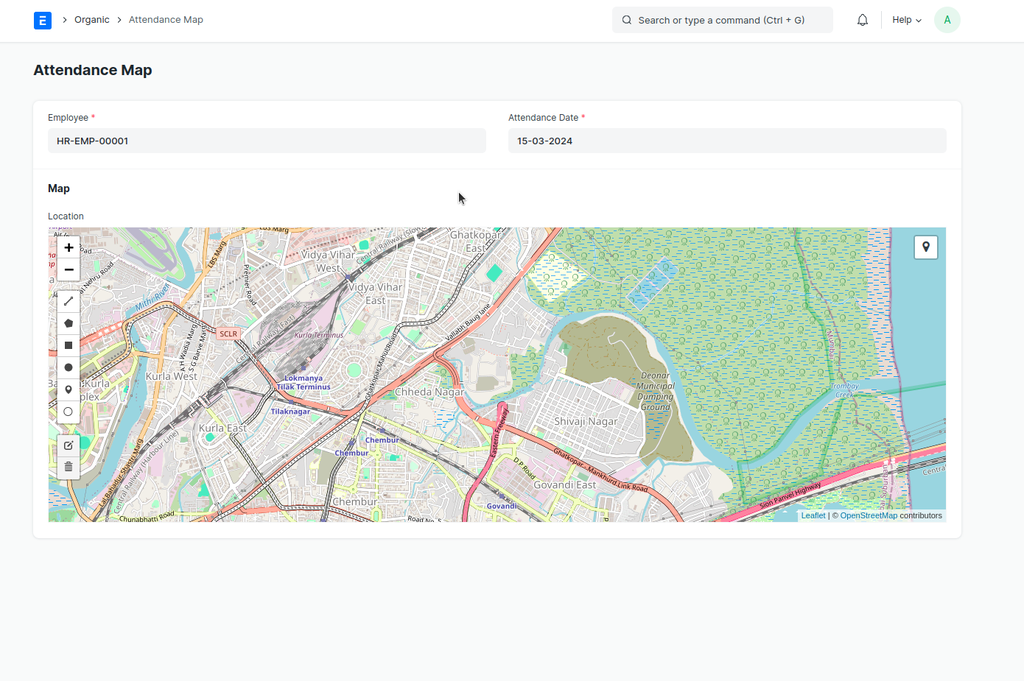 If you select a date with no attendance in Attendance Date