Purchase Order
- Create a Purchase Order and select the PO Approver, who acts as the first-level approver. Only users enabled as Purchase Order Approvers will be listed in the PO Approver field.
- Two fields have been added to the Purchase Order. 'Notofication' and 'Purchase Order Approval Status'.
- Purchase Order submission will depends on the Purchase Order Approval Status and the Grand Total value.
- There is a button 'Request to Approve' will be displayed in the Purchase Order for sending email to the user selected in the PO Approver field. While clicking this button 'Notification Sent' check box will be enabled automatically and the button will be disabled.
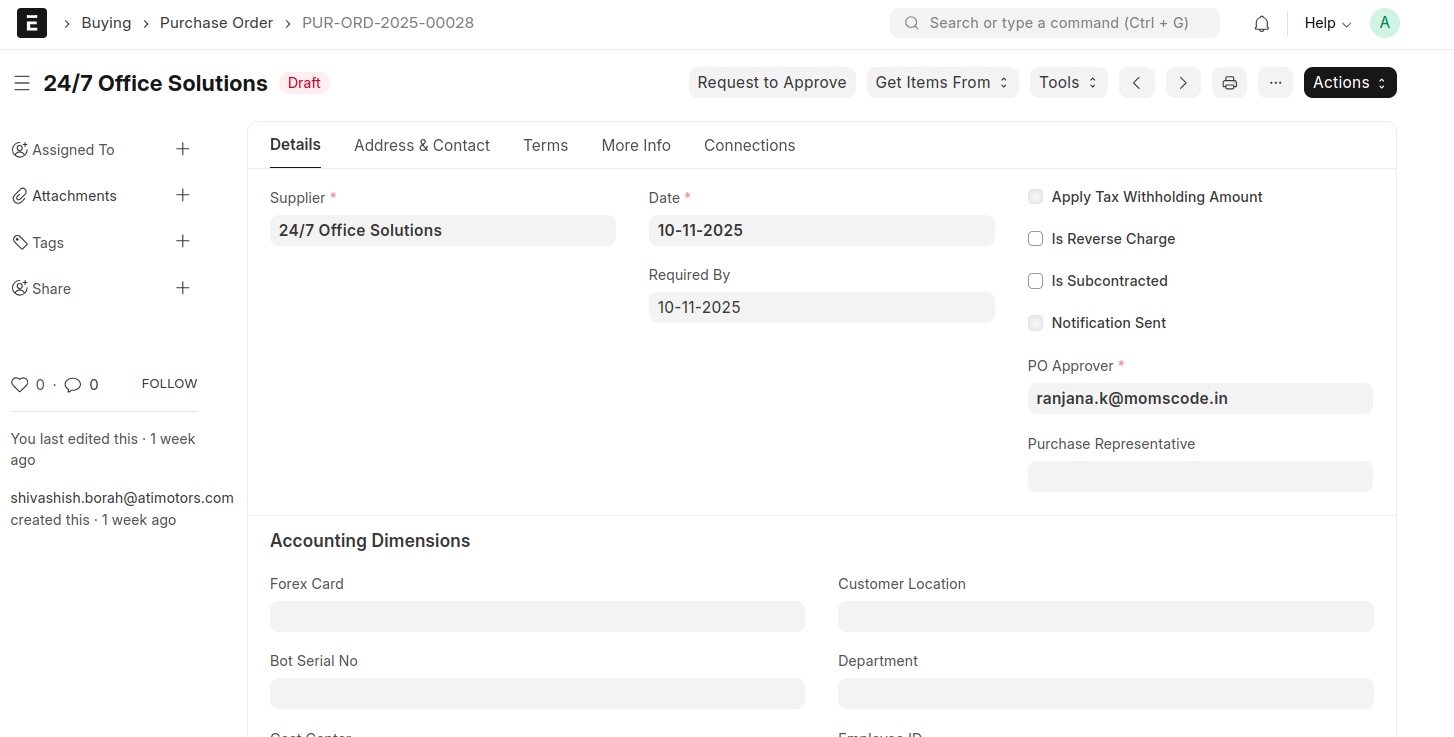
- After clicking this button, an email will be send to the PO Approver for the First level approve.
- Then an “Approve” button will be displayed for the PO Approver to approve the Purchase Order.
- Then the Purchase Order Approval Status will be changed into "Approved by PO Approver"
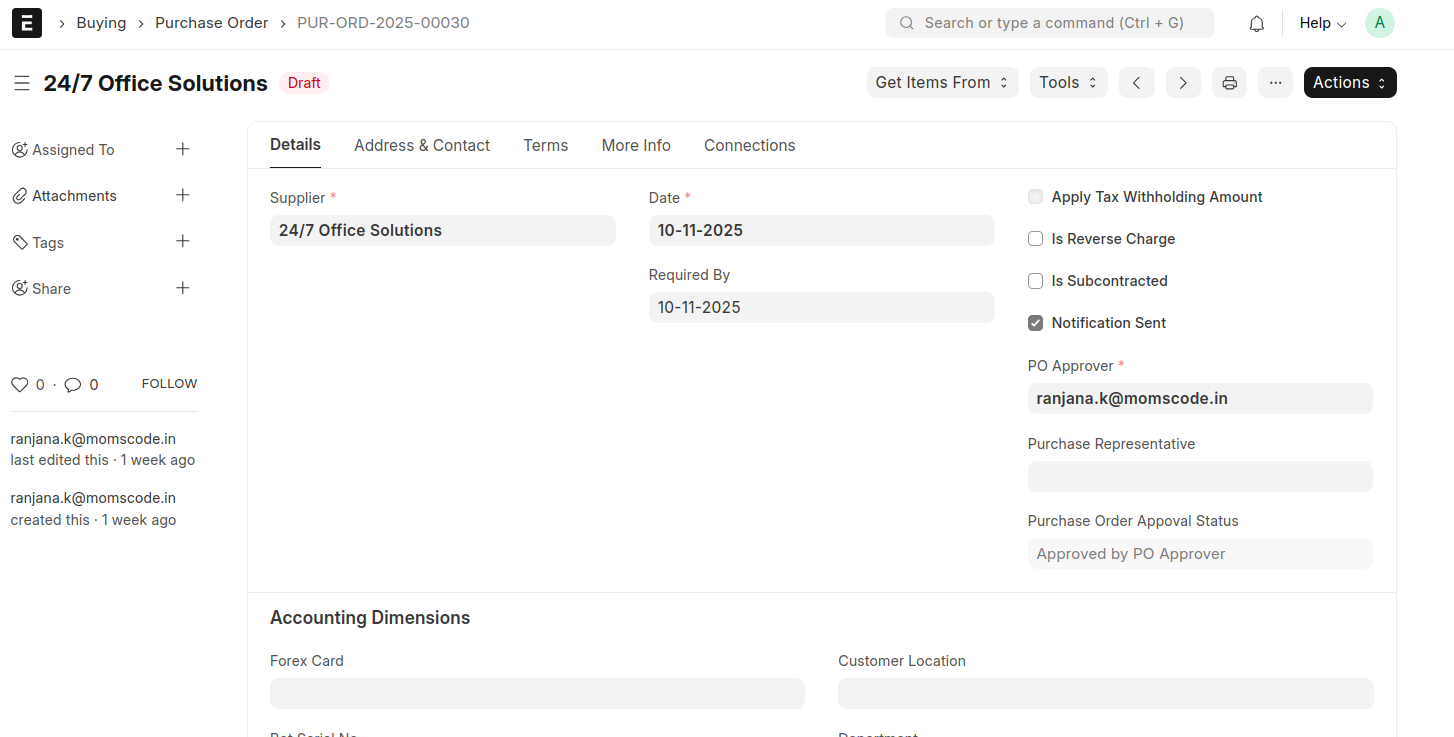 * For Purchase Orders value below 100,000, only the PO Approver’s approval is required.