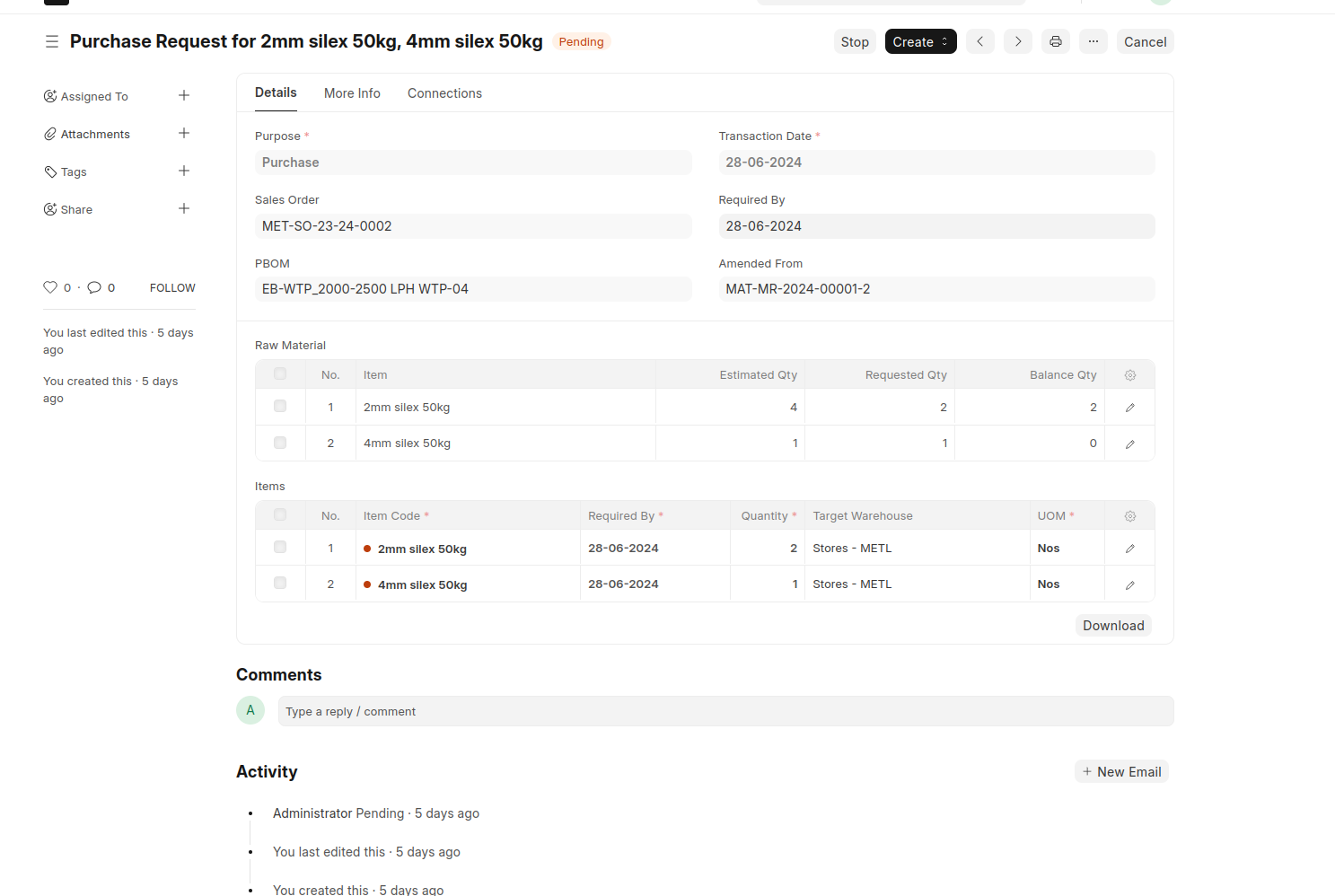
Momscode - Metlis-Estimation
Estimation Process
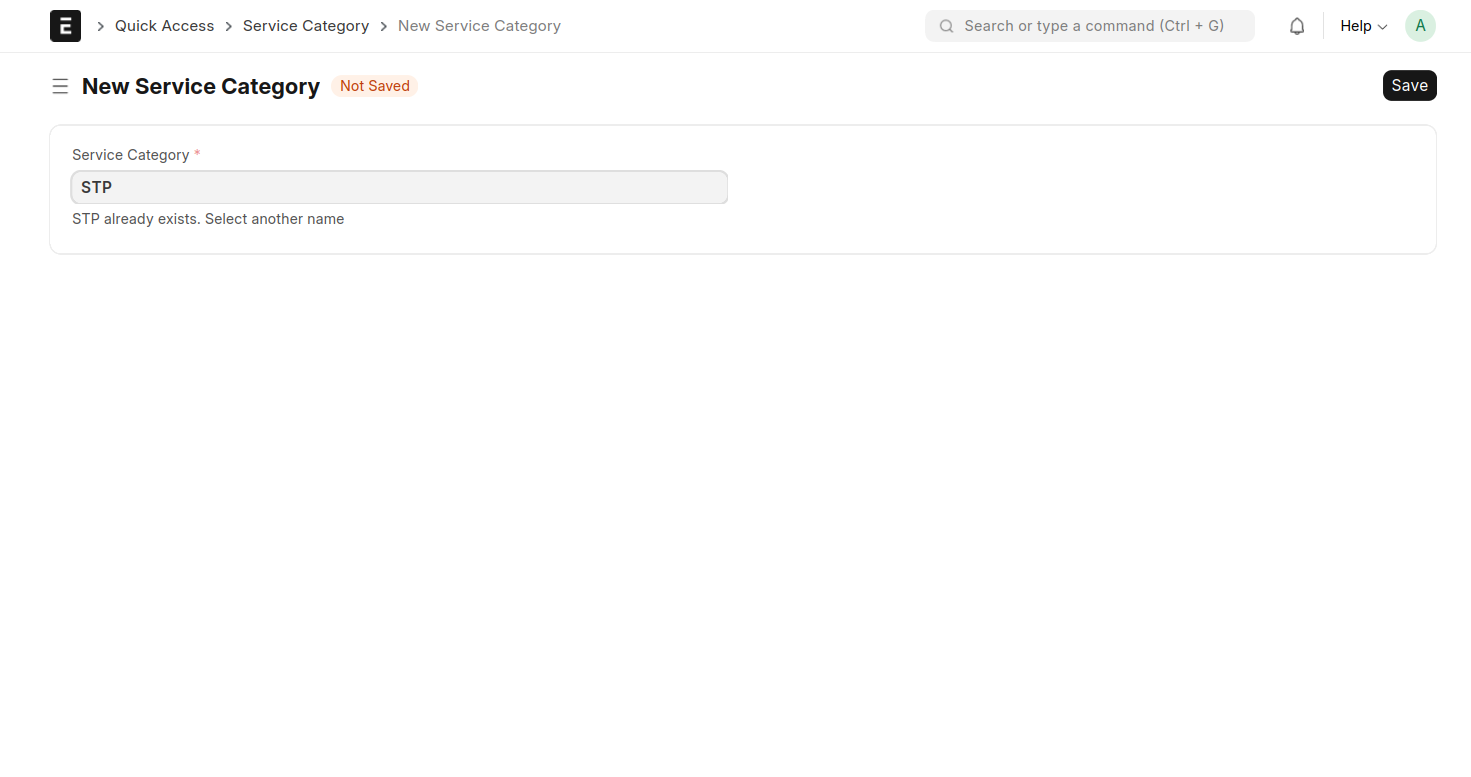
- Create Service Category
Add a new Service Category
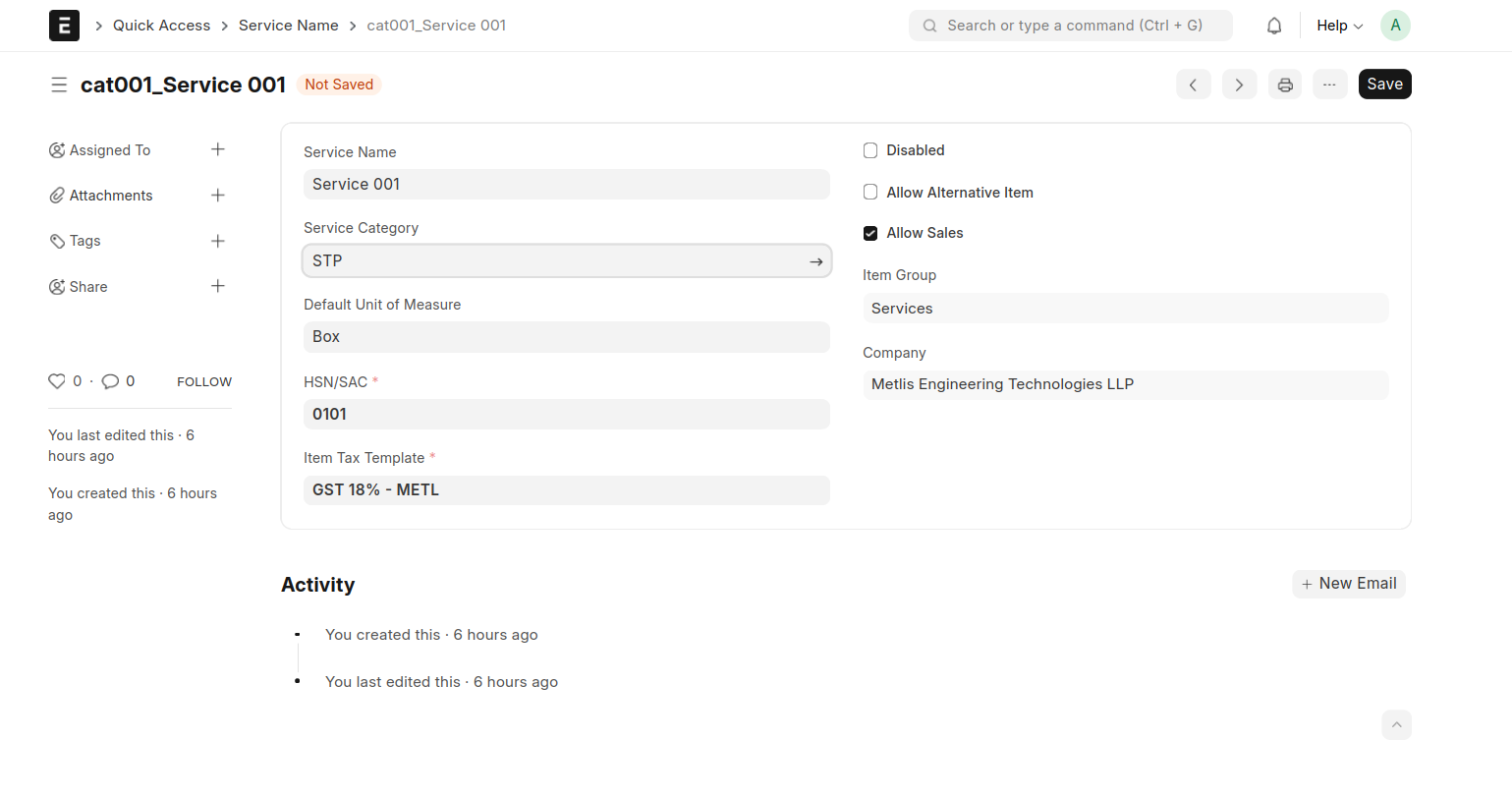
2.Create service Name
Add a New Service Name
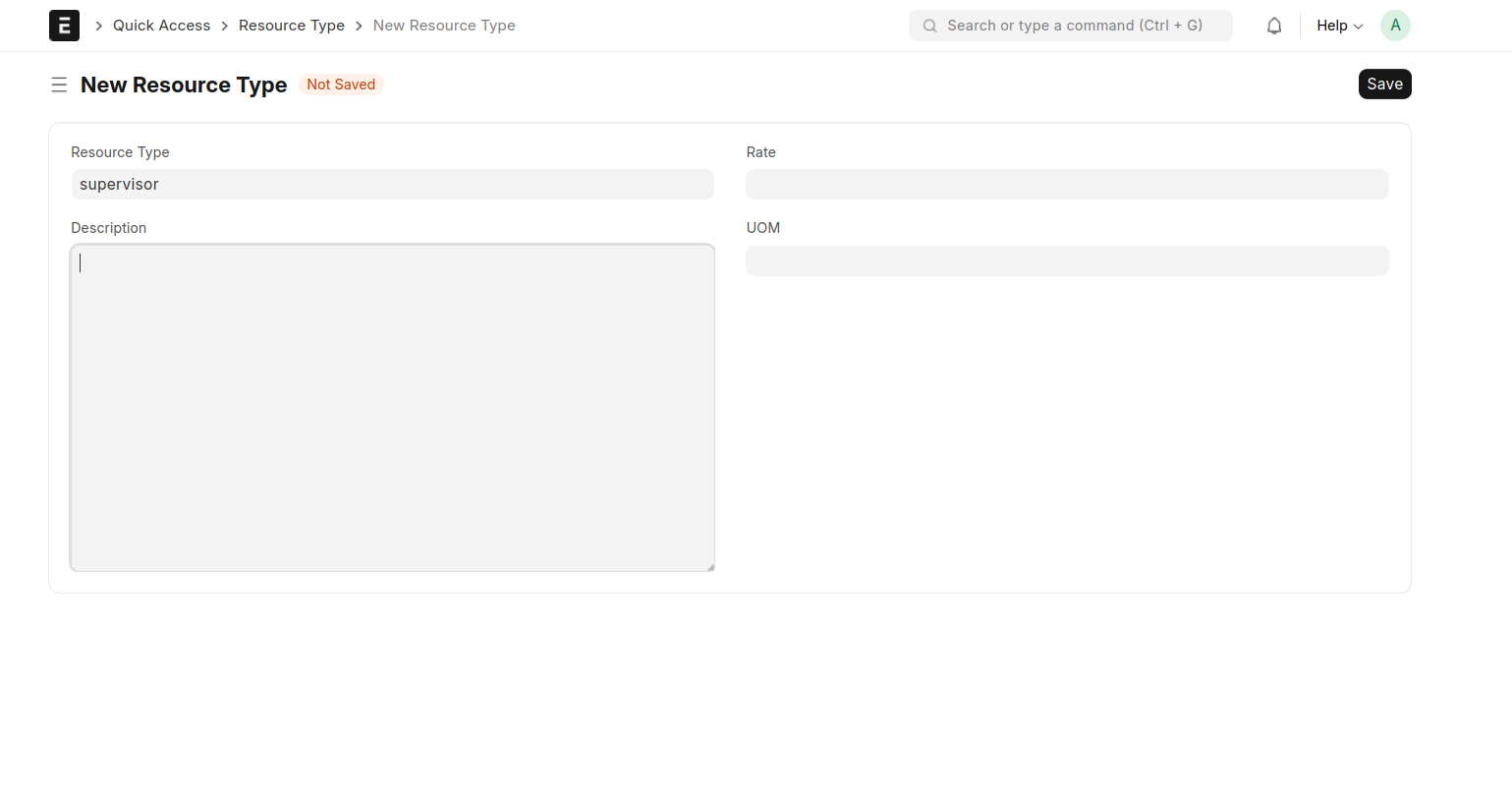
3.create Resource type
4.Create BoM template Category
Select BOM template --> add a Name -->BOM Template Category --> then save 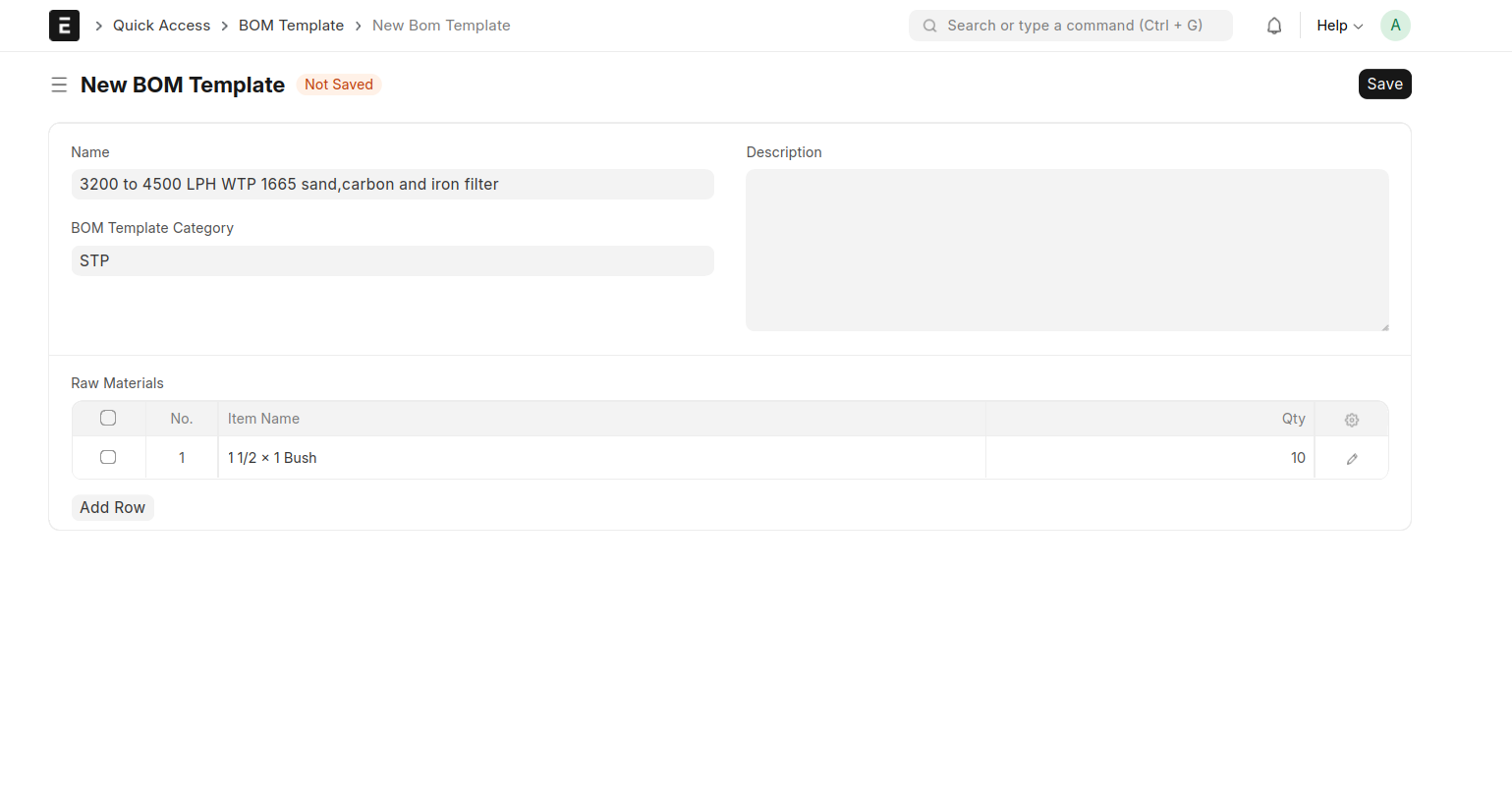
5.Create Project Estimate
add a project Name ,Warehouse, Cost Center and Estimate BOM Details
then save
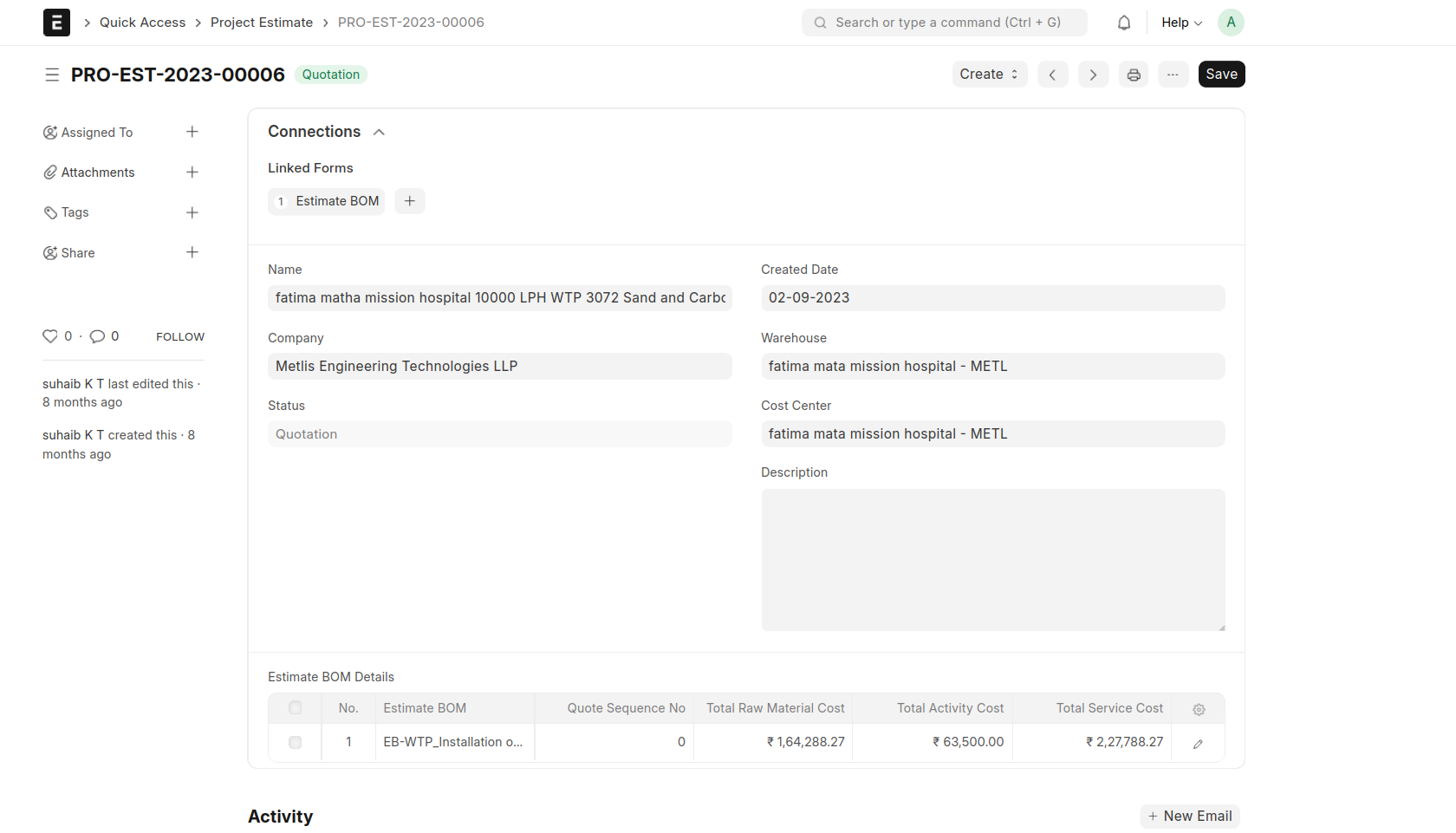
6.Create Estimate BOM
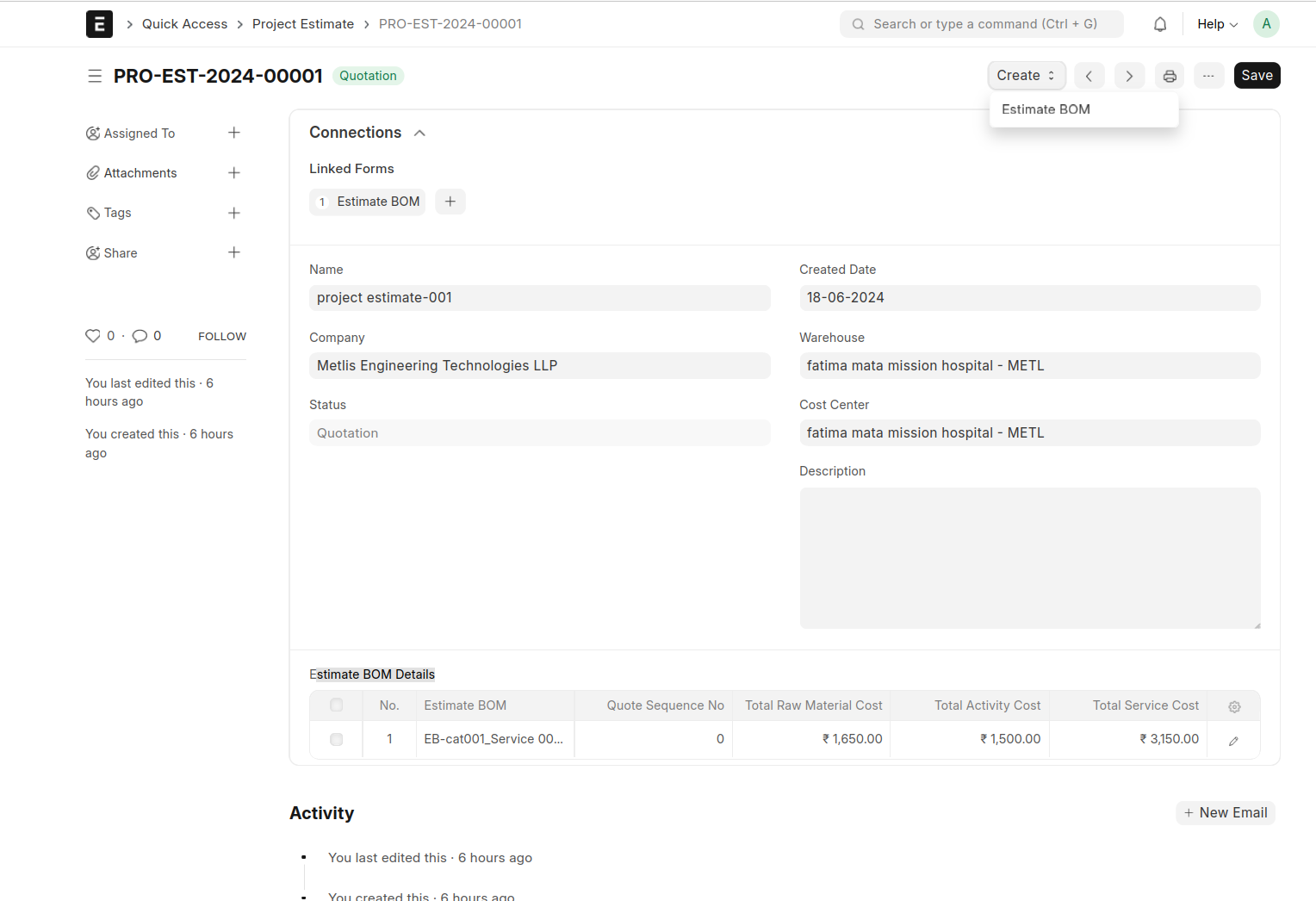
then select Estimate BOM under the create button
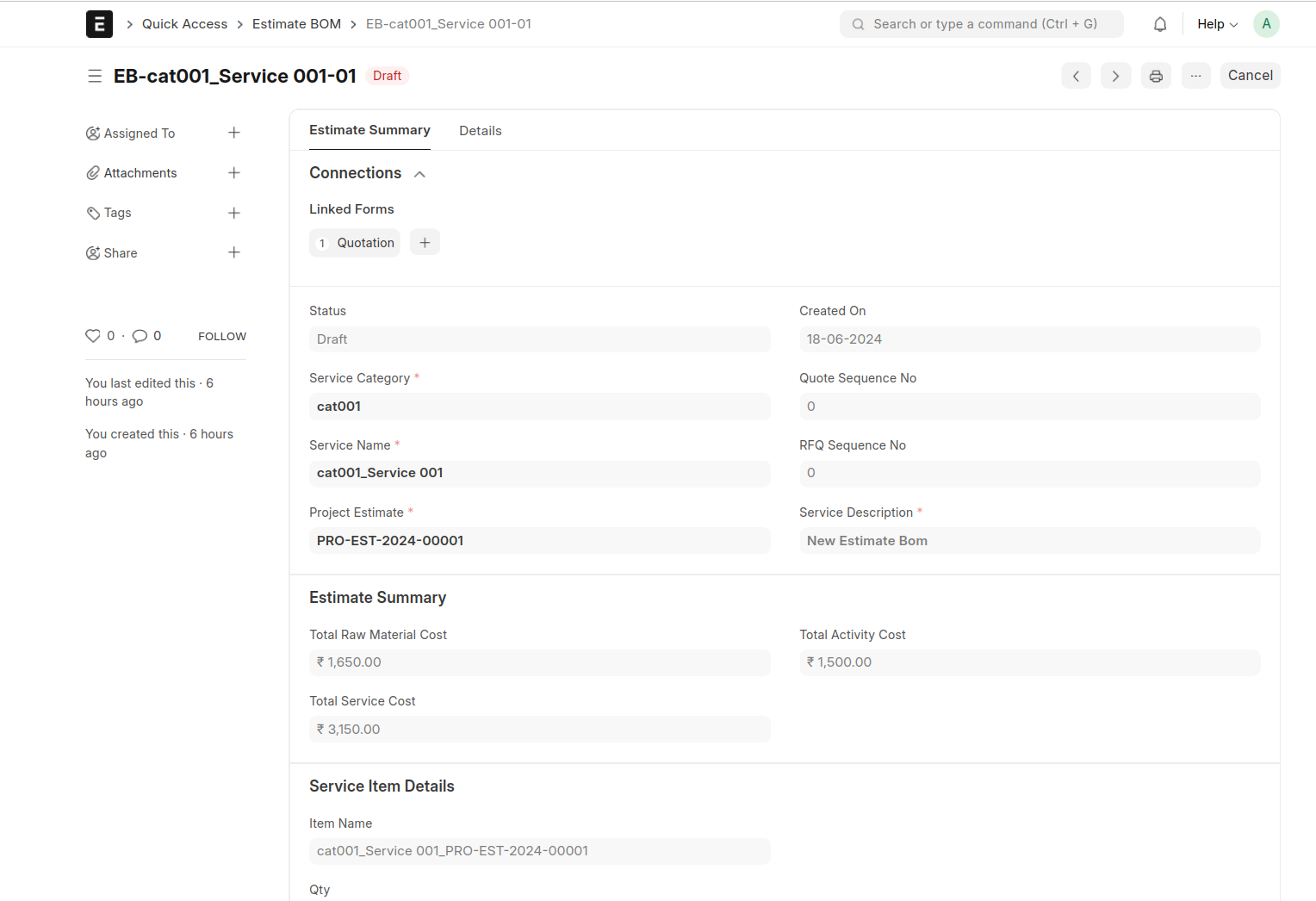
Fill the mandatory fields are
- Service Category
- Project Estimate
- Service Description
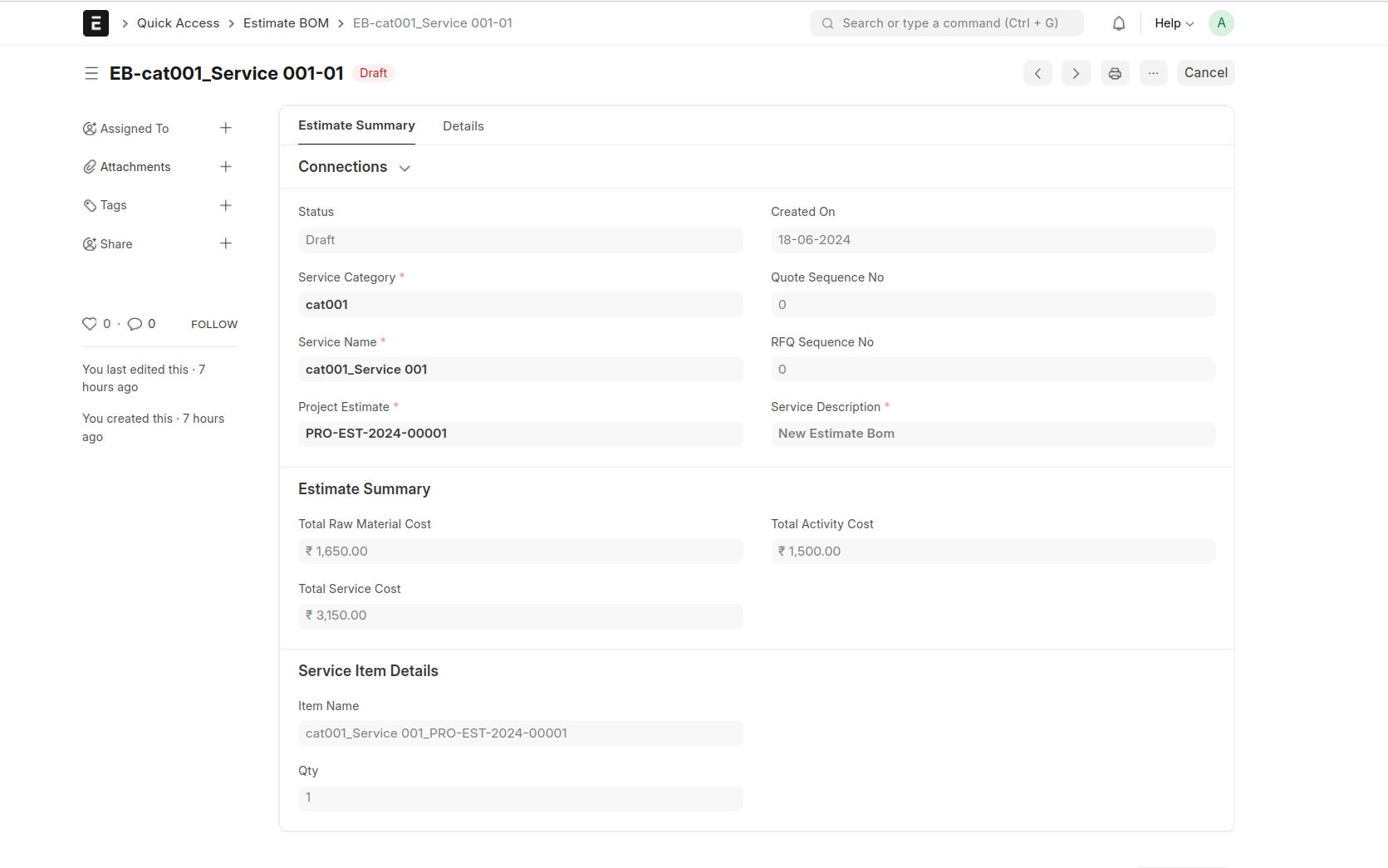
Add Raw Materials and Activities
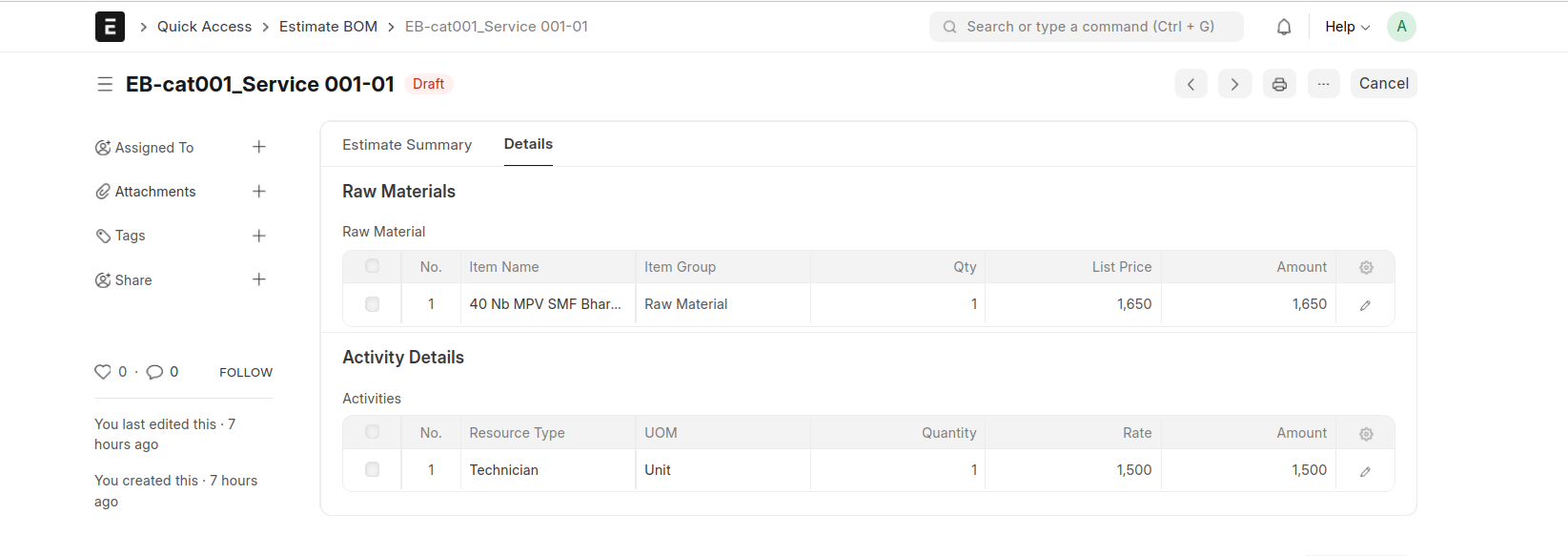
Then Save and Submit
7. Create Opportunity
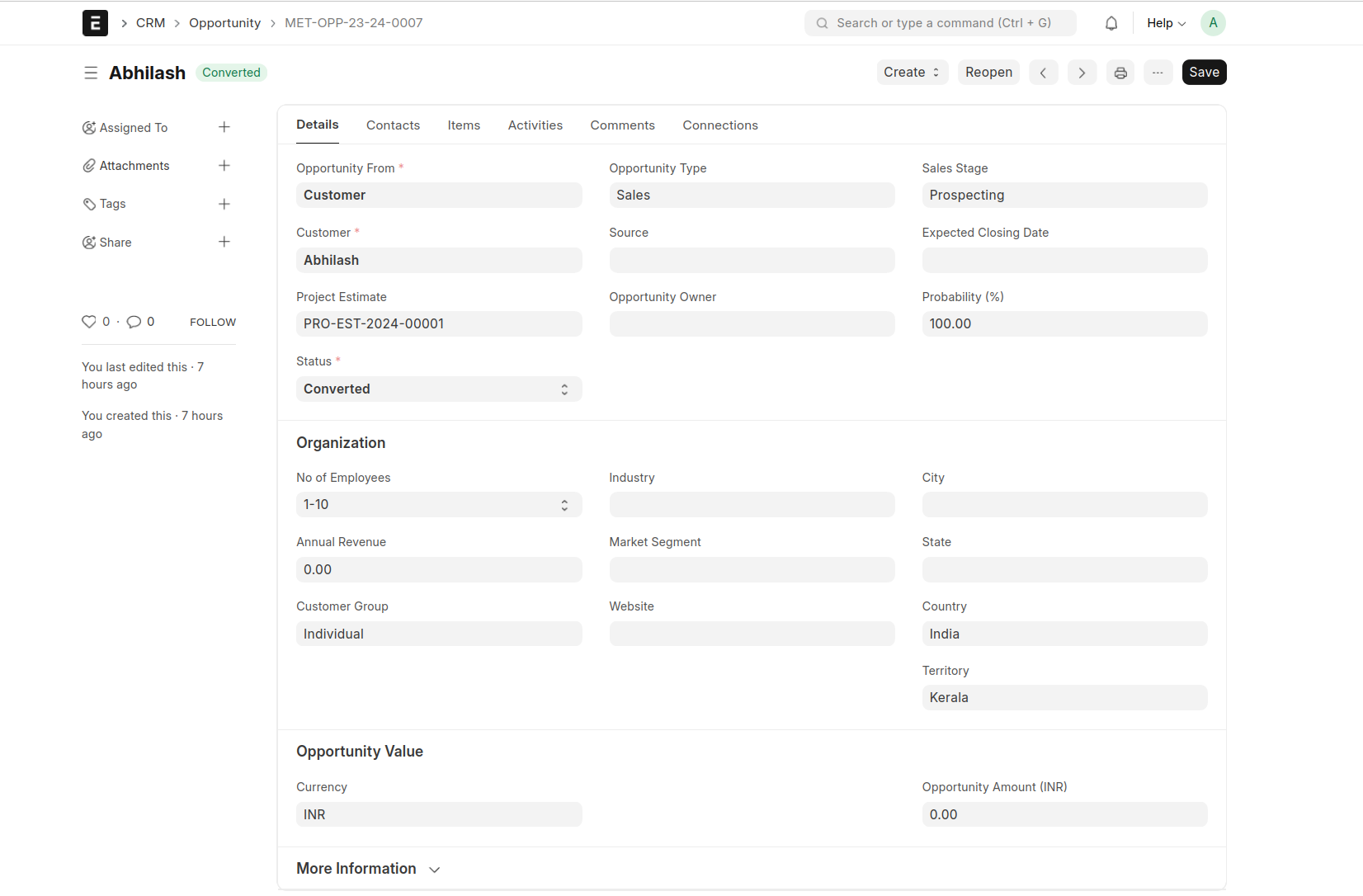
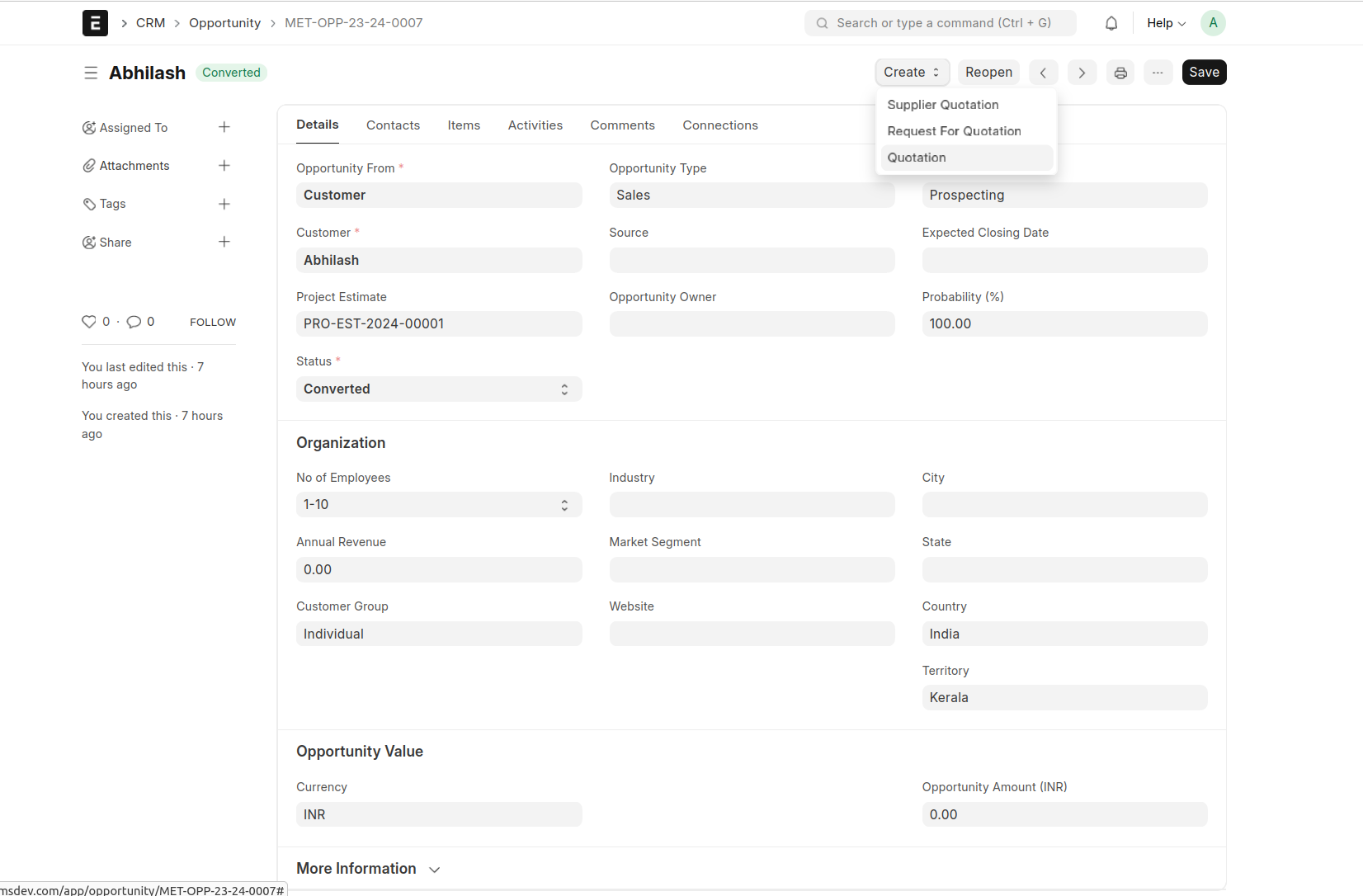
8. Create Quotation
Create Quotation from Opportunity
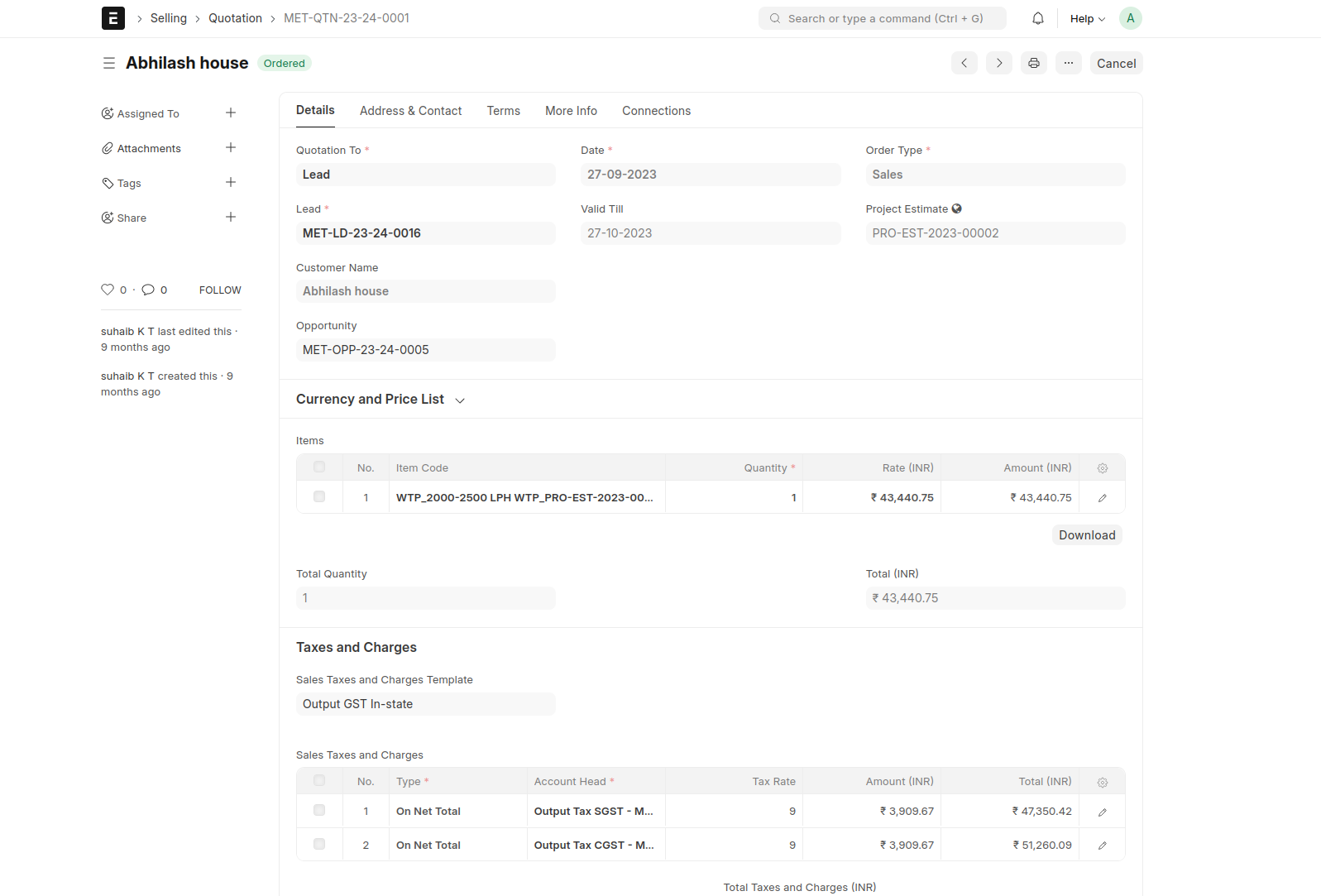
- Create Sales Order
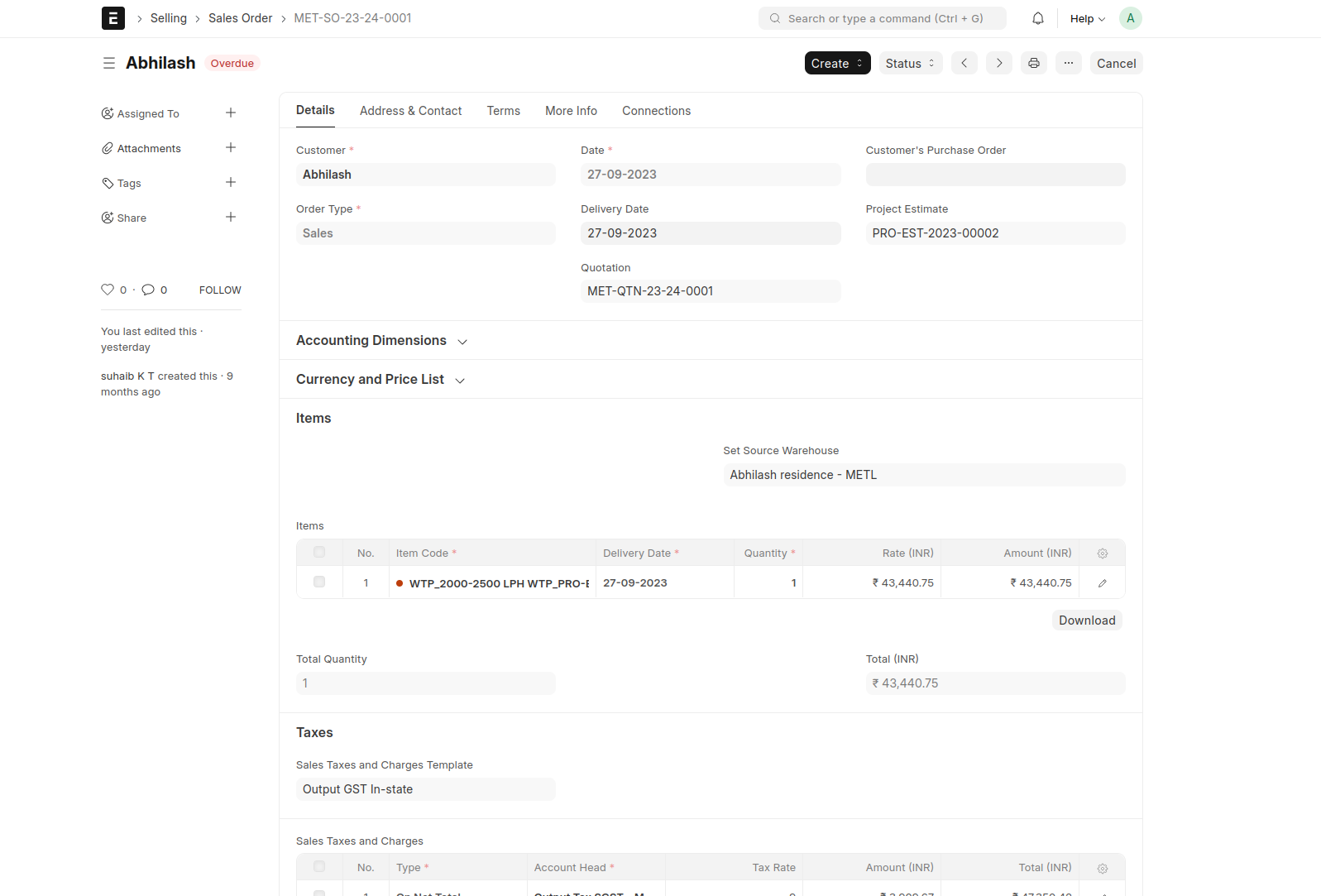
- Create PBOM
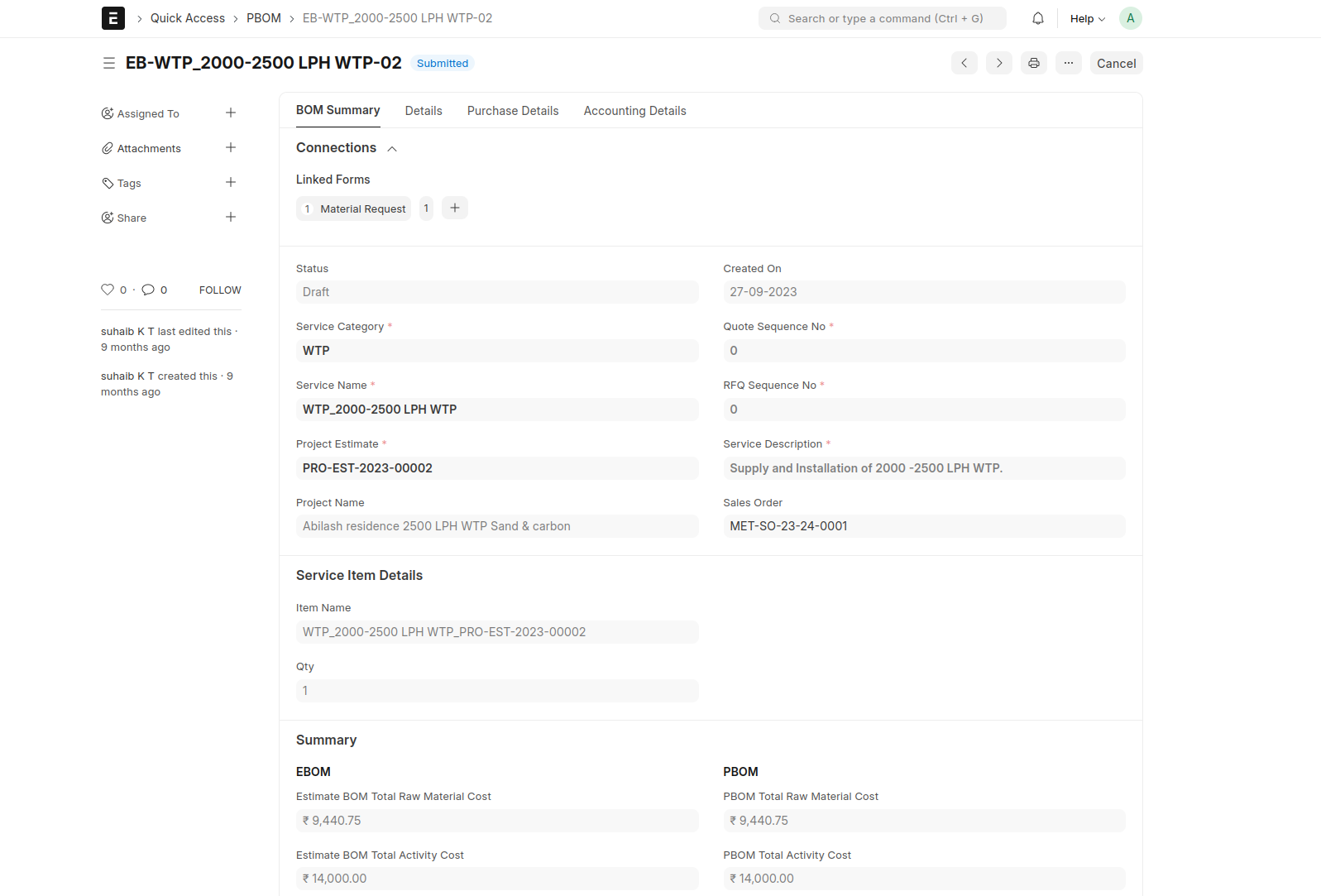
Material Request