Momscode - Janatha - Dispatch Summary
Prerequisites
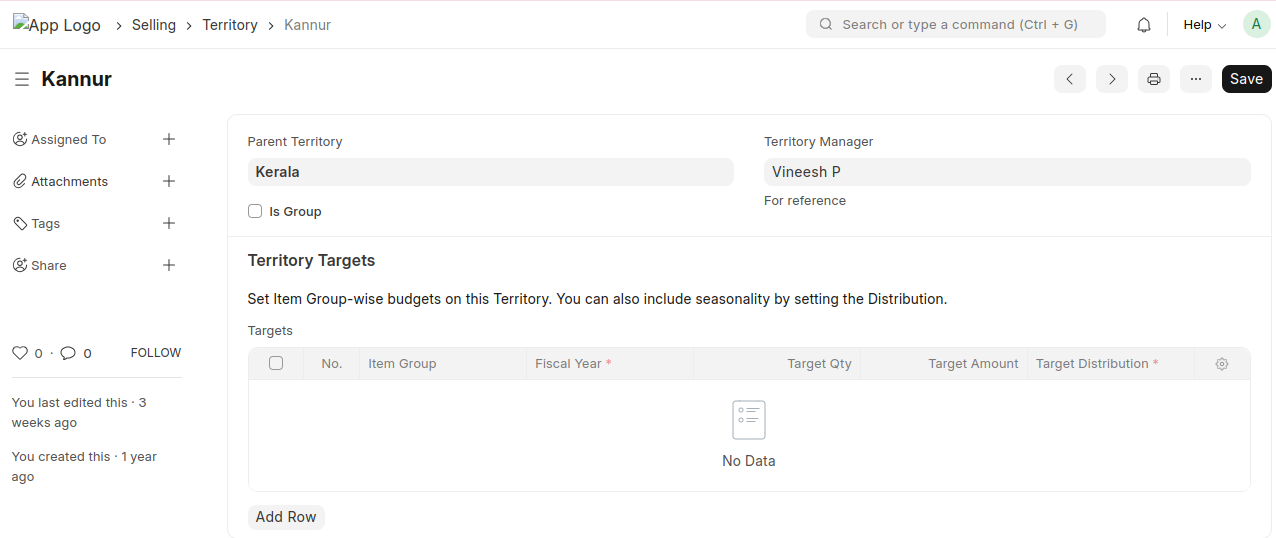
- Create the Territory
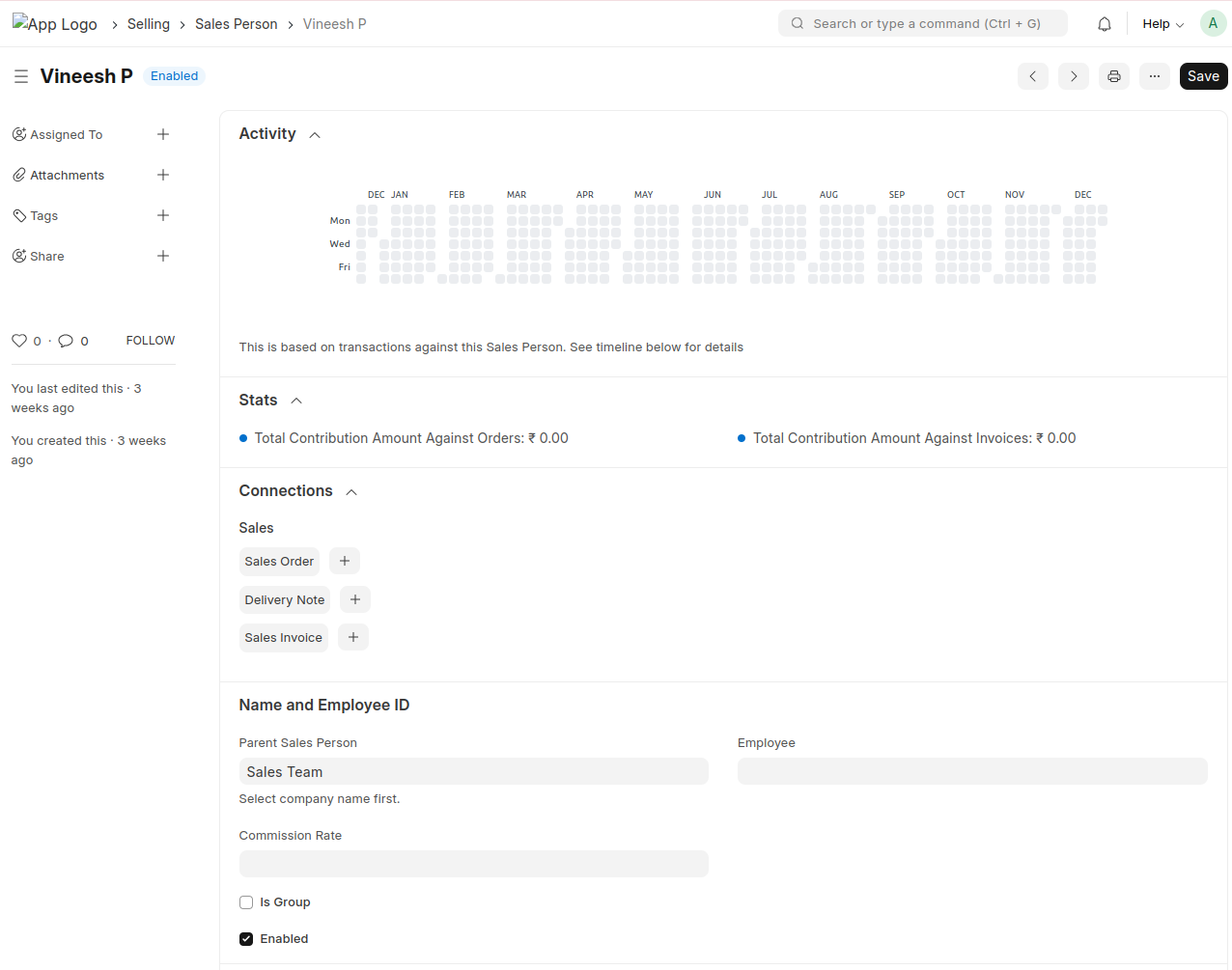
- Create the Sales Person
- Link the Sales Person to the Territory they belong to
Dispatch Summary
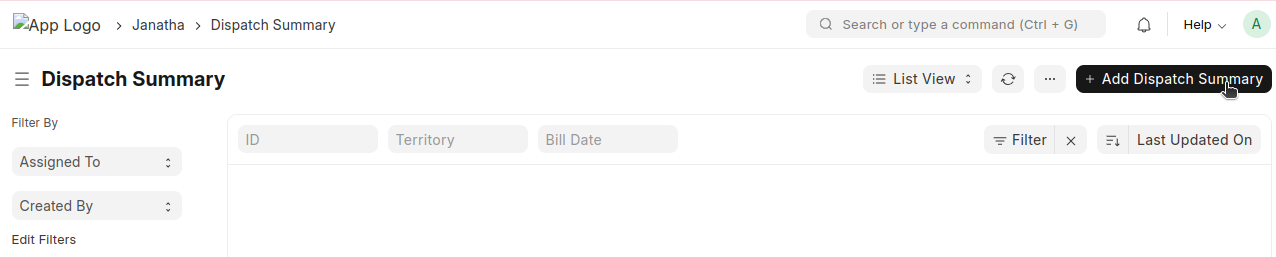
Create a new Dispatch Summary
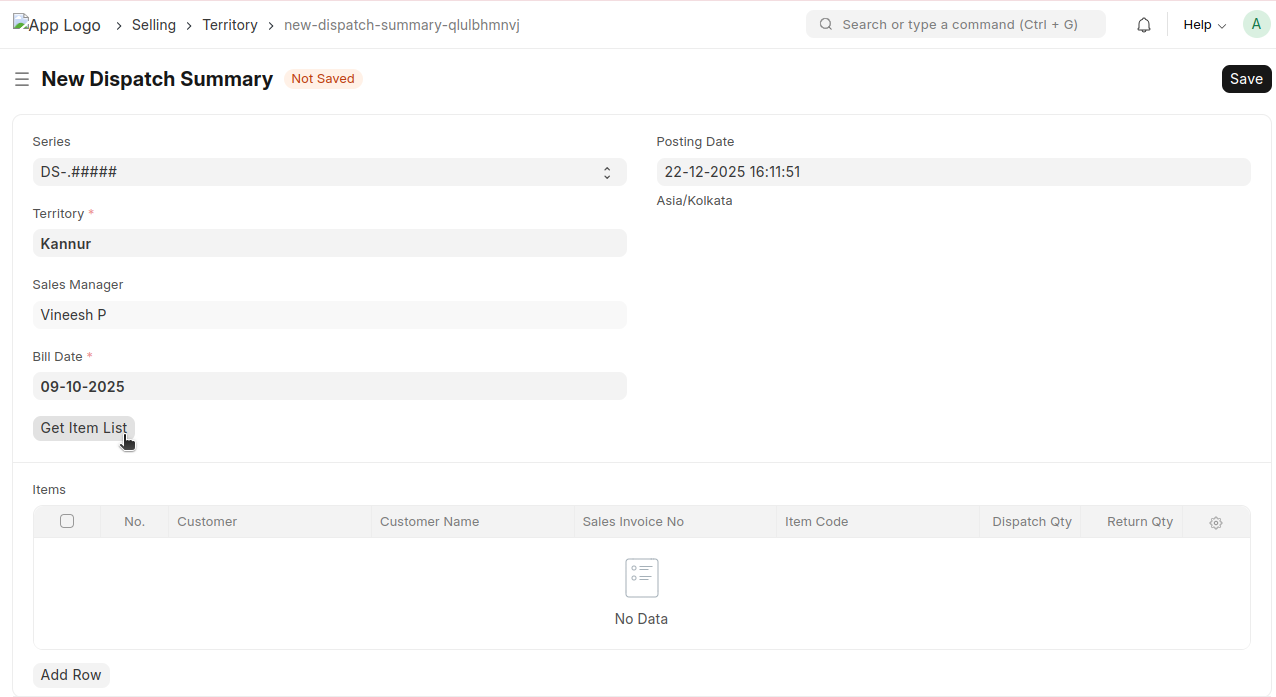
- Select the Territory
- The corresponding Sales Manager will be auto-fetched based on the Sales Person configured in the Territory
- Select the Bill Date
- Click 'Get Item List'
All Sales Invoices will be automatically fetched into the table based on the selected Territory and Bill Date
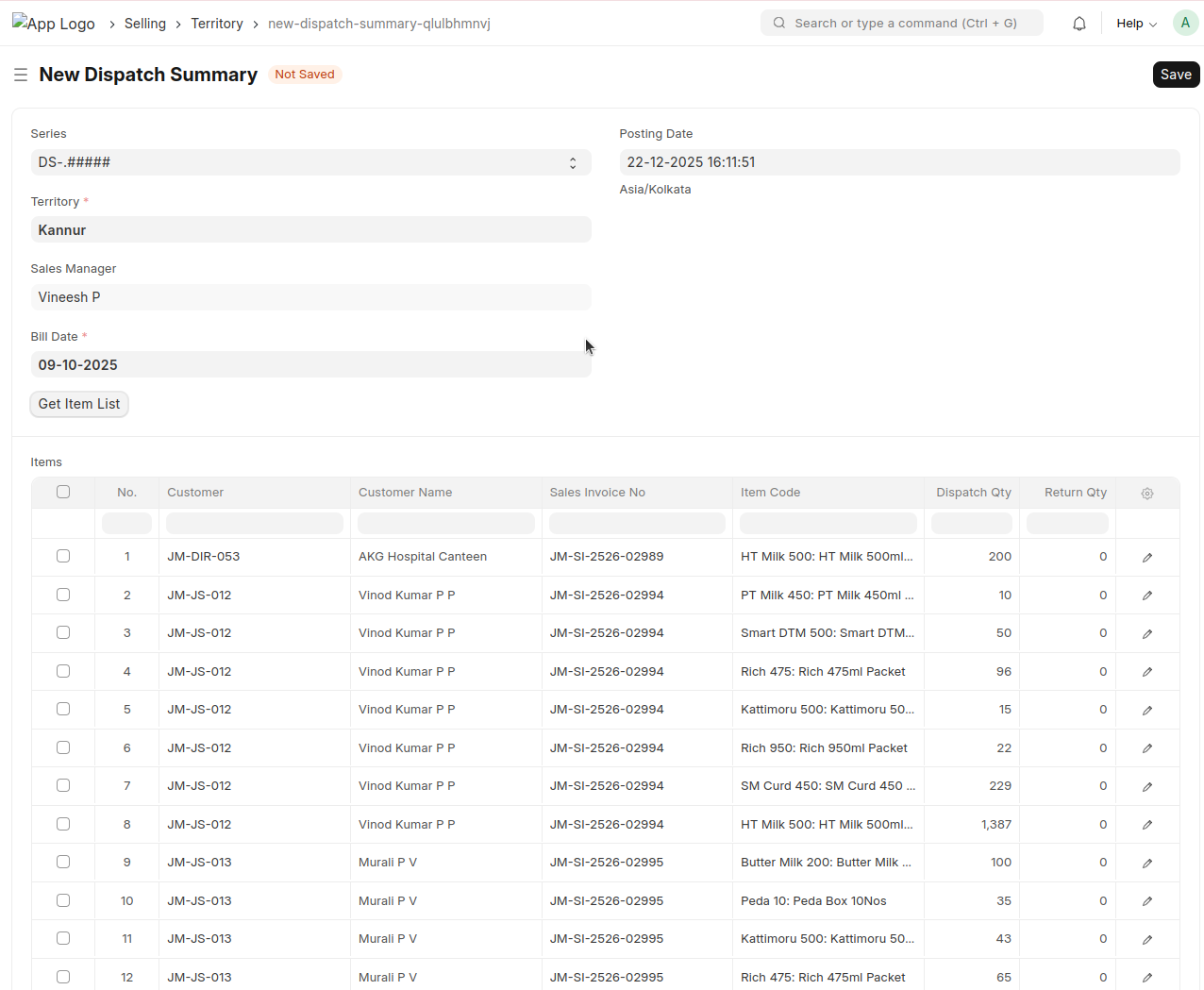
Save and Submit
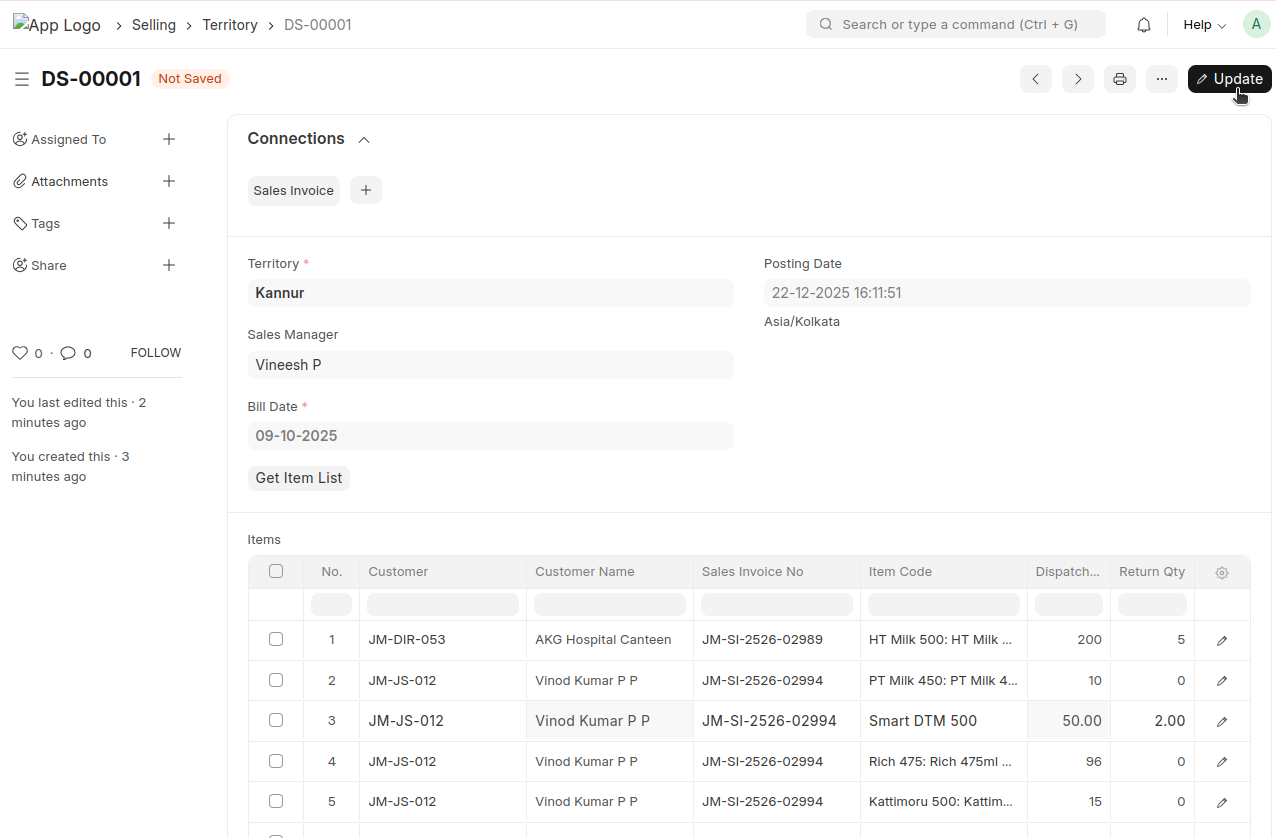
- If any items are returned after delivery, enter the returned quantity in the Return Qty field for the corresponding items
- Then, click the Update button
- Then Create → Sales Return
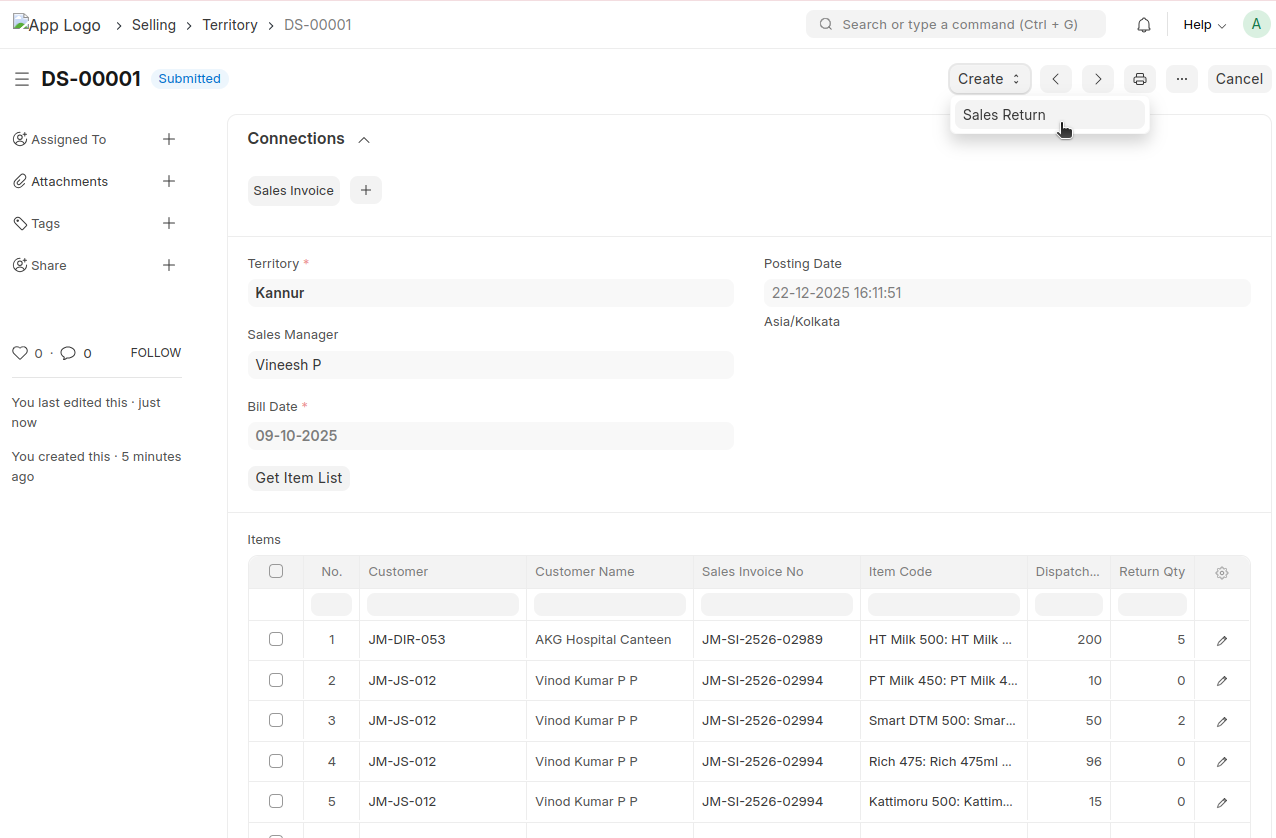
A Sales Return will be generated automatically for each item
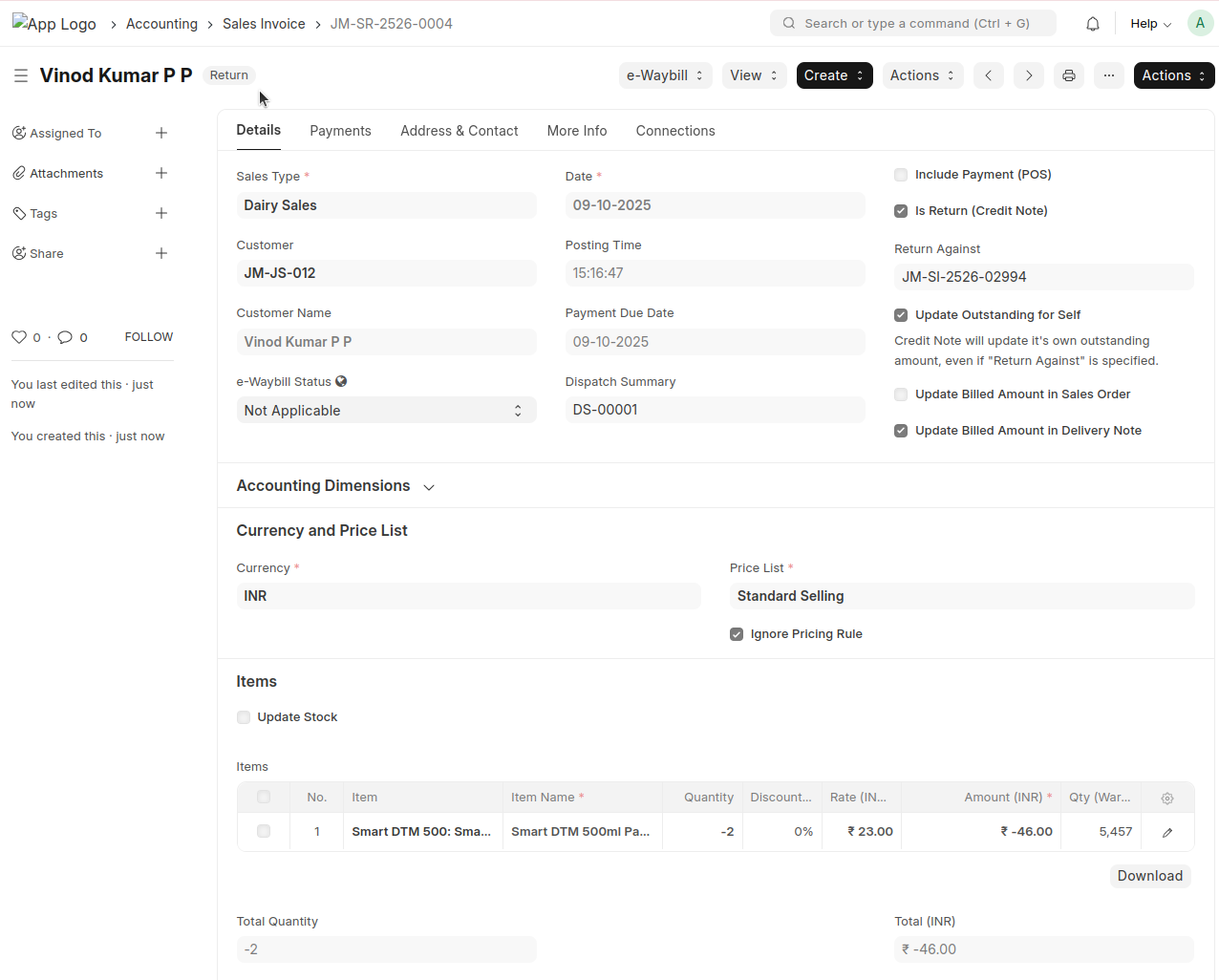
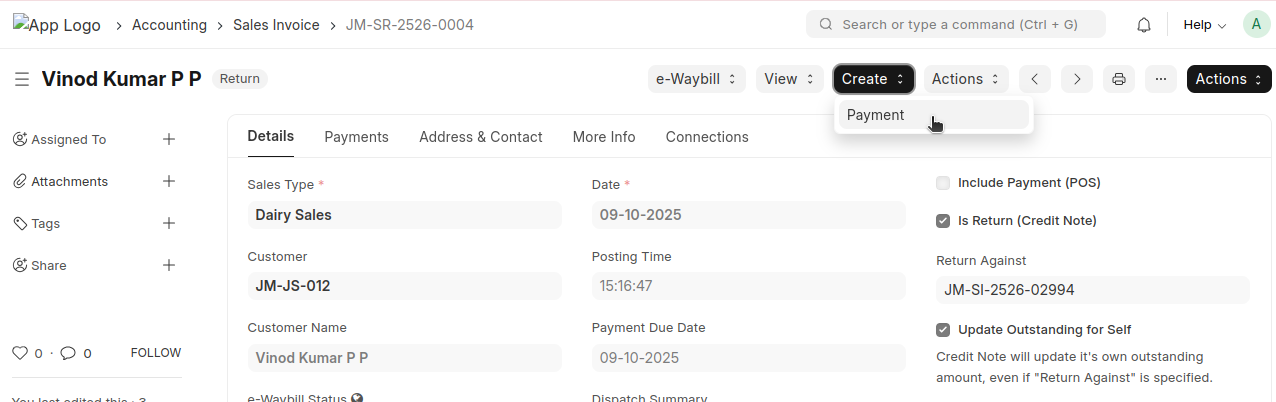
From here, a payment can be created corresponding to this return