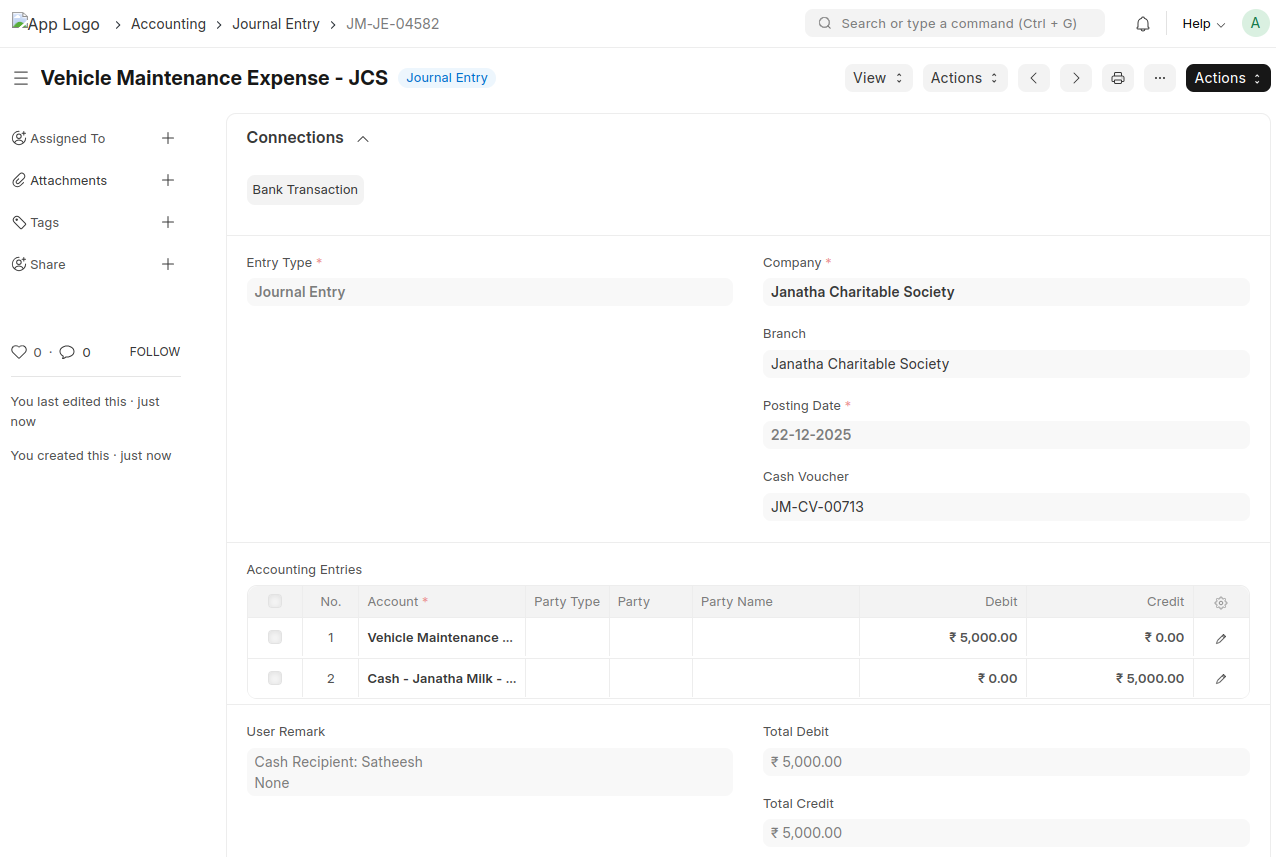
Momscode - Janatha - Cash Voucher
Prerequisites
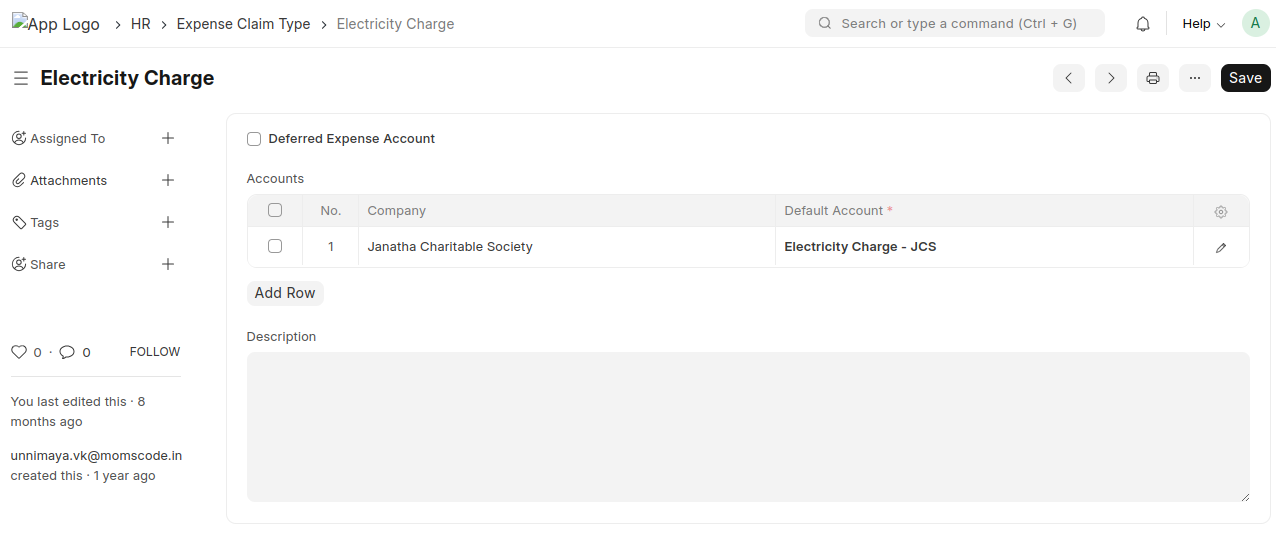
- Create the Expense Claim Type
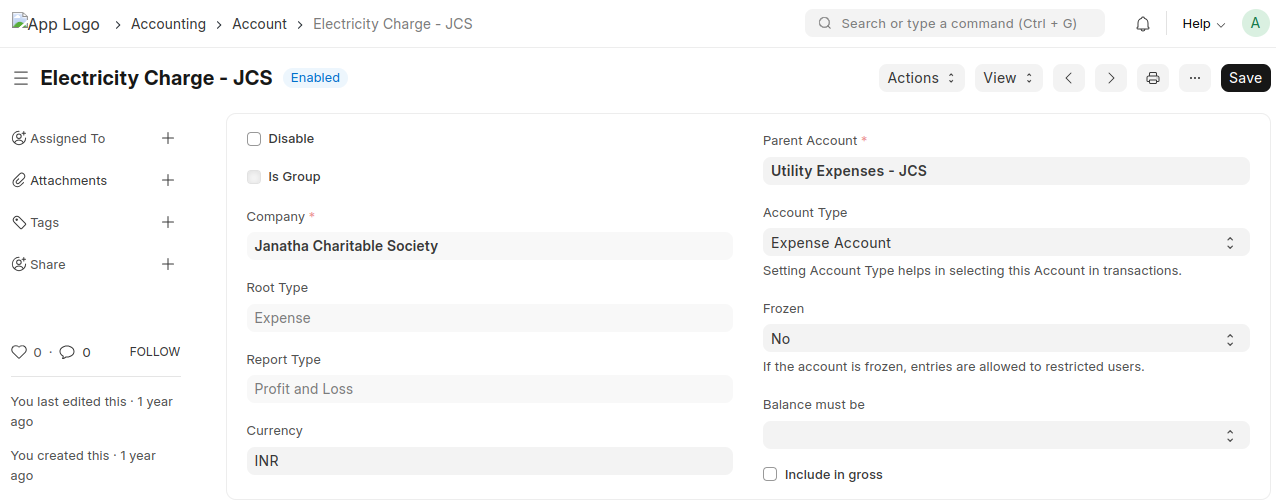
- Create the corresponding Account Head
- Link the created Account Head to the respective Expense Claim Type
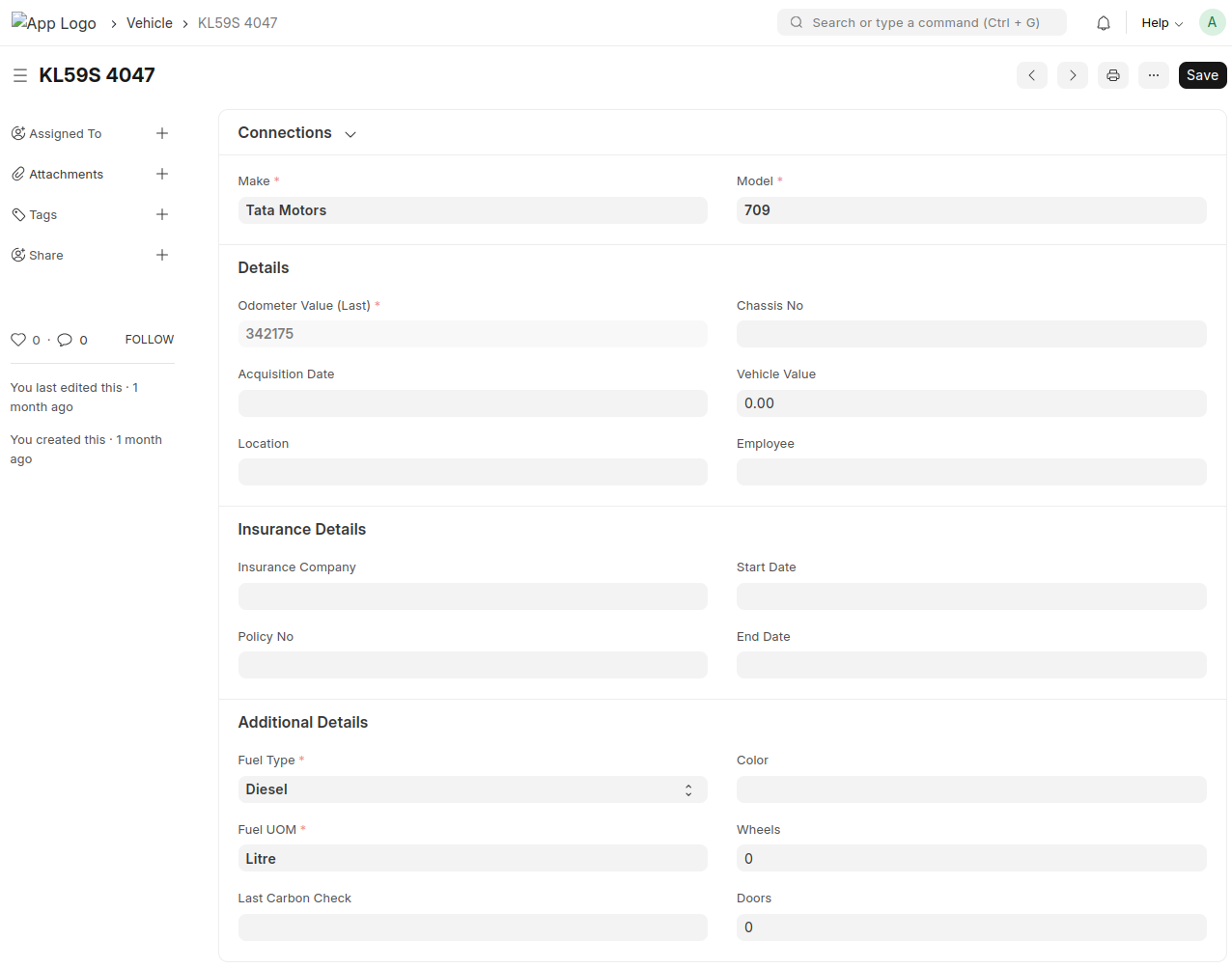
- Create the vehicle and enter all the required vehicle details
Cash Voucher
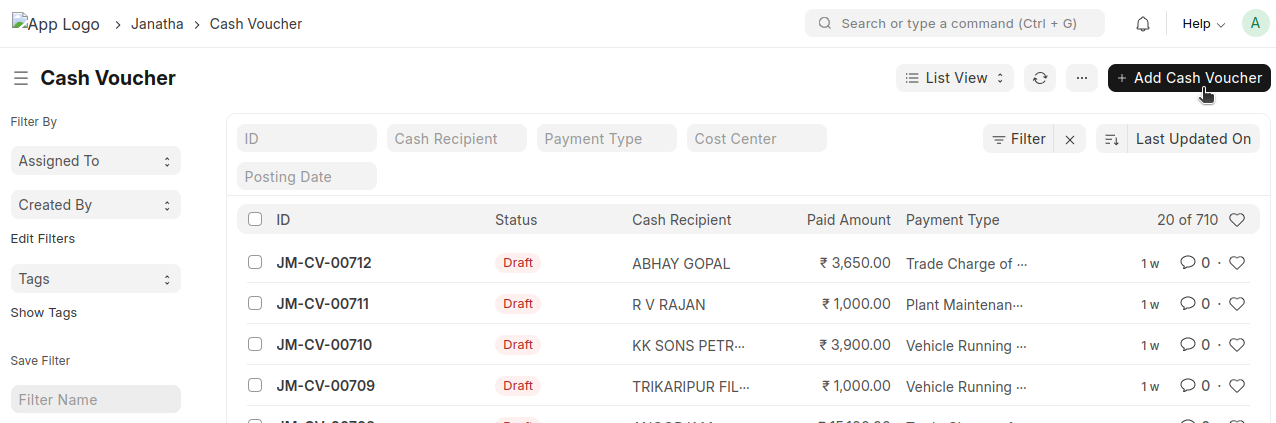
Add Cash Voucher
This Cash Voucher is intended only for cash receipts. Payments are not allowed, and only cash receipts will be accepted; bank transactions will not be considered
- Enter the Cash Recipient (the party making the payment)
- Enter the Paid Amount
- Select the Branch (Janatha Charitable Society)
- Select the Payment Type
- Select the Cost Center corresponding to the selected Payment Type
- The Payment Account will be auto-fetched based on the account head configured for the selected Payment Type
- Enter a description if required
If the payment is vehicle-related, tick the “Janatha Vehicle Related Payment” checkbox and select the corresponding vehicle ID
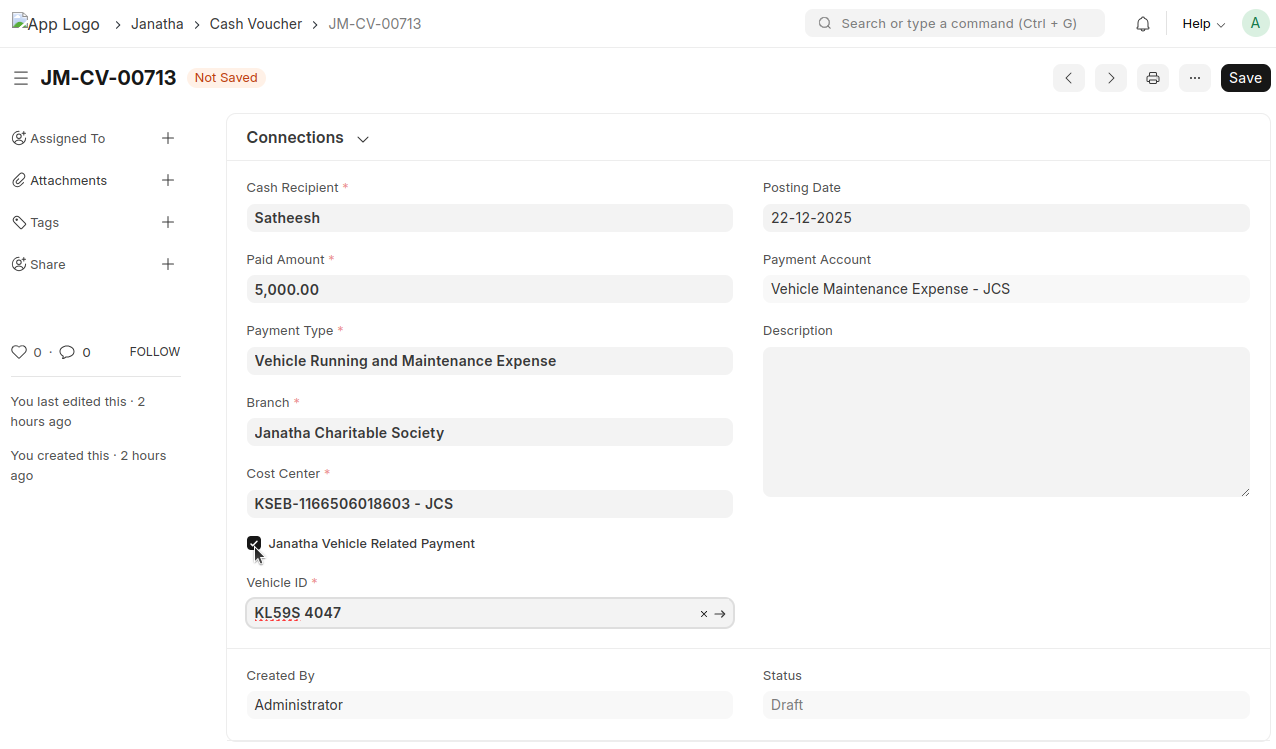
- Verify all details, then save and submit
- Once submitted, a Journal Entry will be created automatically