Momscode - Club Sulaimani - Payroll Process
Payroll Entry
- Add a new Payroll Entry
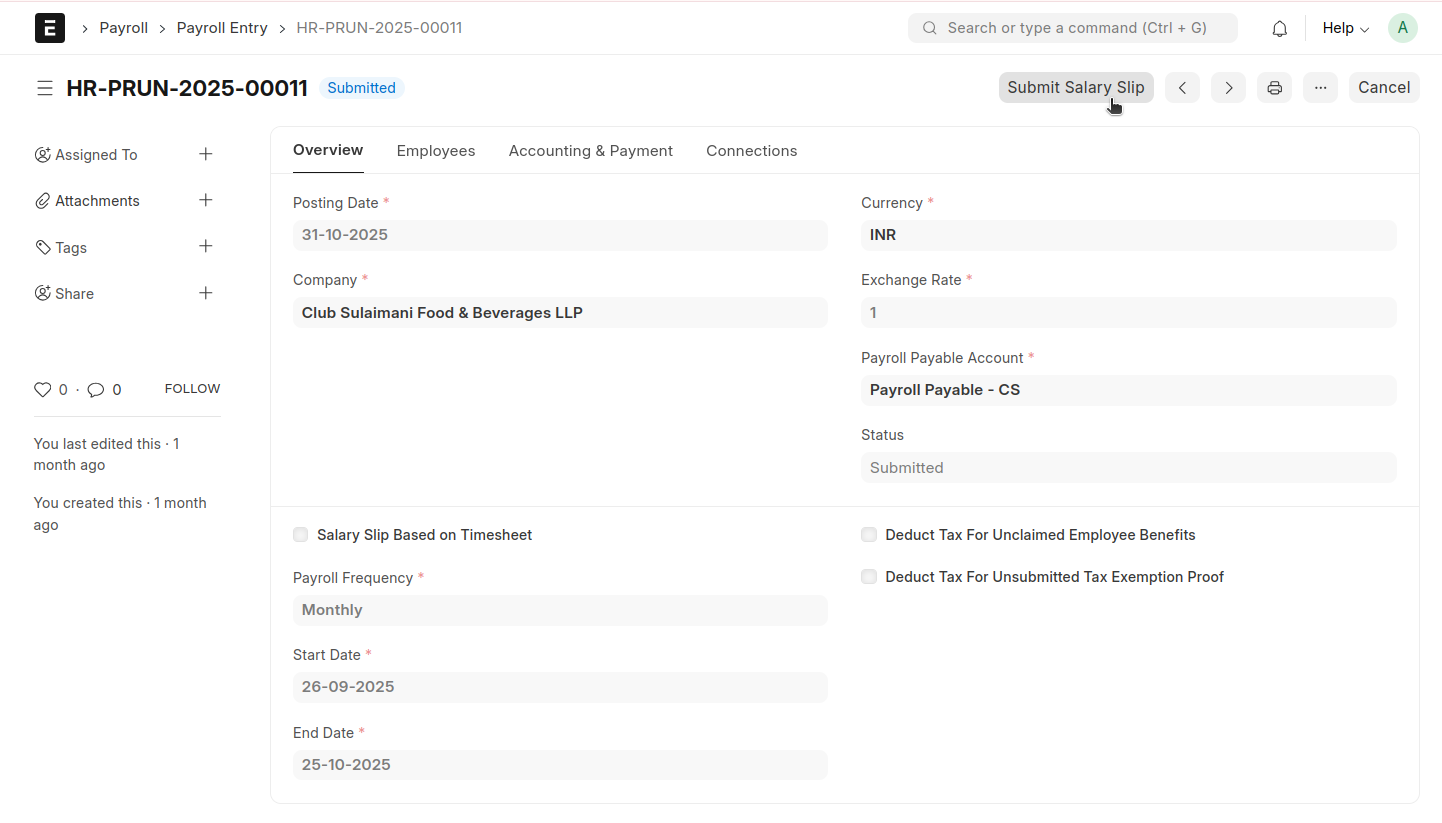
- Select the Posting Date as per your Payroll Period
- Choose the Payroll Frequency as Monthly.
- Adjust the Payroll Date according to your payroll period.
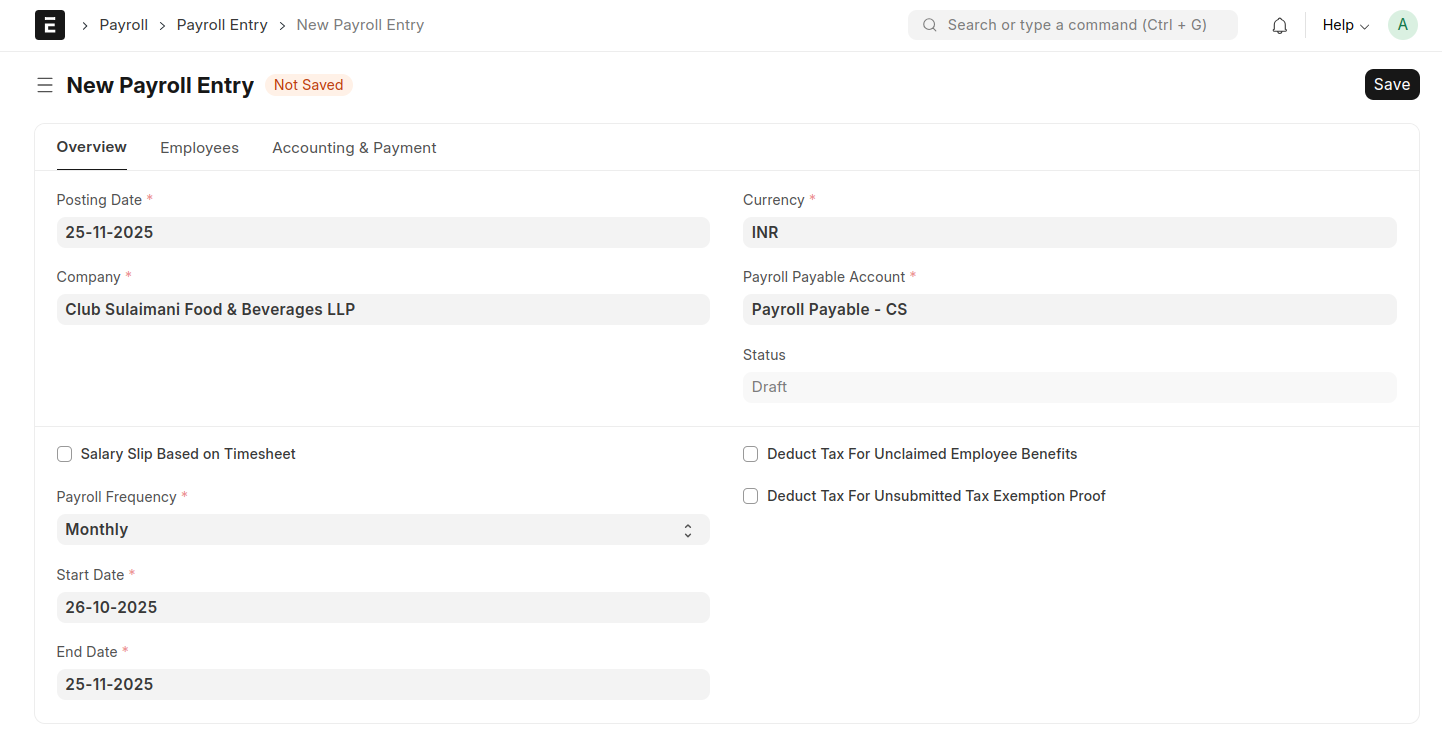
- Click Save
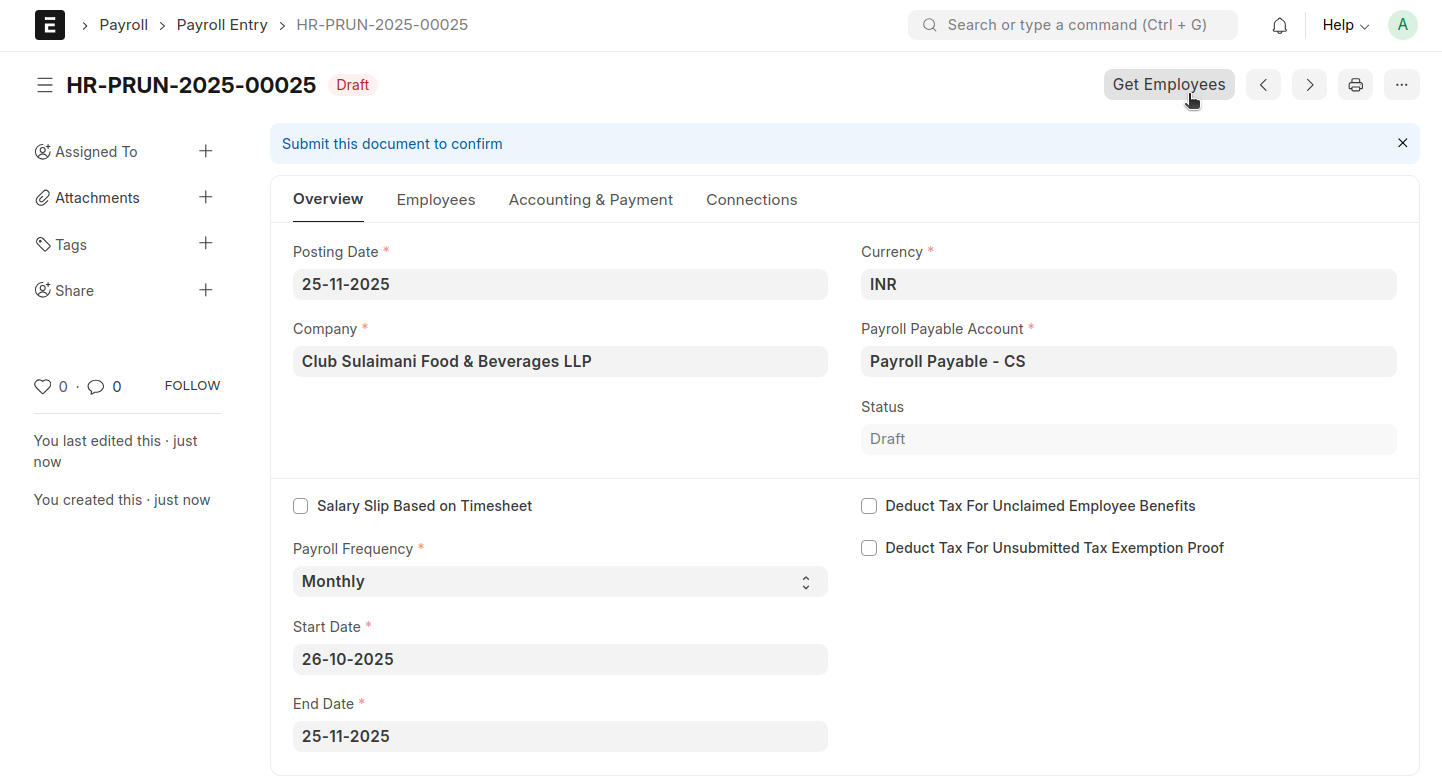
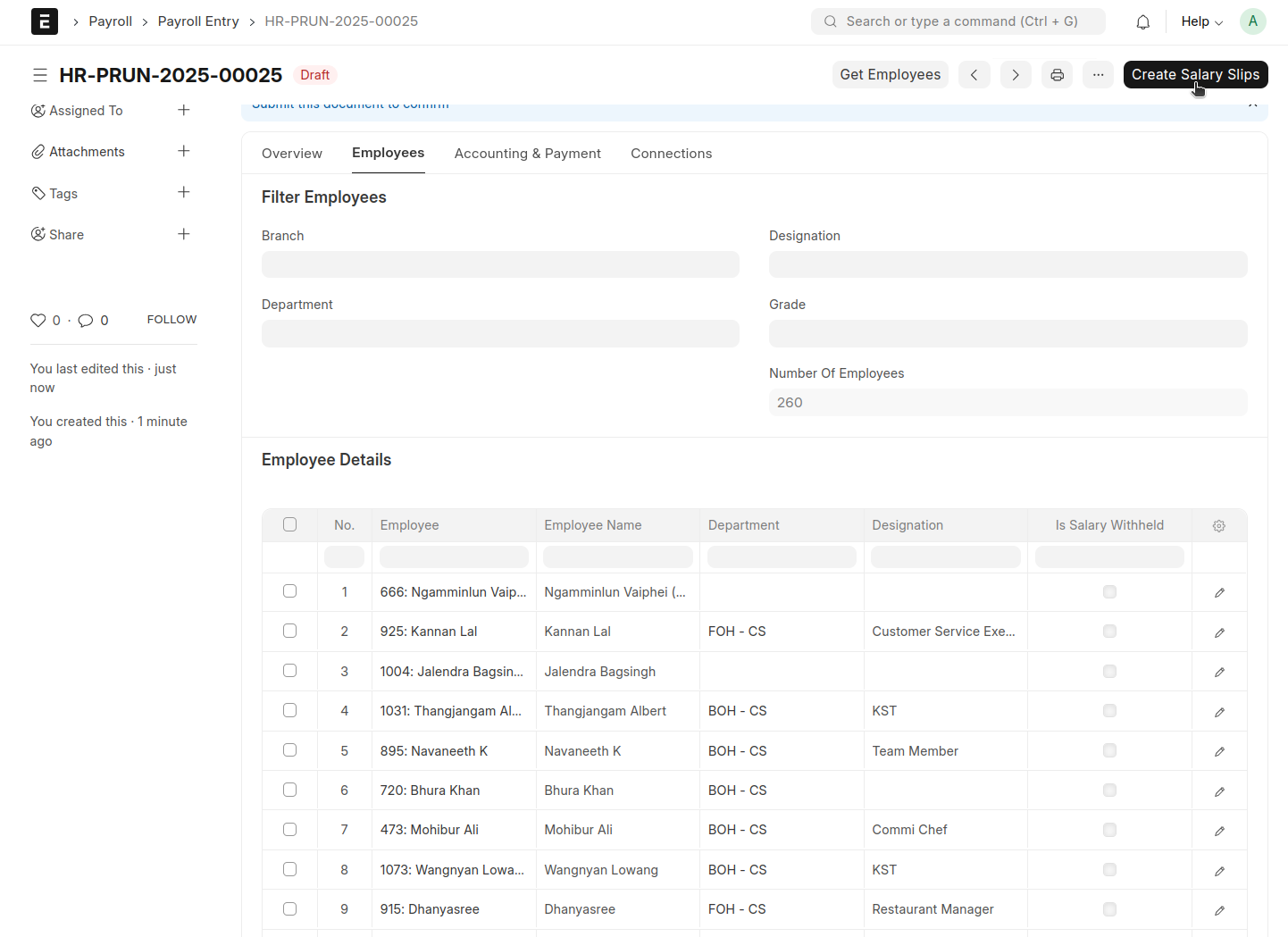
- Click Get Employees; all employees will be automatically fetched into the Employee Details table
- Click 'Create Salary Slip'
- Salary slips will be automatically generated individually for each employee

- Verify the salary slips, then go back to the Payroll Entry and click Submit Salary Slip
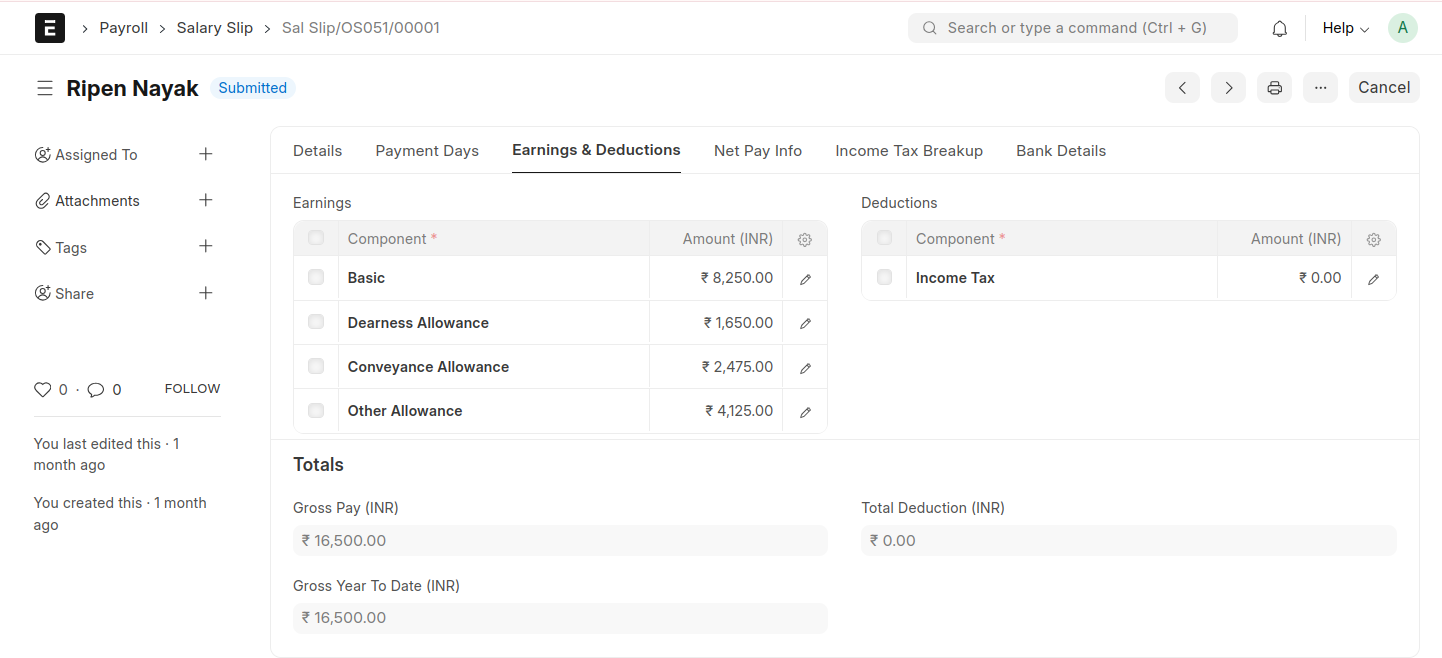
Note : Do not submit salary slips individually