Momscode - Club Sulaimani - Leave Encashment
*Prerequisites
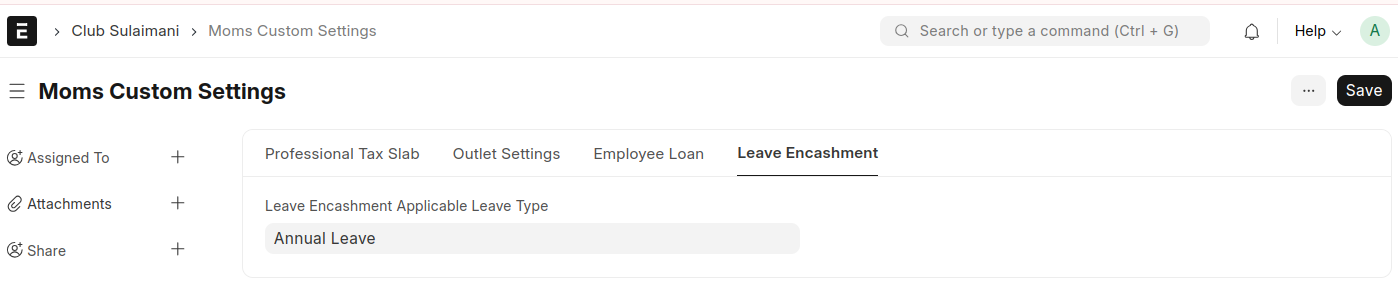
In Moms Custom Settings set values in Leave Encashment,
- Leave Encashment Applicable Leave Type
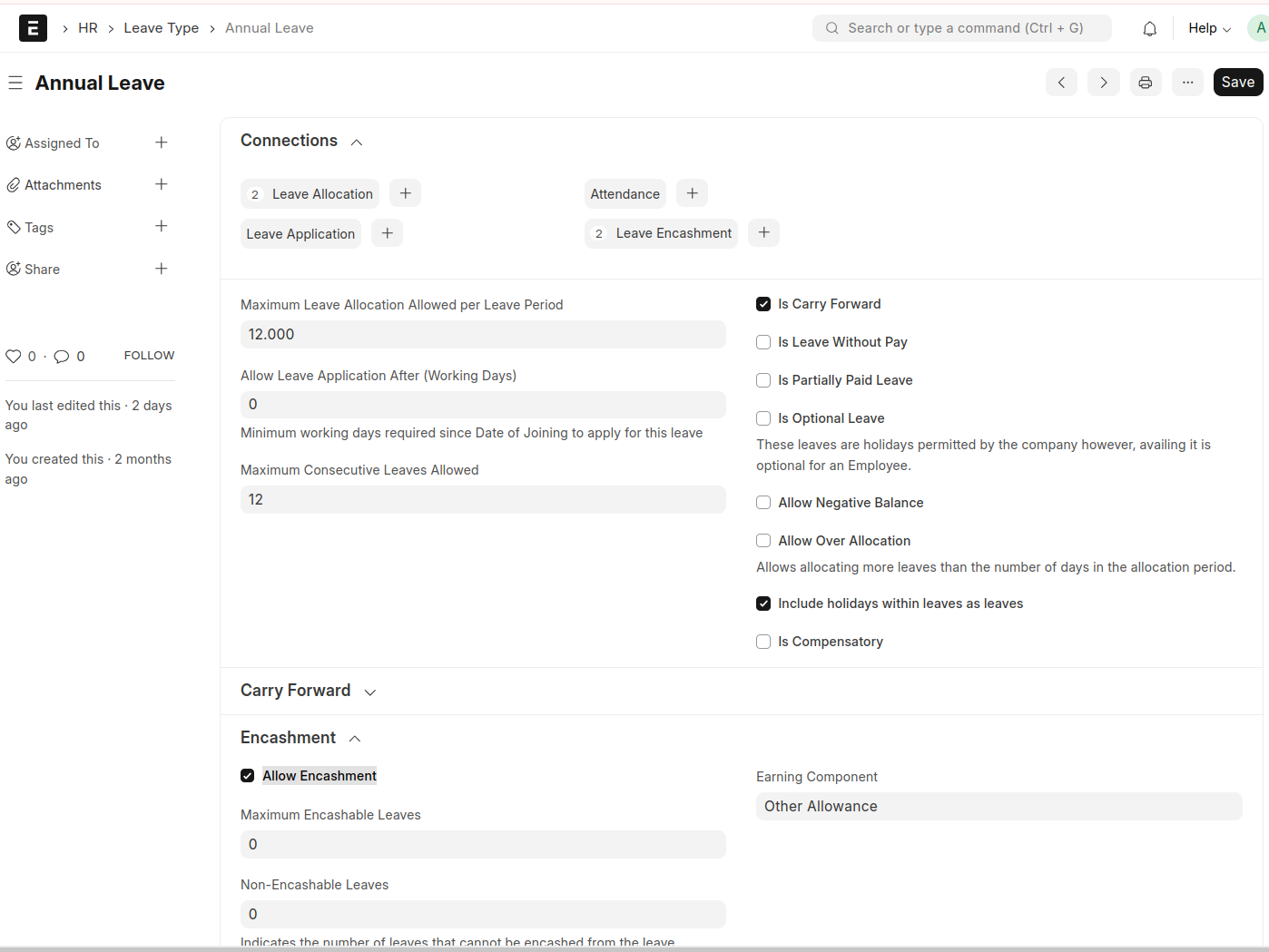
In this Leave Type,
- Enable the ‘Allow Encashment’ checkbox and select an ‘Earning Component’
- Allocate this leave to the relevant employees
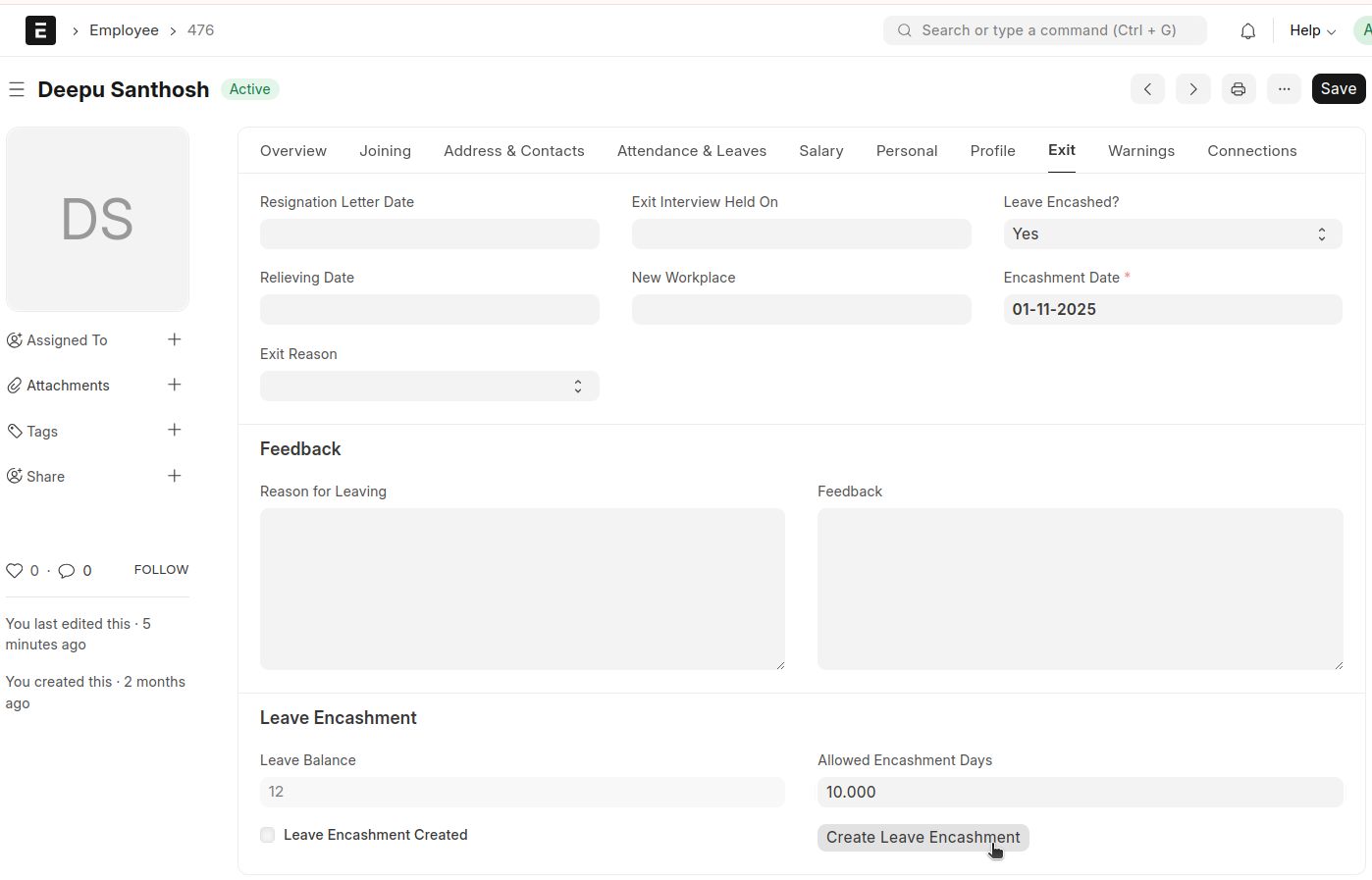
In Employee Master,
- Set ‘Leave Encashed?’ to ‘Yes'
- Select the Encashment Date
- The Leave Balance will be automatically fetched from the allocated leave type.
- Enter the number of ‘Allowed Encashment Days’
- Click ‘Create Leave Encashment’
After clicking the ‘Create Leave Encashment’ button, a Leave Encashment record will be created
Encashment Amount = (Basic + DA) * Encashment Days
Where,
    Base = ((Base * 0.50) / Total Working Days) * Encashment Days
    DA = ((Base * 0.10) / Total Working Days) * Encashment Days
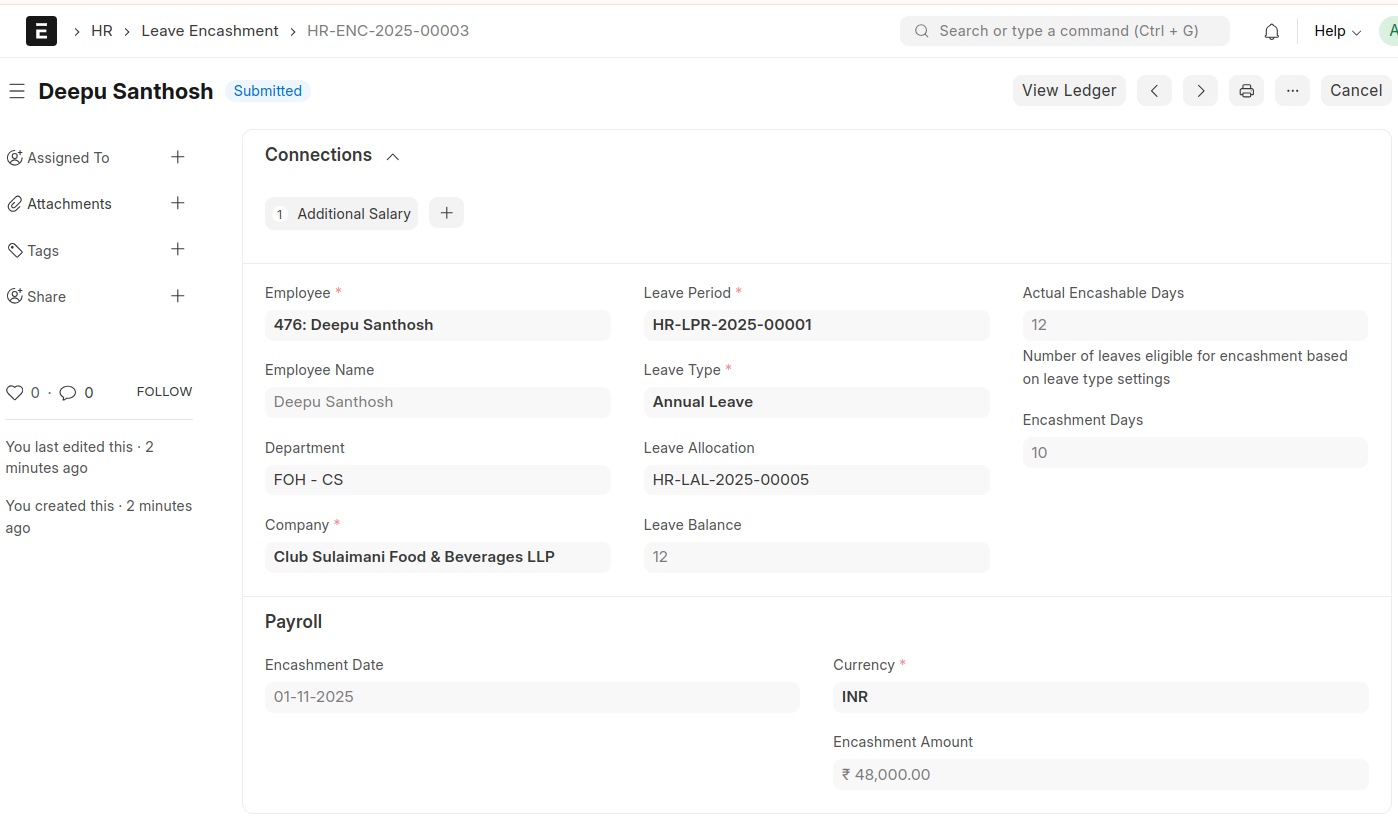
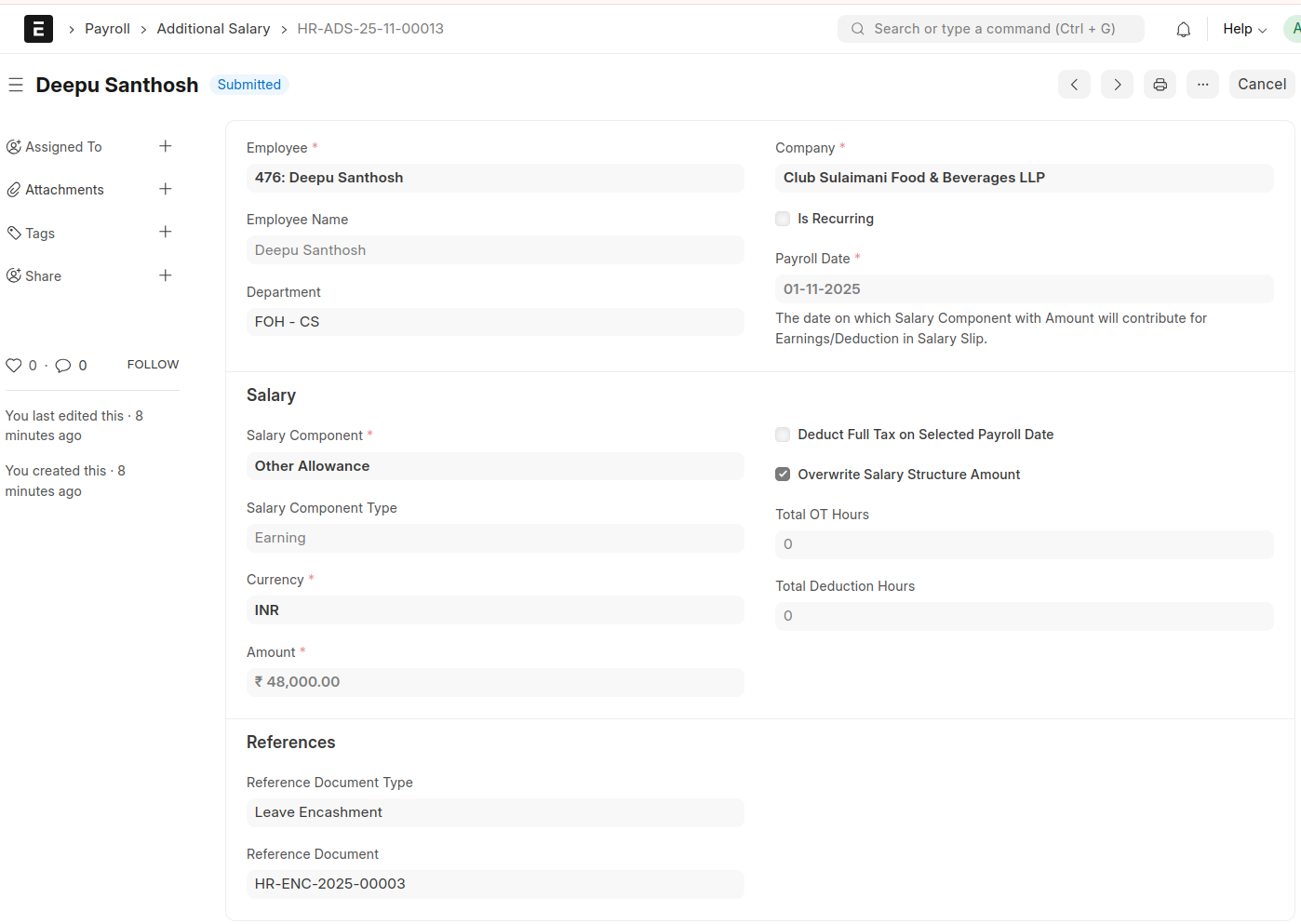
And an Additional Salary will also be generated accordingly