Momscode - Janatha - Branch Transaction Summary
Branch Transaction Summary
Initial Setup
- Create Branch Milk Register, once submitted Purchase Receipt will auto create. Submit this Purcahse Receipt
- Create a Purchase Invoice
Purchase Invoice
Purchase Invoice for a single Purchase Receipt
- From Purchase Receipt → click on create → Purchase Invoice
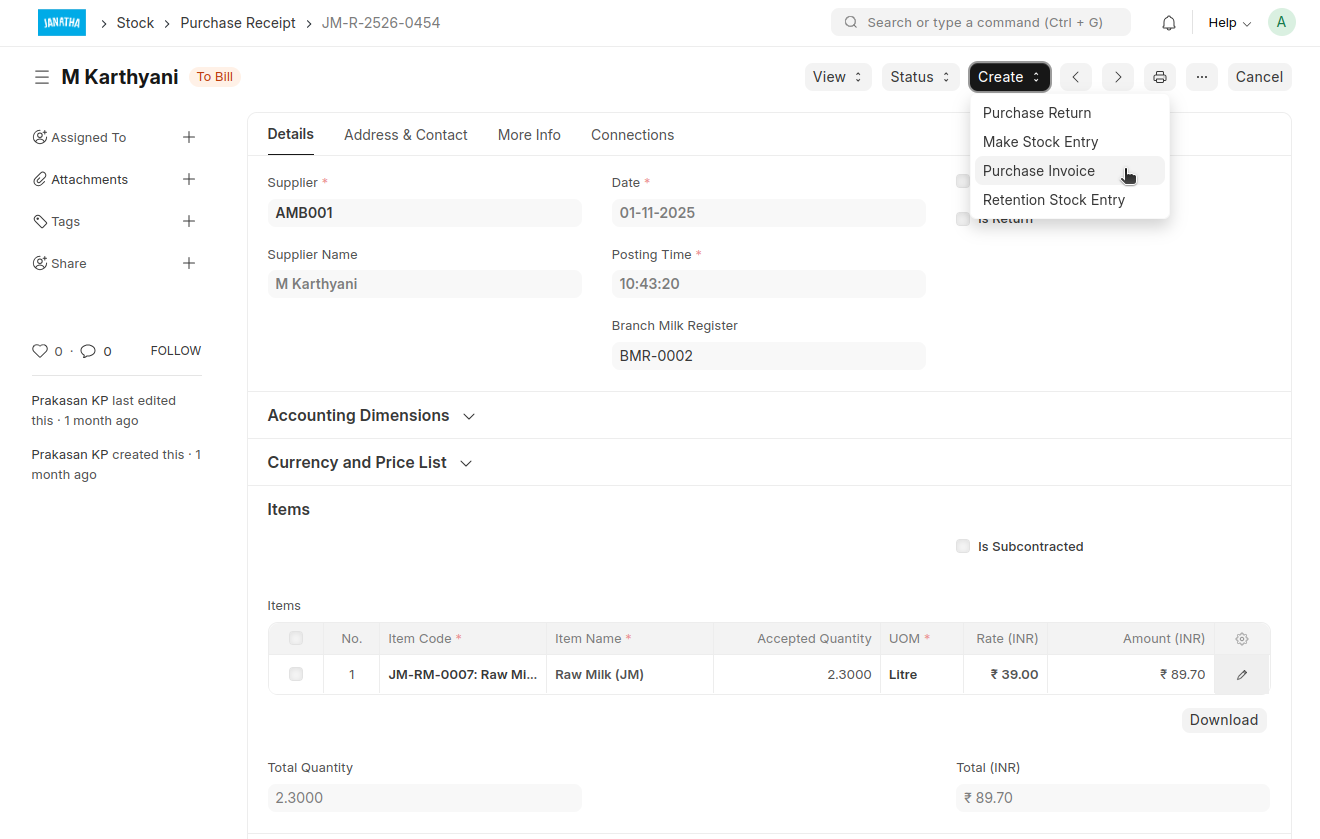
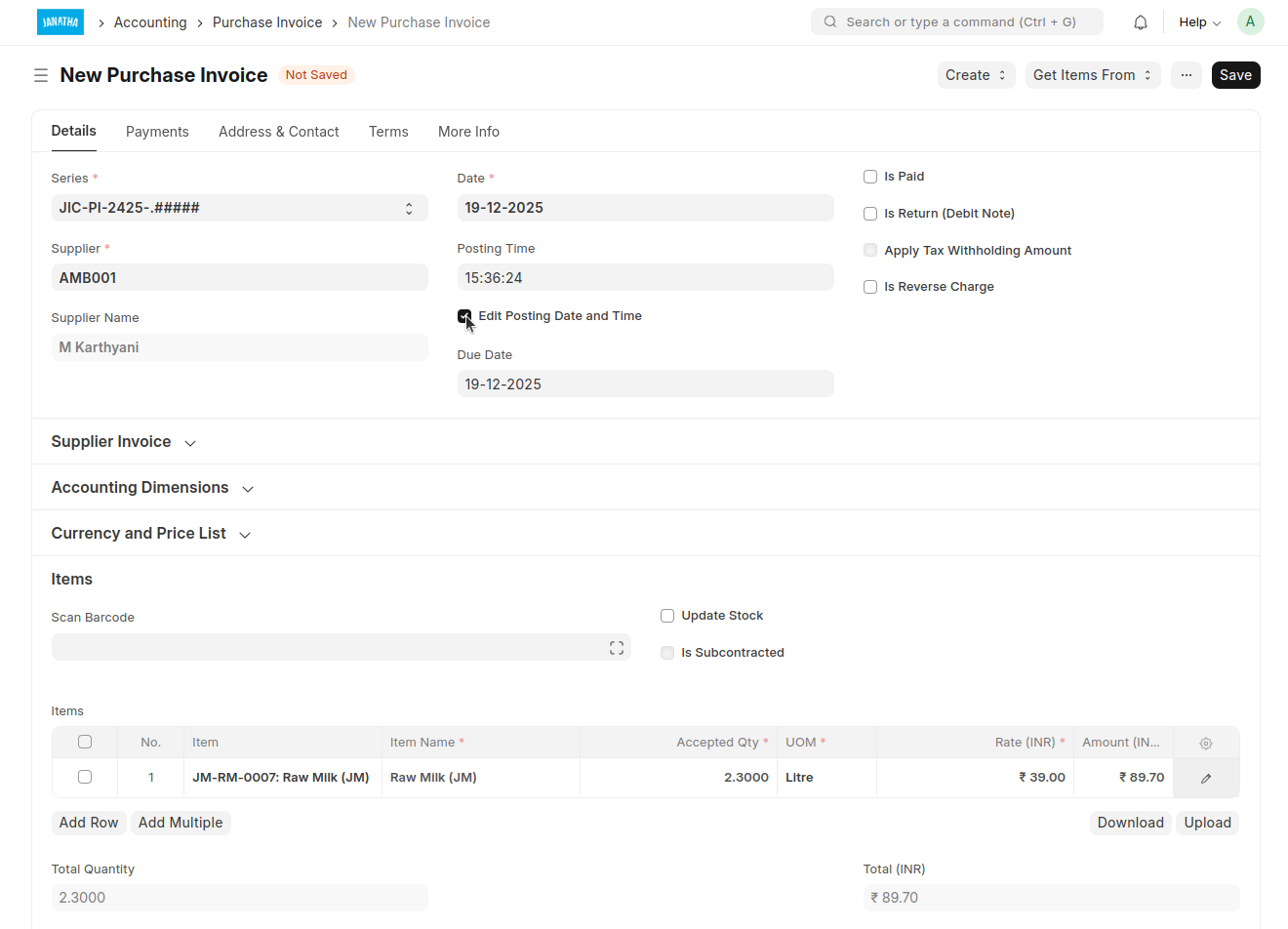
- Supplier and Item will fetch from Purchase Receipt
- If needed change the Posting Date and Time by clicking on 'Edit Posting Date and Time'
Purchase Invoice created for bulk Purchase Receipt
- Add Purchase Invoice
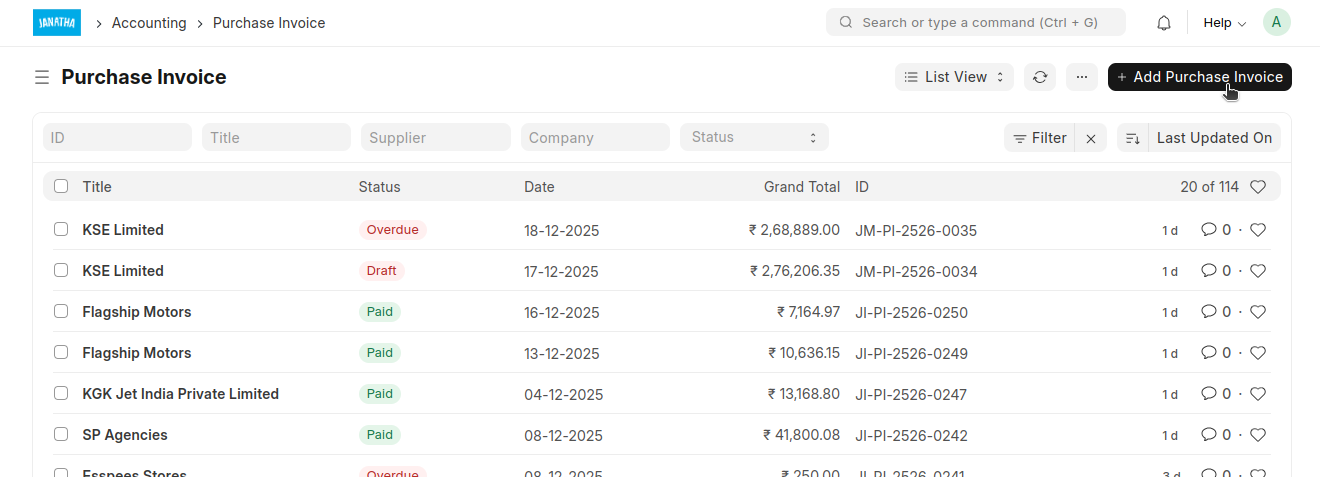
- Select the Supplier
- Select the Branch (Janatha Charitable Society)
- If needed change the Posting Date and Time by clicking on 'Edit Posting Date and Time'
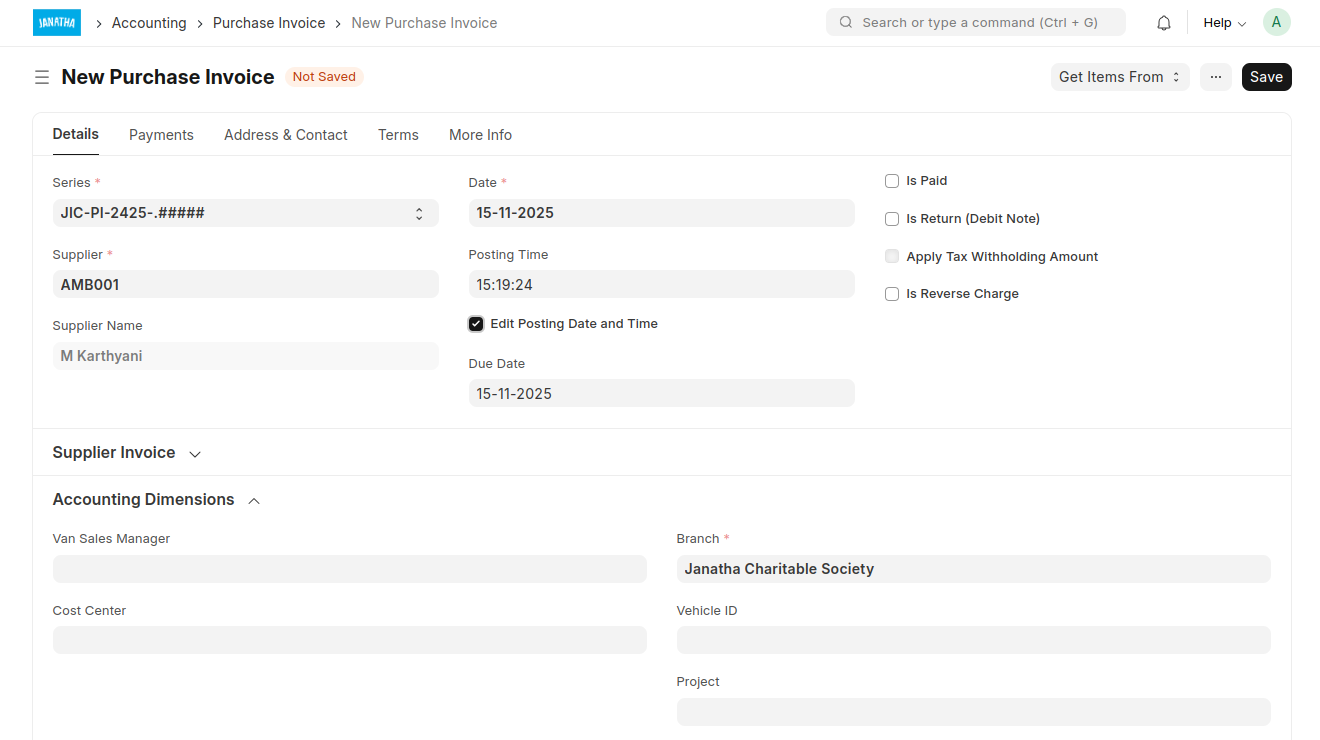
- Click 'Get Items From' → 'Purchase Receipt'
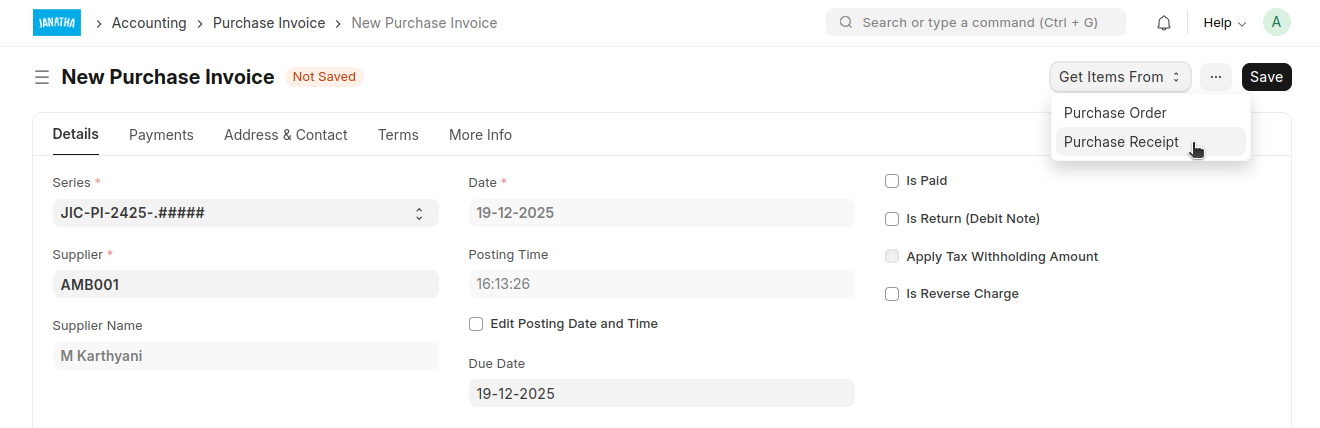 * Click on 'Add a Filter'
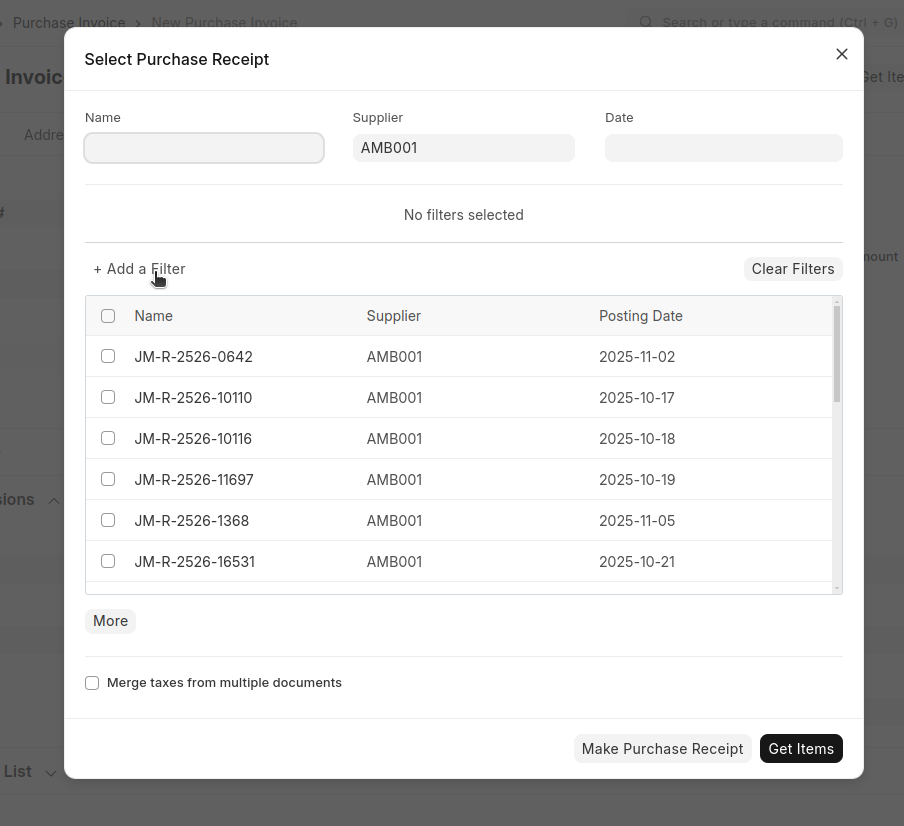
- Select the Date
- Select Receipts and click on 'Get Items'
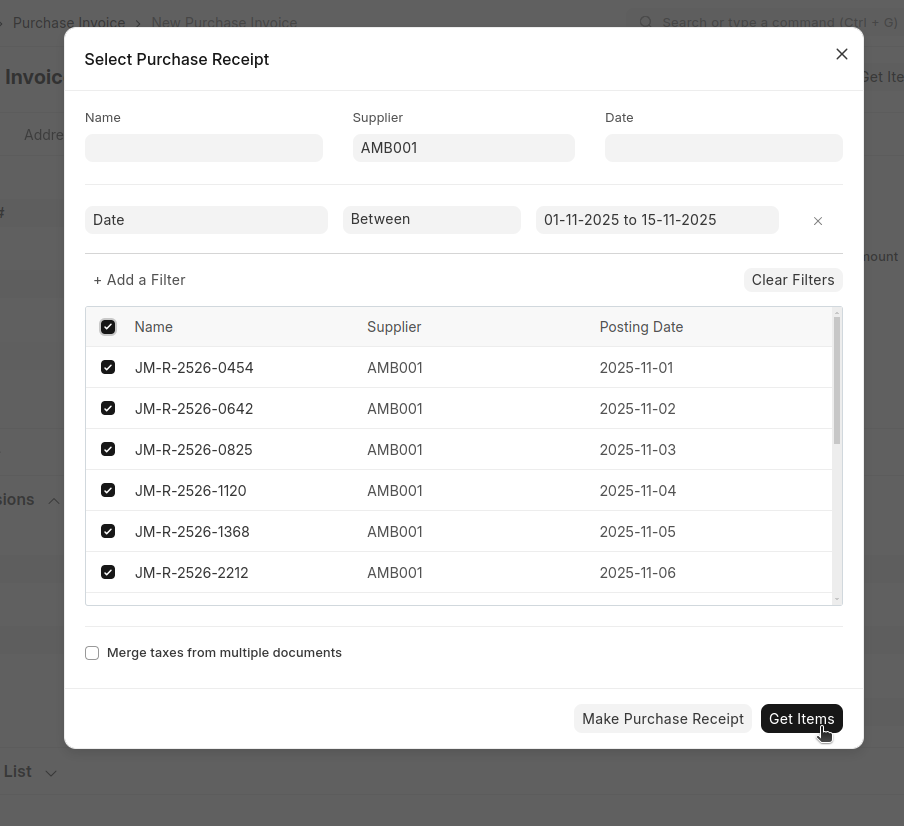
- All items will auto fetch into the items table in the Purchase Receipt
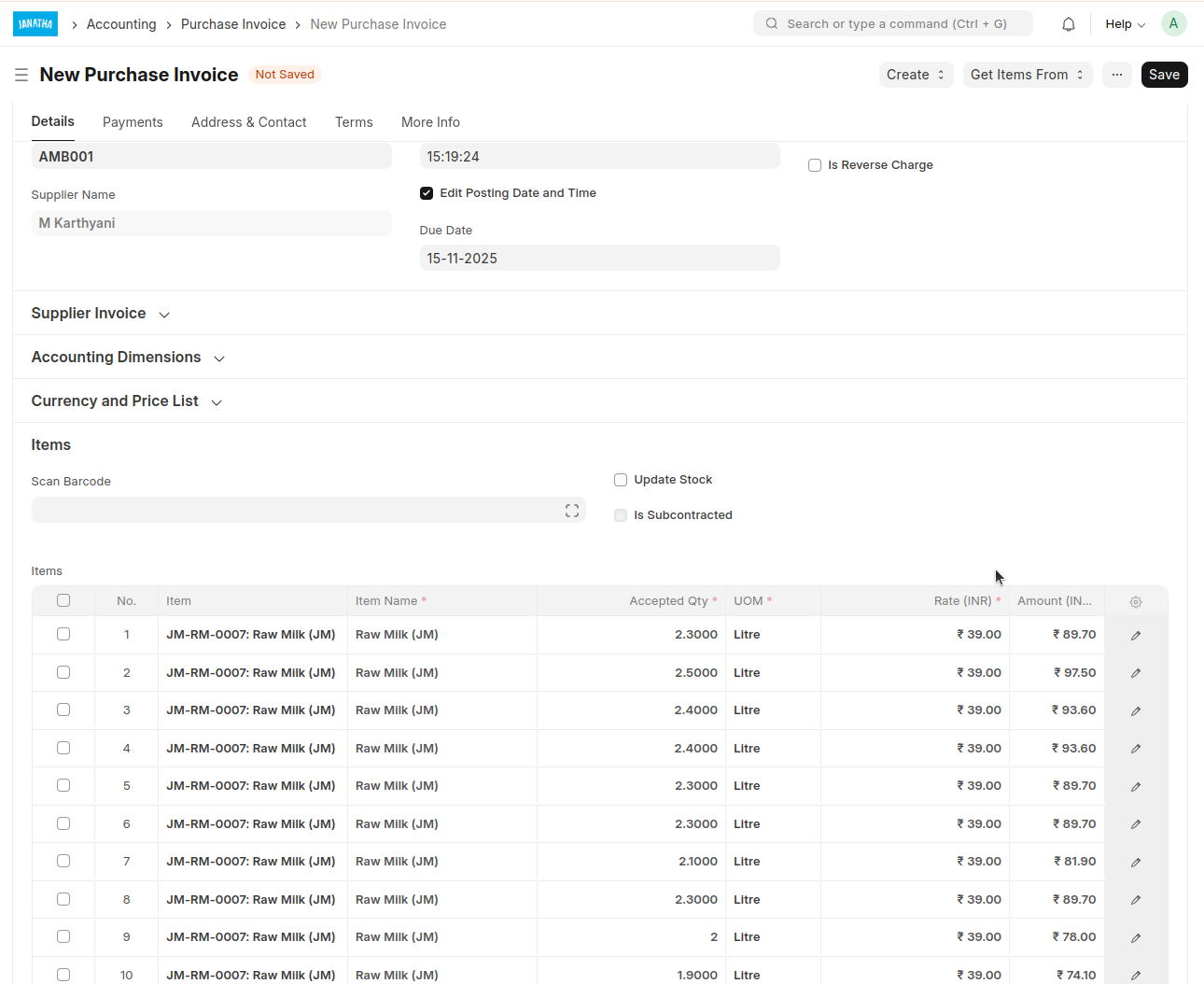
Verify it then save and submit
Next, a Sales Invoice can be created for the same party when they purchase 'Cattle Feed'
Sales Invoice
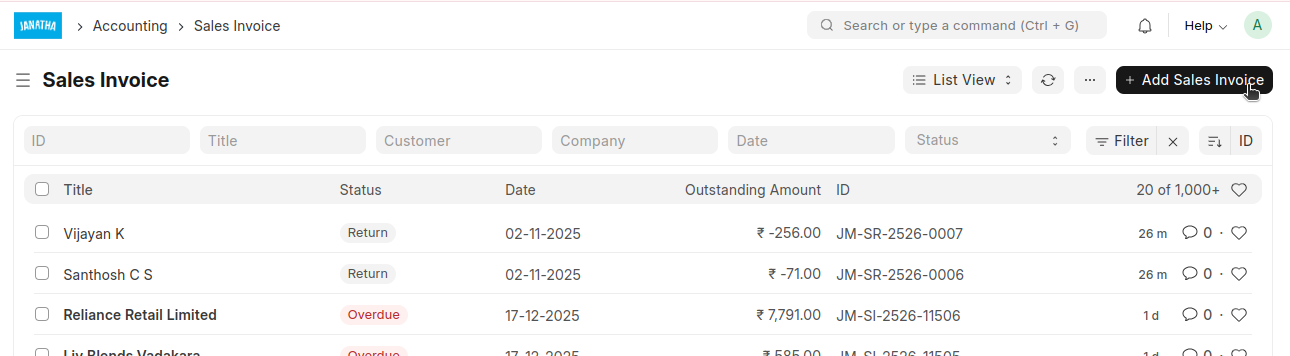
- Add a Sales Invoice
- Select Sales Type as ' Cattle Feed Sales'
- Select Customer
- Select Branch
- If needed change the Posting Date and Time by clicking on 'Edit Posting Date and Time'
- Select the items
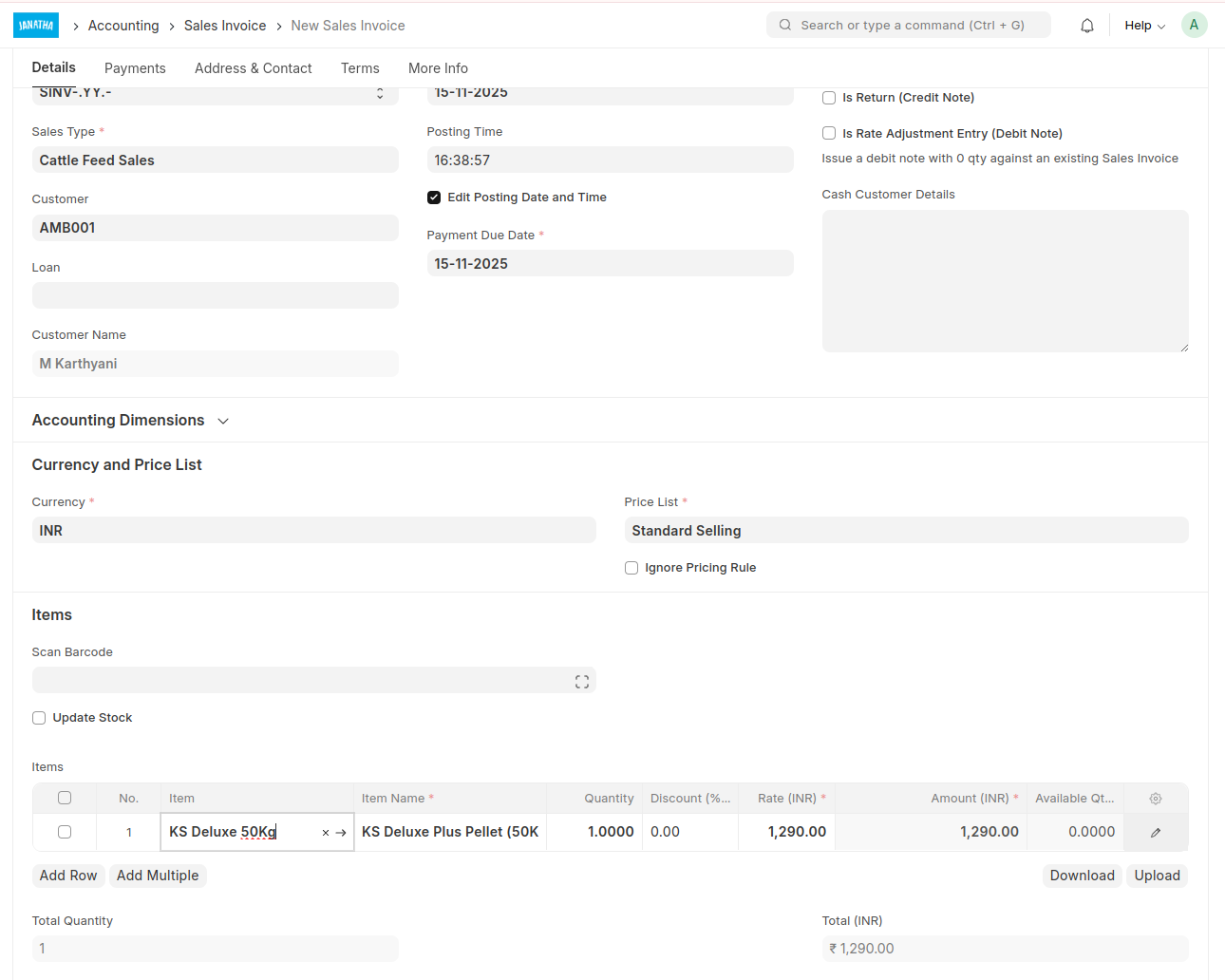
Verify it then save and submit
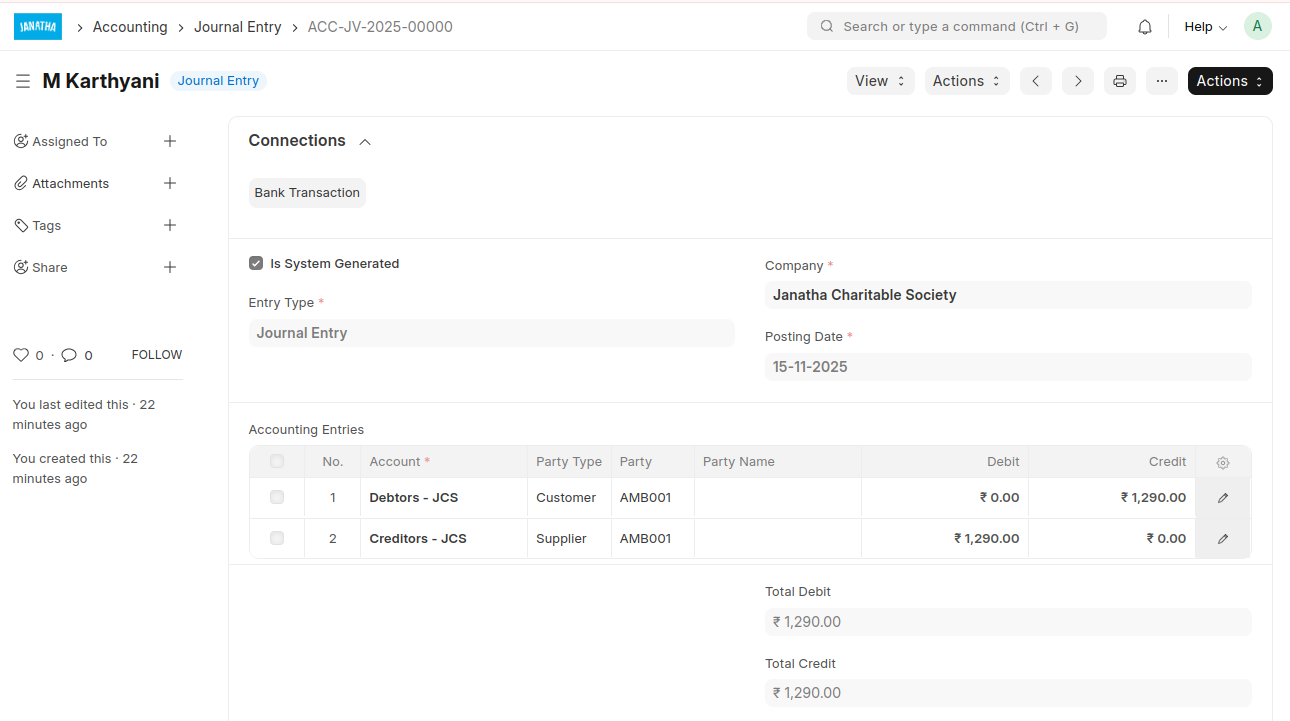
After submitting this Sales Invoice, a Journal entry will be created