Momscode - Al Manarah - Vendor Registration
Vendor Registration
Vendor Registration Form:
The Vendor Registration Form is the portal used to Onboard new Suppliers into the company’s system. This is a Public Webform that can be sent to external vendors. They fill out their own company details, Upload Legal documents, and Submit them directly into your database for approval
Prerequisites,
- Customer Group
- Supplier Group
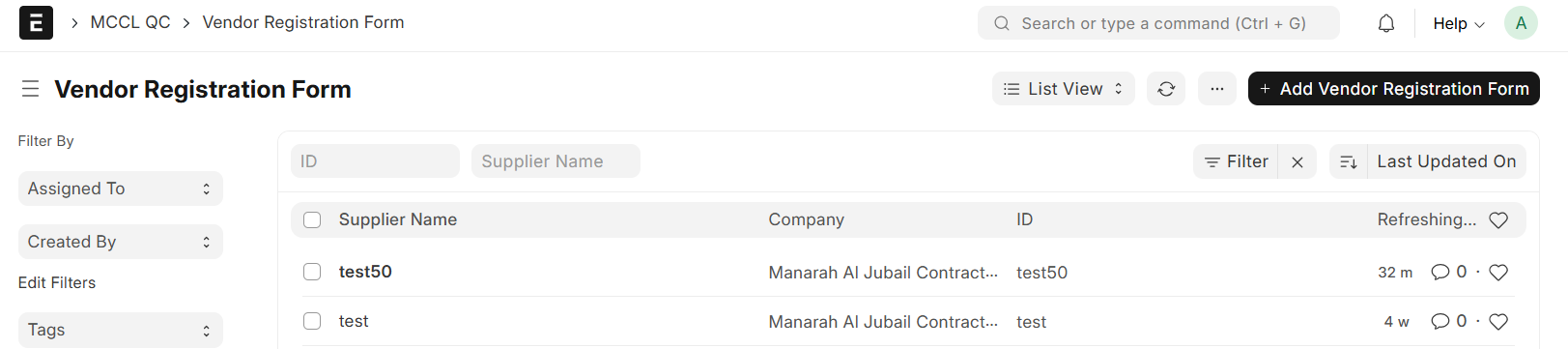
Go to Vendor Registration Form list and Click on "+ Add Vendor Registration Form"
- Add Supplier Name
- Set Date
- Tick the Check box "Publish on website"
- Save
- After Save, The Route will be auto fetched
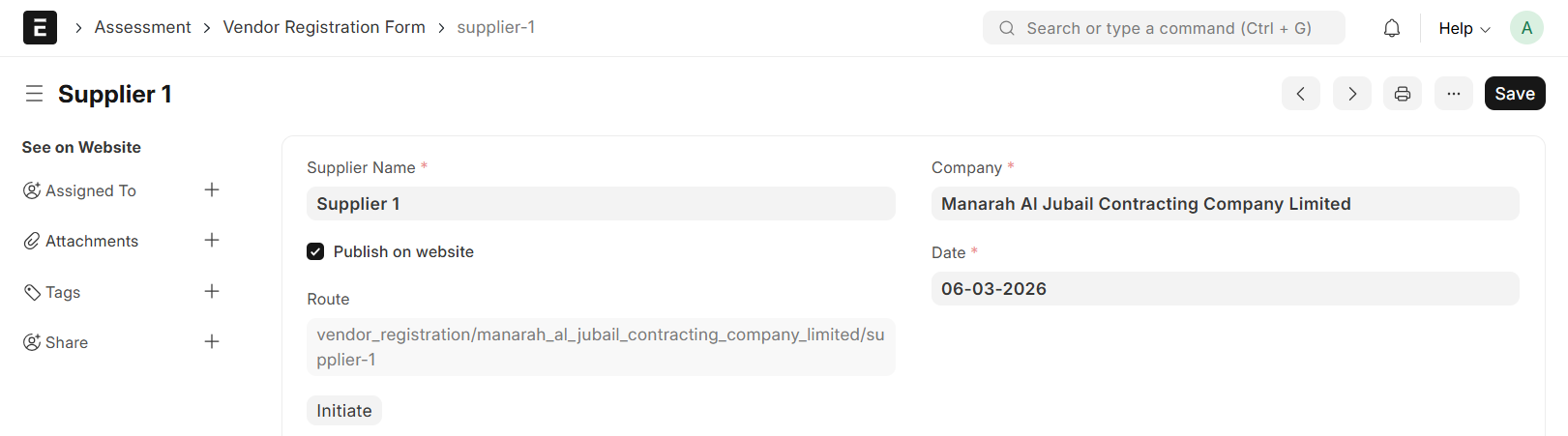
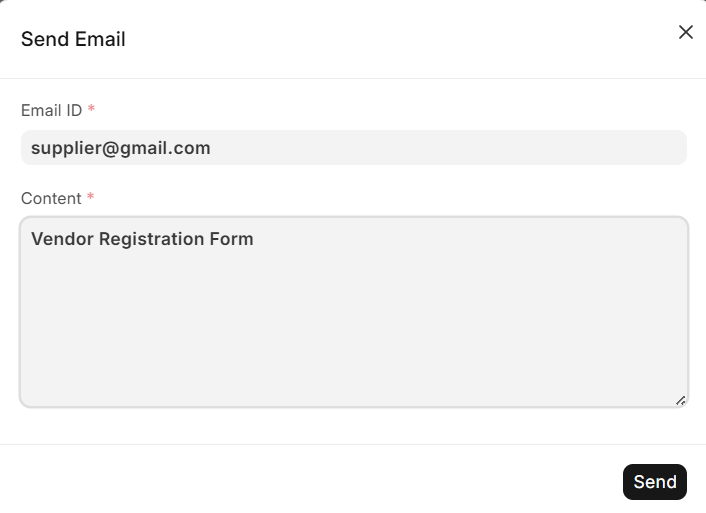
- Click on the "Initiate" Button to sent Email
- Enter the supplier’s E-mail ID and the content in the designated fields
- Send
- The supplier is Required to fill out the form
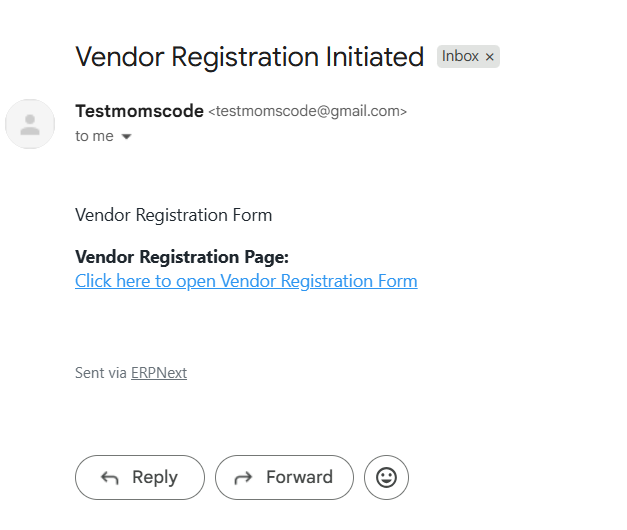
- Click the link provided in the E-mail to fill the Vendor Registration Form
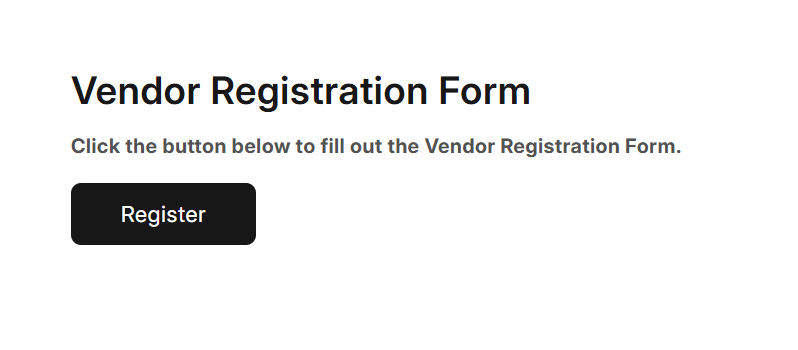
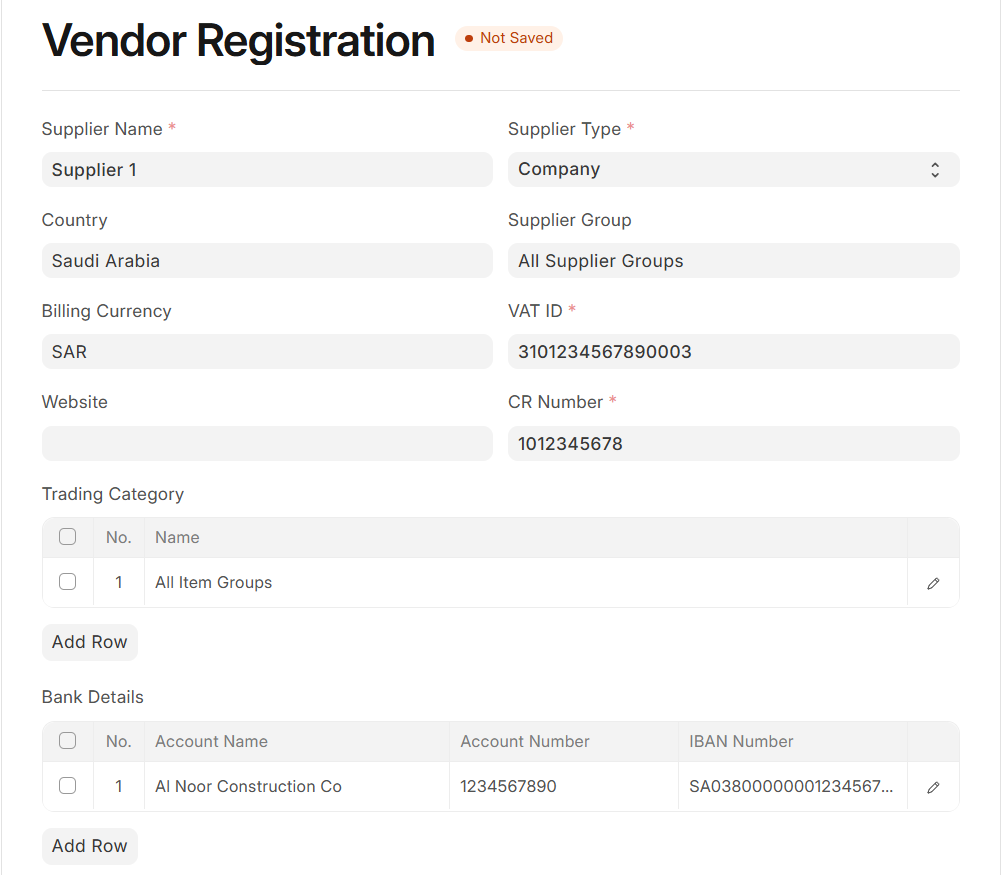
- Fill in all Required Details
- Attach CR & VAT Certificate if available
- Submit
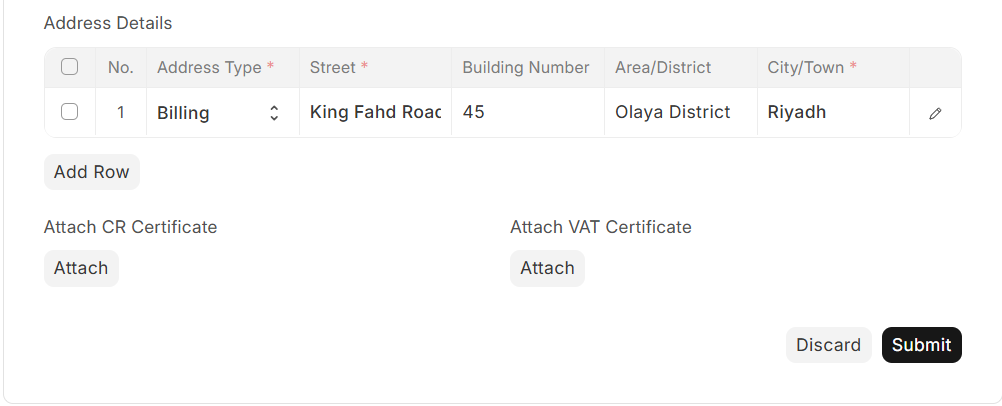
- On Submission, Submit Confirmation message will appear
Vendor Registration Request:
- Vendor Registration Request will create automatically in the system when Supplier Submit the form
- Go to Vendor Registration Request list and confirm
- Then, Submit
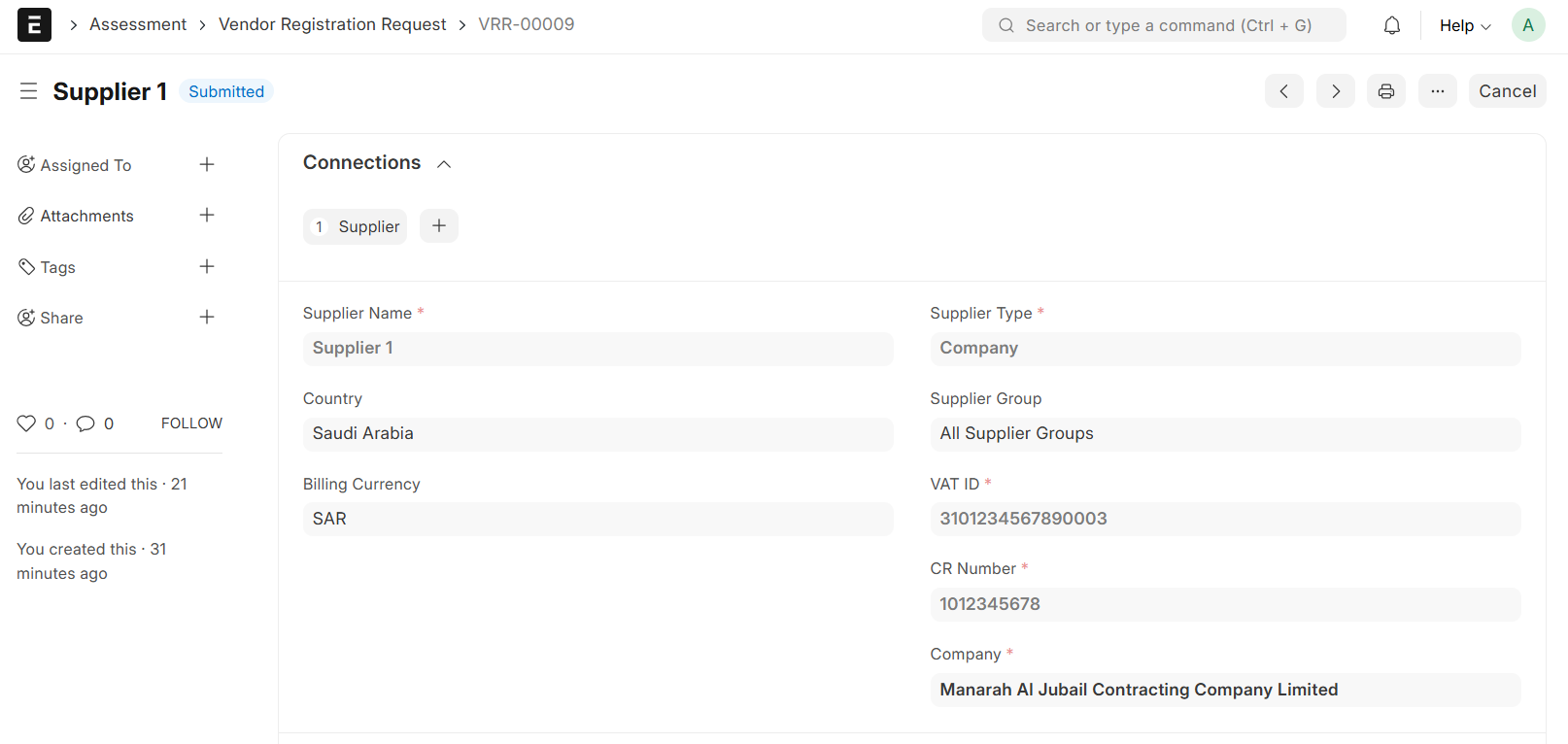
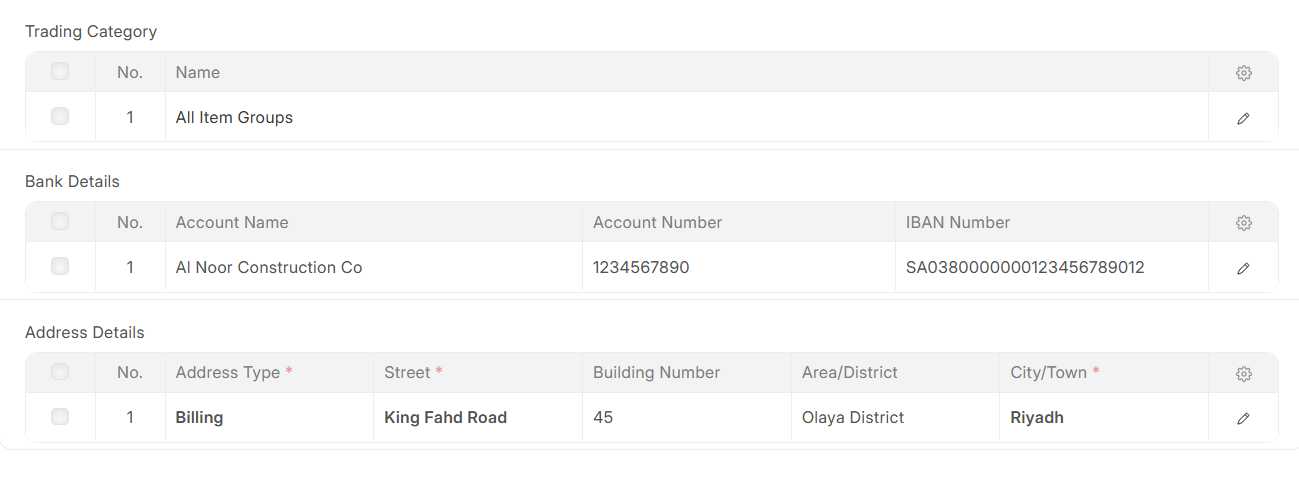
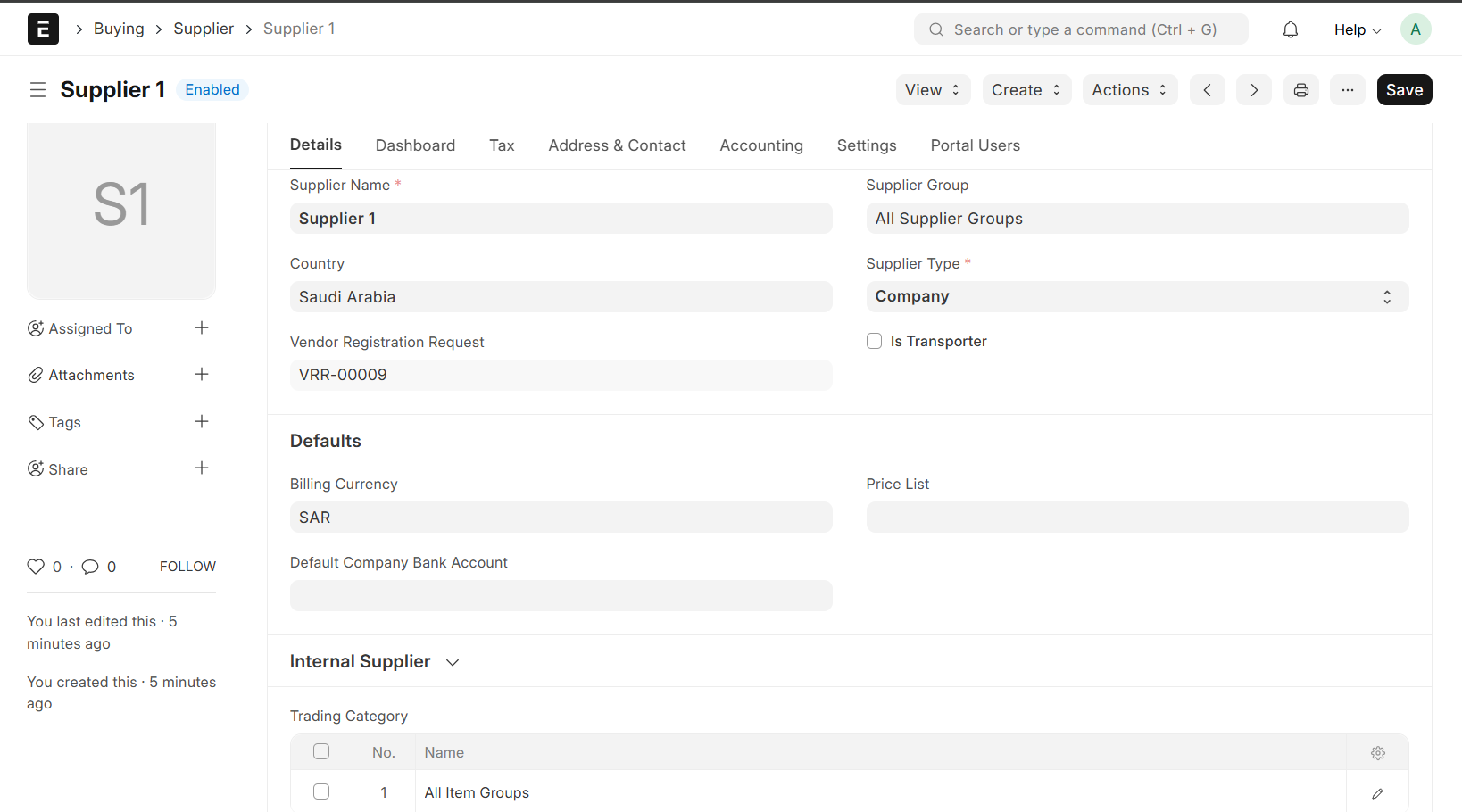
- On Submission the Supplier will be create automatically