Momscode - Al Manarah - Vehicle Penalty Calculation
Project
Vehicle Penalty Calculation
The Vehicle Penalty Calculation is used to consolidate Penalties and link them to the responsible Employee's Payroll. This ensures that Penalties recorded in the Vehicle Penalty Log are Deducted from the correct salary cycle
Prerequisites,
- Vehicle Penalty Log
Salary Component
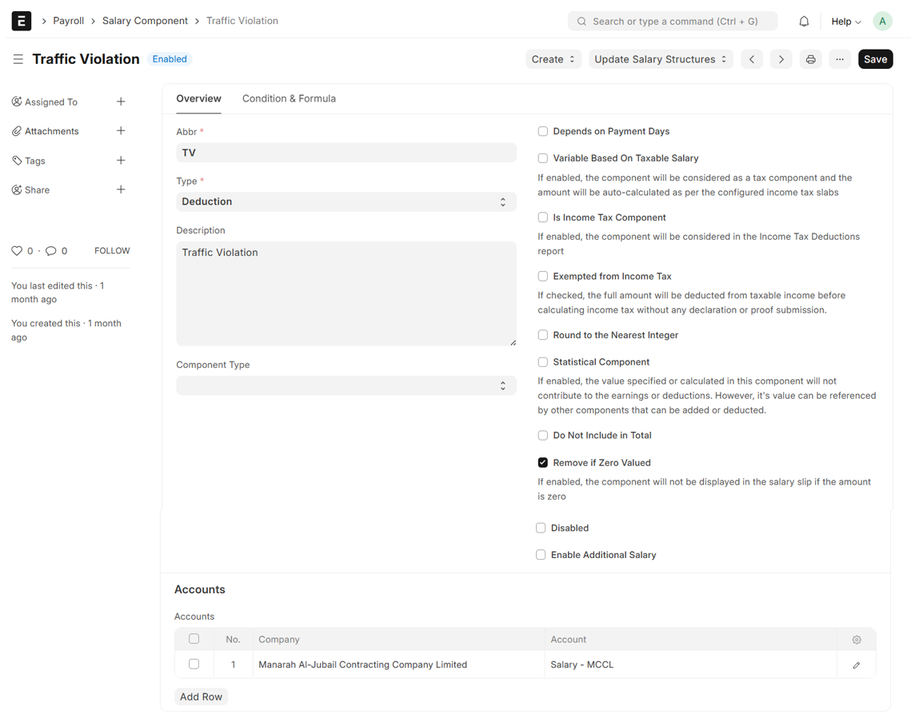
Go to Salary Component, Enter Name, Abbr, Set Type as 'Deduction' and Set Accound Head
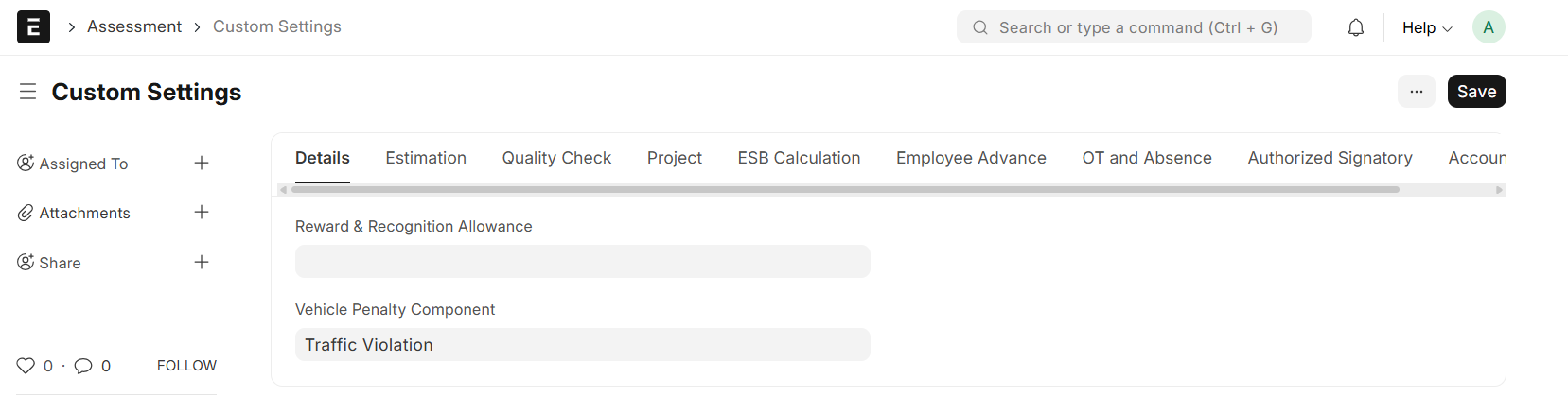
Custom Setting:
- Vehicle Penalty Component
Go to Vehicle Penalty Calculation List and Click on "Add Vehicle Penalty Calculation"

- Set Start Date and End Date
- Click on "Fetch Vehicle Penalty"
- All Penalties within the Selected Time Period will be listed
- Penalty Date, Vehicle Penalty Log ID, Employee, Employee Name, Penalty Amount will be auto fetched from the Vehicle Penalty Log
- Save and Submit
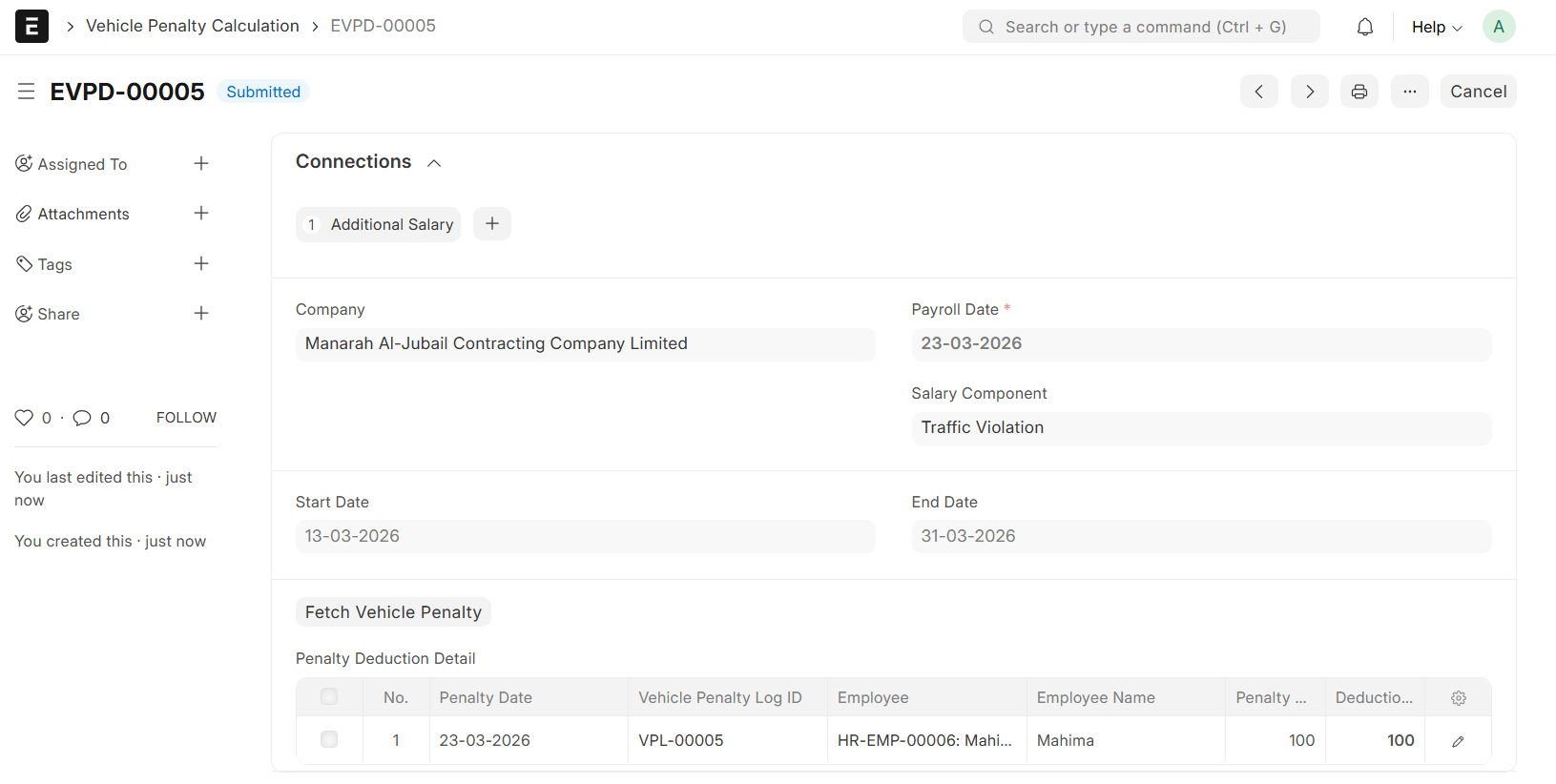
- The Deduction Amount is Editable, and the Updated Value will sync with the Additional Salary entry
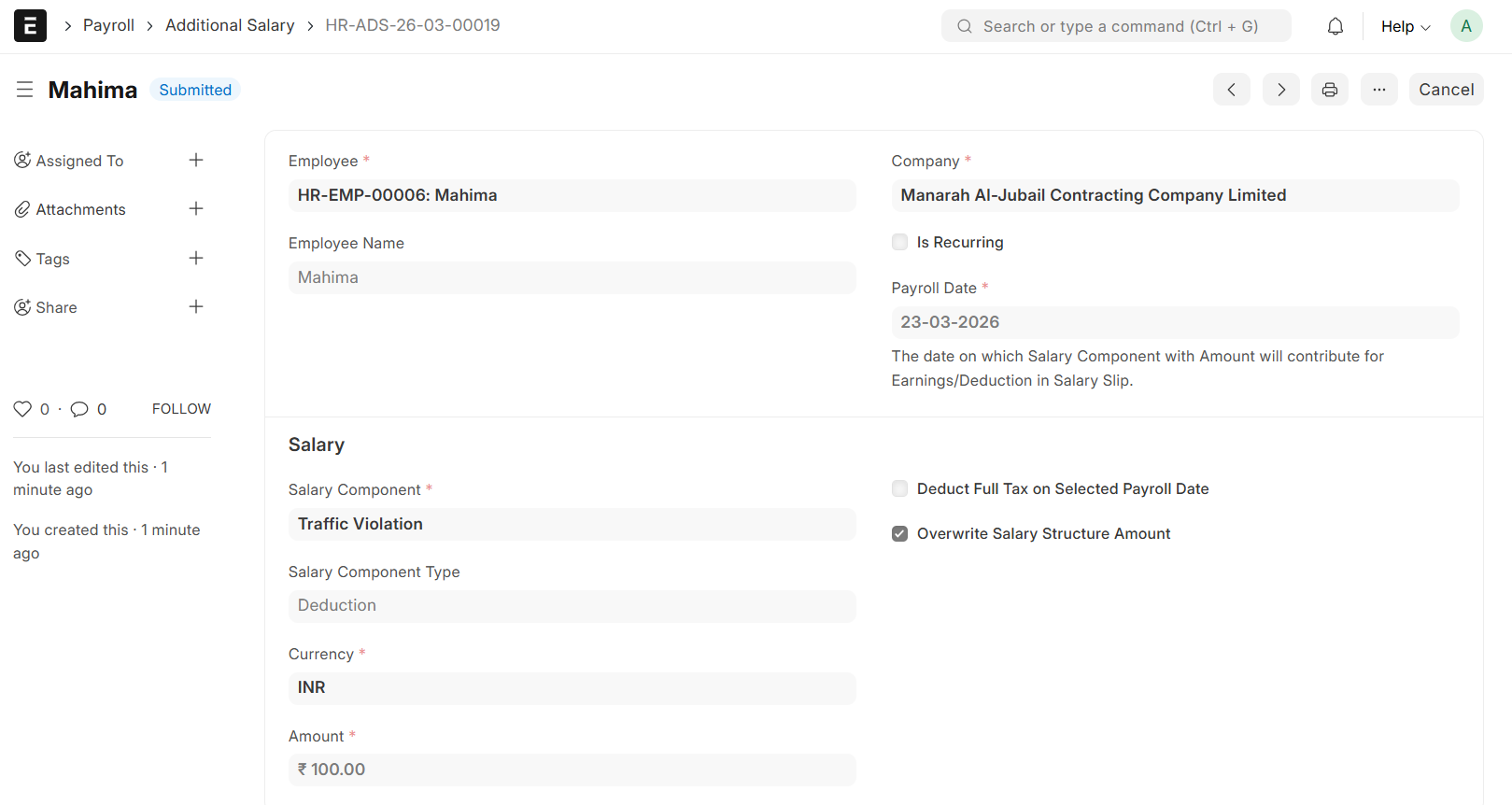
- Upon Submission, An Additional Salary will be auto generated
Note:
The Penalty Amount will be Deducted from the Allocated Employee's Salary through an Additional Salary entry and will be reflected on their Salary Slip