Momscode - Al Manarah - Vehicle Allotment Record
Project
Vehicle Allotment Record
This Document is used to record the Allotment of Vehicles to a particular Employee. It can be done against the Project
Prerequisites,
- Project
- Project Budget
- Mobilized Equipment and Vehicle Register
Go to Vehicle Allotment Record List and Click on "Add Vehicle Allotment Record"

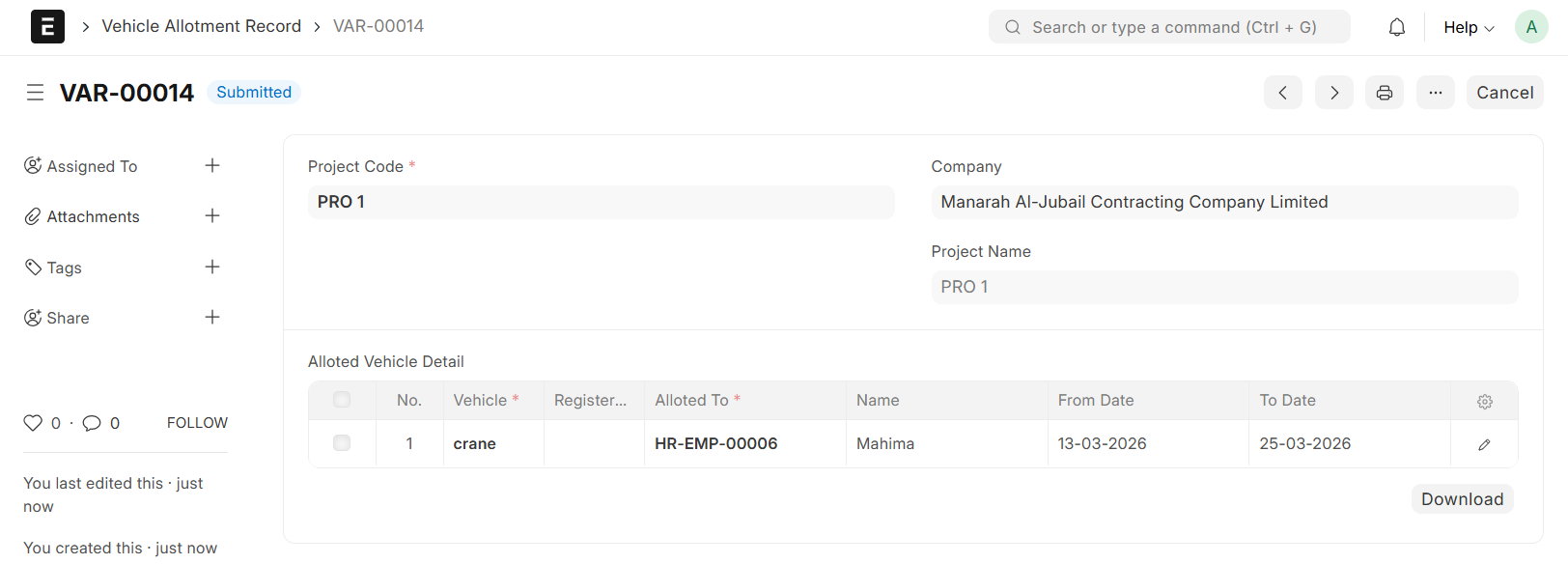
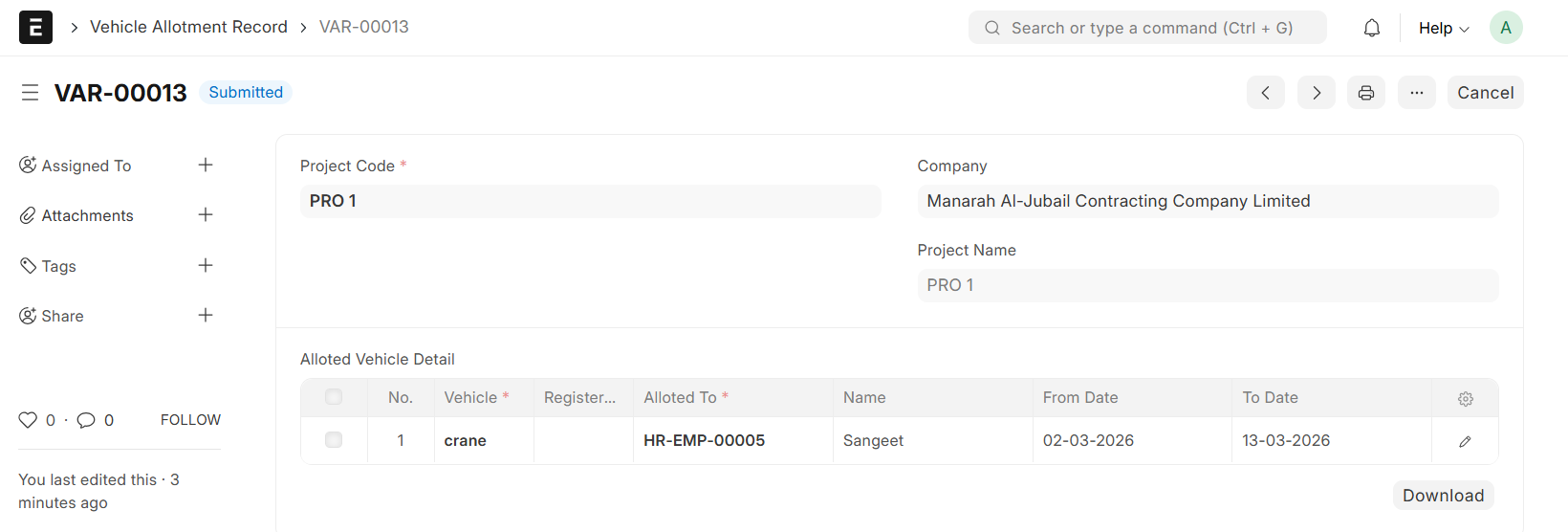
- Select Project, the Project Name will be auto fetched
- Select Vehicle, the Registered Number will be auto fetched from Equipment Register
- Select Employee in 'Allocated to', Employee Name will be auto fetched
- Enter From Date and To Date
- Then, Save and Submit
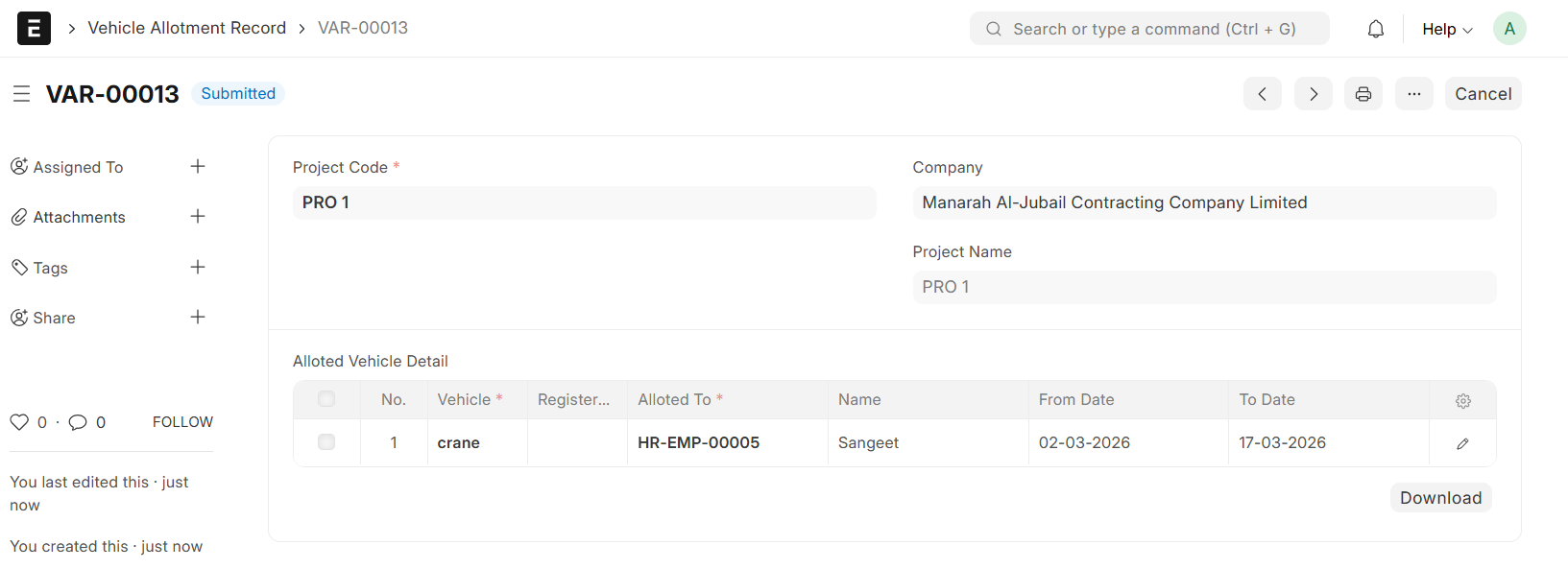
Note:
The Vehicle selection is automatically filtered to show only Vehciles with a 'Mobilized' Status in the Mobilized Equipment and Vehicle Register
If a Vehicle is Assigned to a new Employee during an Existing Allotment Period, the system automatically adjusts the timelines. The 'From Date' of the new Allocation will automatically set the 'To Date' for the Previous Assignment to prevent scheduling overlaps