Momscode - Al Manarah - Rewards and Recognition
Rewards and Recognition
The Rewards and Recognition Process is used to formally acknowledge and celebrate an employee's hard work, achievements, or milestones. It allows the company to grant either Monetary rewards or Non-Monetary rewards, ensuring all appreciation is documented
Prerequisites,
- Employee
- Project Location
- Nomination Type
- User
- R & R Certificate Template
- Email Template
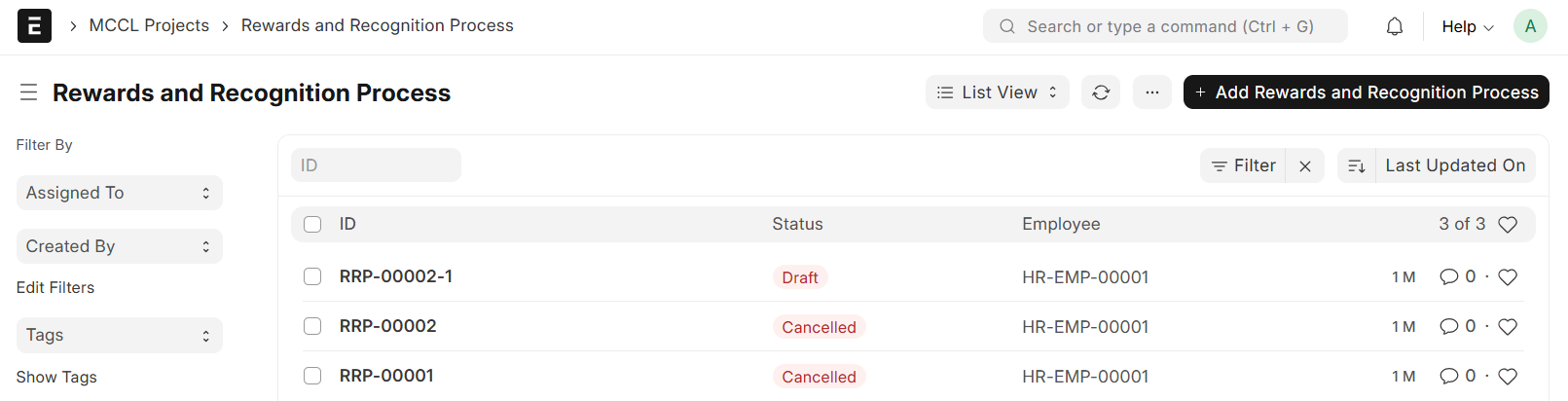
Go to Rewards and Recognition Process list and Click on "+ Add Rewards and Recognition Process"
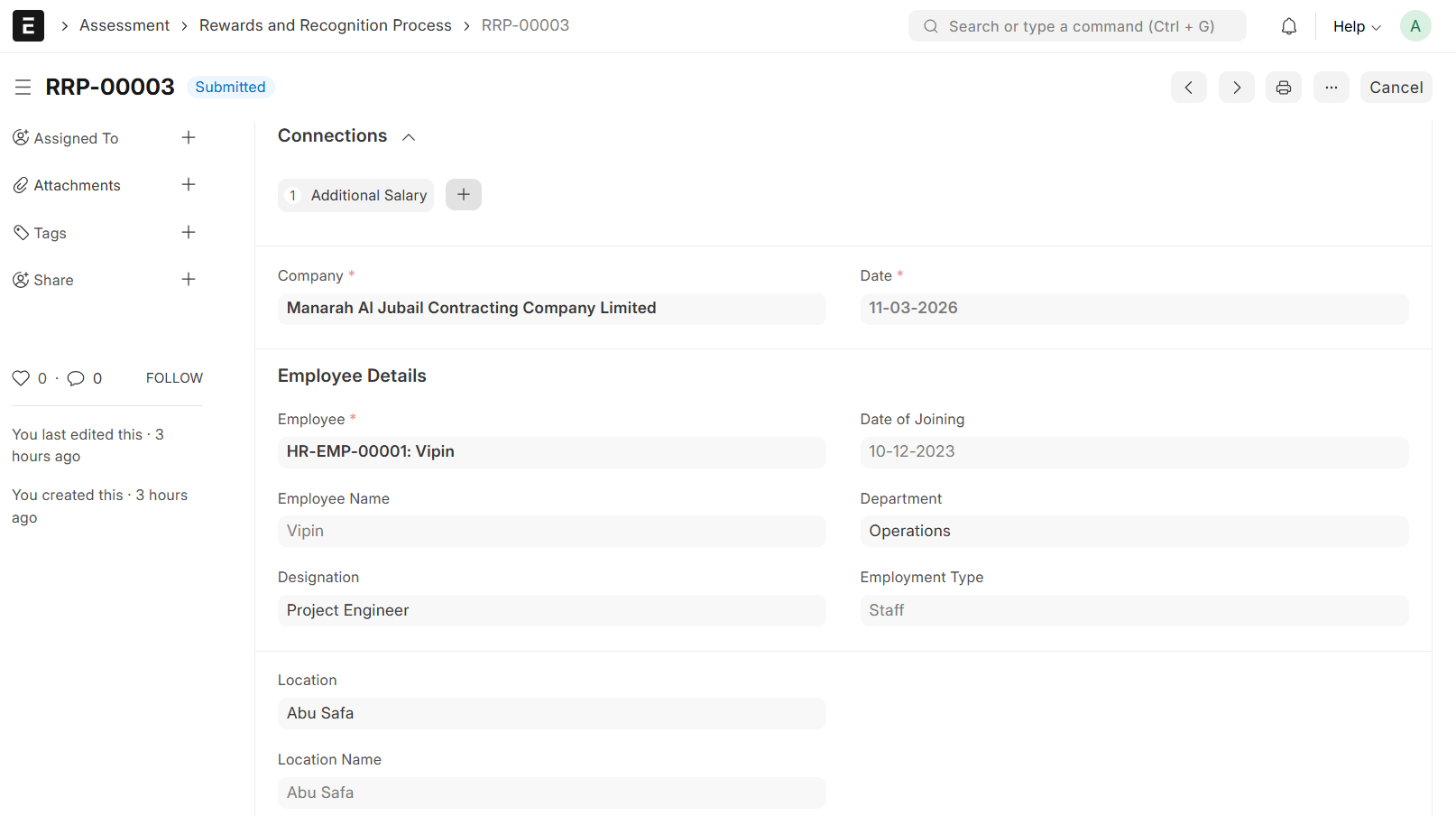
- Select Employee
- Set Date
- Employee Details will be auto fetched from the Employee Master (Employee Name, Date of Joining, Department and Designation)
- Select Employment Type (Staff, Labour or Contract)
- Select Location
- Fill in all other Required Details
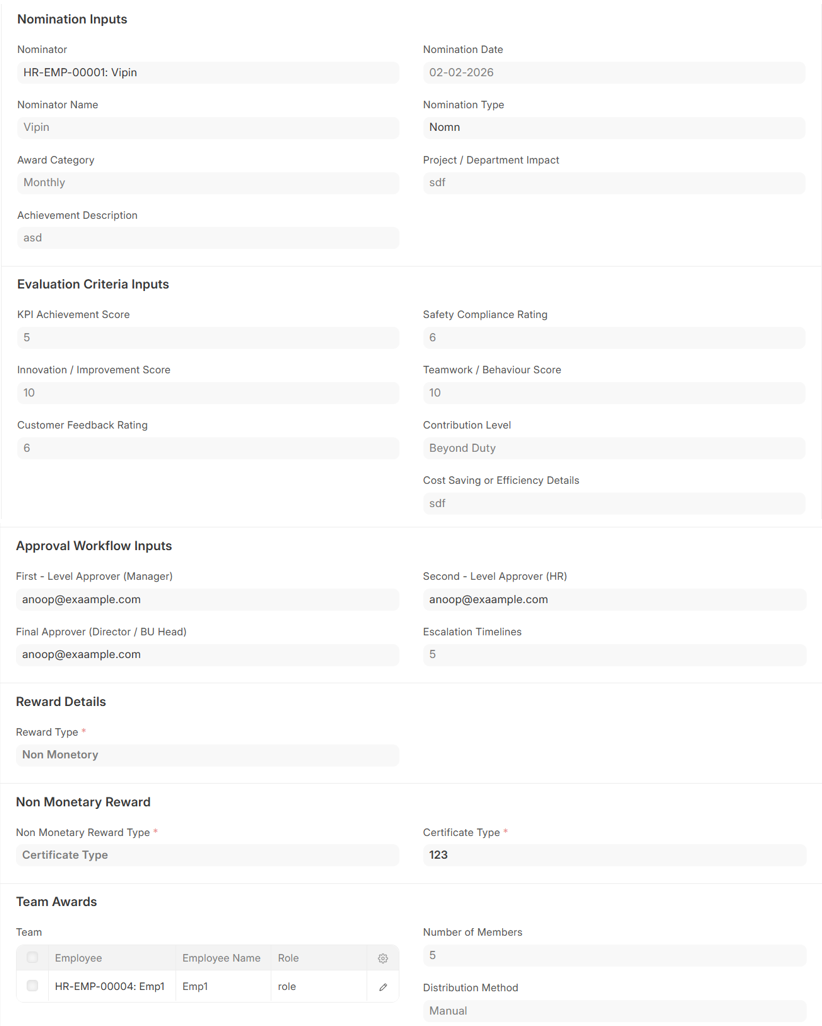
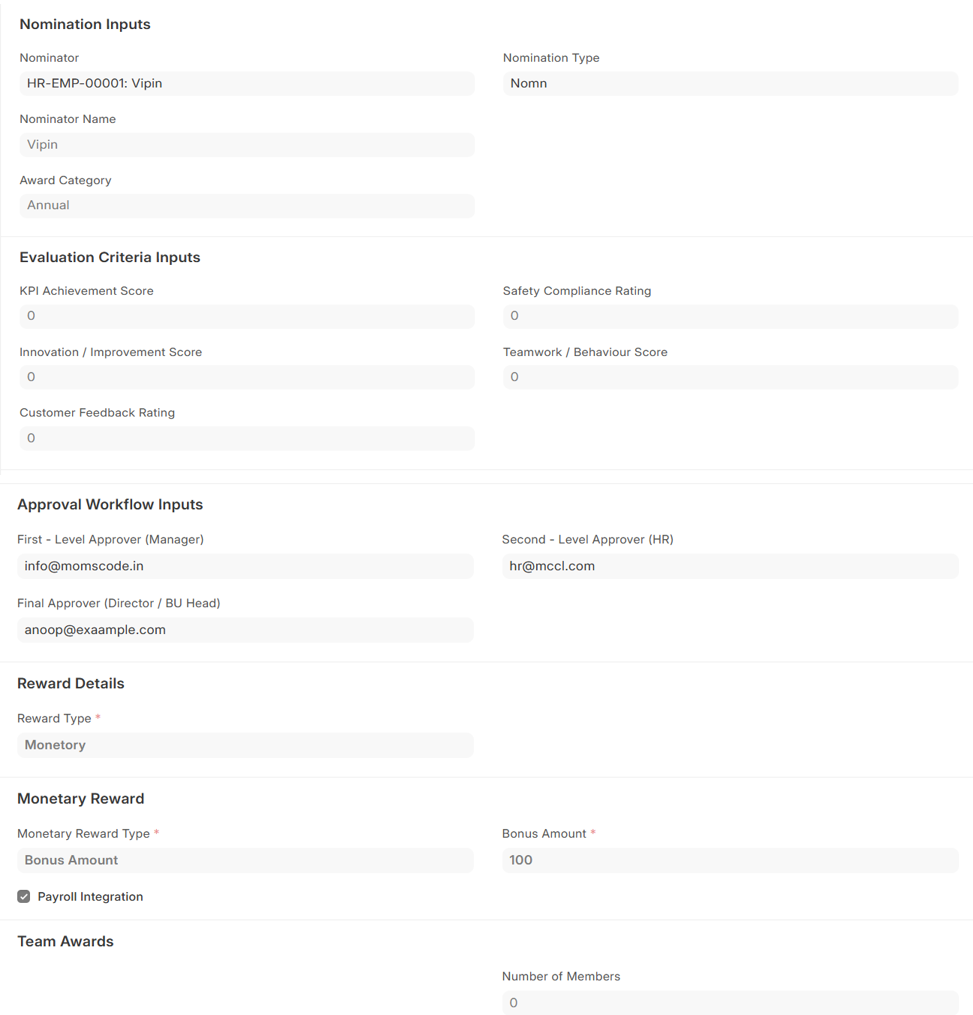
- In Reward Details, Select the appropriate Reward Type (Either Monetory or Non Monetory)
- If Monetory is chosen:-
- Specify the Reward Type (Bonus or Voucher/Gift Card)
- Provide the applicable amount
- Tick the Check box if the Reward should be integrated with payroll processing
- Leave unchecked if payroll integration is not required
- Then Save and Submit
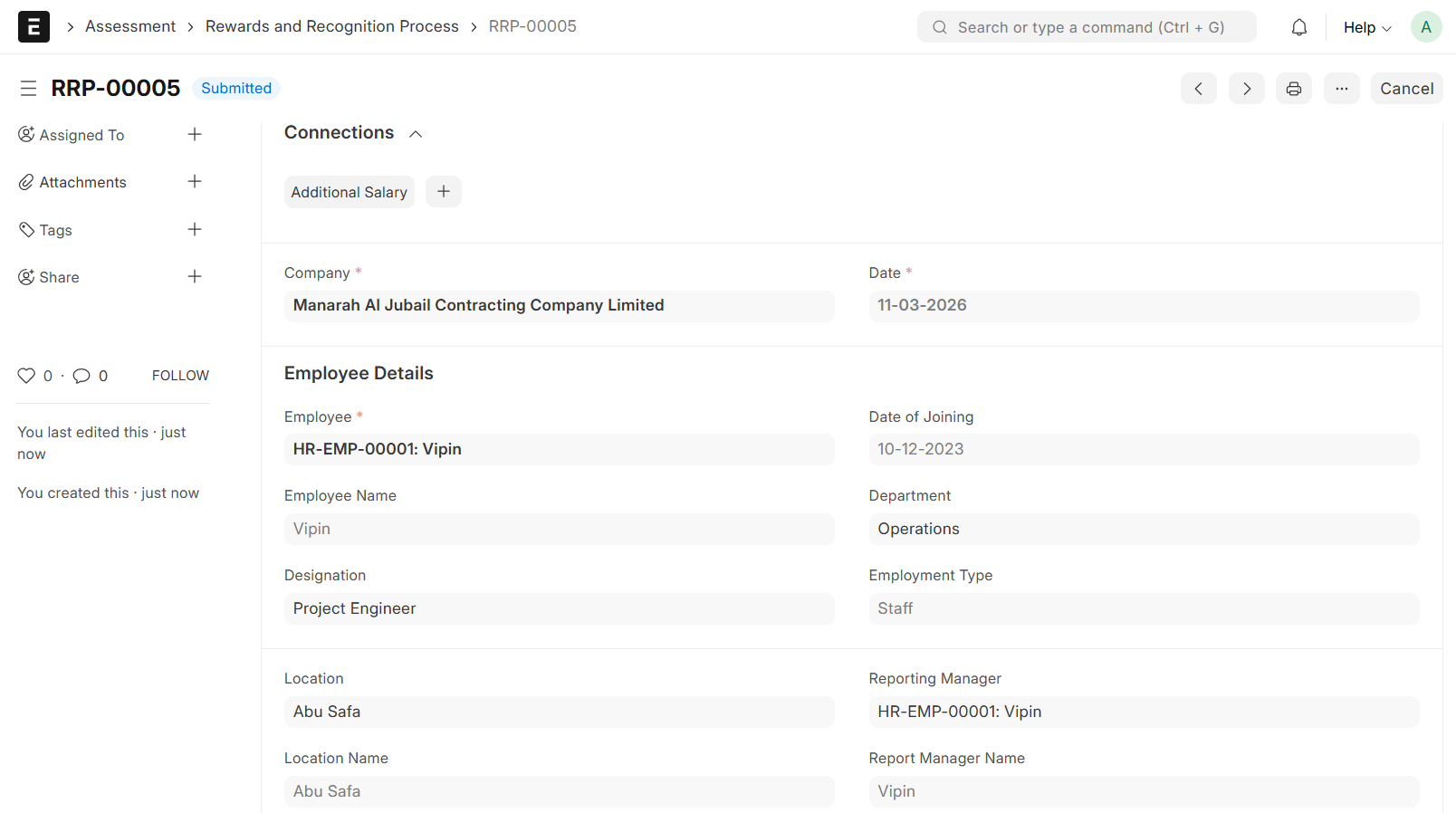
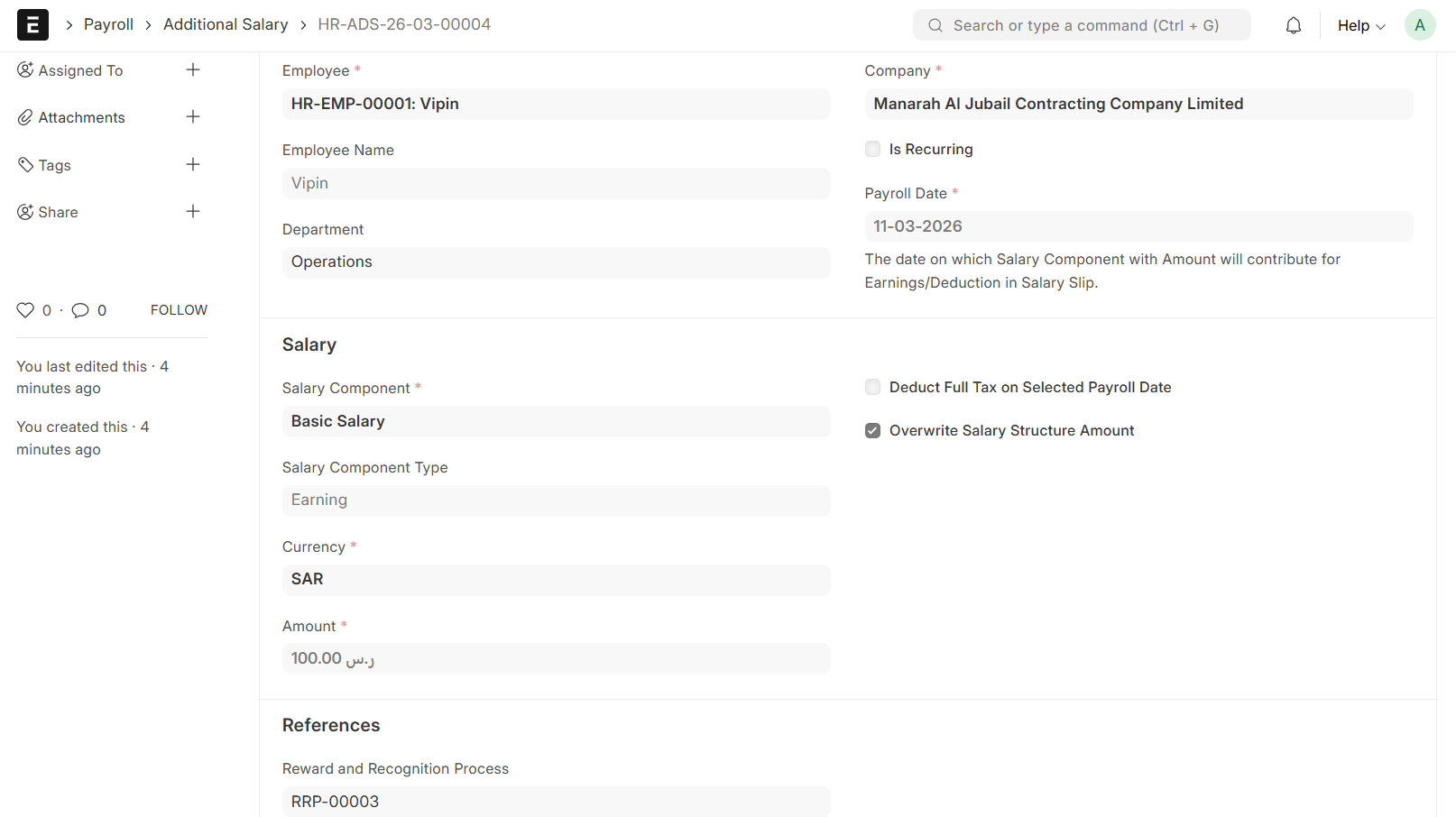
- On submit, if the Payroll Integration Checkbox is selected, the Additional Salary entry will be generated automatically against the Reward
- If Monetory is chosen:-
- If Non Monetory is chosen:-
- Specify the Reward Type (Certificate Type, Appreciation Email Template, Trophy/Shield Selection or Points/Credit System)
- If Certificate Type is chosen, Select the required Certificate Type
- If Appreciation Email Template is chosen, Select the required Appreciation Email Template
- If Trophy/Shield is chosen, Select the required trophy/Shield
- If Points/Credit System is chosen, specify the required points in the designated field
- Then Save and Submit