Momscode - Al Manarah - Project Material Consumption
Project
Project Material Consumption
This Module is used to track and finalize the use of Project supplies. It automatically reduces Warehouse Stock and Links the cost to the specific Project Budget
Prerequisites,
- Project
- Project Budget
- Warehouse
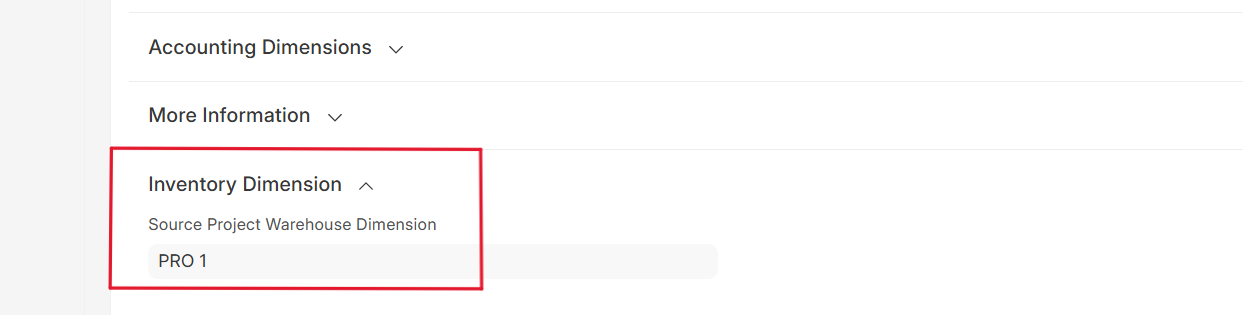
- Inventory Dimension
Note:
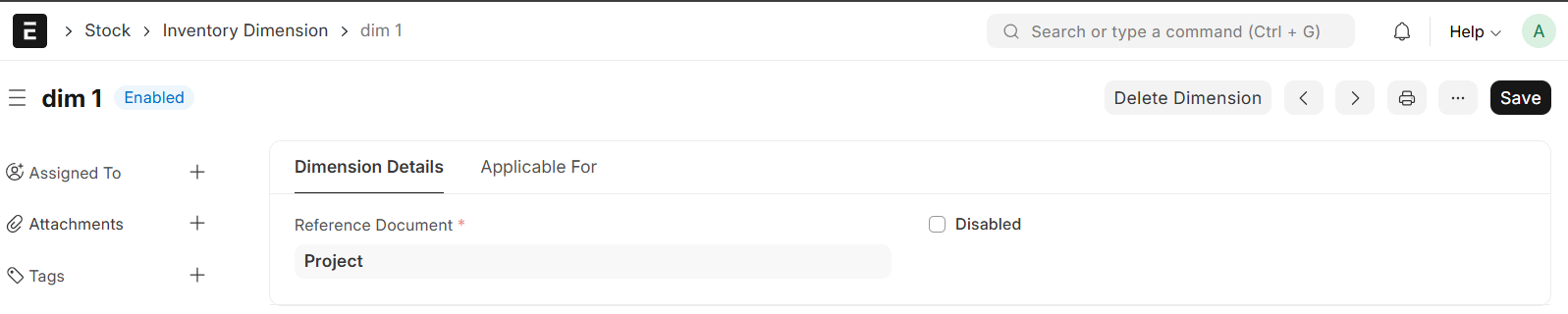
- Go to Inventory Dimension and Enter Dimension Name and Reference Document
- Save
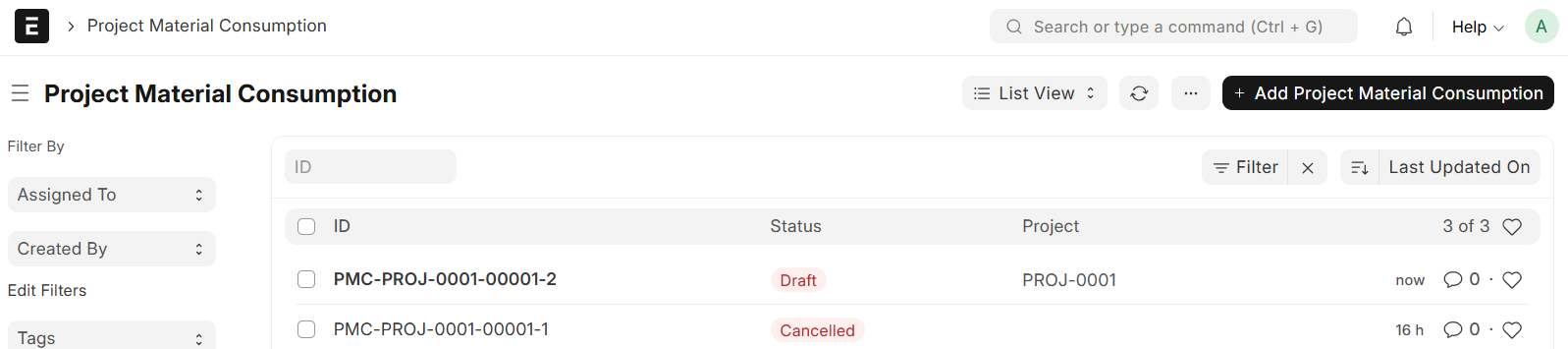
Go to Project Material Consumption List and Click on "Add Project Material Consumption"
- Select Project
- Project Name will be auto fetched
- Set Date
- Select Warehouse
- Select item, the UOM will be auto fetched
- Enter Quantity
- Save and Submit
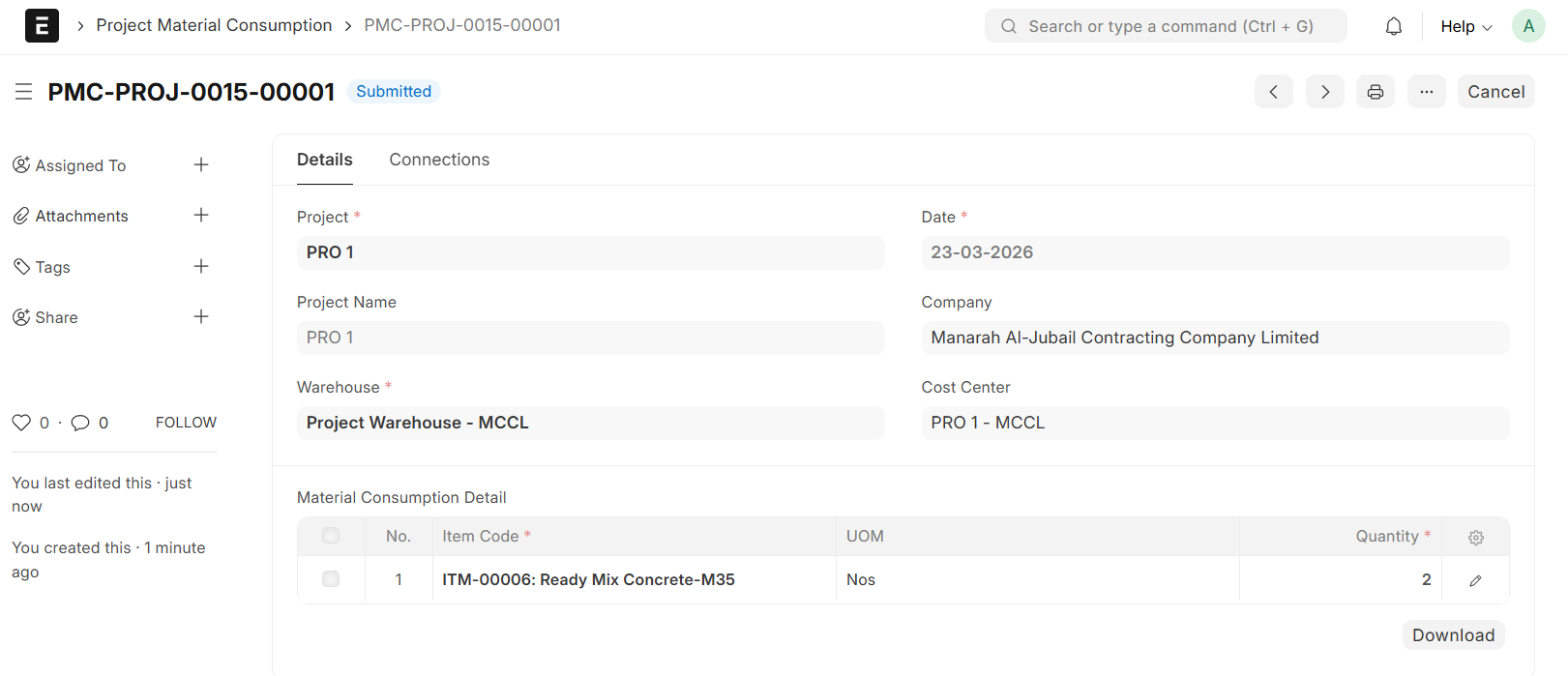
- Upon Submission, the system automatically generates a Stock Entry with the type set to Material Issue
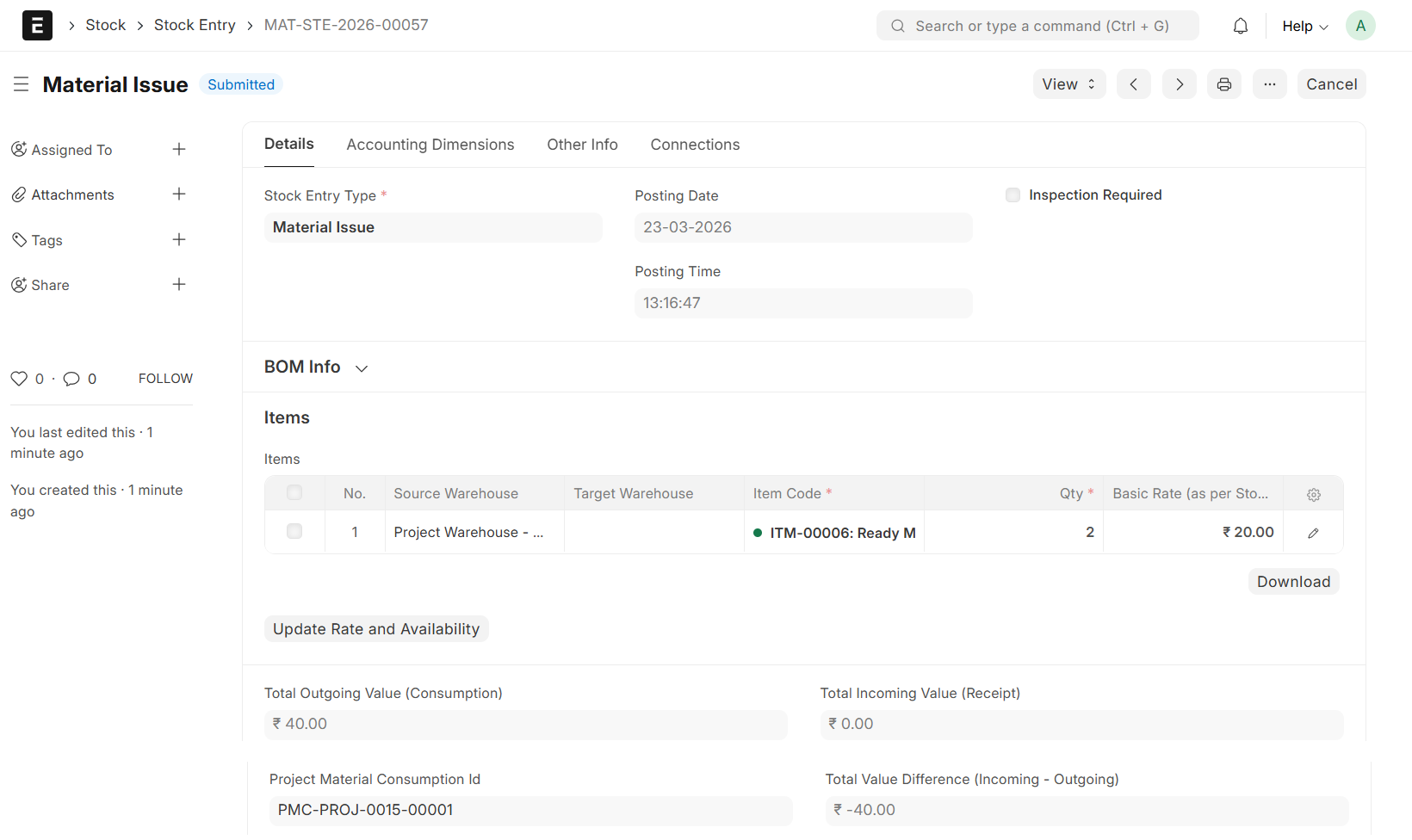
Note:
An Inventory Dimension field will be visible in the Item child table, which is dynamically linked to the corresponding Project