Momscode - Al Manarah - Project Deduction
Project Deduction
The primary purpose of a Project Deduction is to account for specific Deductions that need to be subtracted from the total Project value before the final payment is issued
Prerequisites,
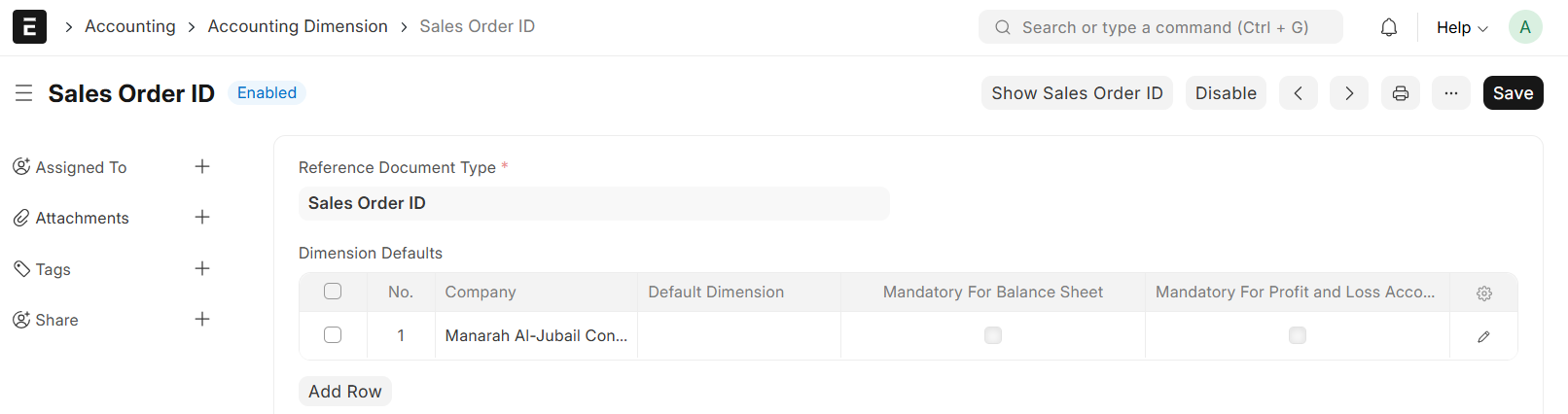
- Accounting Dimension
- In Accounting Dimension, Set the Reference Document Type to 'Sales Order ID' and Select Company
- Then Save
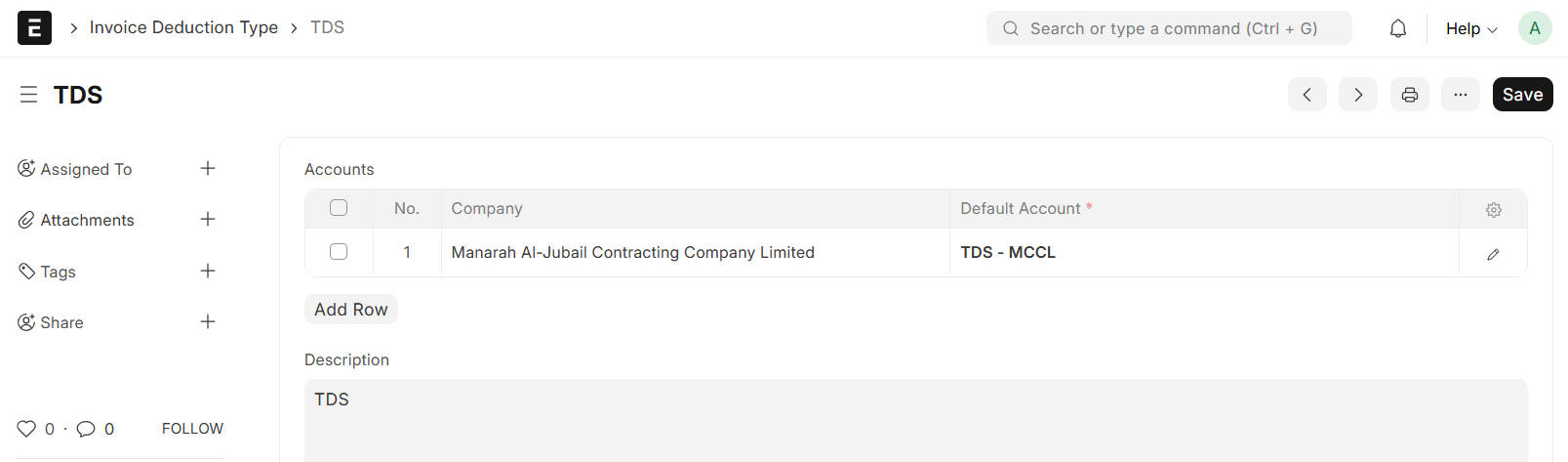
- Invoice Deduction Type
- In the Invoice Deduction Type, Enter the Deduction Type Name and map it to the Appropriate Account Head resposible for capturing the Deduction value
- Save & Submit
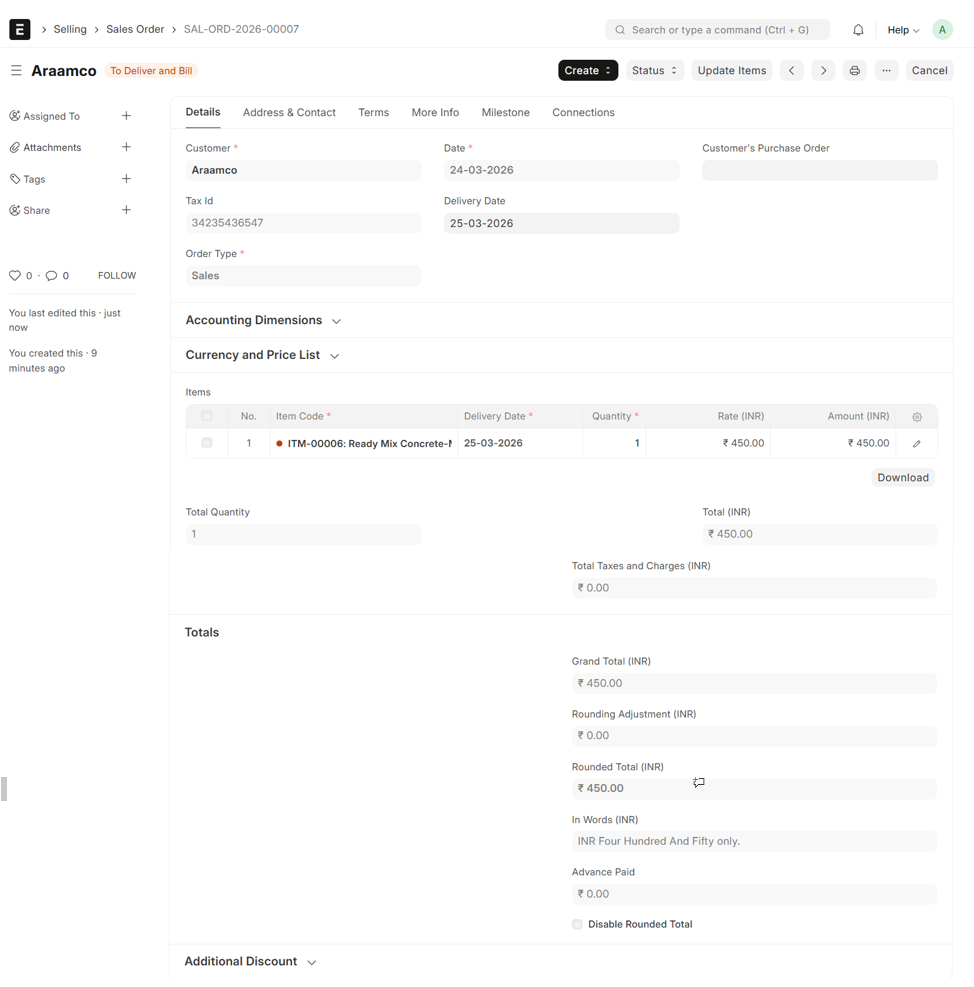
- Sales Order
- Go to Sales Order, Select item and Enter Quantity
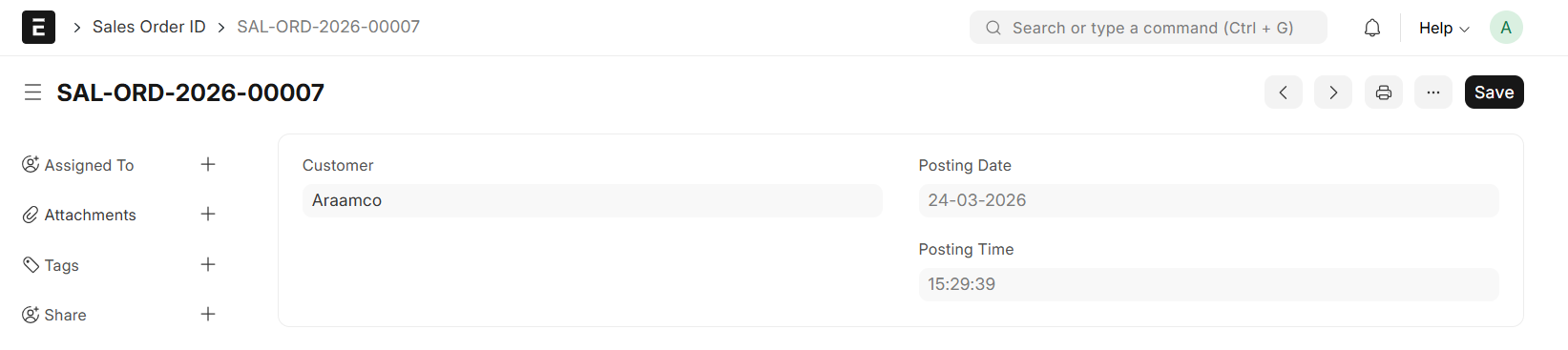
- Upon Save of Sales Order, a Sales Order ID will be auto created
Note:
A Completed Milestone is a mandatory Prerequisite; the Sales Order cannot be Submitted until the linked Milestone is marked as complete
- In Sales Order, under Accounting Dimension Select the Sales Order ID and Project
- Save & Submit
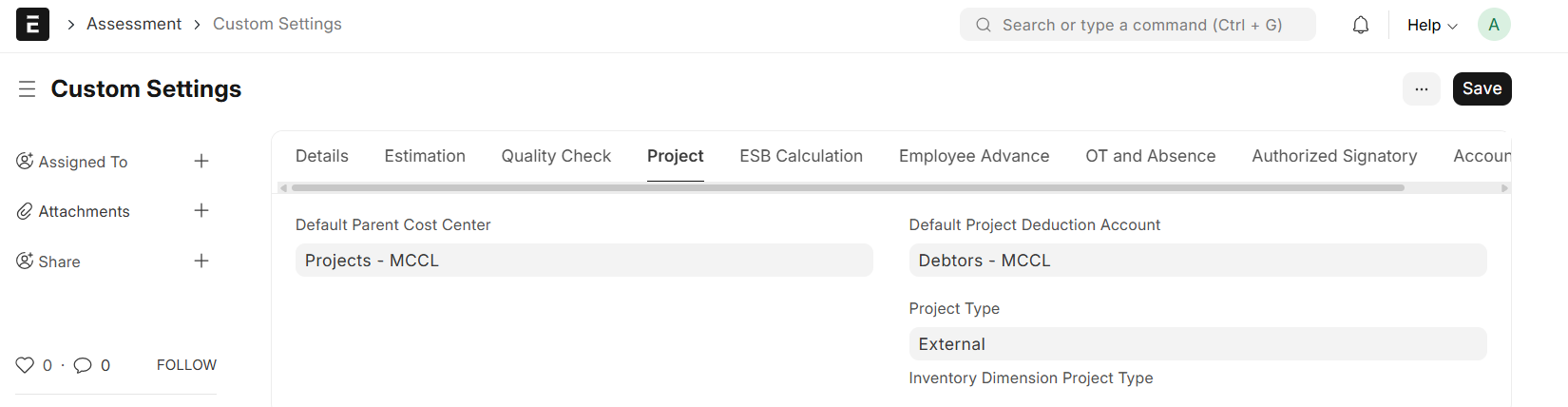
Custom Setting:
- Set Default Project Deduction Account
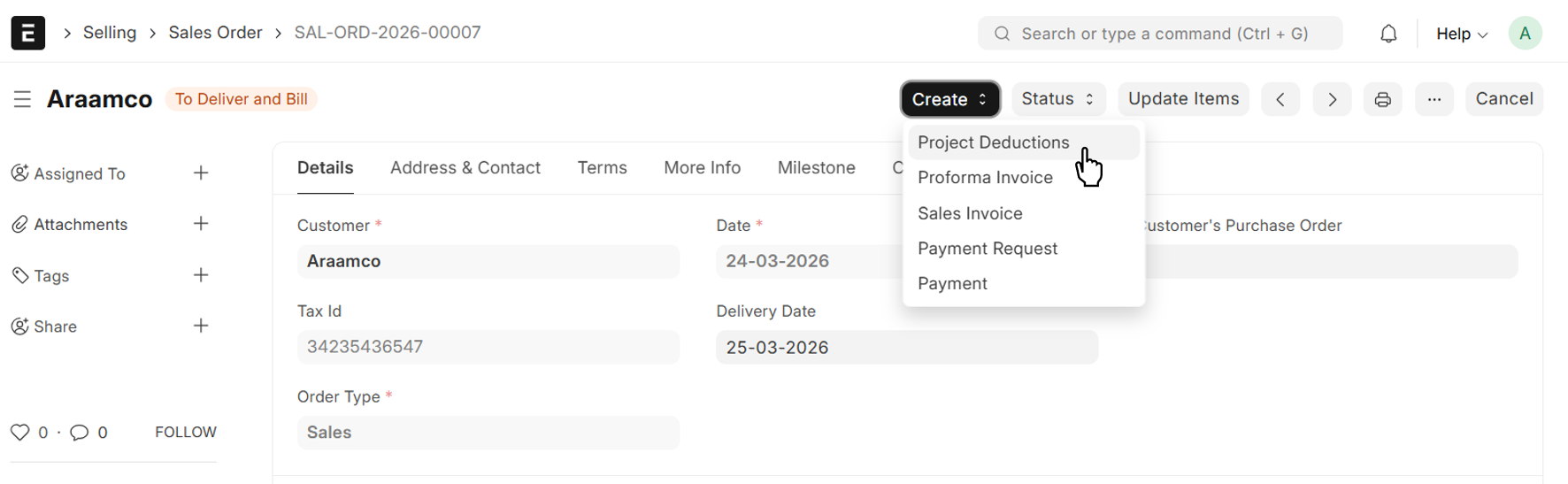
From Sales Order → Create → Project Deduction
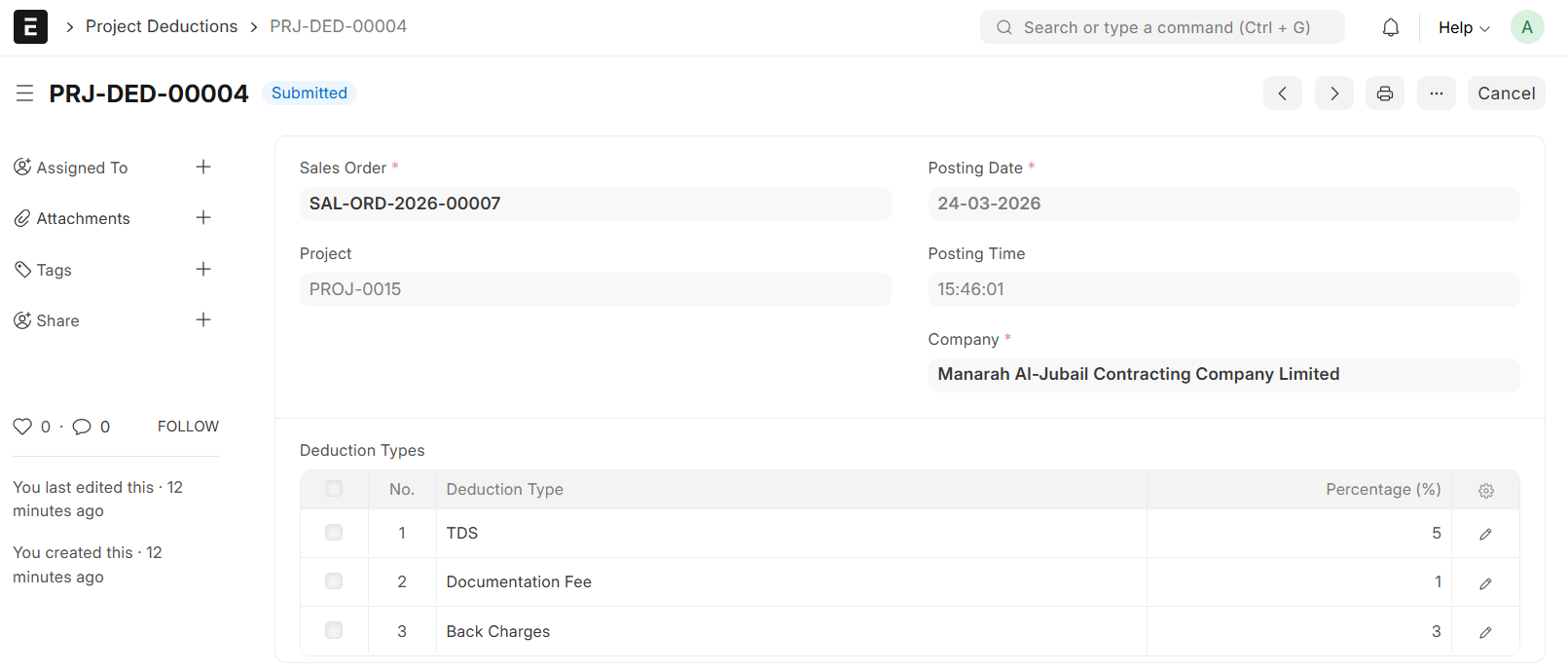
- Date, Sales Order, Project Name will be auto fethced from Sales Order
- In the Deduction Type Table, Select the Deduction Types to be applied to the Sales Invoice
- Enter appropriate Percentage
- Save & Submit
From Sales Order → Create → Sales Invoice
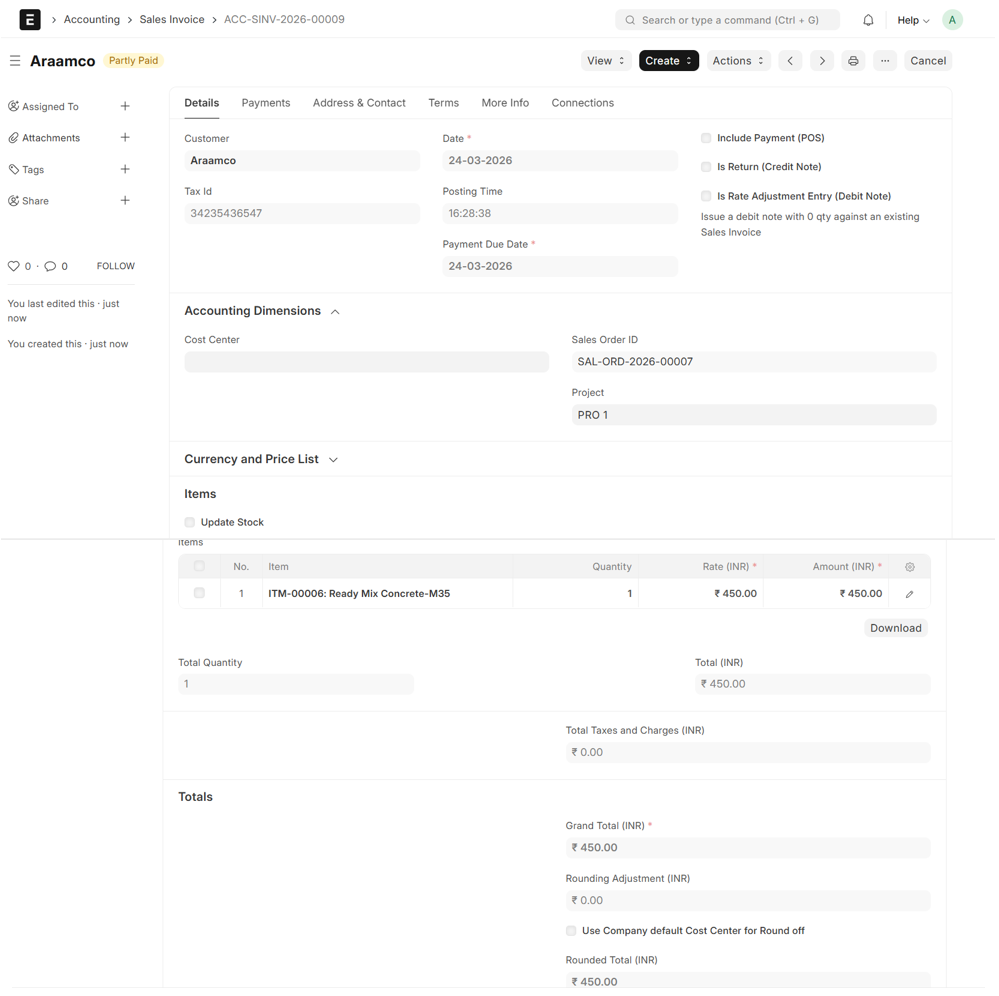
- Details will be auto fetched from Sales Order
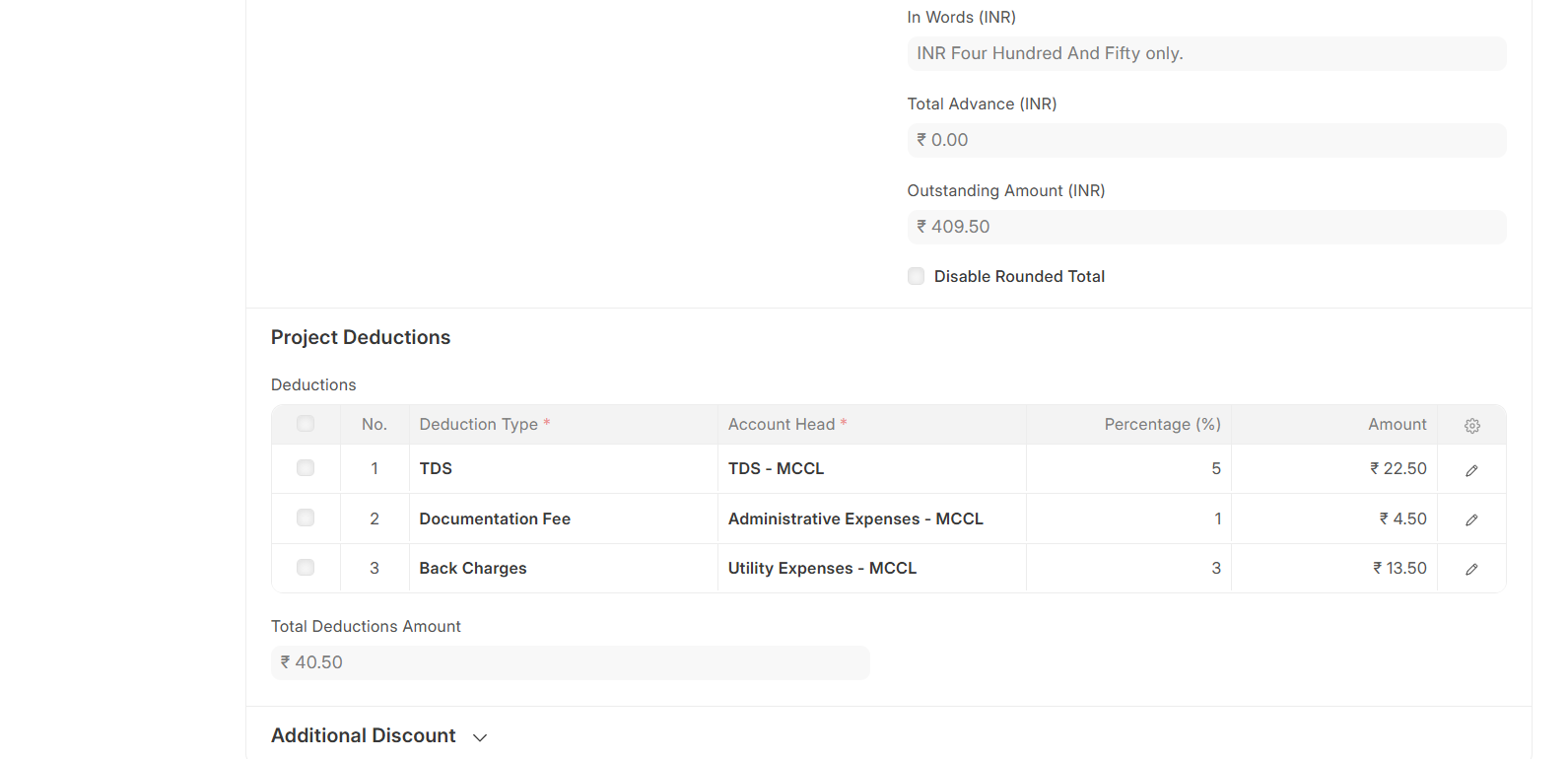
- Project Deduction Table will be auto filled by Project Deduction and auto calculate the Deductible Amount
- Save and Submit
Note:
The Outstanding Amount on the Sales Invoice will automatically update to reflect the Net Value after all Deductions have been applied. This is the Final Amount the Customer is required to pay after all Deductions are subtracted from the Gross Total
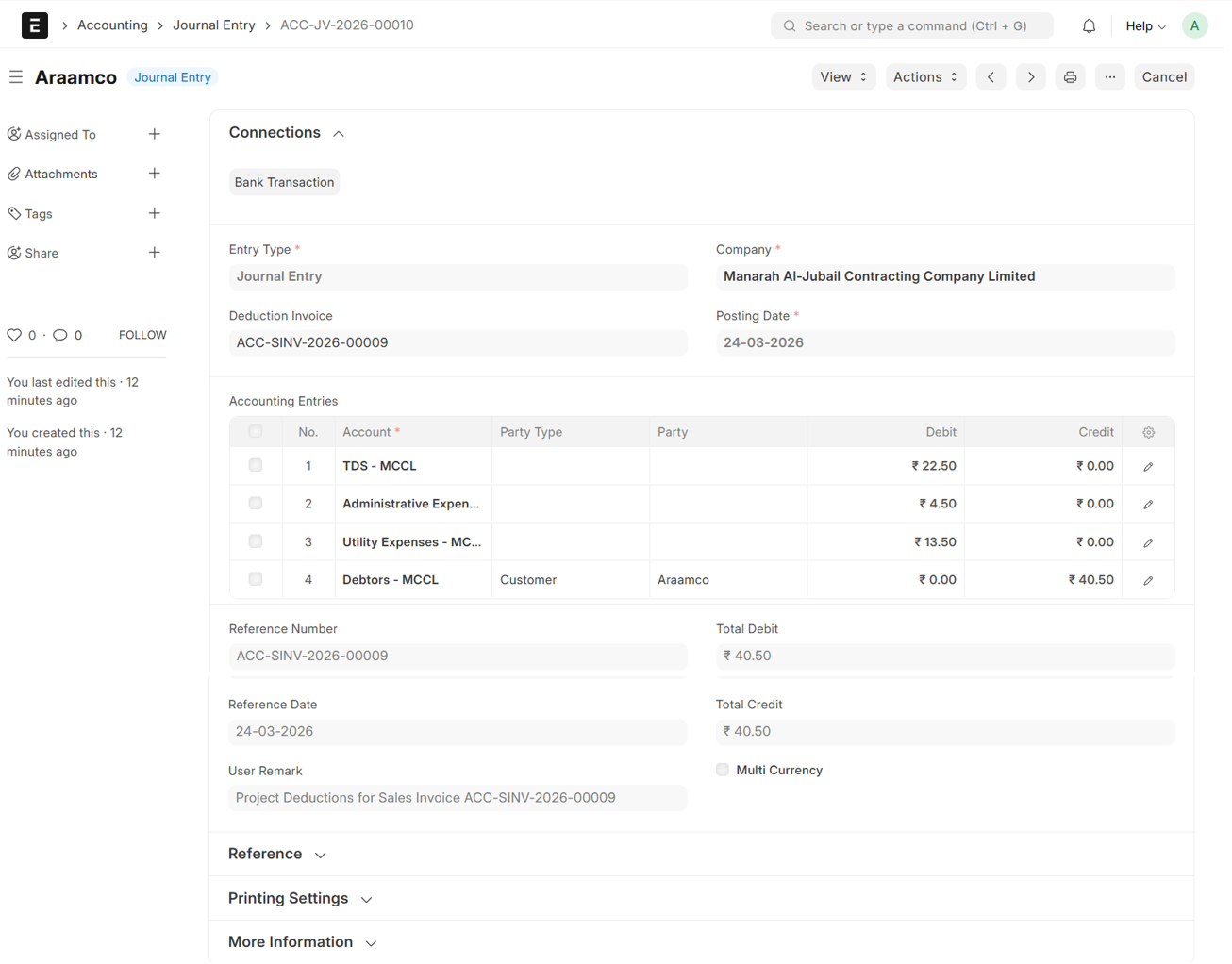
- Upon Submission, a Journal Entry will be auto generated