Momscode - Al Manarah - Manpower Timesheet
Project
Manpower Timesheet
The Manpower Timesheet is the daily log used to record the Attendance and Work Hours of every Employee on a Project. It tracks who was Present, who was Absent, and any Overtime (OT) worked, ensuring that payroll is accurate and Labor Costs are correctly charged to the Project
Prerequisites,
- Project
- Mobilized Manpower Register
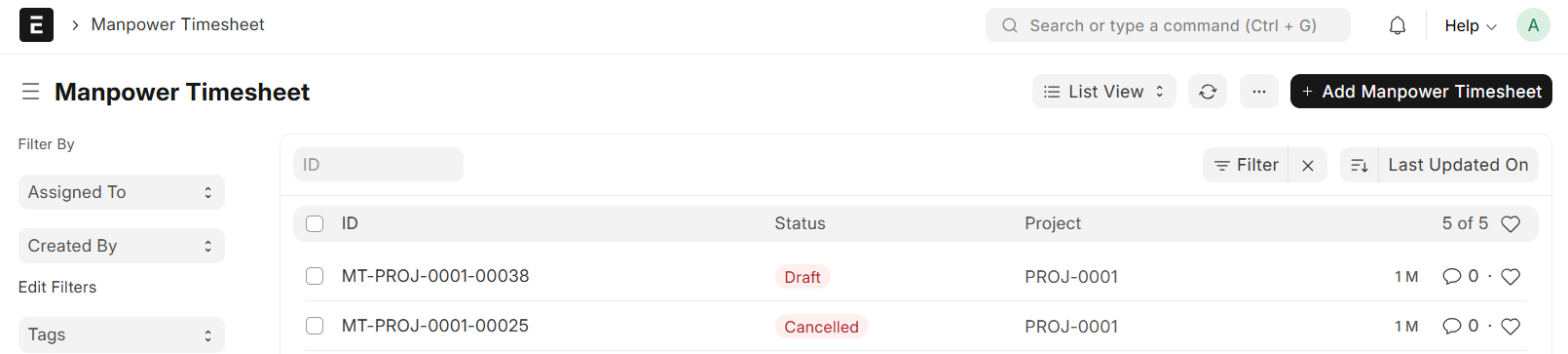
Go to Manpower Timesheet List and Click on "Add Manpower Timesheet"
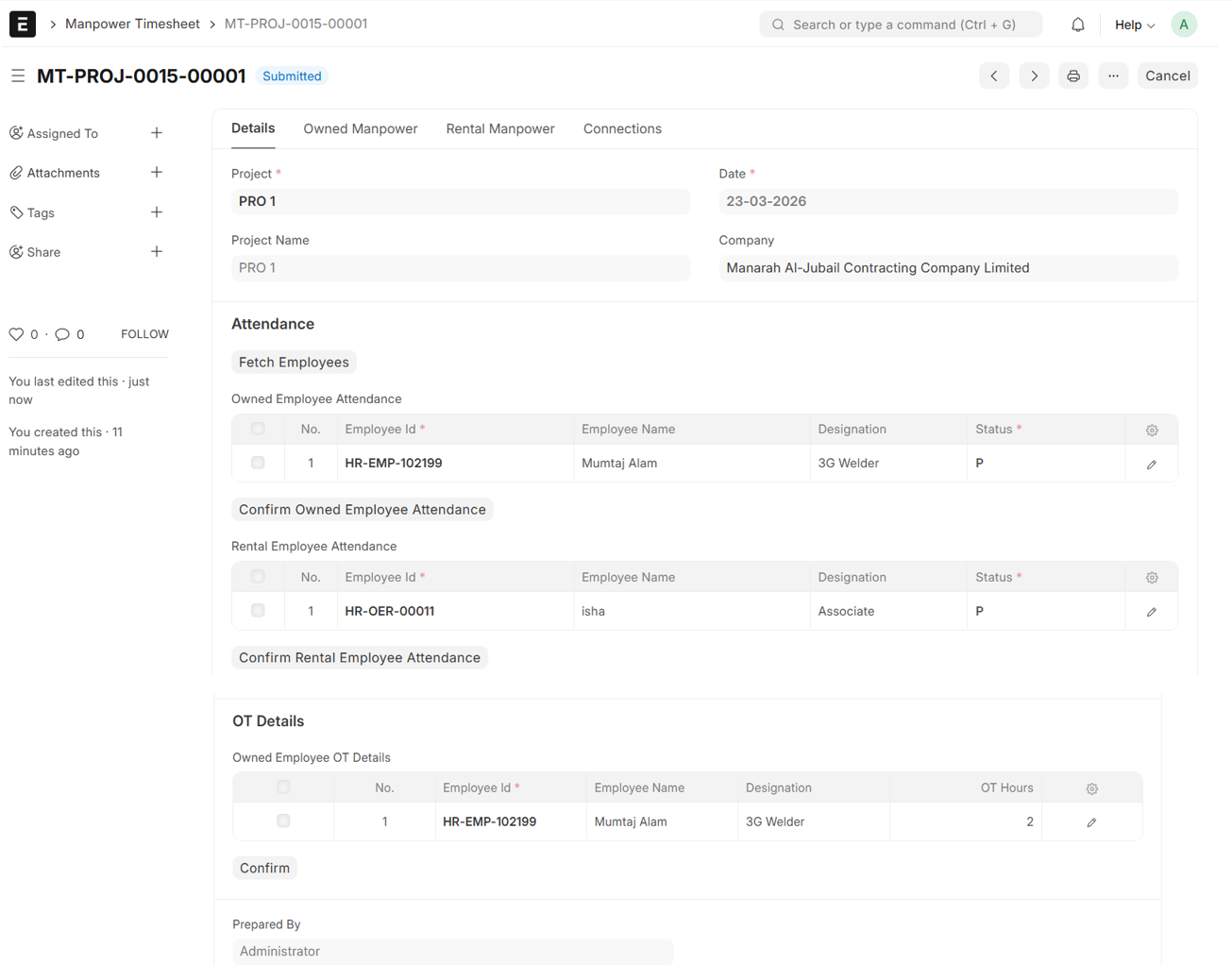
- Select Project
- Project Name will be auto fetched
- Set Date
- Click on "Fetch Employees"
- The Employee Attendance Table will be auto fetched from Mobilized Manpower Register
- By default the Status will be P (Present), it can be changed to A (Absent)
- Click on "Confirm Owned Employee Attendance" to validate the records and finalize the daily Attendance for your team
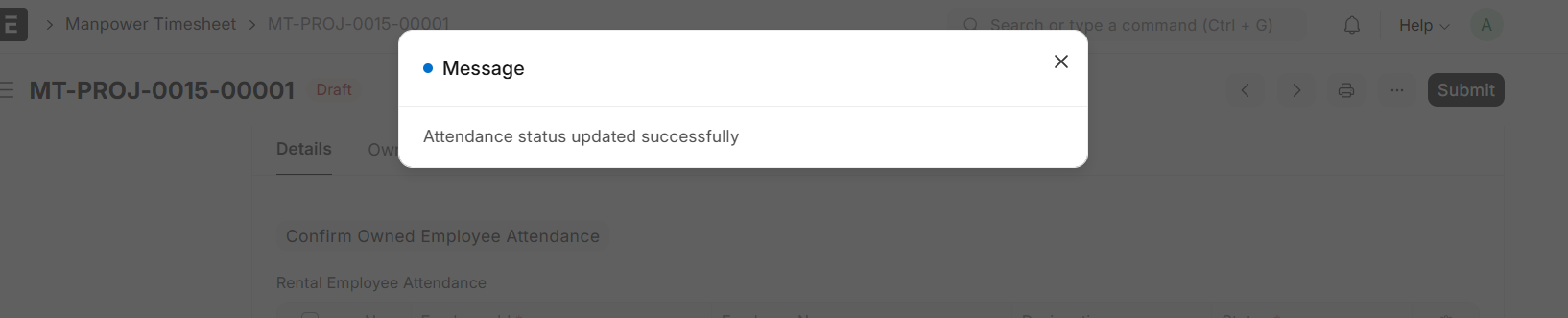
- On Confirmation, an 'Attendance Updated' notification will appear
- The same Validation and Confirmation steps apply to the Rental Employee Attendance section
- Add Employee in the OT Details, the Details will be auto fetched
- Enter OT Hours and Work Description
- Click on "Confirm"
- OT Confirmation Notification will appear on the top
- Then, Save and Submit
Note:
The OT Details table automatically filters the list to include only those Employees who are Eligible for Overtime Compensation
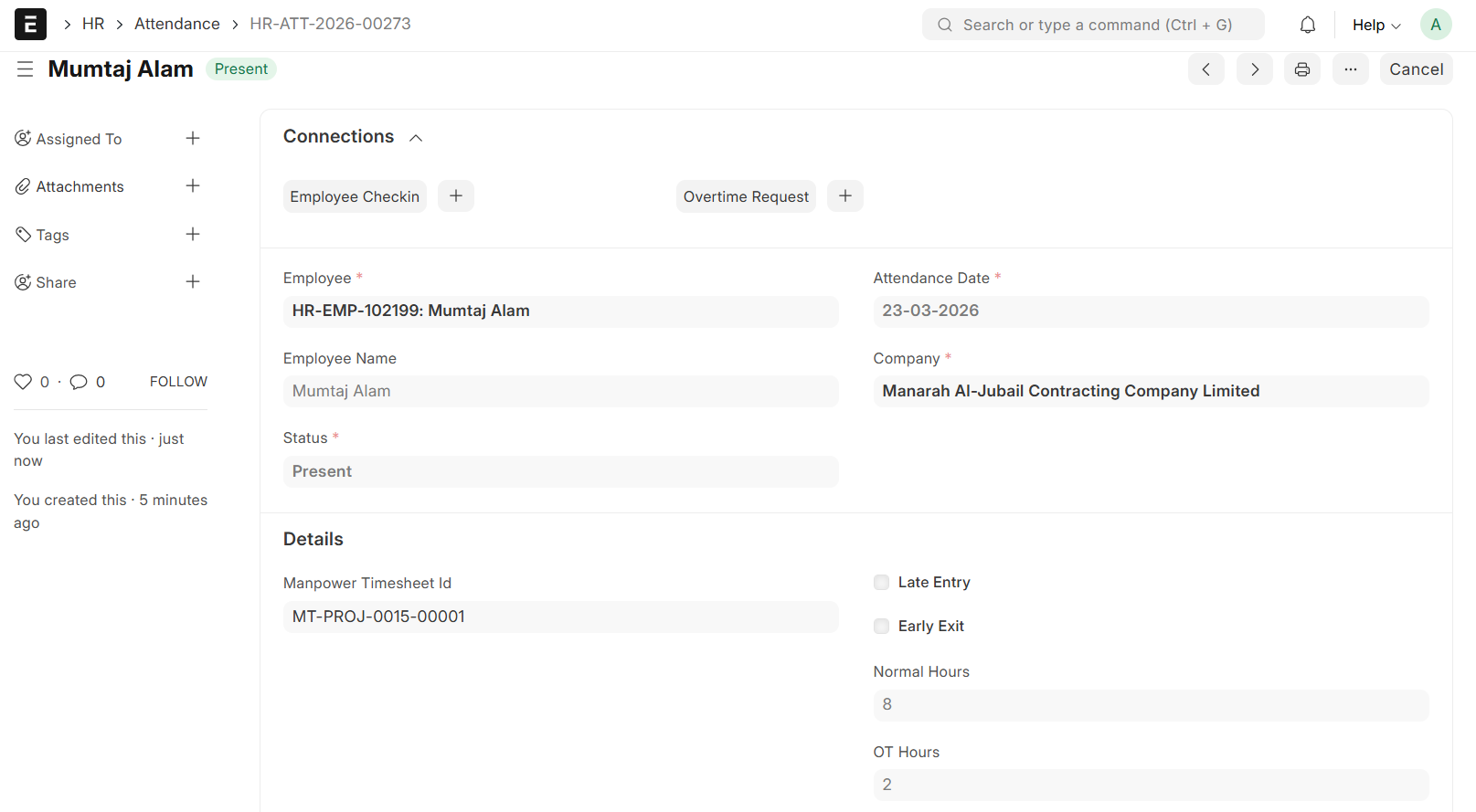
- On Submission, the system automatically generates individual Employee Time Logs, Manpower Overtime Requests, and Attendance records
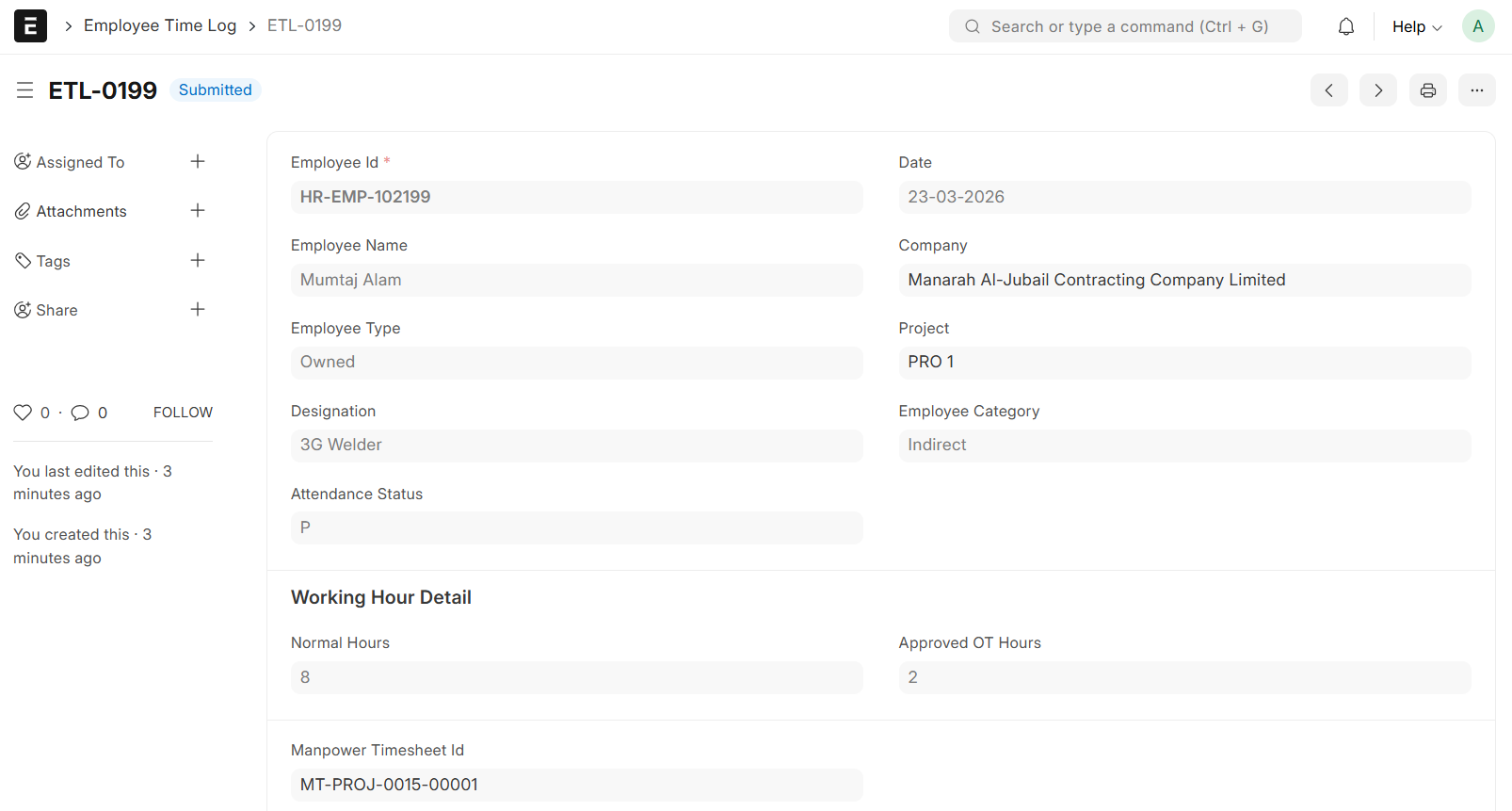
- Manpower Overtime Request will be initially at draft, change the approved OT Hours if required and submit
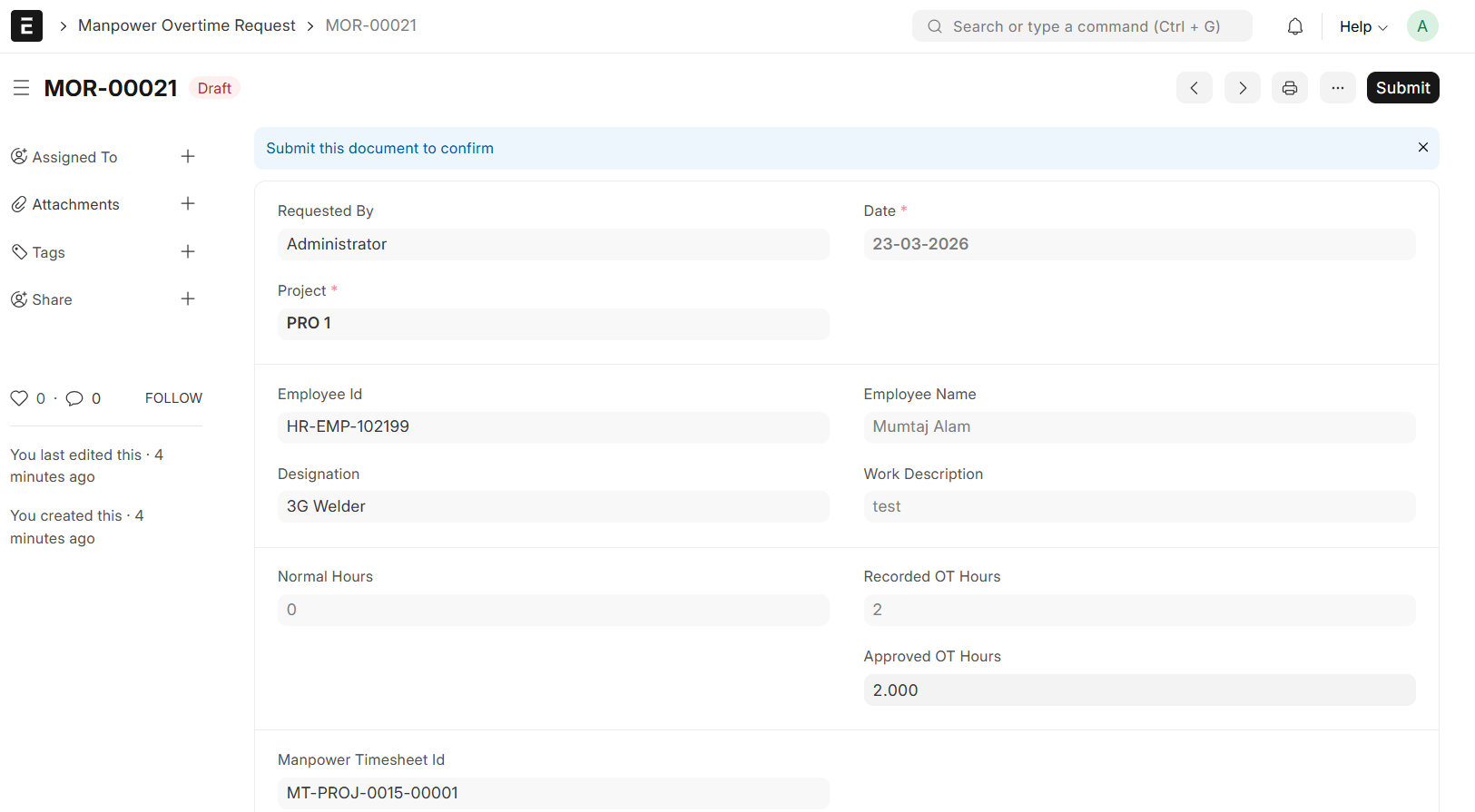
- Attendance will be marked as Present or Absent