Momscode - Al Manarah - Job Offer
Job Offer
Job Offer is given to selected candidates after Interview and selection which states the Offered Salary Package, Designation, Grade, Department, Number of days entitled for leave among other information.
Prerequisites,
- Job Applicant
- Job Opening
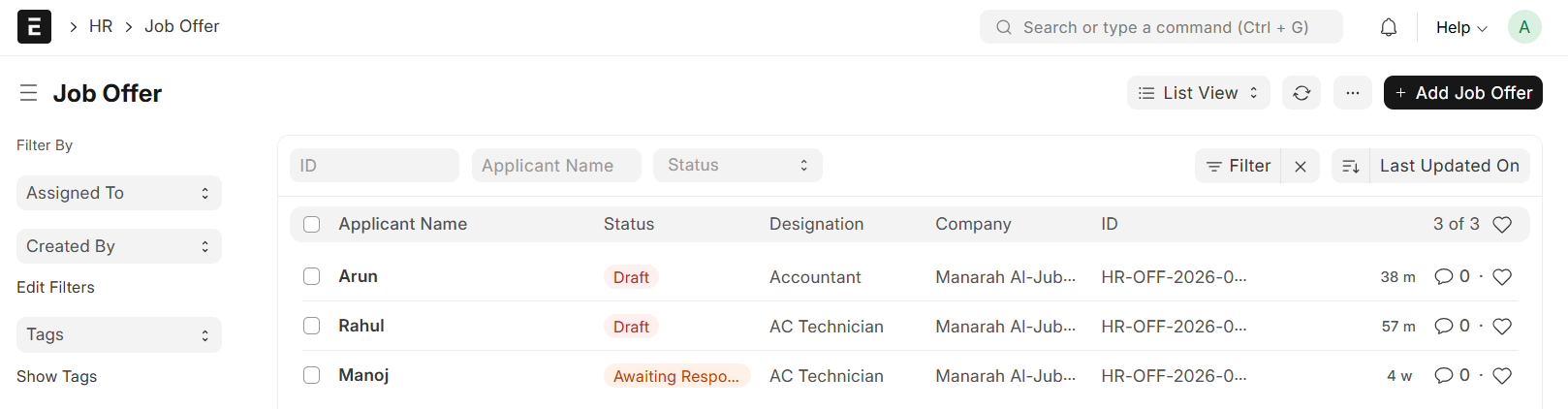
Go to the Job Offer list and click on "+ Add Job Offer"
- Select Job Applicant
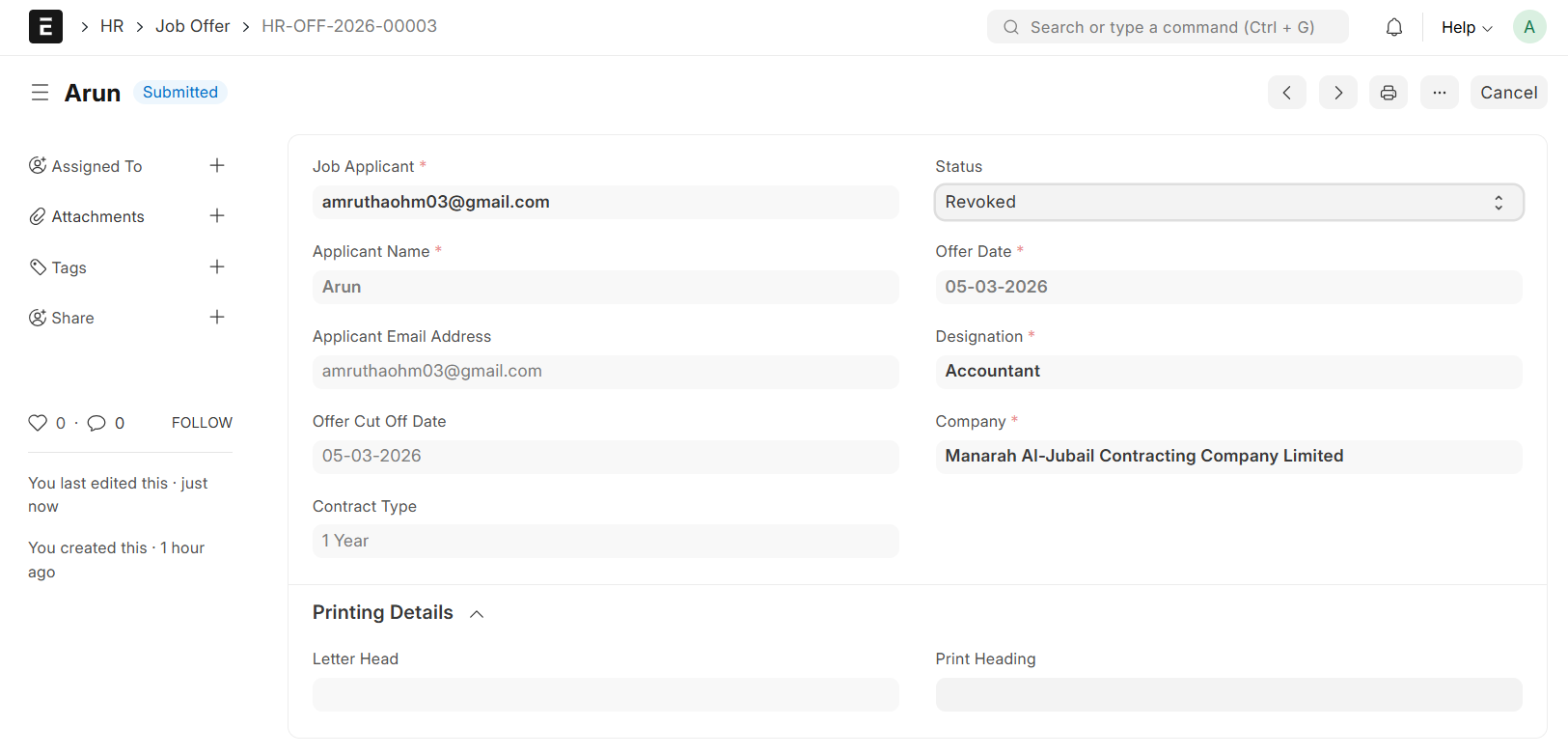
- Designation, Job Applicant Name and Applicant E-mail Address will be auto-fetched from Job Applicant
- Set Offer Date
- Set Offer Cut Off Date
- Select Contract Type
- Select Interviewed By
- Fill in all other Required Details
- Then Save and Submit
Note:
Status Behaviour:
- Awaiting Response - An email will automatically be sent to the candidate with the attached print format based on the Contract Type
- Revoked - The Job Offer status will automatically change to Revoked when the Cut Off Date is exceeded, and an E-mail notification will be sent to the candidate automatically
- Other Statuses (Declined, Accepted, Rejected, Hold) - These statuses must be updated manually by the HR team based on the candidate’s response or internal decision