Momscode - Al Manarah - Job Handovering Form
Job Hand Overing Form
The Job Handovering Form is used when an Employee is moving to a New Role, Department, or Project. It officially transfers their responsibilities, Equipment, and "Ownership" in the system from the Current Process Owner to a New Process Owner, ensuring no tasks are dropped during the transition
Prerequisites,
- Employee
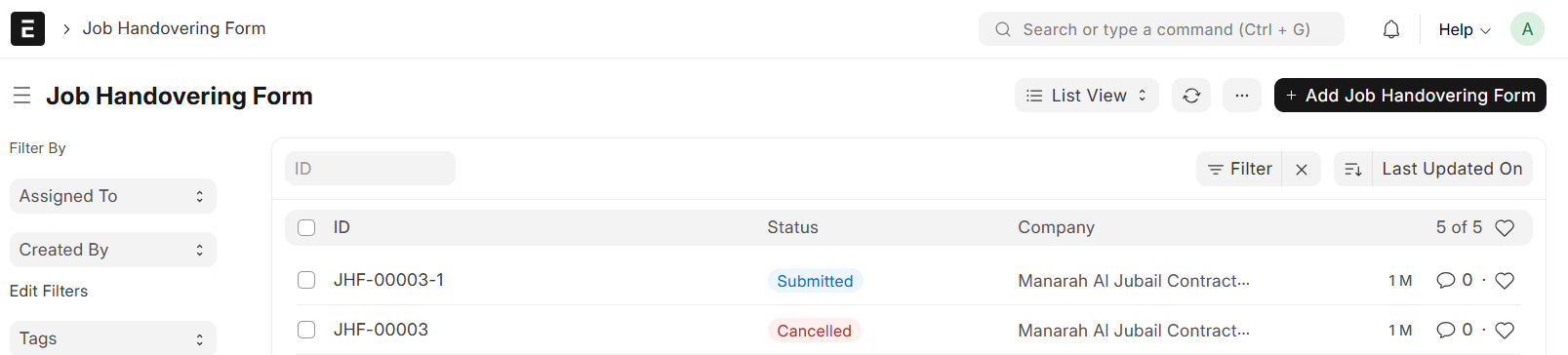
Go to Job Handovering Form List and Click on "+ Add Job Handovering Form"
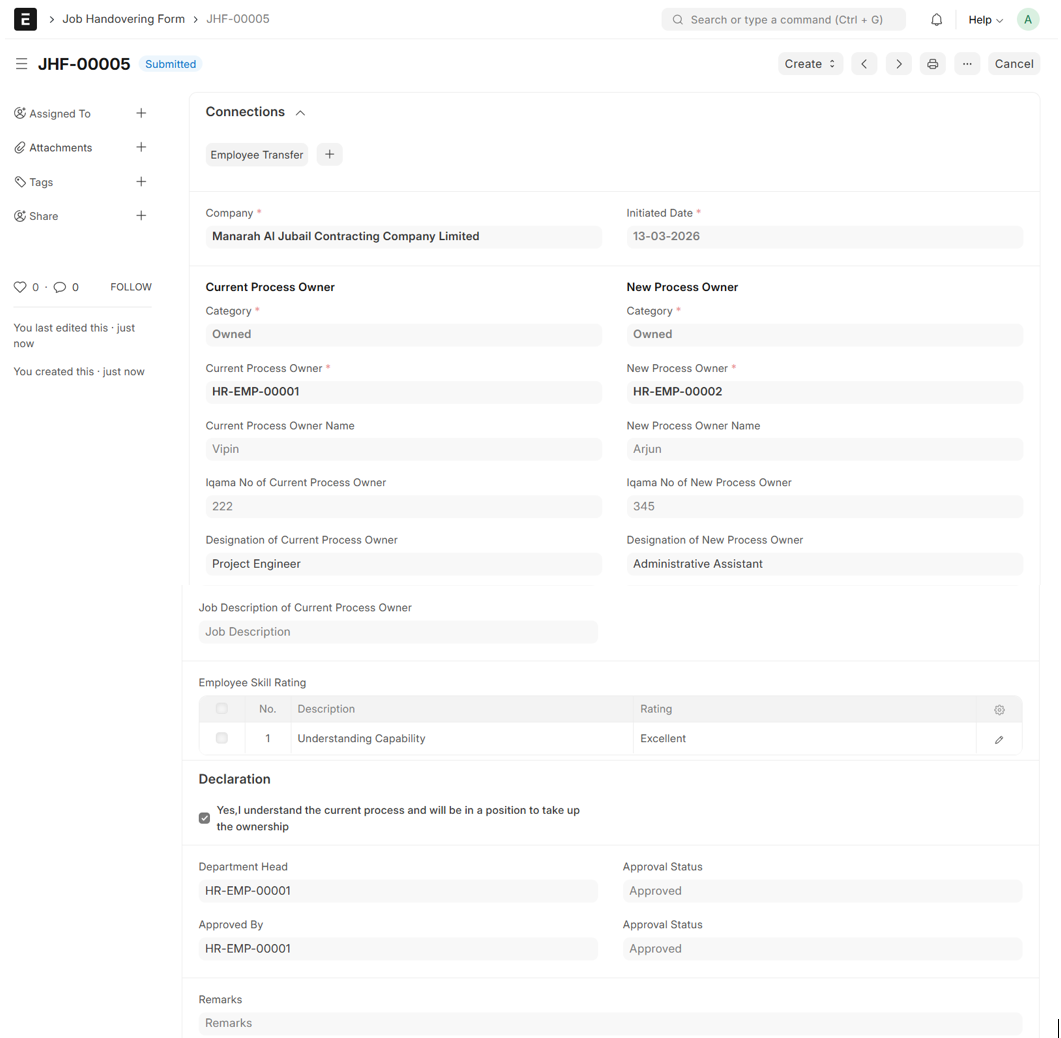
- Set Category in both Current Process Owner and New Current Process Owner (Either Ownerd or Outsourced)
- Select Current Process Owner and New Process Owner
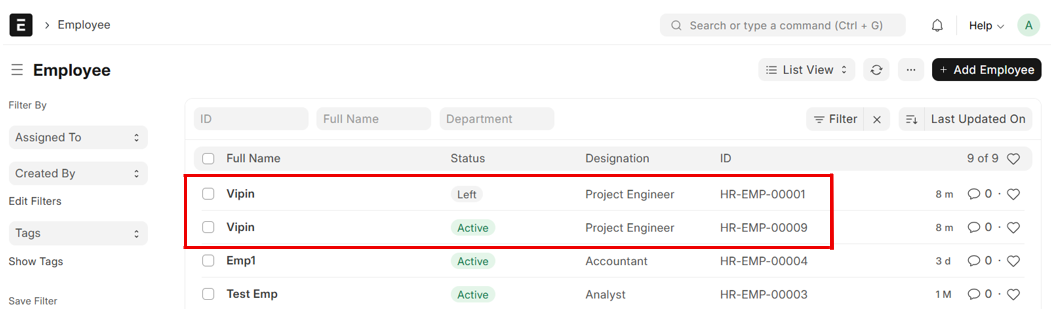
- Process Owner's Details will auto fetch from Employee Master (Process Owner Name, Iqama No of Process Owner, Designation of Process Owner)
- Fill in all other Required Details
- Save and Submit
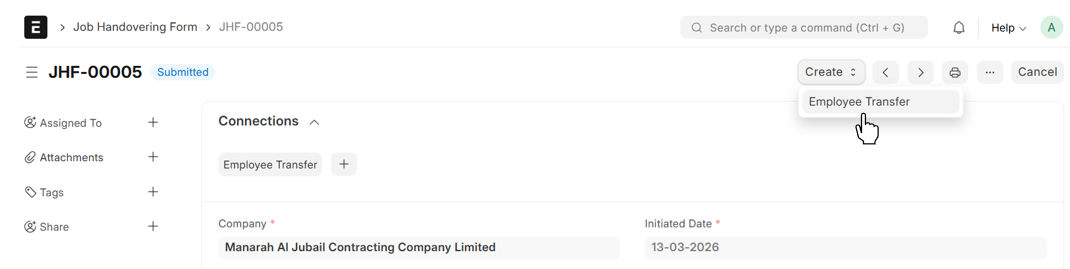
- From Job Handovering Form → Create → Employee Transfer
Note
Do not create Employee Transfers individually; they can only be created through the Job Handovering Form
Employee Transfer
- Select Employee
- Department and Employee Name will be auto fetched
- Set Transfer Date
- Click on "Add Employee Property"
- Select the property to be updated
- The Current Property will be auto fetched
- Enter the new Property
- Click on "Add to Details"
- Tick the Checkbox "Create New Employee Id" to generate a new employee Id (Optional)
- Then, Save and Submit
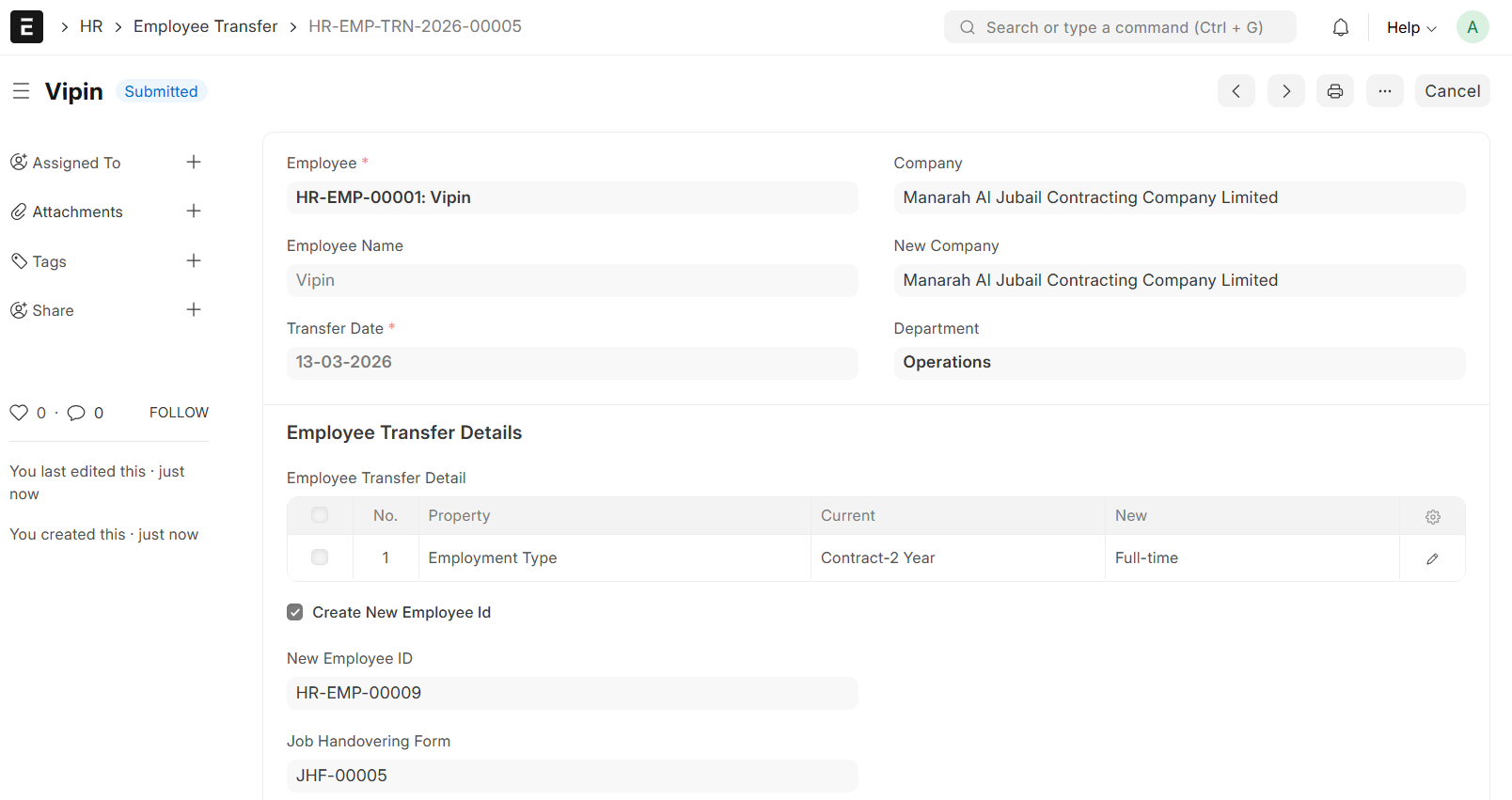
Note
If the checkbox "Create New Employee Id" is ticked, the old Employee ID will be deactivated and a new Employee Id will be activated