Momscode - Al Manarah - ESB Calculation
ESB Calculation
The ESB Calculation Module is used to determine the final monetary compensation owed to an Employee when they leave the company. It automatically calculates the amount based on their Total Service Years, Basic Salary, and whether they are Resigning or being Terminated
Prerequisites,
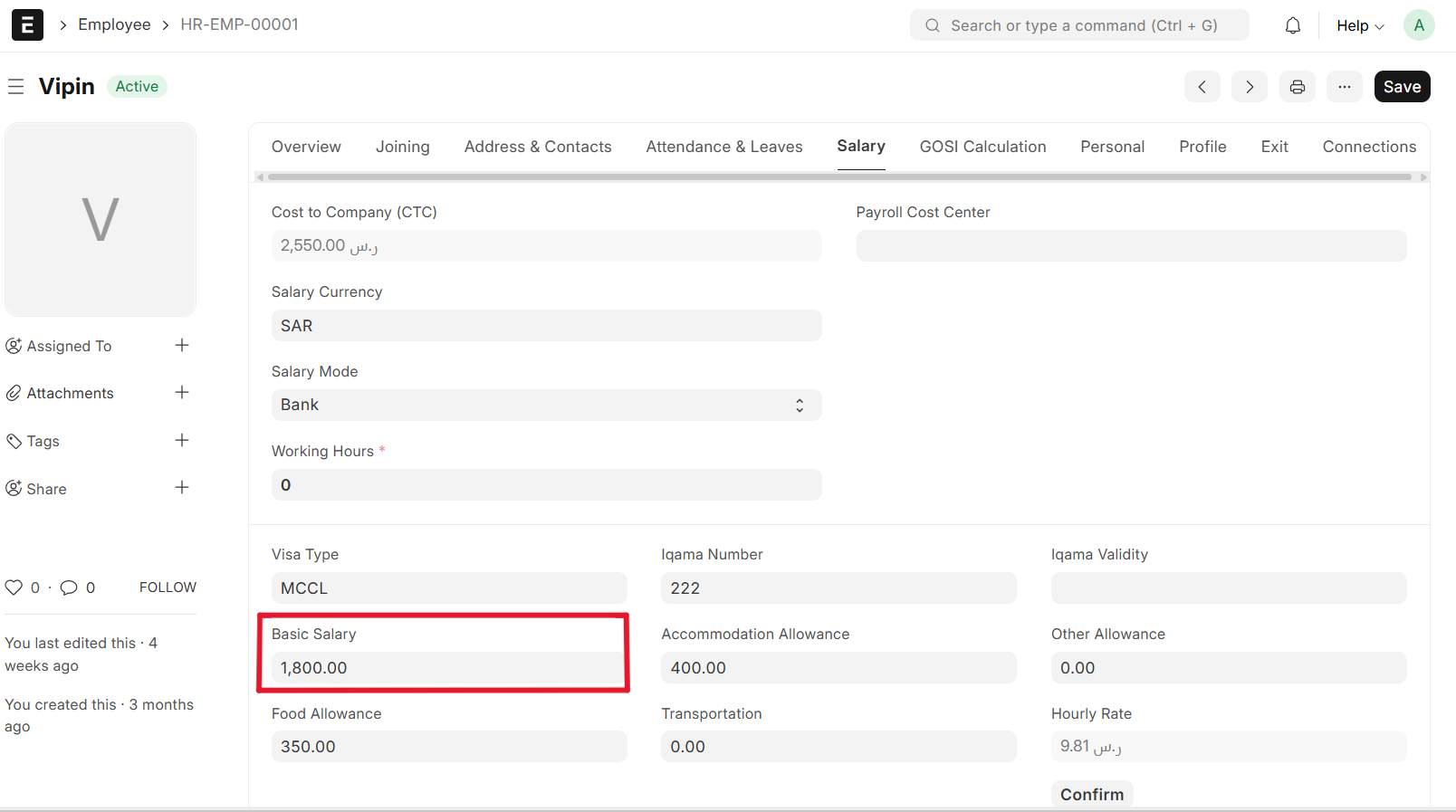
- Set Basic Salary in Employee master
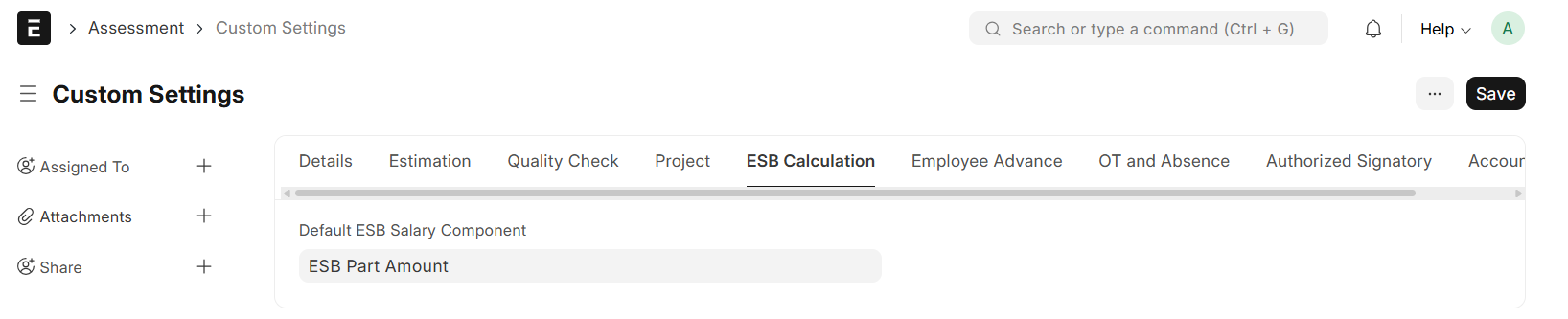
- Set ESB Salary Component in Custom Setting
- Assign Salary Structue to Employee

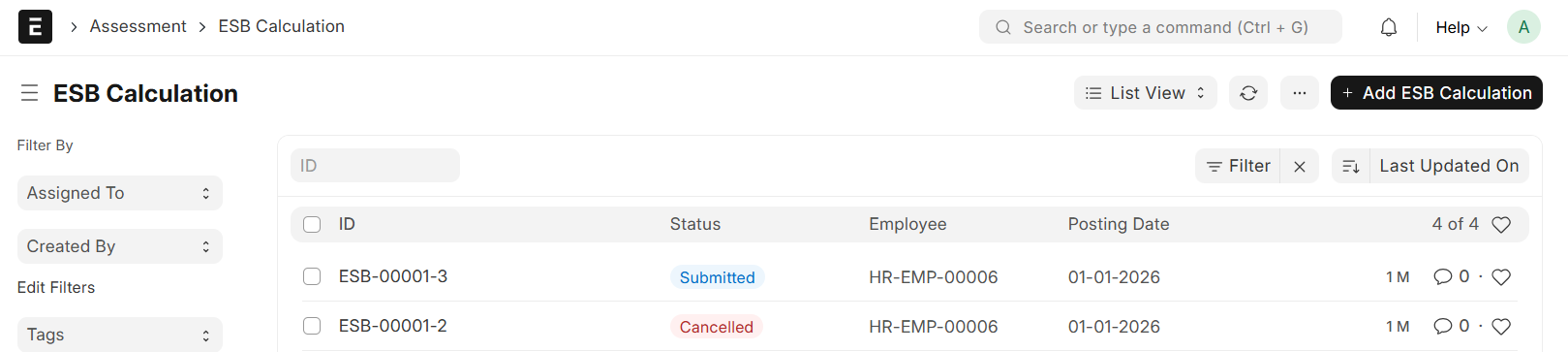
Go to ESB Calculation list and Click on "+ Add ESB Calculation"
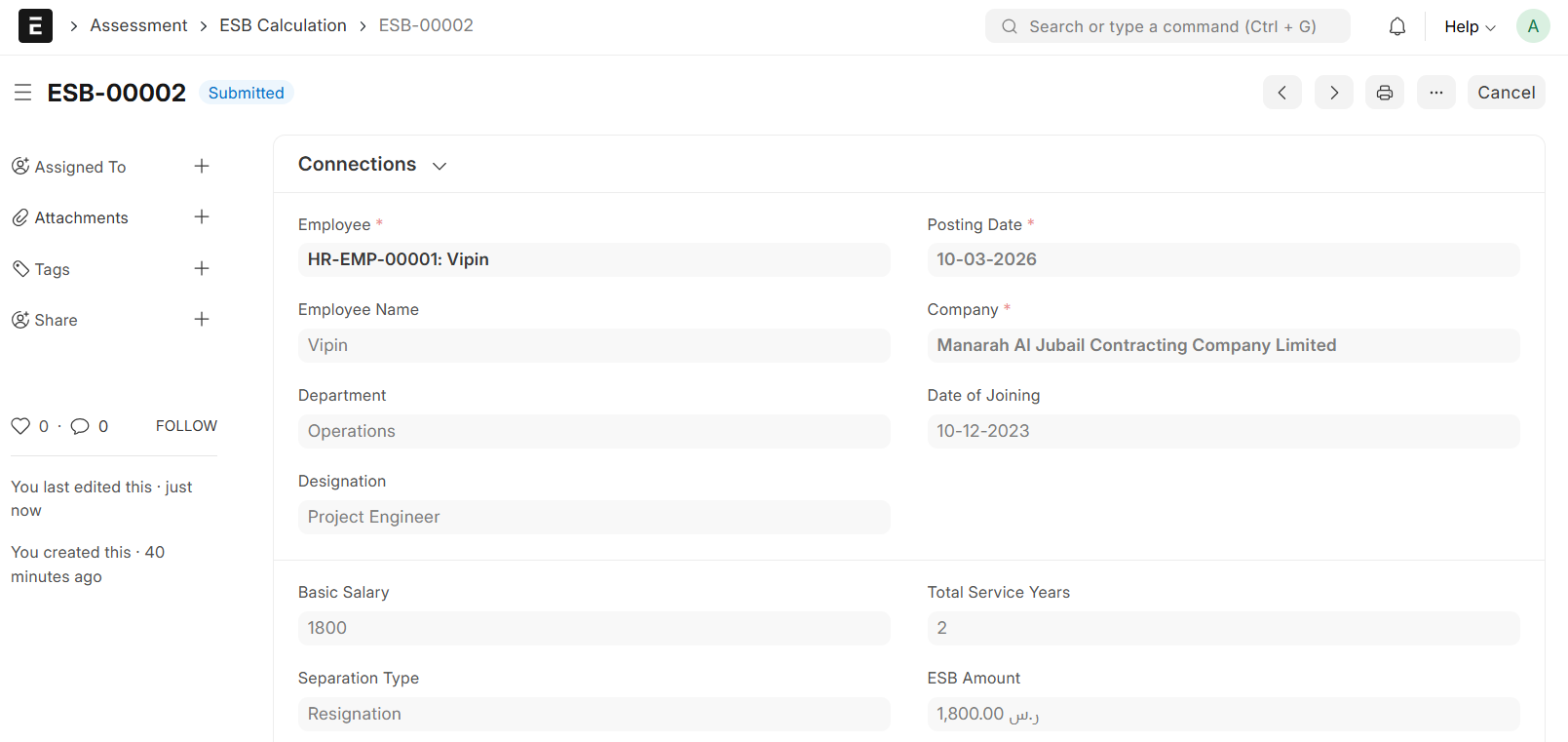
- Select Employee
- Set Posting Date
- Employee Details will be auto fetch from the Employee Master (Employee Name, Designation, Department, Basic Salary, Date of Joining)
- Enter Total Service Years
- Select Separation Type (Either Termination or Resignation)
- ESB Amount will be calculate automatically
- For Termination:-
- If the Total Service years are less than five, the ESB is calculated using the following formula. 0.5 * Basic Salary * Total Service Years
- If the Total Service years are greater than or equal to five, the ESB is calculated using the following formula. ( 0.5 * Basic Salary * 5) + ( Basic salary * ( Total Service Years - 5))
- For Resignation:-
- If the Total Service years are less than five, the ESB is calculated using the following formula. 0.5 * Basic Salary * Total Service Years
- If the Total Service years are greater than or equal to five, the ESB is calculated using the following formula. ( 0.5 * Basic Salary * 5) + ( Basic salary * ( Total Service Years - 5))
- For Termination:-
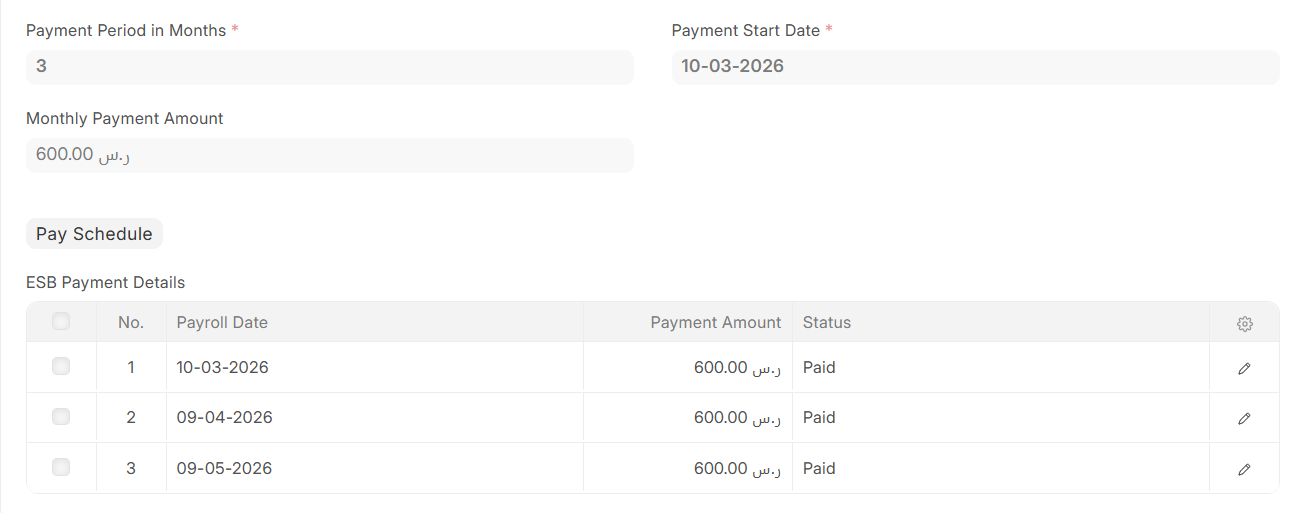
- Enter Payment Period in Months
- Set Payment Start Date
- Monthly Payment Amount will calculate automatically
- Monthly Payment Amount calculated using the following formula. ESB Amount / Payment Period in Months
- Click on "Pay Schedule" to view the ESB Payment Details
- Then, Save & Submit
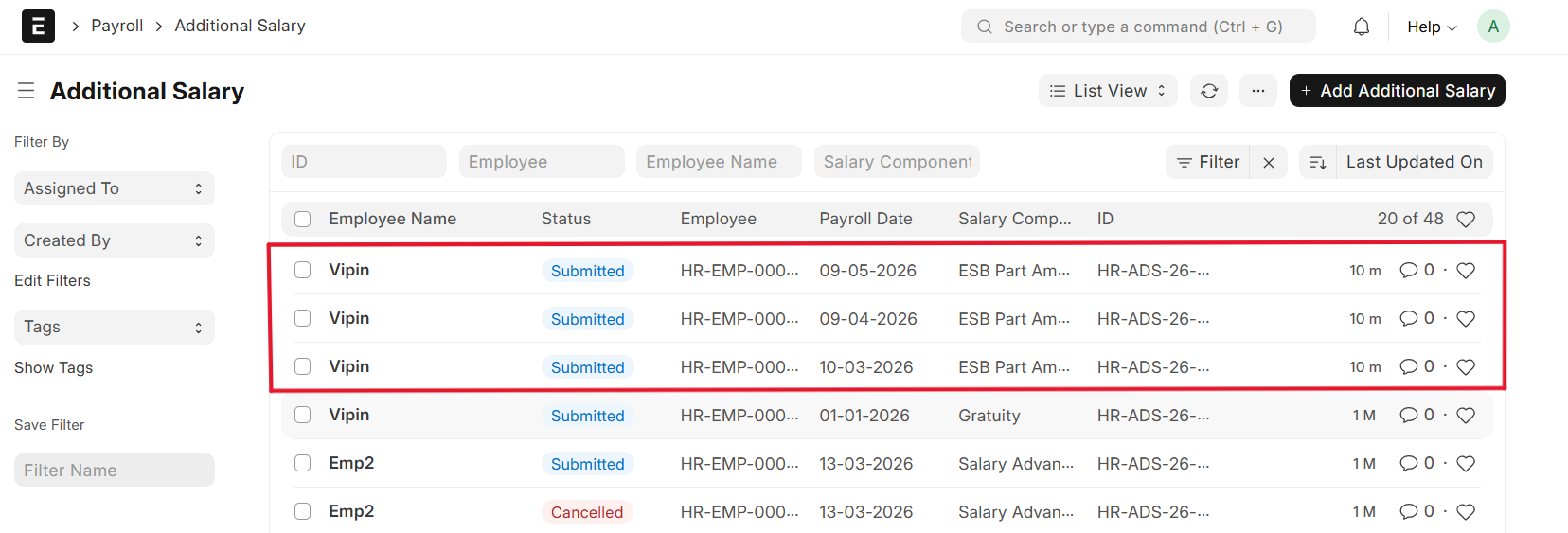
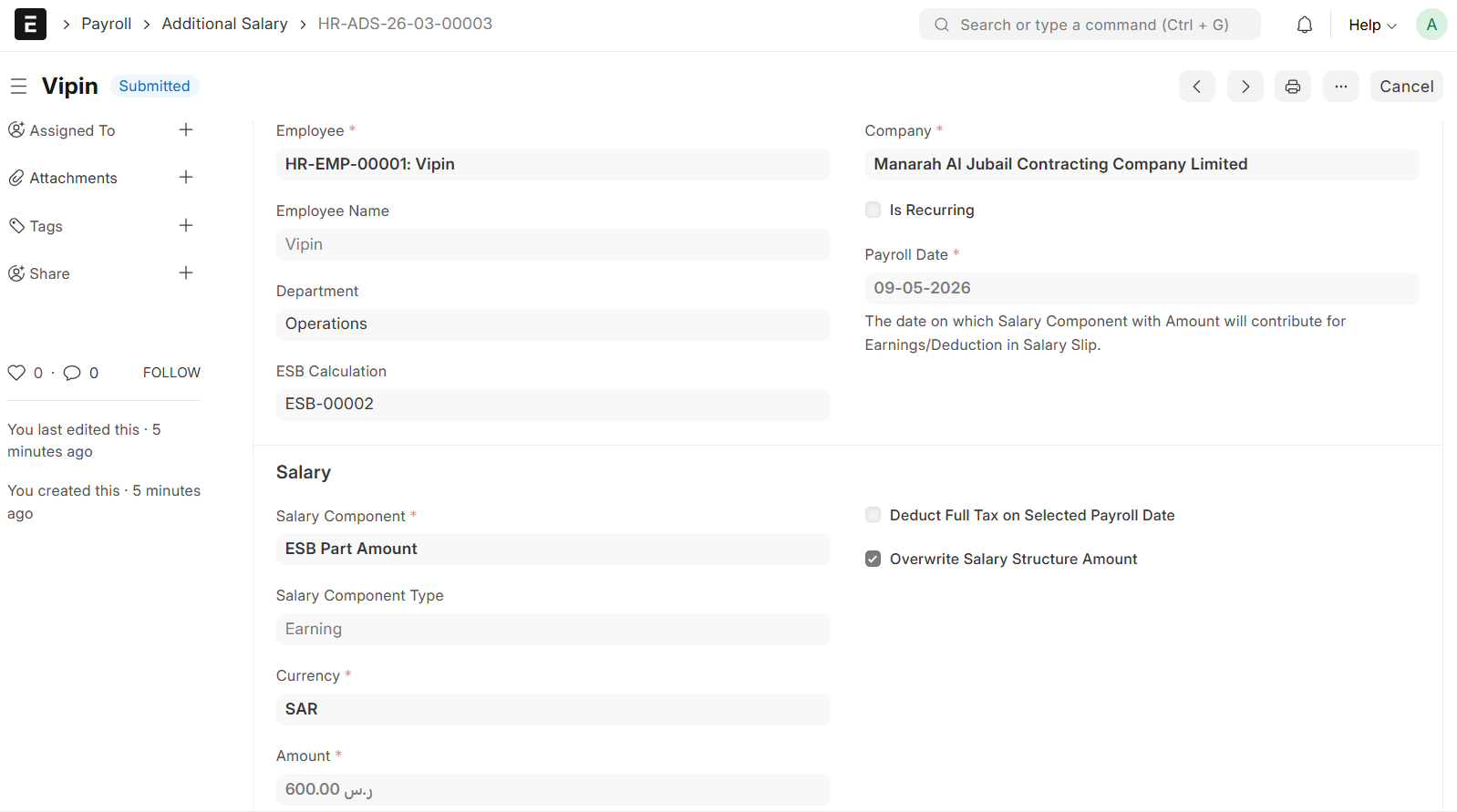
- Additional Salary will be created automatically for each ESB payment scheduled