Momscode - Al Manarah - Employee Appraisal
Prerequisites
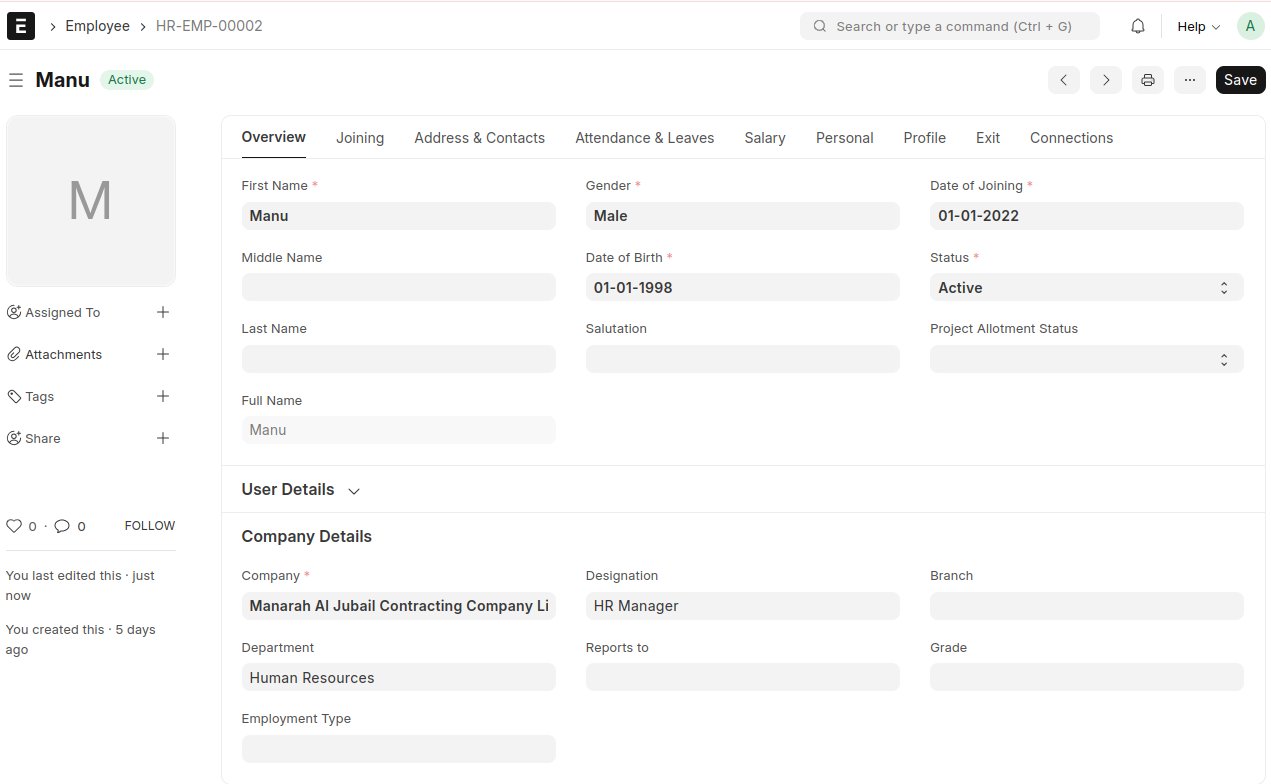
- Create an Employee and fill in all the required details
KRA Category
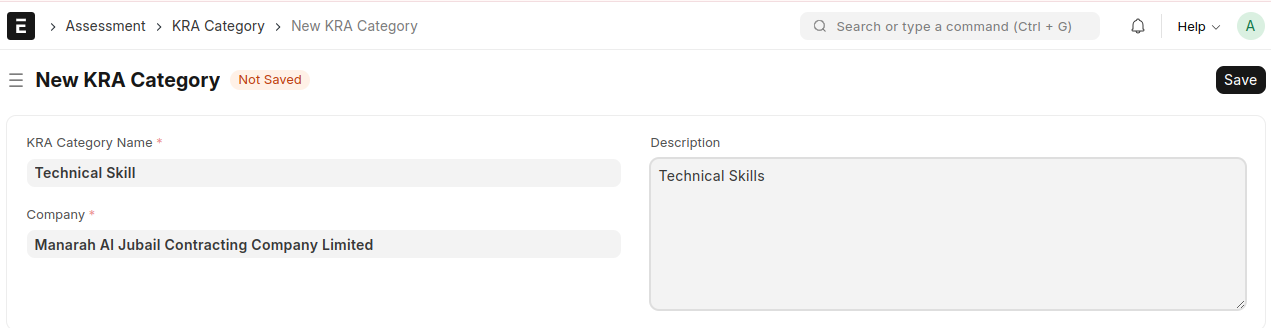
- Create a new KRA Category
- Enter the KRA Category Name
- The Company will be auto fetched
- Enter a desription if required, then save
KRA
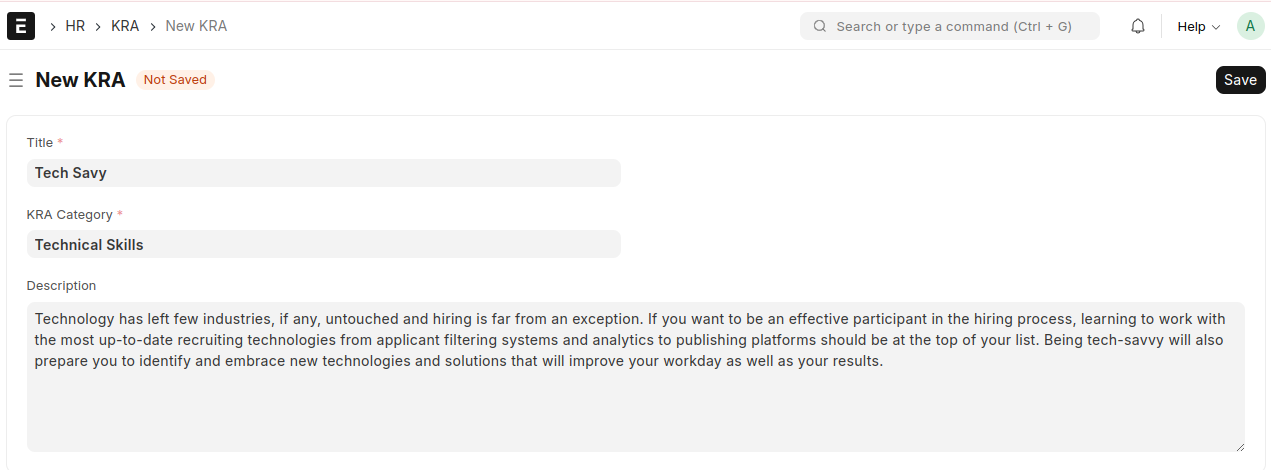
- Create a new KRA
- Enter the title
- Select corresponding KRA Category
- Enter the description, then save
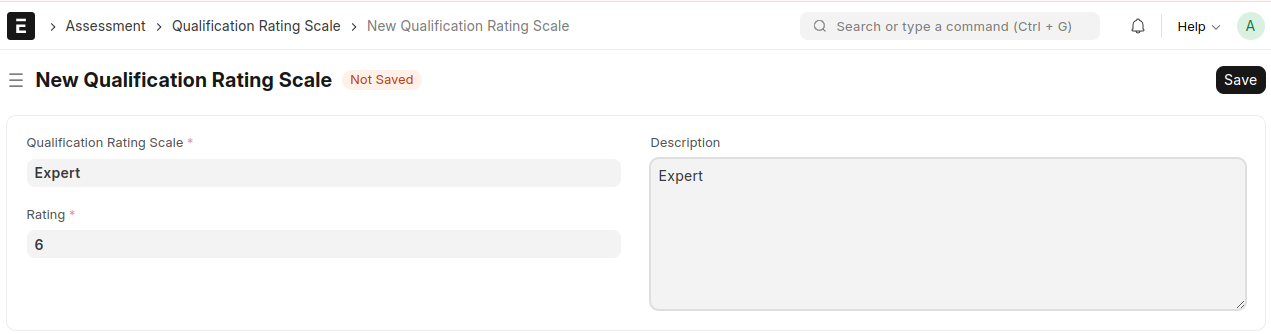
Qualification Rating Scale
- Create a new Qualification Rating Scale
- Enter the Qualification Rating Scale
- Enter a Rating
- Enter a desription if required, then save
Appraisal Period
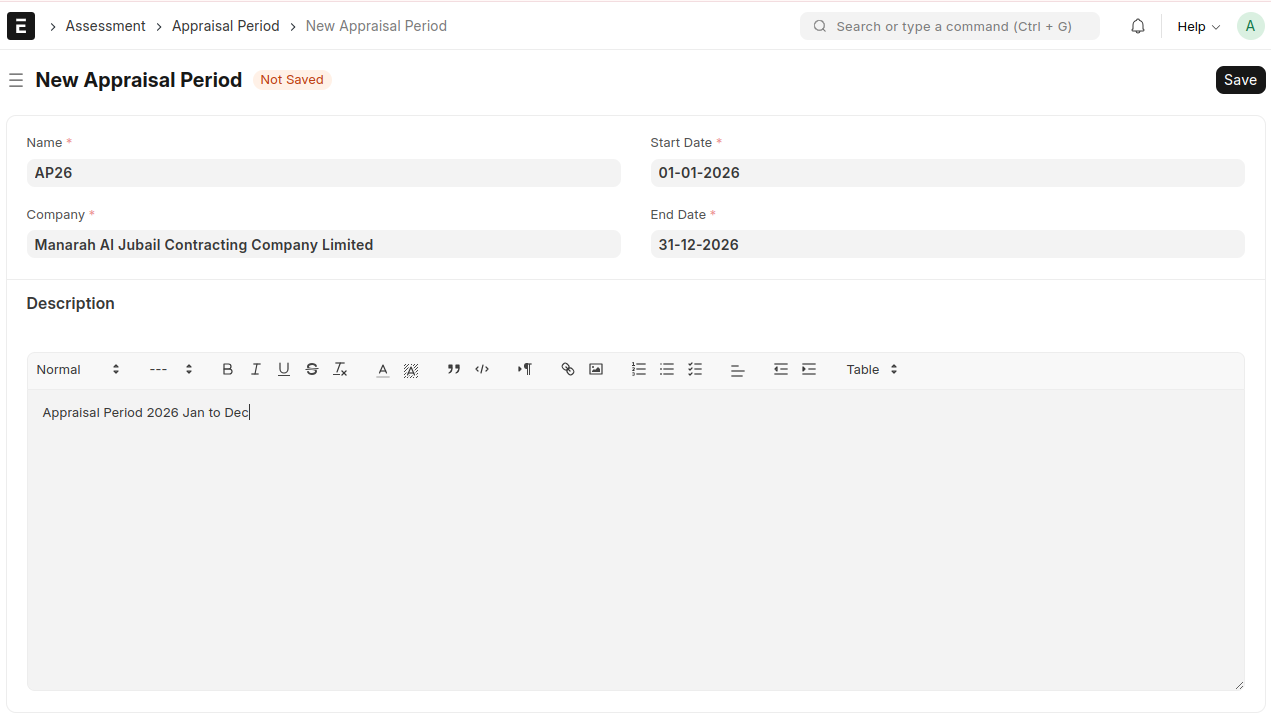
- Create a new Appraisal Period
- Enter a Name
- The Company will be auto fetched
- Select the Start Date and End Date
- Enter a description if required, then save
Employee Appraisal Template
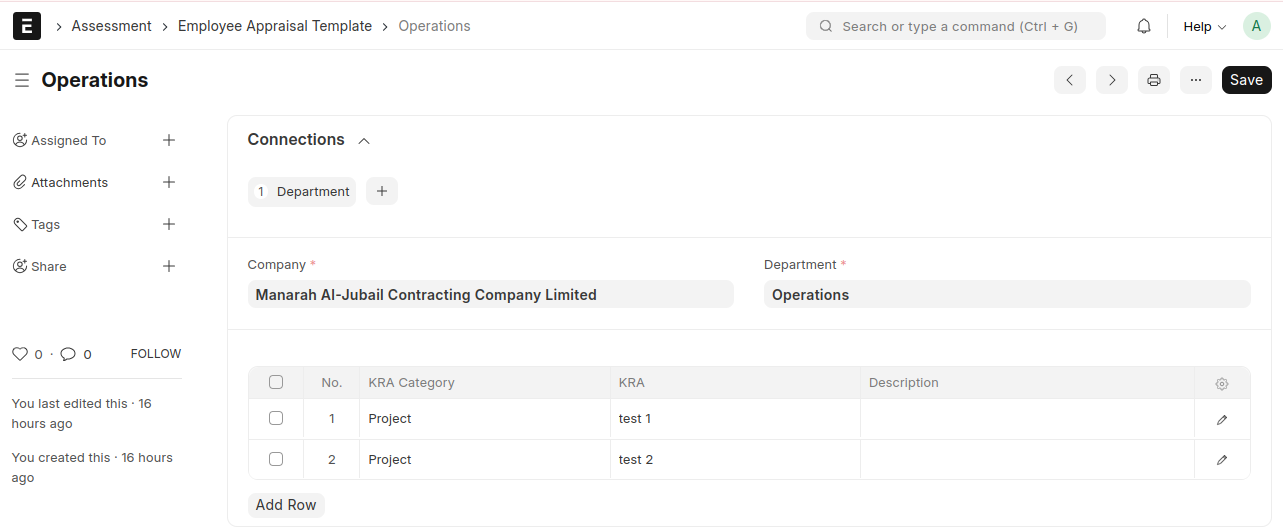
Purpose : To define Employee Appraisal templates for each department
- Create a new Employee Appraisal Template
- Enter a Name
- The Company will be auto fetched
- Select the Department
- In the table, select the KRA Categories and their corresponding KRAs, then save
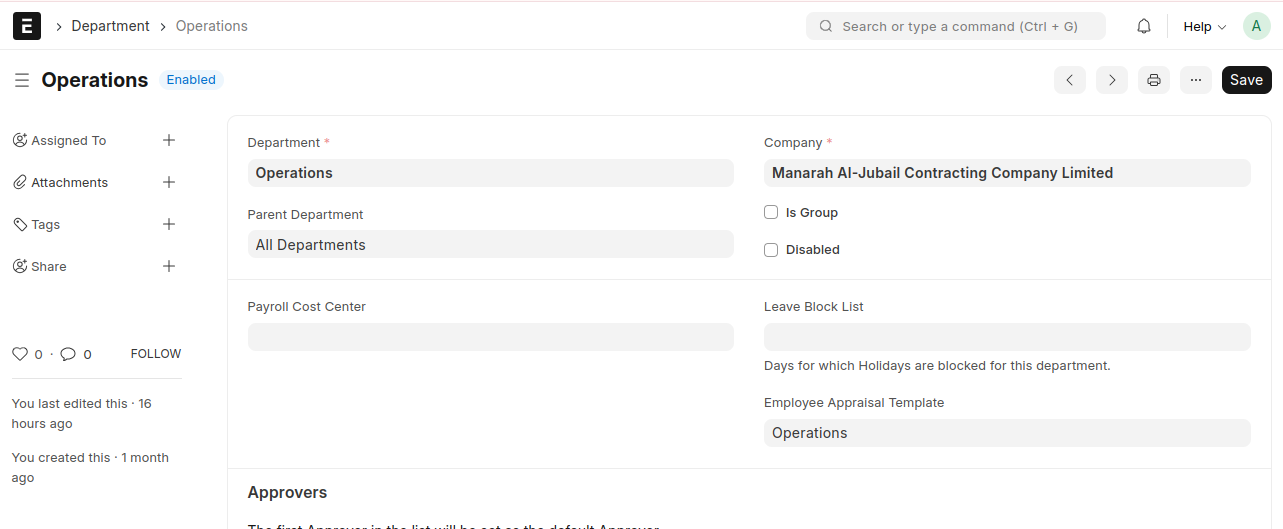
Select this Employee Appraisal Template in the Department
Employee Appraisal
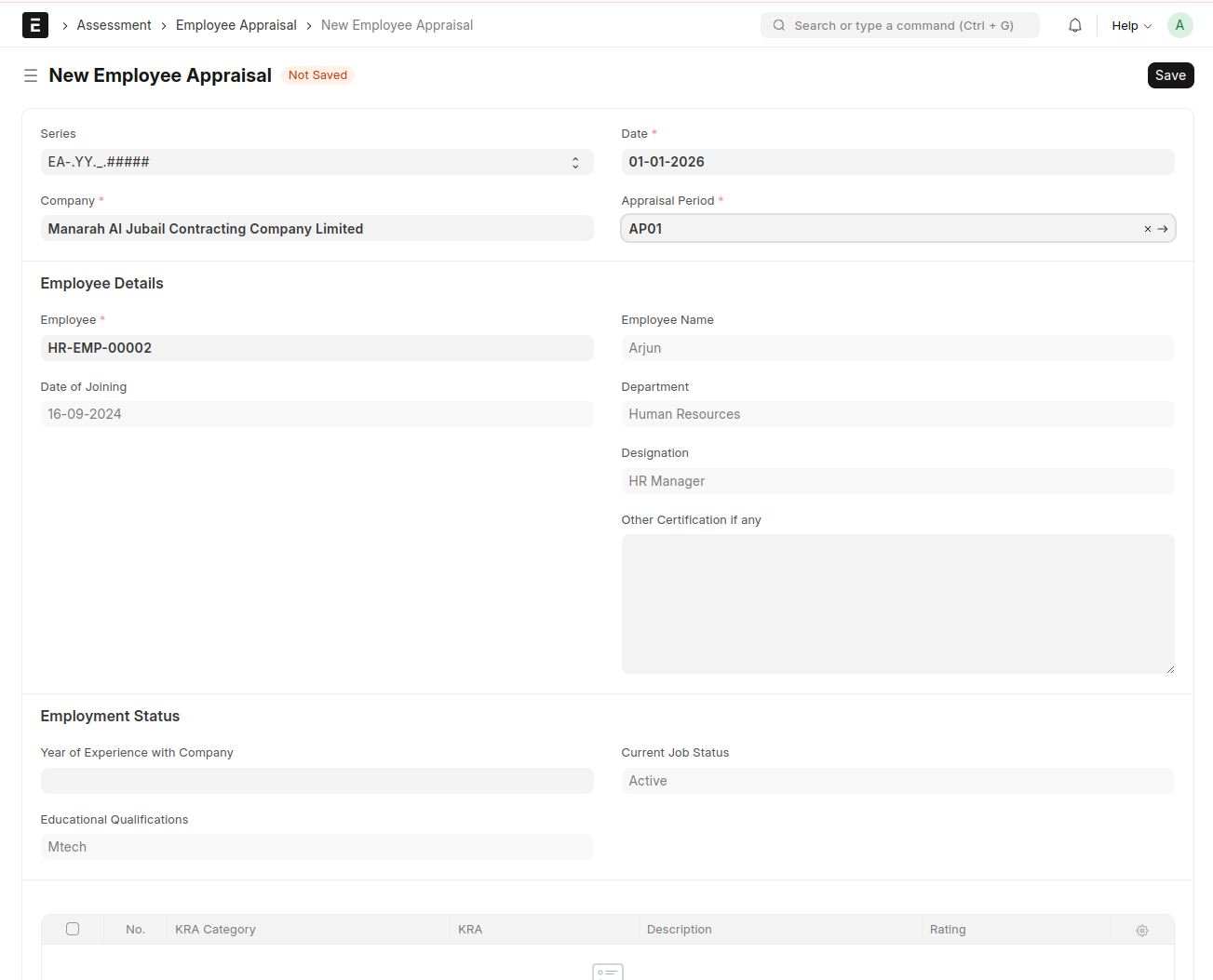
- Create a new Employee Appraisal
- The Company will be auto fetched
- Select a Date
- Select the Appraisal Period
- Select the Employee
- Employee details will be auto fetched such as Employee Name, Date of Joining, Designation, Department
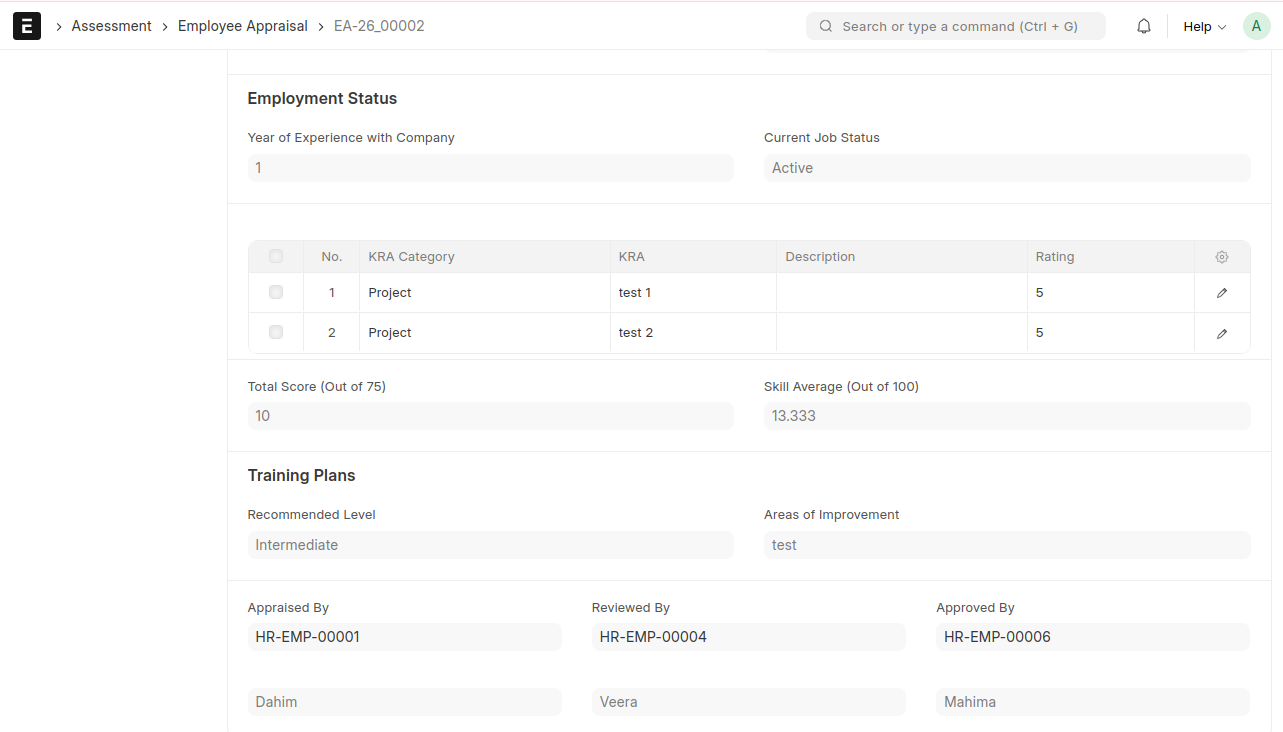
- Other details can be entered if required such as Other Certification if any, Year of Experience with Company, Current Job Status, Educational Qualifications, Languages Known
- The KRA Categories and KRAs will be fetched from the Employee Appraisal Template
Save and Submit
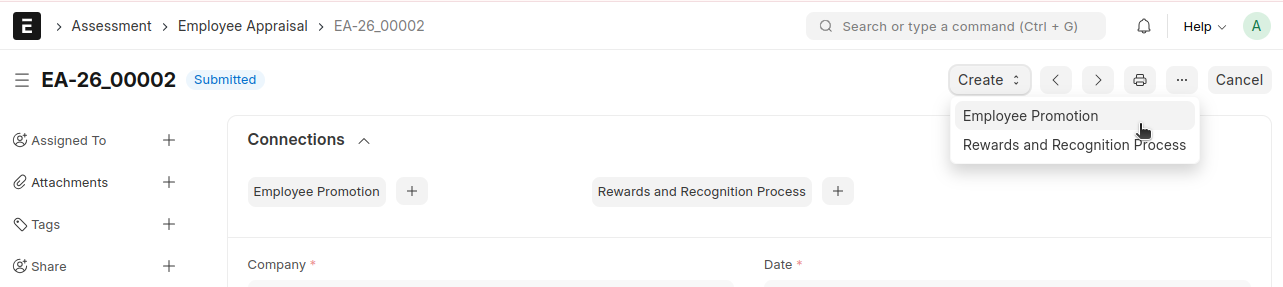
Note : From the Employee Appraisal, Employee promotion and Rewards and Recogniton can be created
Employee Appraisal → Create → Employee Promotion
Employee Appraisal → Create → Rewards and Recognition Process