Momscode - Al Manarah - Activity Progress Record
Project
Activity Progress Record
This Document, used to record the daily Completion percentage of each Activity. And the Daily Entries are maintained on a Cumulative basis. The Variance of the percentage is calculated automatically
Prerequisites,
- Project
- PMS Manpower Schedule
- Activity Plan Record
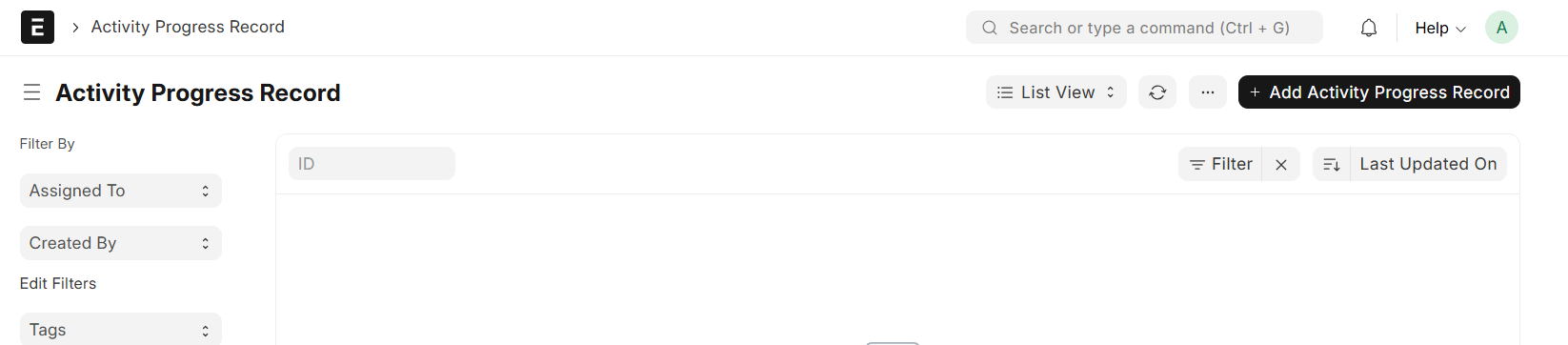
Go to Activity Progress Record List and Click on "Add Activity Progress Record"
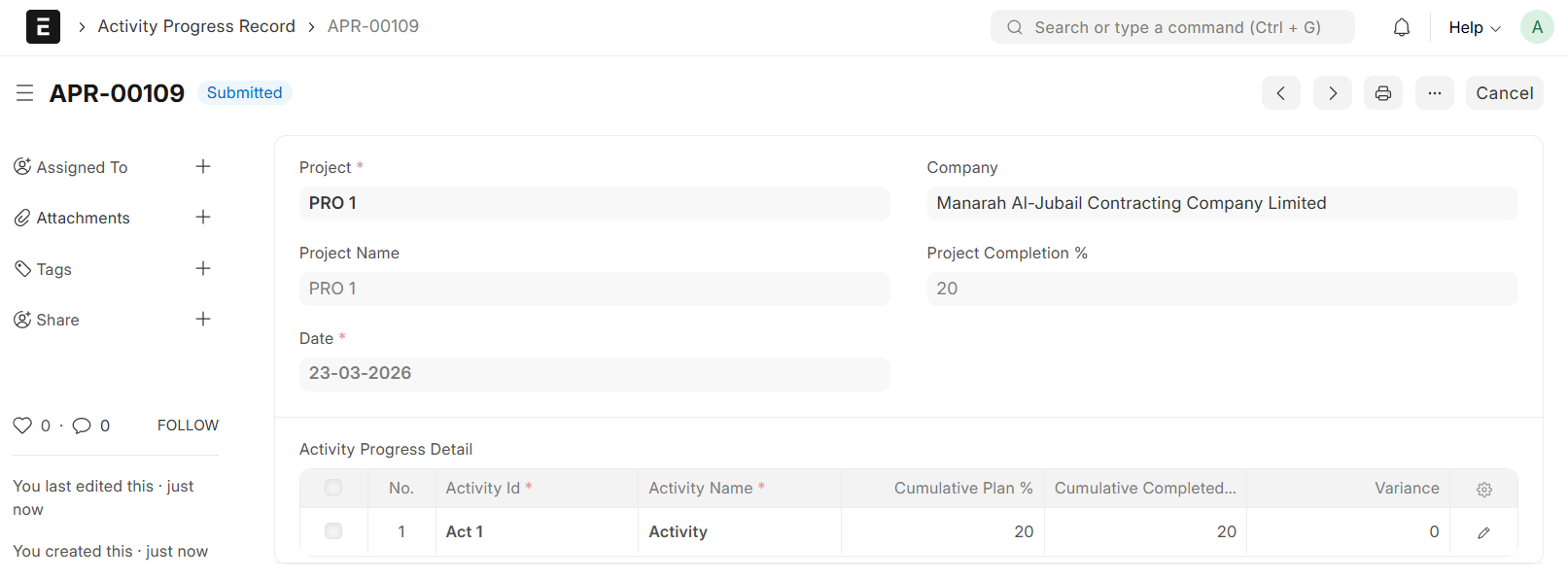
- Select Project
- Project Name will be auto fetched
- Select a Date
- Upon selecting a date, the system auto-fetches the corresponding Activity ID, Activity Name and Cumulative Plan %
- Enter Cumulative Completed % and if there is Variance, it will be auto calculated
- If an Activity is Completed ahead of Schedule, Maintain the Progress at 100% for all Remaining Planned Days
- Save & Submit
Note:
Individual Activity Progress Records are required for each scheduled day of Activity