Momscode - AMIDC Print Format Customization
-Configured the print format for
* Sales Invoice(Tax Invoice,Export Invoice and Sales Invoice)-Four copies for Tax invoice and Export Invoice
* Purchase Order
* Non-BOM-Format(Purchase Order)
* Delivery Challan.(Delivery Note)
* Packing List(Against Delivery Note)
* Raas Delivery Note(Raas Delivery Note)
* Inter Facility Transfer(Stock Entry)
* Demo Delivery Challan(Stock Entry)
* POC Delivery Challan(Stock Entry)
* FOC Delivery Challan(Stock Entry)
* Visitor Log(Visitor Log Doctype)
* Asset Movement(Asset Movement)
PURCHASE ORDER
- Select the Document.
- Insert the value in the Purchase Order Document.
- The TAX of the Table is taken from the Item Tax Template in the item table.Also mension the tax category in the supplier.
- The CGST/SGST/IGST are based on the Purchase Taxes and Charges Template .The Tax Category is In-State or Out-State these value is taken.
- Purchase Representative is the field that is given in the details Tab of Purchase Order.
- Add the Billing Currency in the Supplier Doctype also.This value will fetched into the currency field of Purchase Order and based on this value the symbol of currency is visible.
- Save the Document.
TAX INVOICE AND EXPORT INVOICE
- Select the Document.
- Insert the value in the Sales Invoice Document.
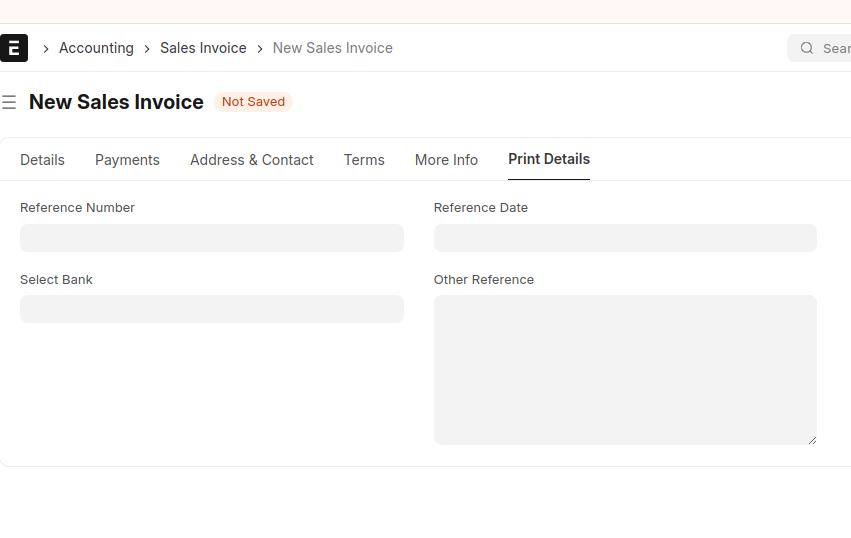
- Print Details is the Tab Contains information of refrence number,Reference Date,Bank and Other Reference.
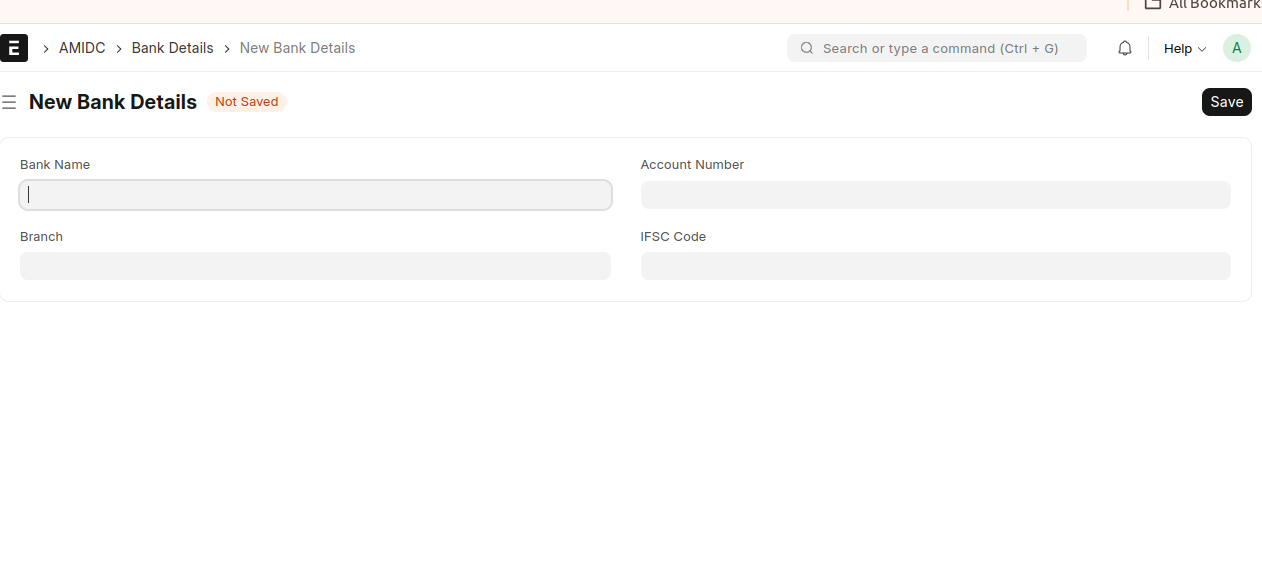
*Bank Details are saved in the Bank Details Document