Momscode - Maya Engineering - Estimation
Master Datas
- Item
- item group
- Item price
- Workstation
- Operation
- Automation
- Estimation Master Data
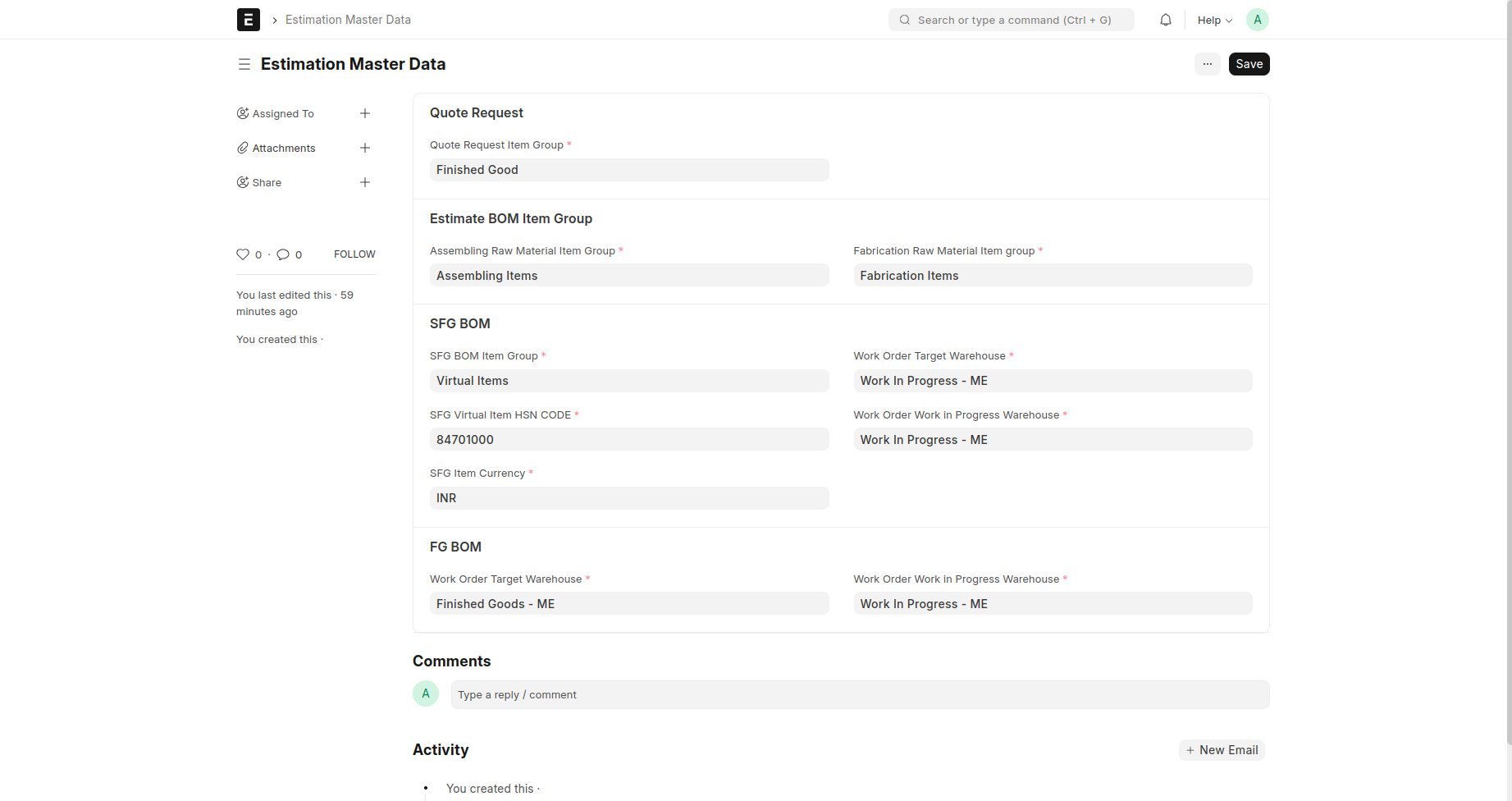
Estimation Master Datas
Prerequisites
- Item group
fill the four Feilds, To show in which group the items should be stored
Quote Request
- Quote Request Item Group
Estimate BOM Item Group)
- Fabrication Raw Material Item group
- Assembling Raw Material Item group
SFG BOM(semi-finished-goods)
- SFG BOM Item Group
- Work Order Target Warehouse
- SFG Virtual Item HSN CODE
- Work Order Work in Progress Warehouse
- SFG Item Currency
FG BOM(finished goods)
- Work Order Target Warehouse
- Work Order Work in Progress Warehouse
Item creation
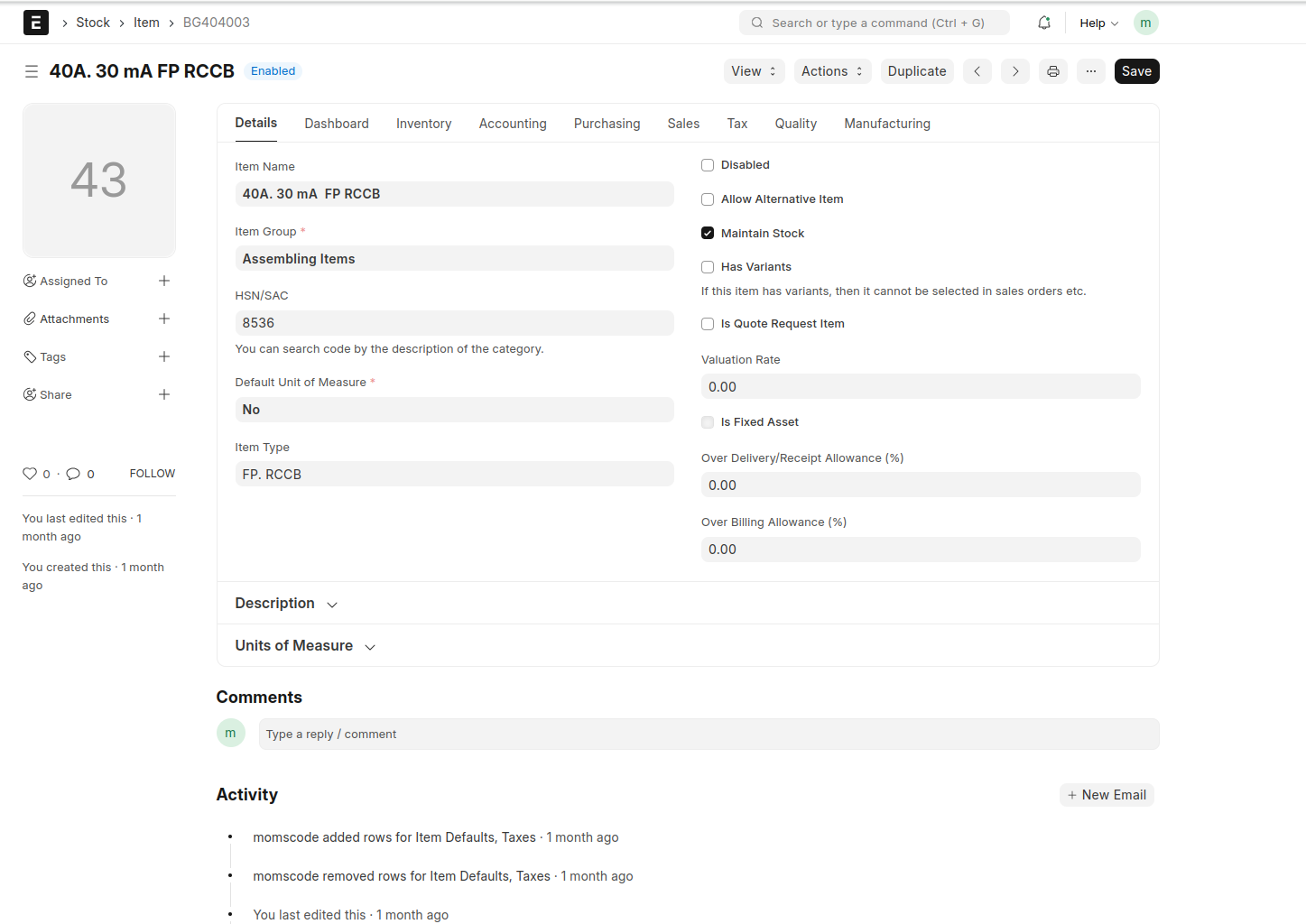
An Item is a product or a service offered by your company.
Before creating and using an Item, it is advised that you create the following first
- Item group
- warehouse
Go to the Item list, click on new -> add item -> item group -> add UOM -> Save and Submit
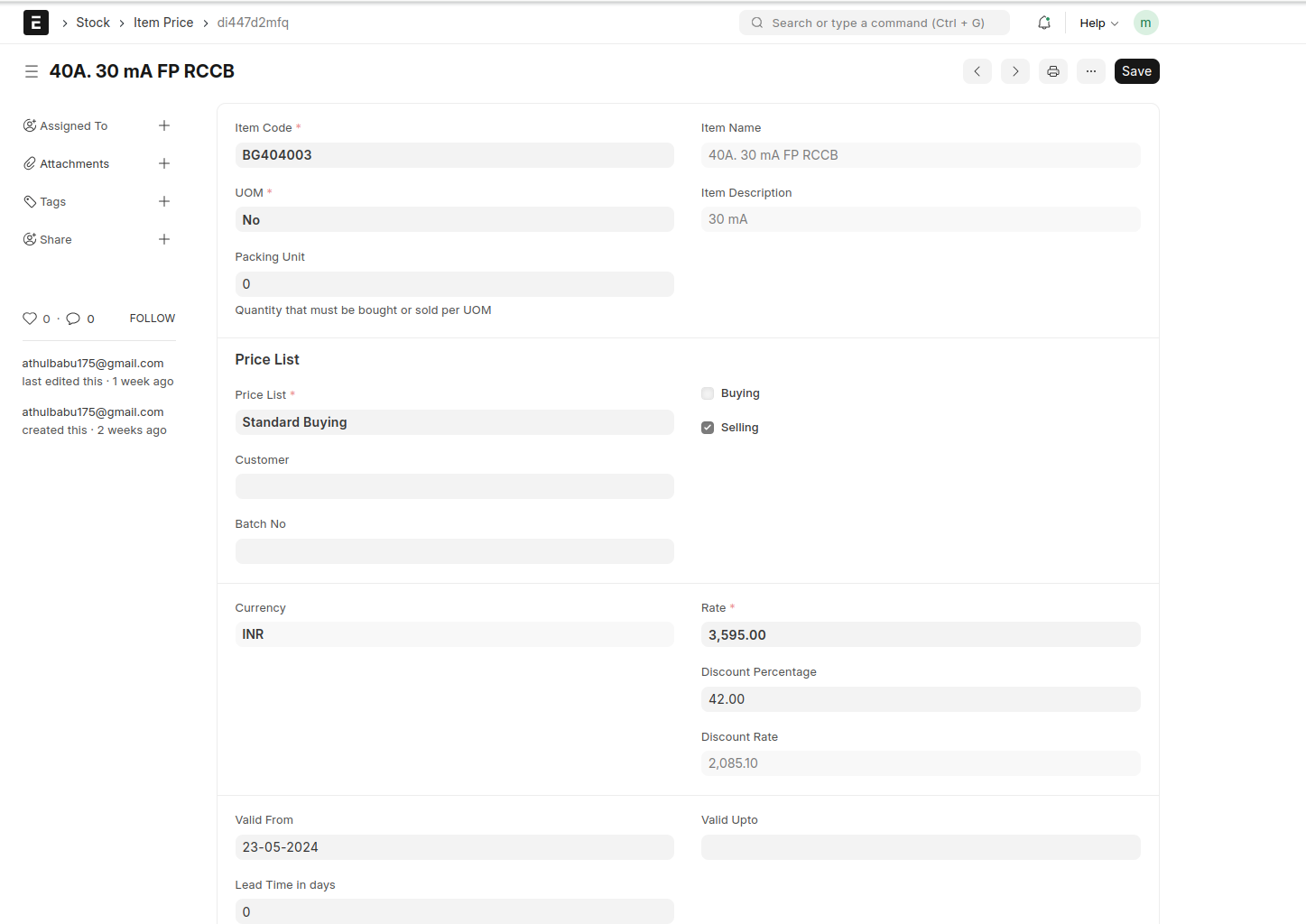
item price
select item price -> then select item,The name, UOM and description will be fetched
Select the Price List whether Selling/Buying price or any other price list you may have created.
Enter the actual rate in the Rate field and Enter the Discount in Discount Rate field.
Quote Request
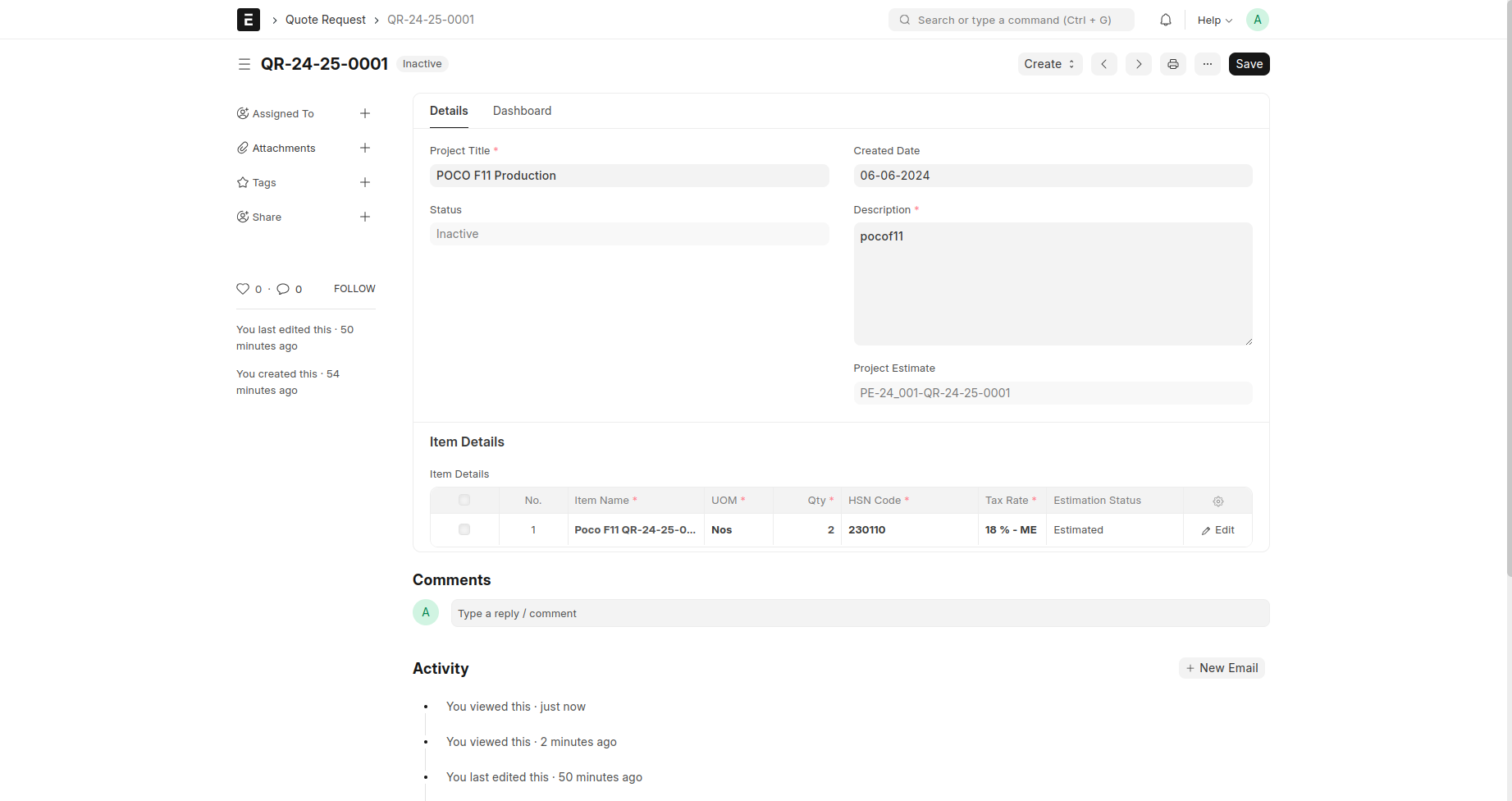
Select Quote Request --> Add New Quote Request
Fill the Mandatory Fields
- Project Title
- item name
- UOM
- QTY
- HSN Code
- Tax Rate
Estimate BOM
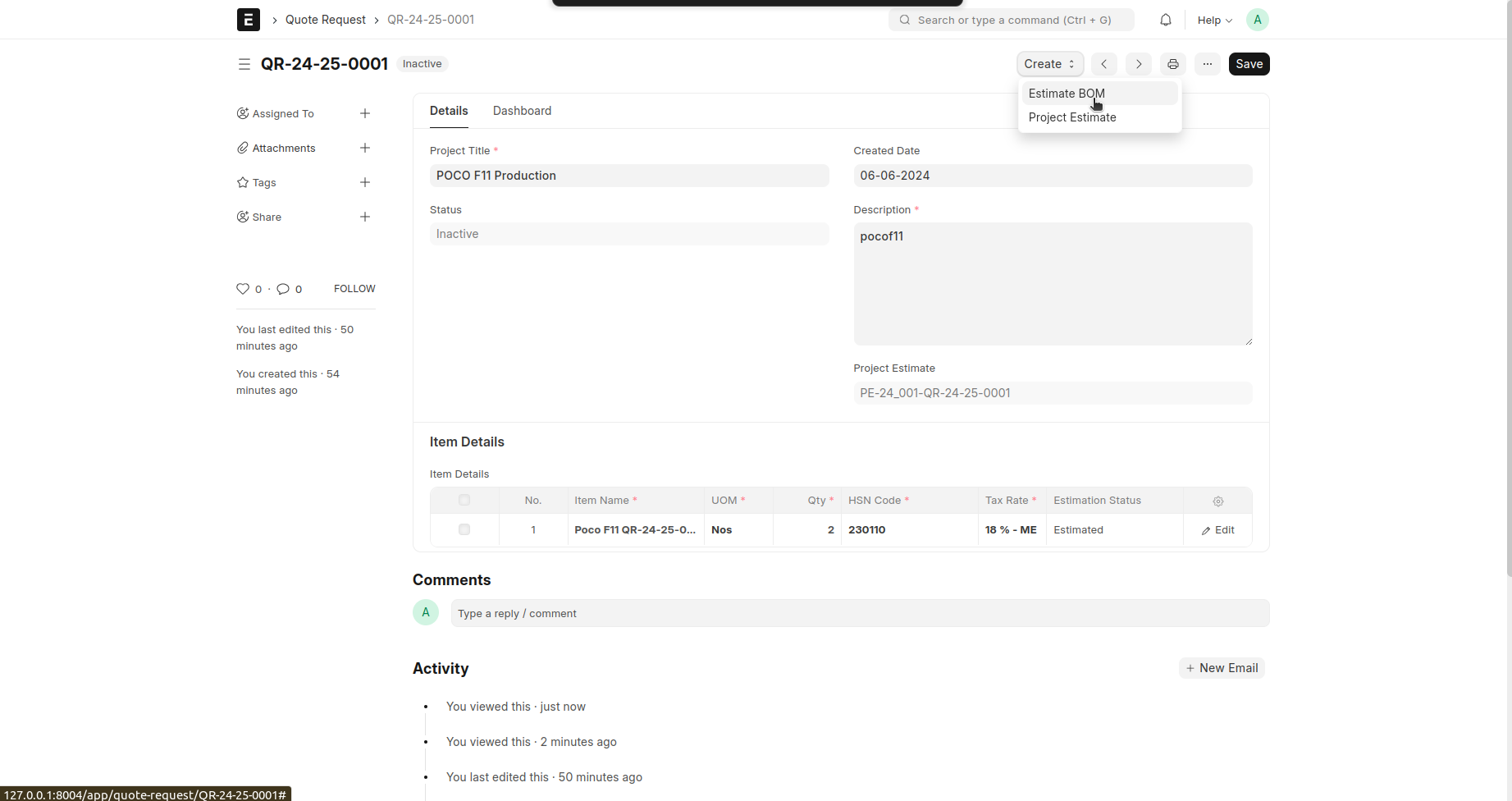
Create a Estimate BOM
Click the create button in Quote Request and get the Estimate BOM
Before creating and using a Estimate BOM, it is advised that you create the following first:
- Item
- Operation
- Workstation
There are 3 Operations
fabrication ,assembling and operations supplies the tools needed to create the item given in the quote request
1 . Fabrications
fabrication raw material request
fabrication operation list
- Assembling
Assembling raw material request
Assembling operation list
- Automation
Automation Items
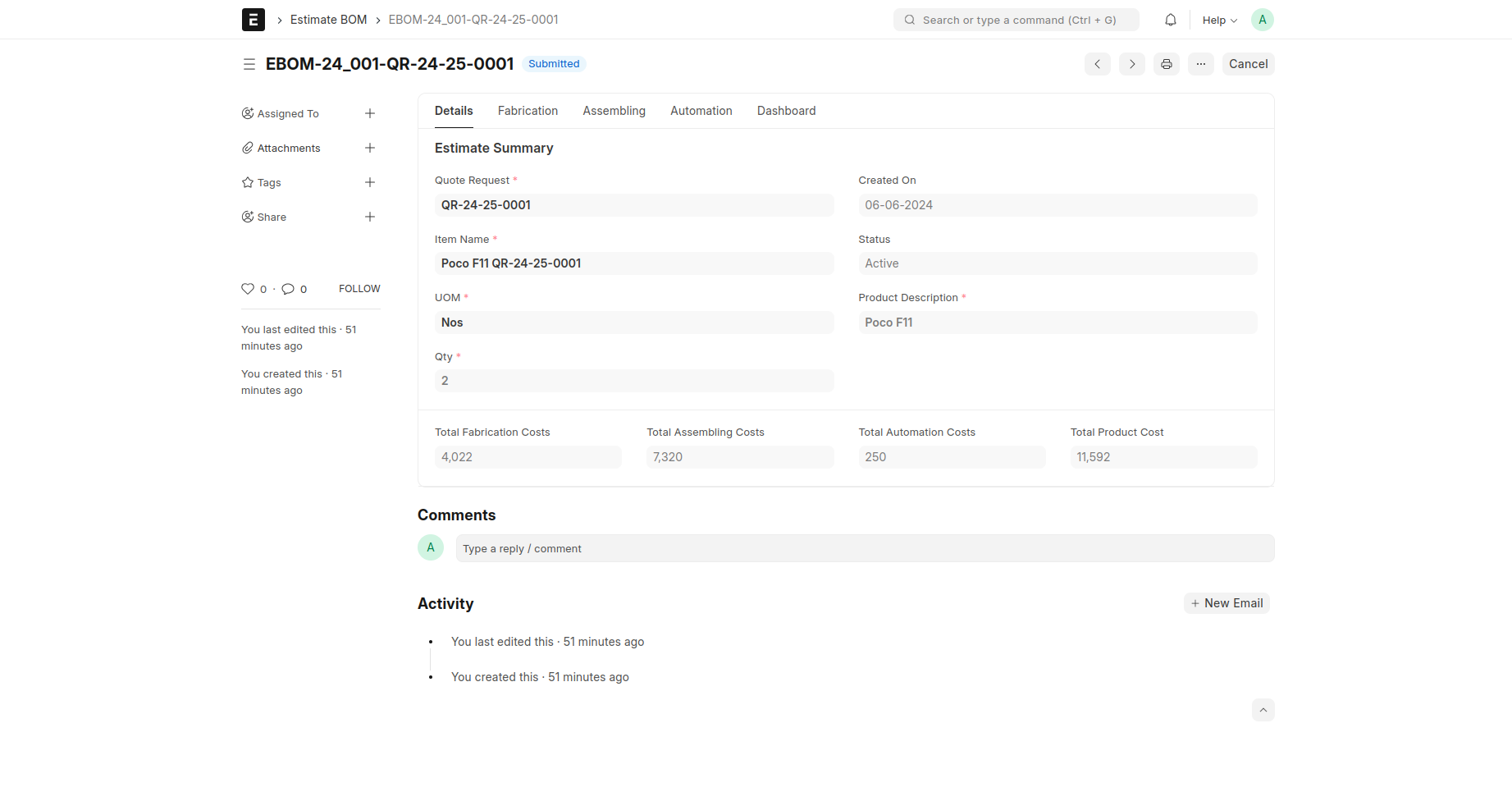
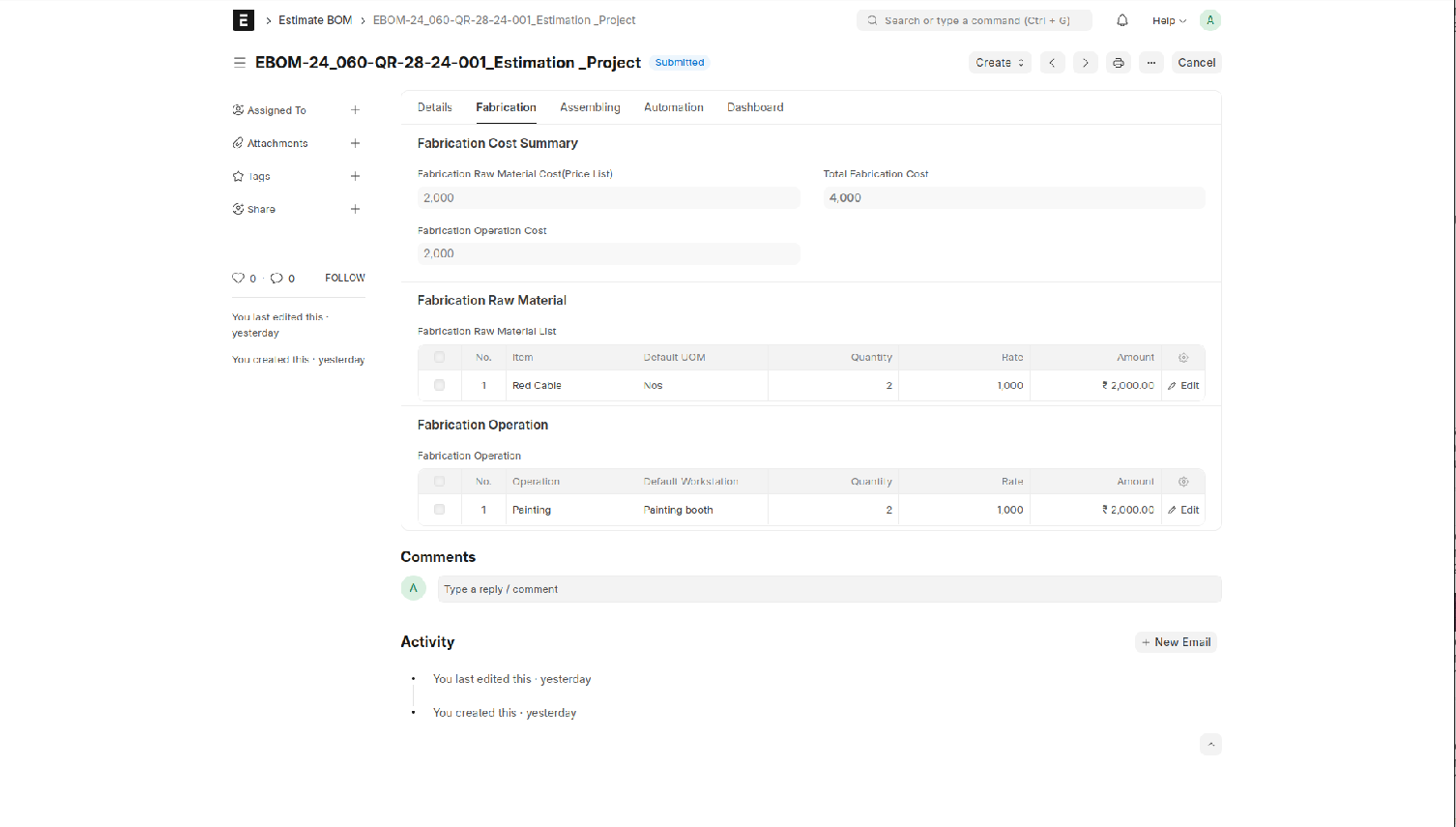
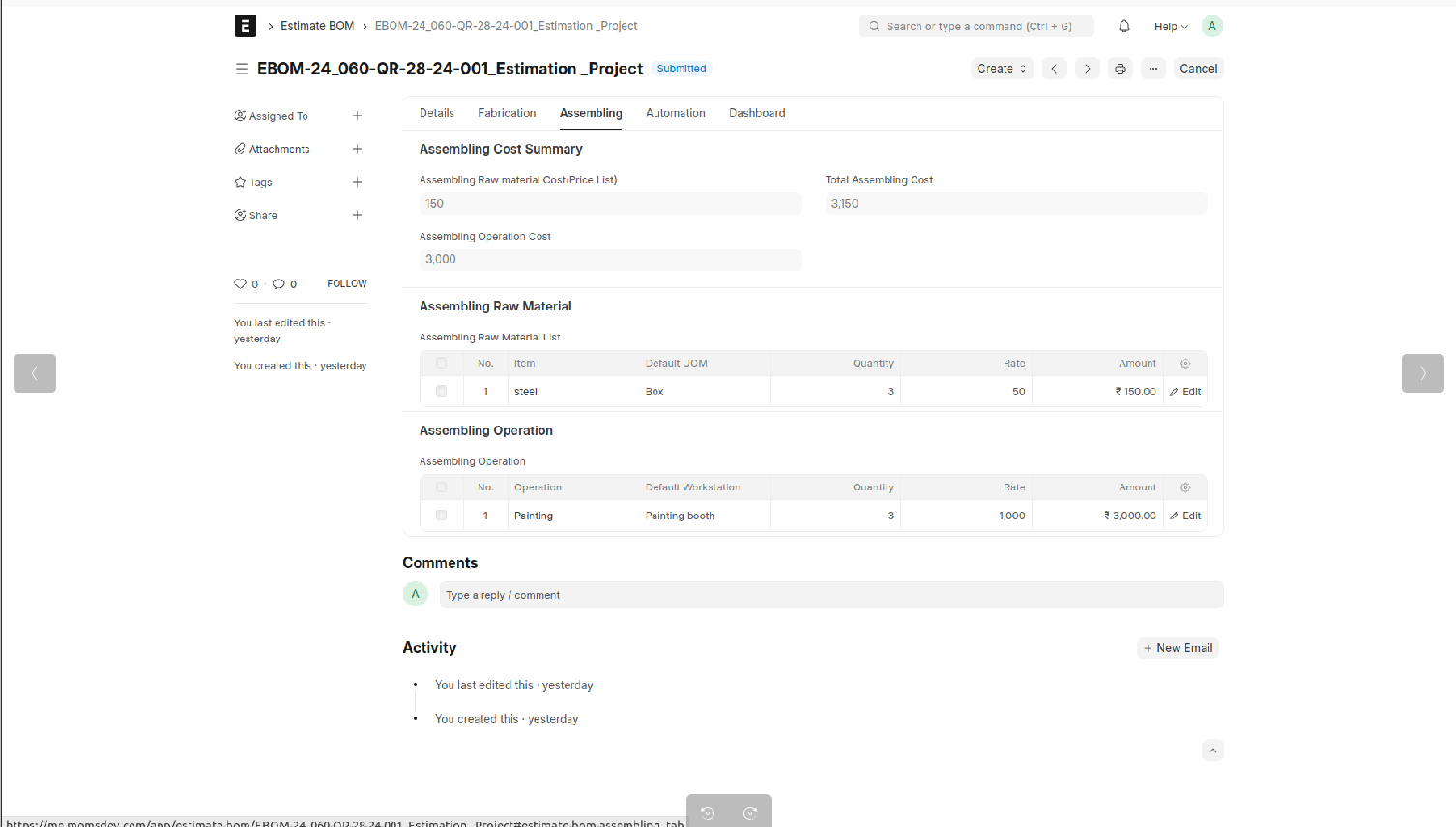
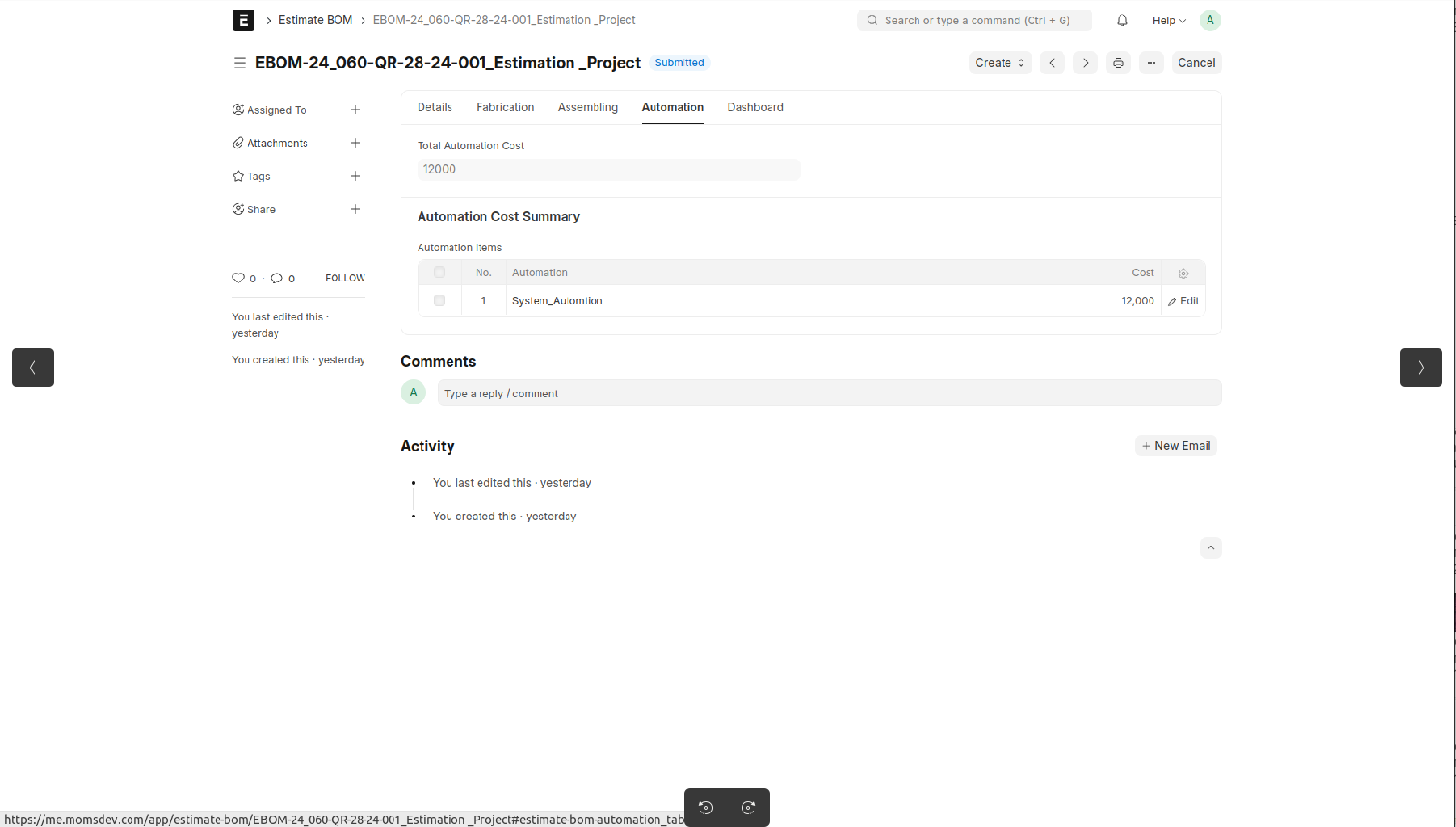
Then Save and Submit
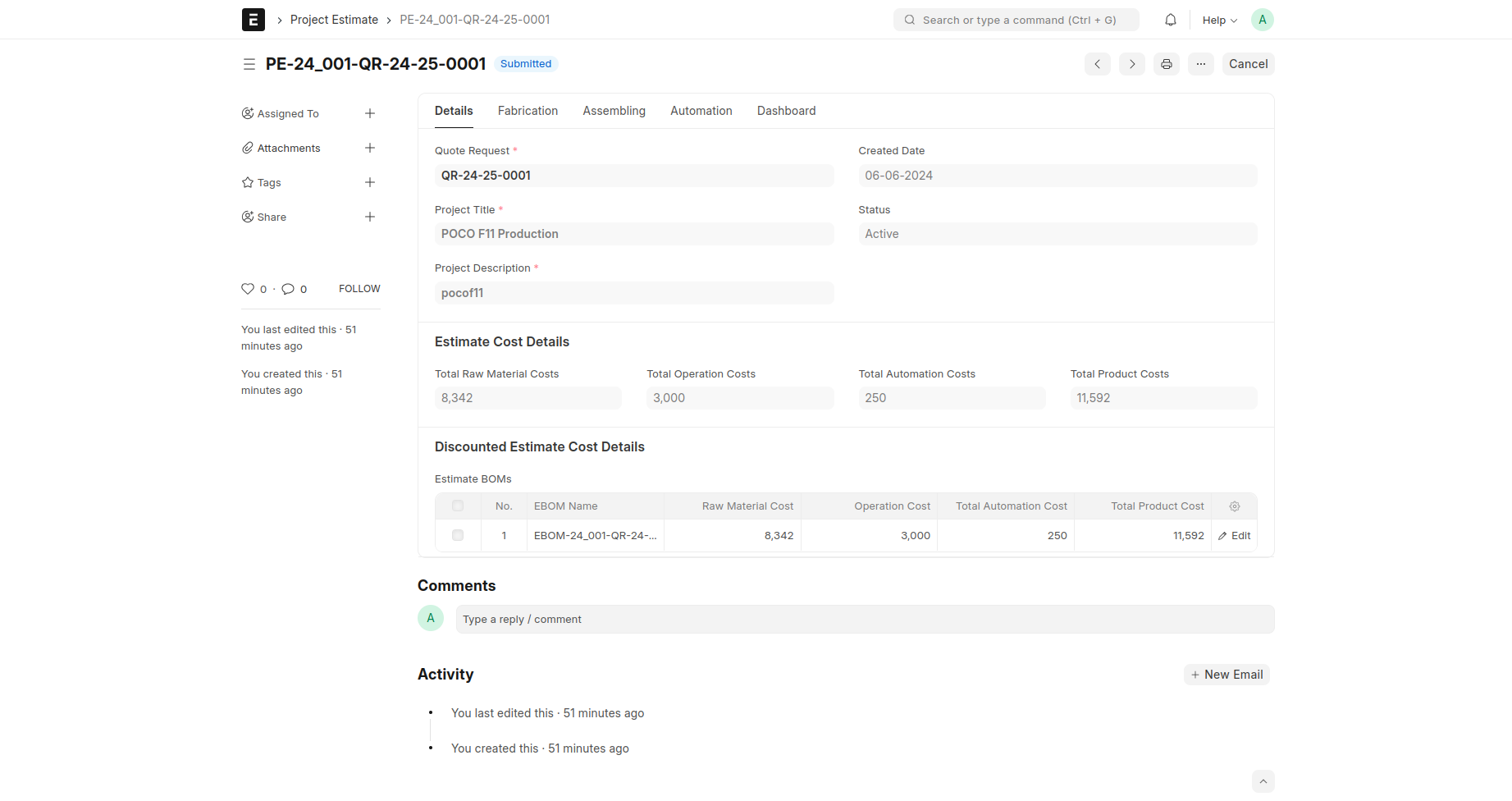
Project Estimation
You can also go to a Quote request --> select “Project Estimate” under Create drop down Quote request as shown below
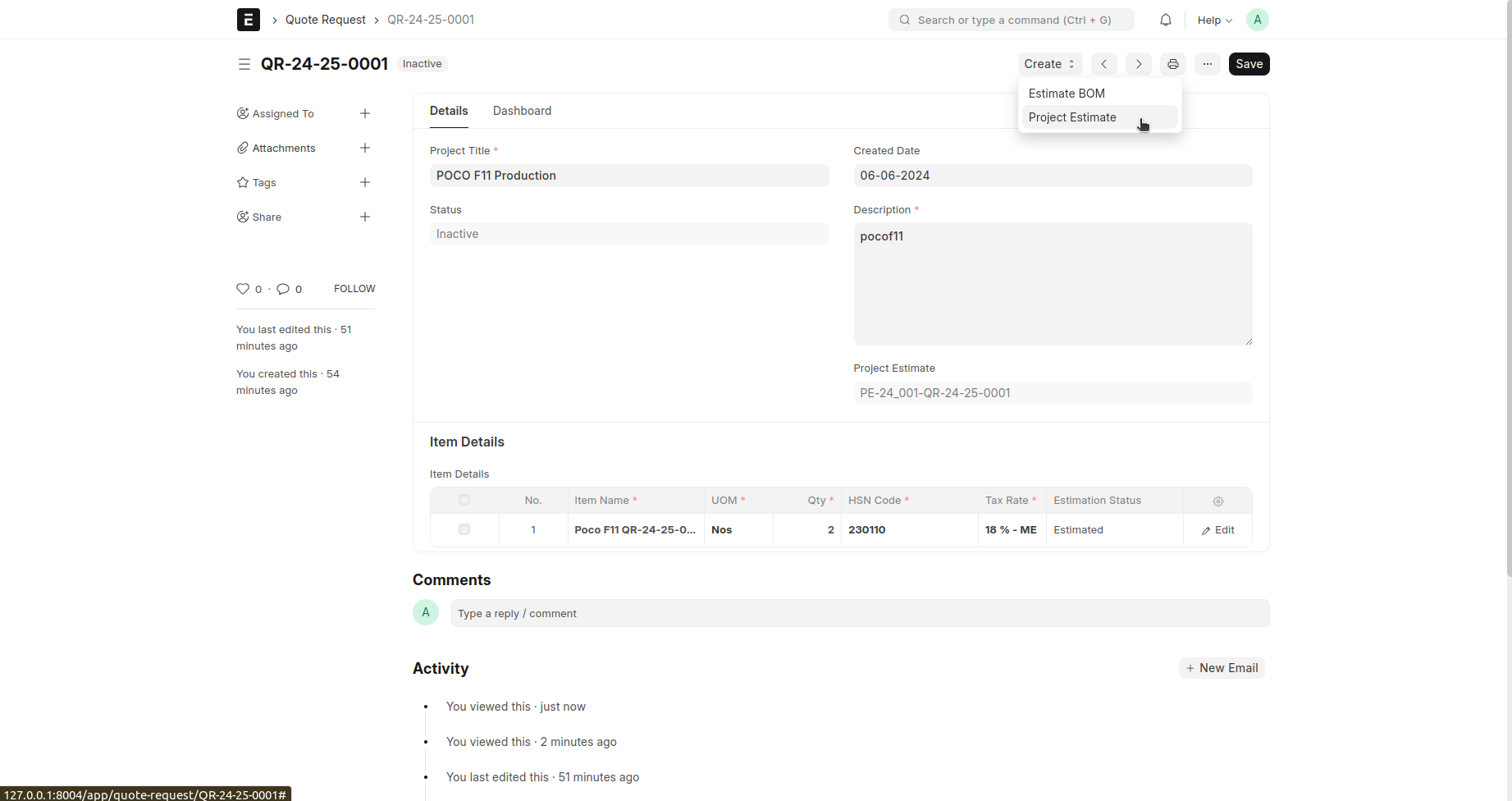
The Estimate BOM details and item groups are fetched the project estimate and so check that details are correct or not
Opportunity
Opportunity is a qualified lead.
Go to the Opportunity list and click on 'Add Opportunity'.
In 'Opportunity From', select Lead if opportunity is from a lead.
In 'Opportunity From', select Customer if opportunity is from a Customer
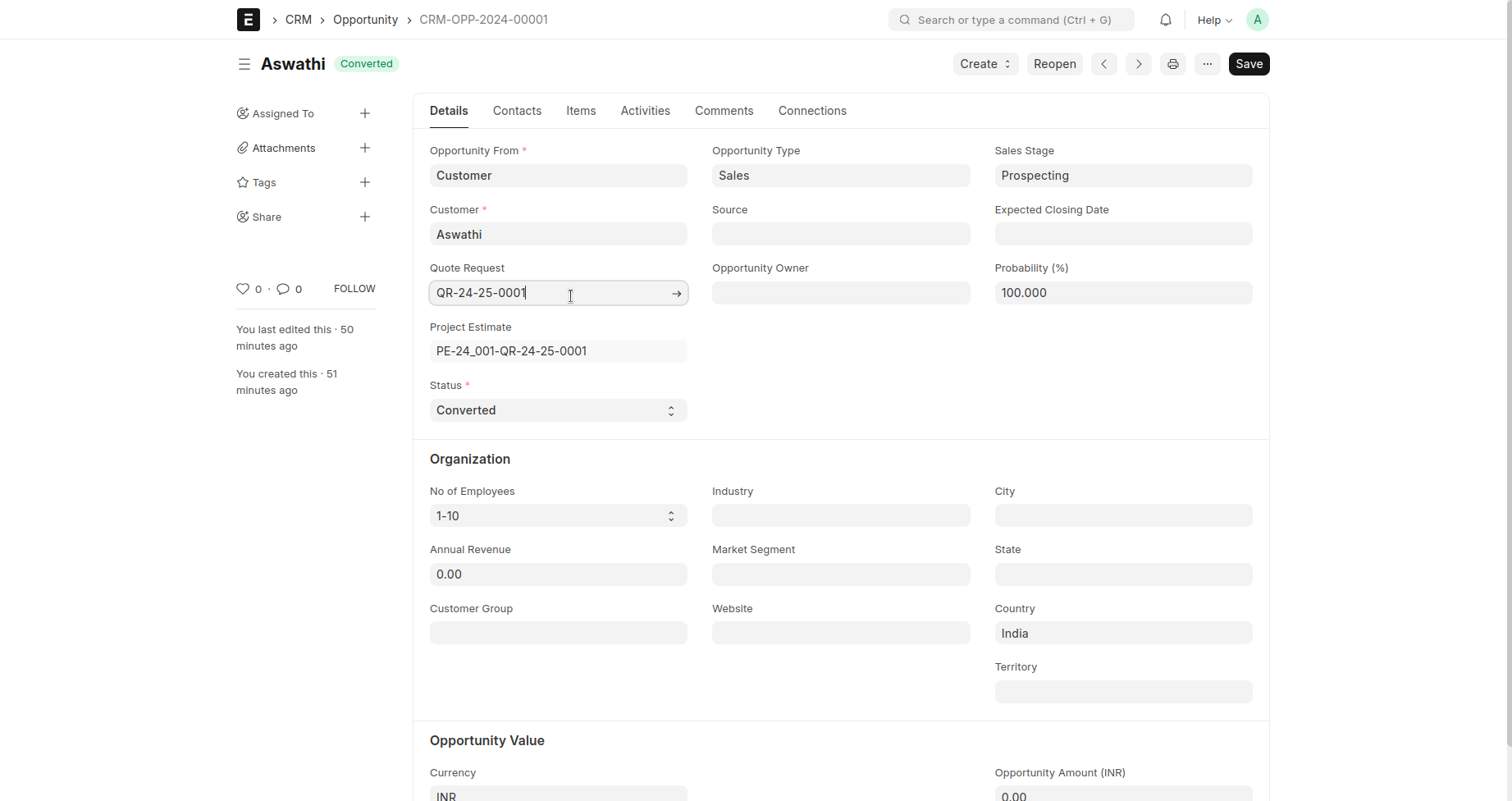
The all values and details are fetched from Estimate BOM and Project Estimate
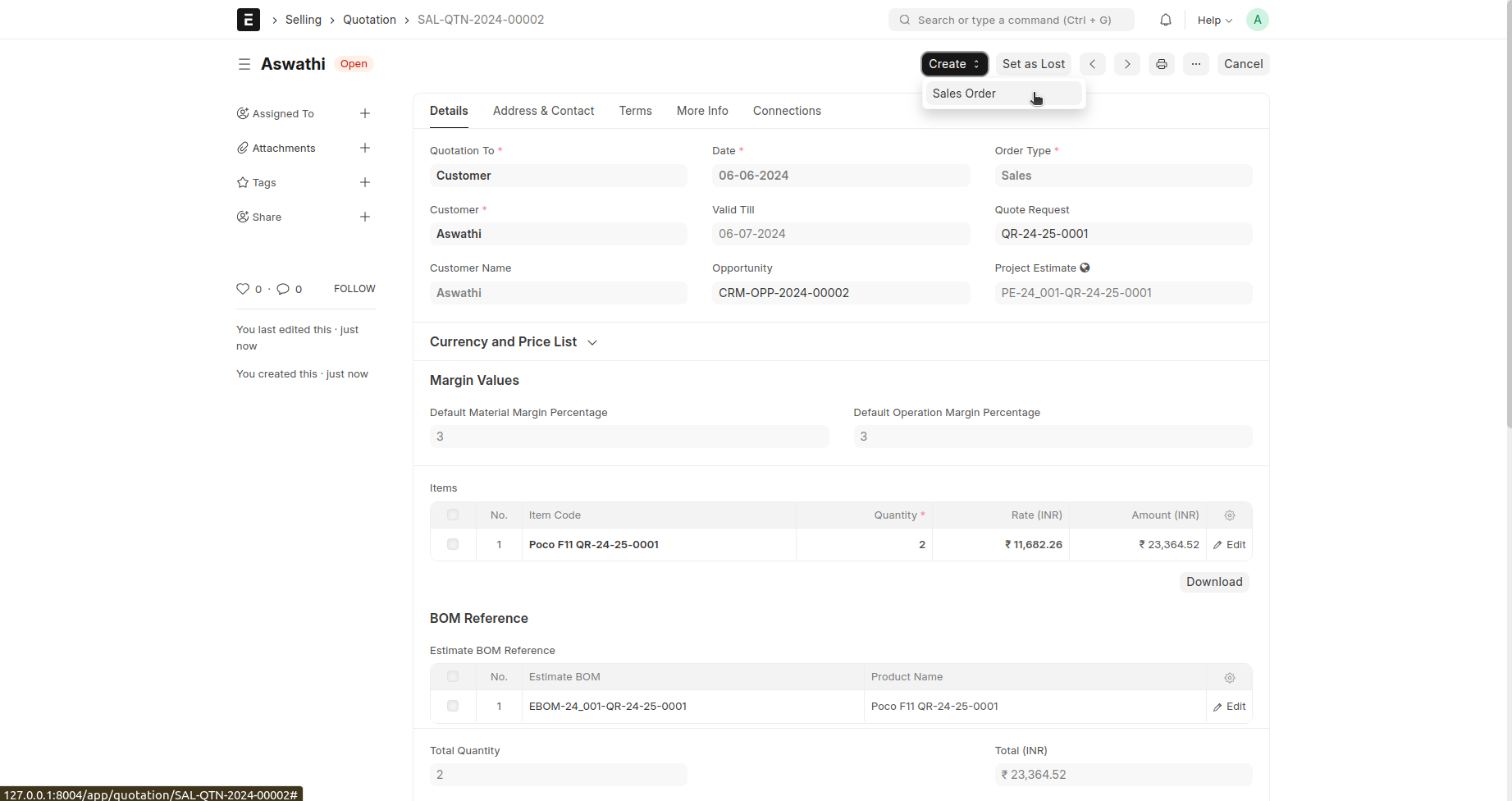
Quotation
A quotation is an estimated cost of the products/services you're selling to your future/present customer.
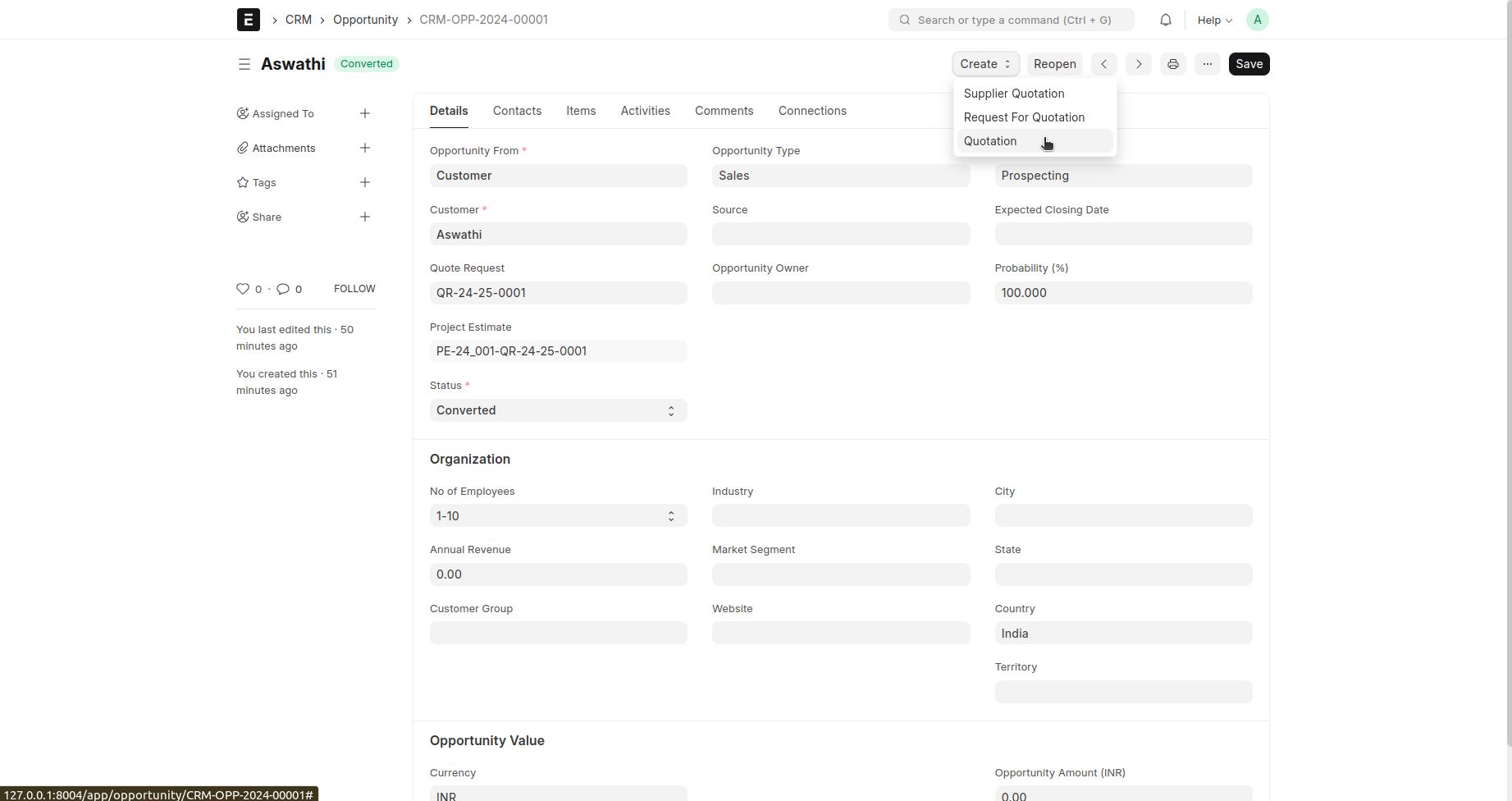
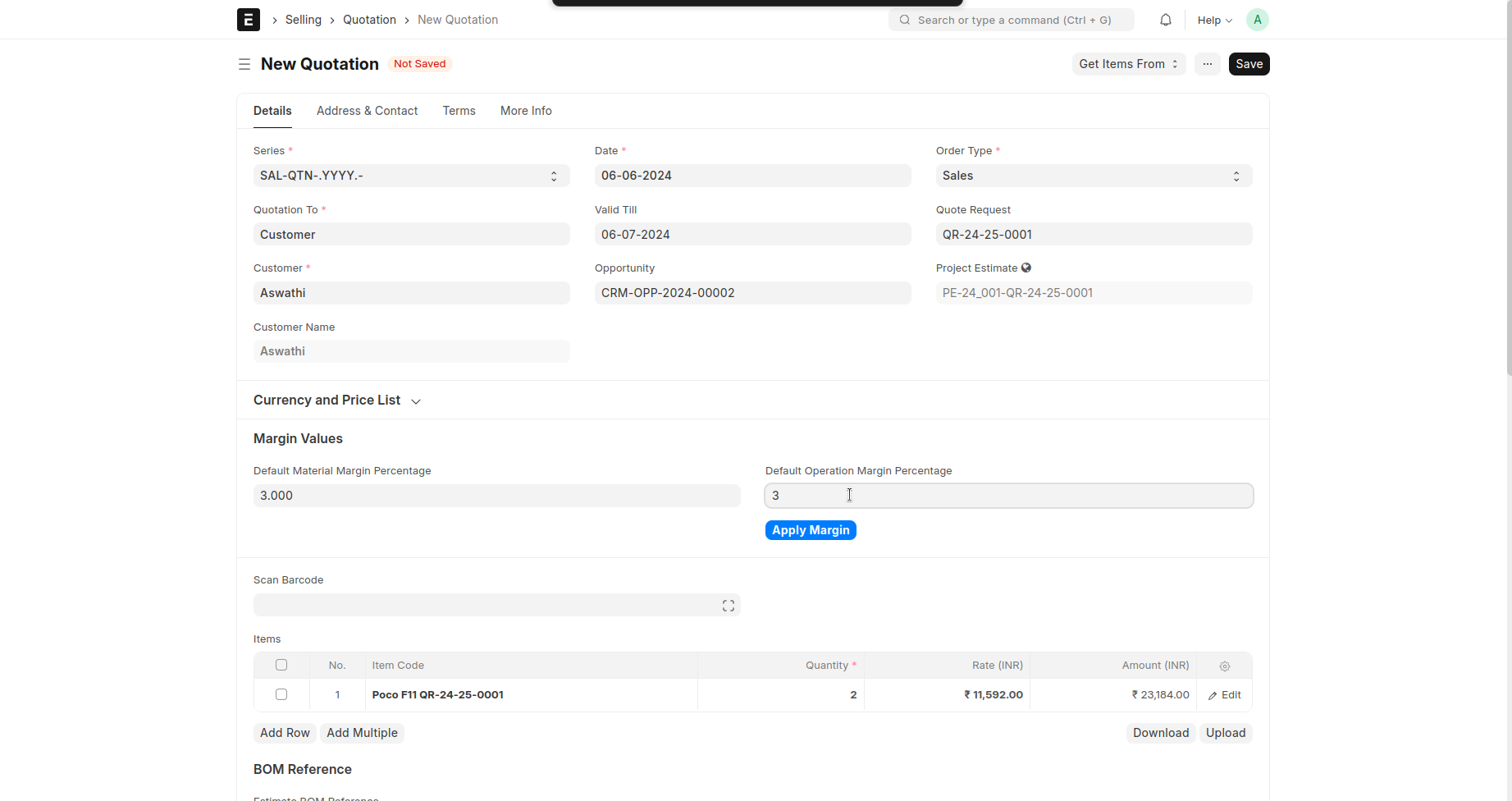
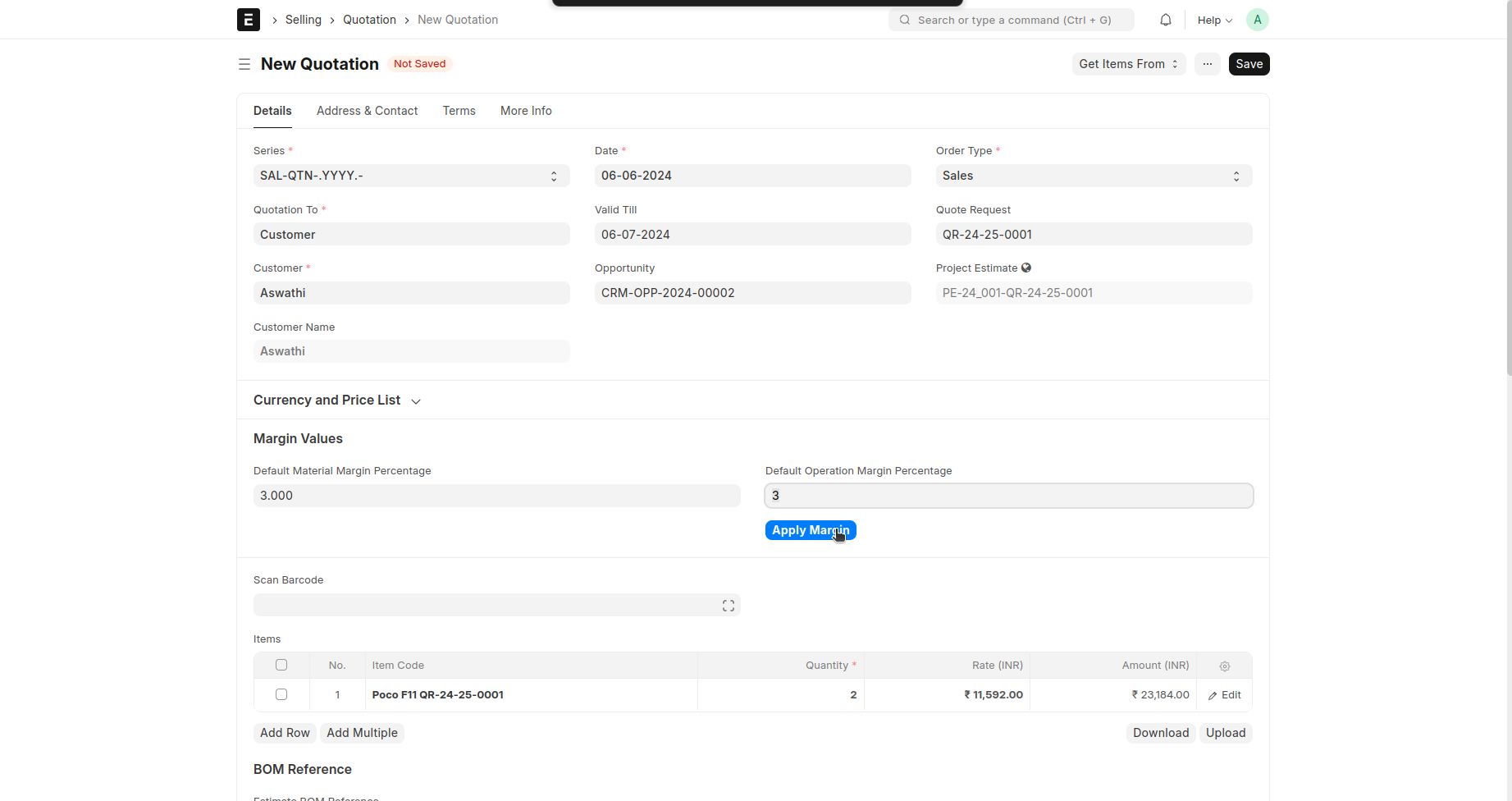
opportunity --> then select create button --> click quotation-->details will be fetched from opportunity-->Save--> Submit
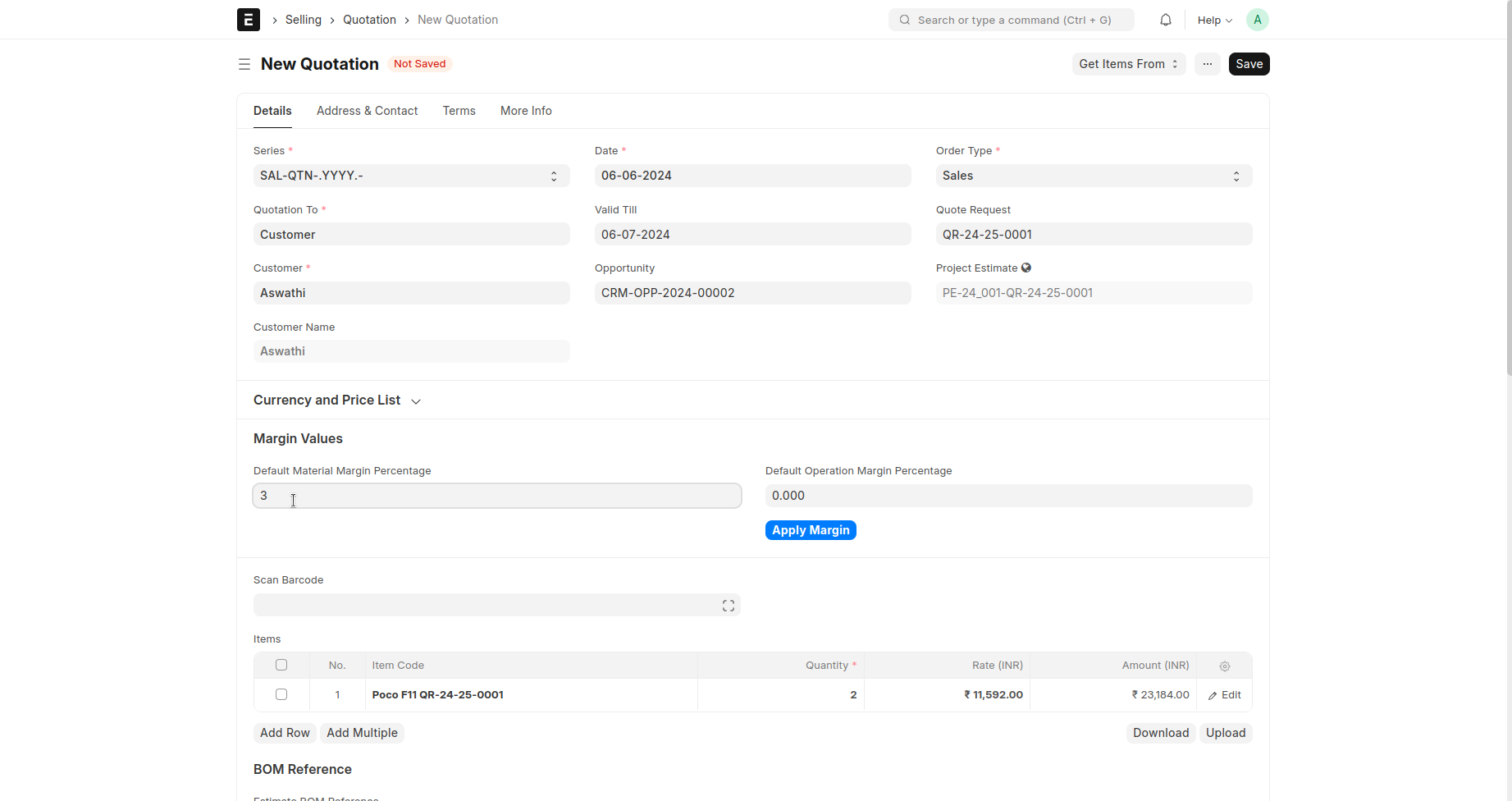
Margin can be set here
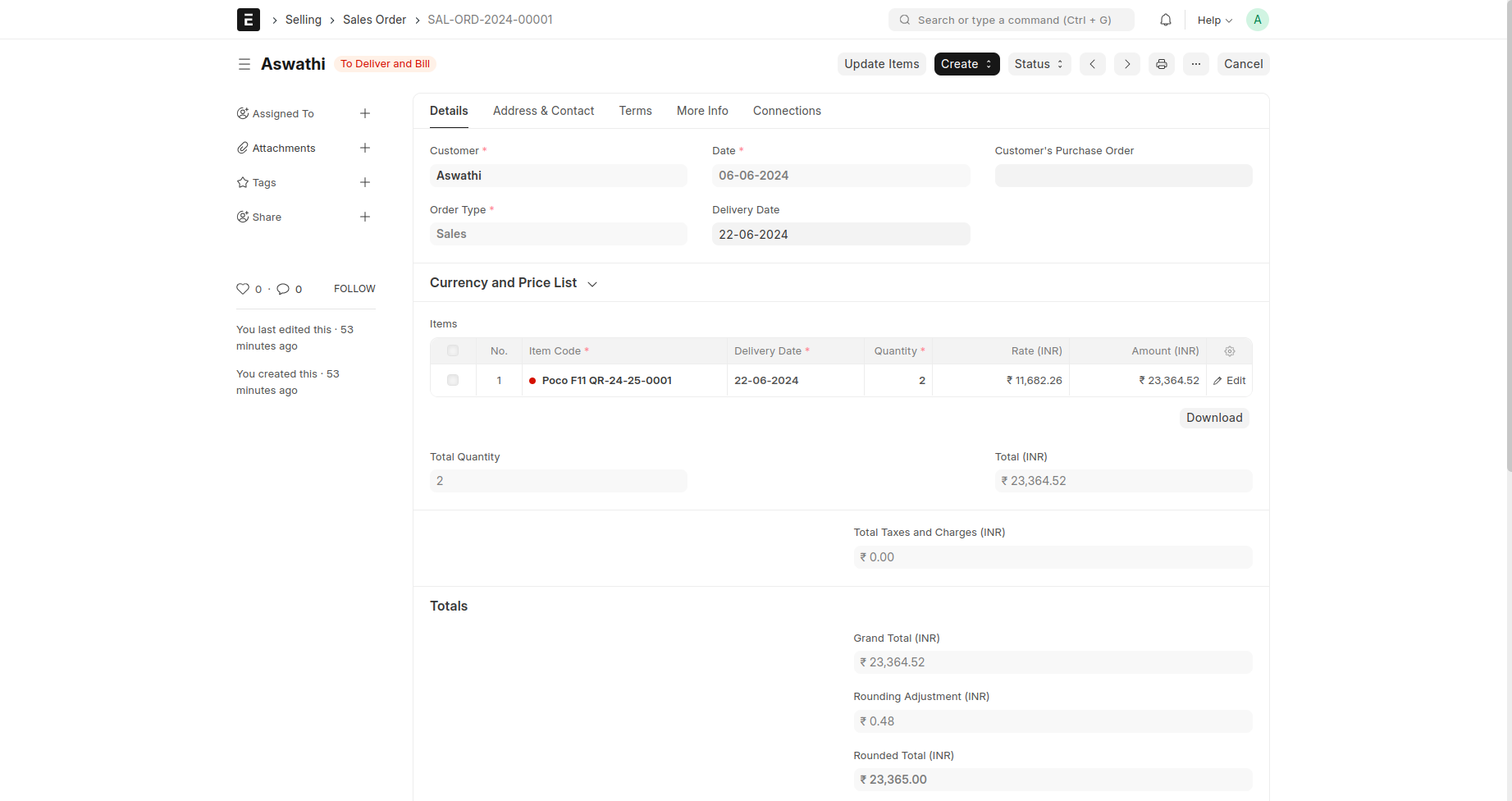
Sales Order
A Sales Order is a confirmation of an order from your customer.
It is usually a binding Contract with your Customer. Once your customer confirms the Quotation you can convert your Quotation into a Sales Order.
select create button in Quotation --> Select sales order --> Save and Submit